
Automation
HostAgentics provides managed hosting for n8n, OpenClaw and Hermes Agent runtimes.
Autonomous workflows, orchestrators, and agentic automation tools that move work from trigger to reviewed action.
HostAgentics provides managed hosting for n8n, OpenClaw and Hermes Agent runtimes.
HouseWhisper provides AI-powered services designed for real estate professionals.

Harvey is a secure AI platform designed for legal and professional services.

Maxima combines AI accounting agents, transaction data, workflows, controls, and audit trails for record-to-report work.
Infinitus Studio lets healthcare teams design and deploy AI agents across patient workflows.
Decagon enables teams to build, optimize, and scale AI agents for customer experiences.
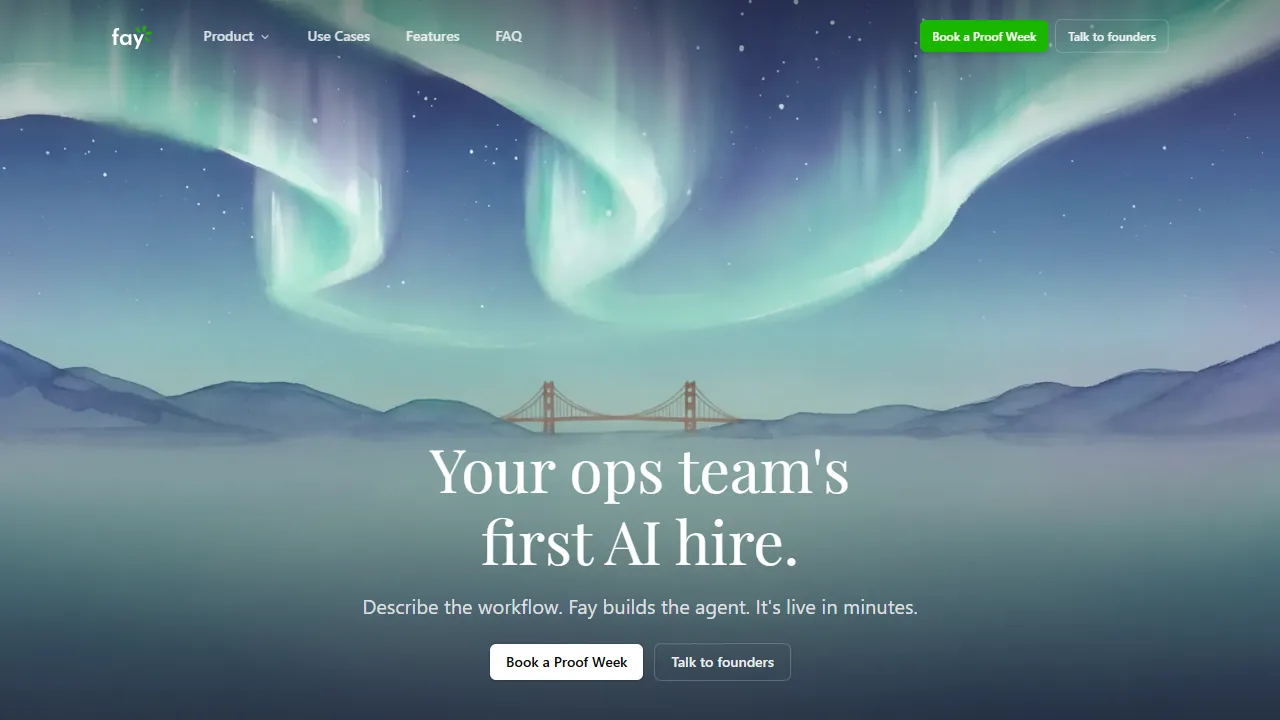
Fay is an AI agent platform for building, deploying, and managing autonomous workers and deterministic workflows.
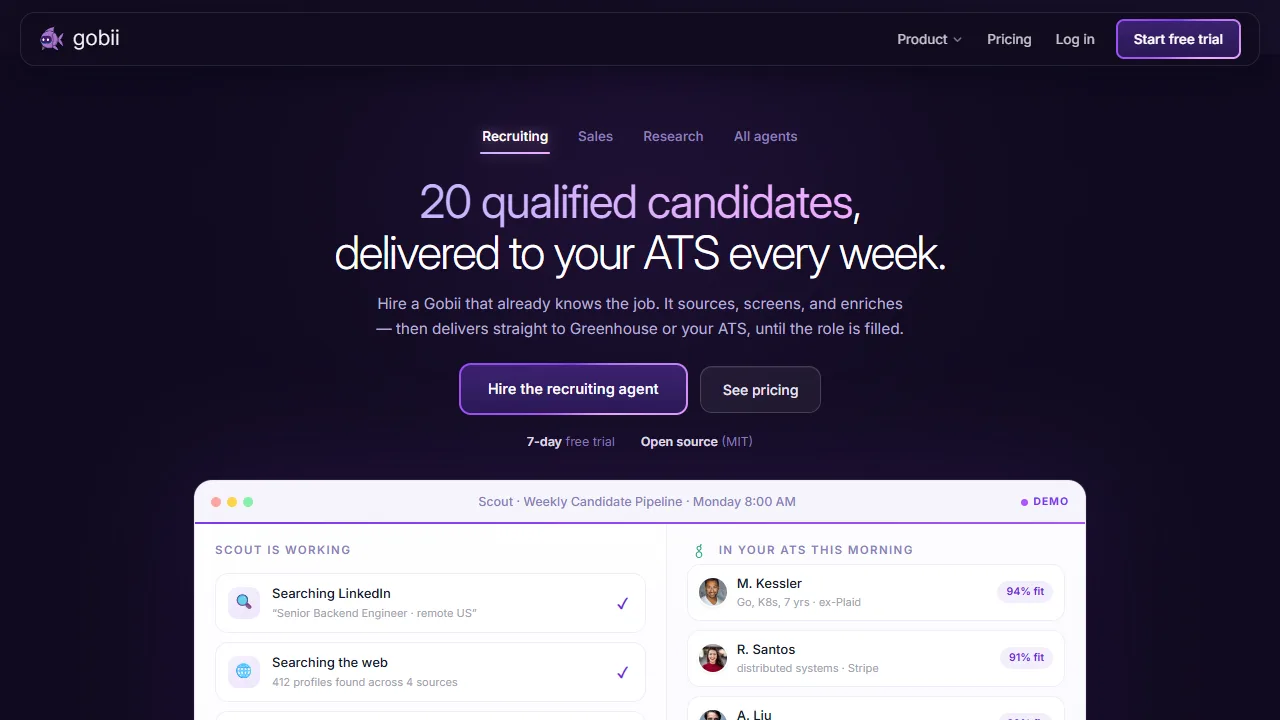
Gobii is an AI agent platform for always-on browser automation, web research, data collection, and workflow execution.

A Sierra agent is AI-powered software that represents a company in customer conversations.

Fin is a customer-service AI agent that answers customer questions across live chat, email, SMS, WhatsApp, and social channels.

Gemini Spark is a personal AI agent that automates complex workflows and manages ongoing task schedules.
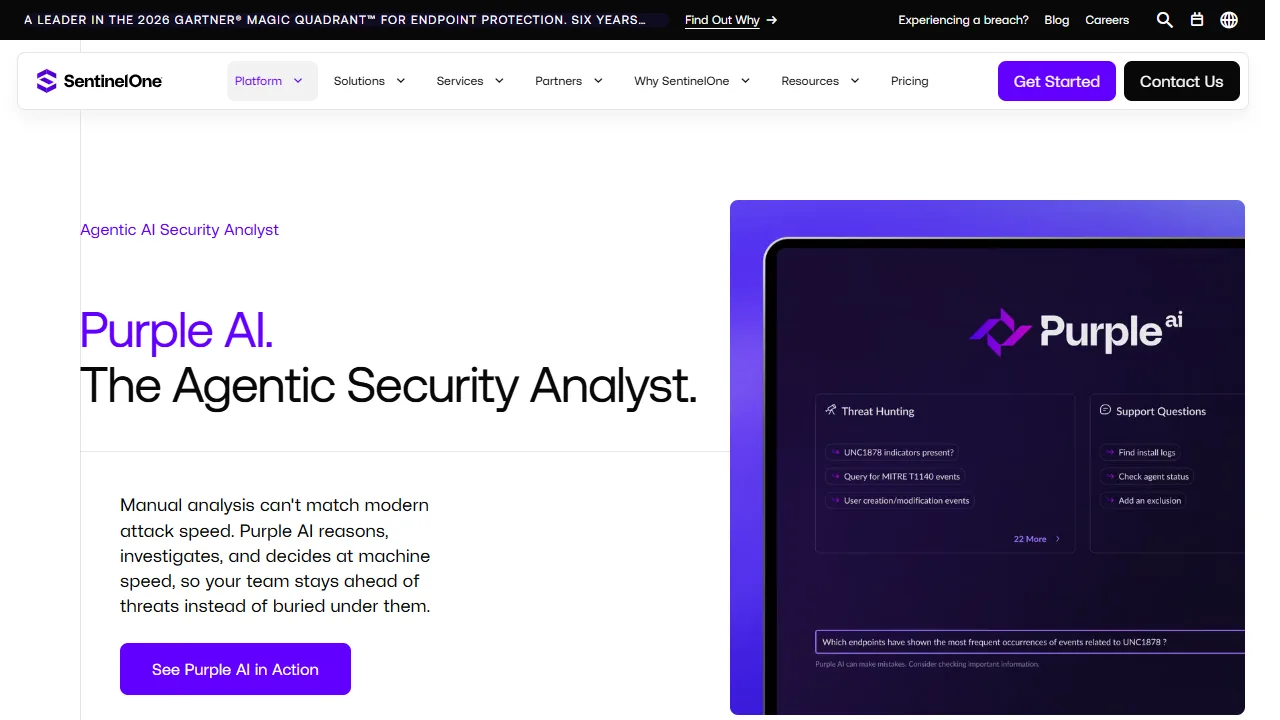
SentinelOne Purple AI is an agentic security analyst embedded in the Singularity Platform.
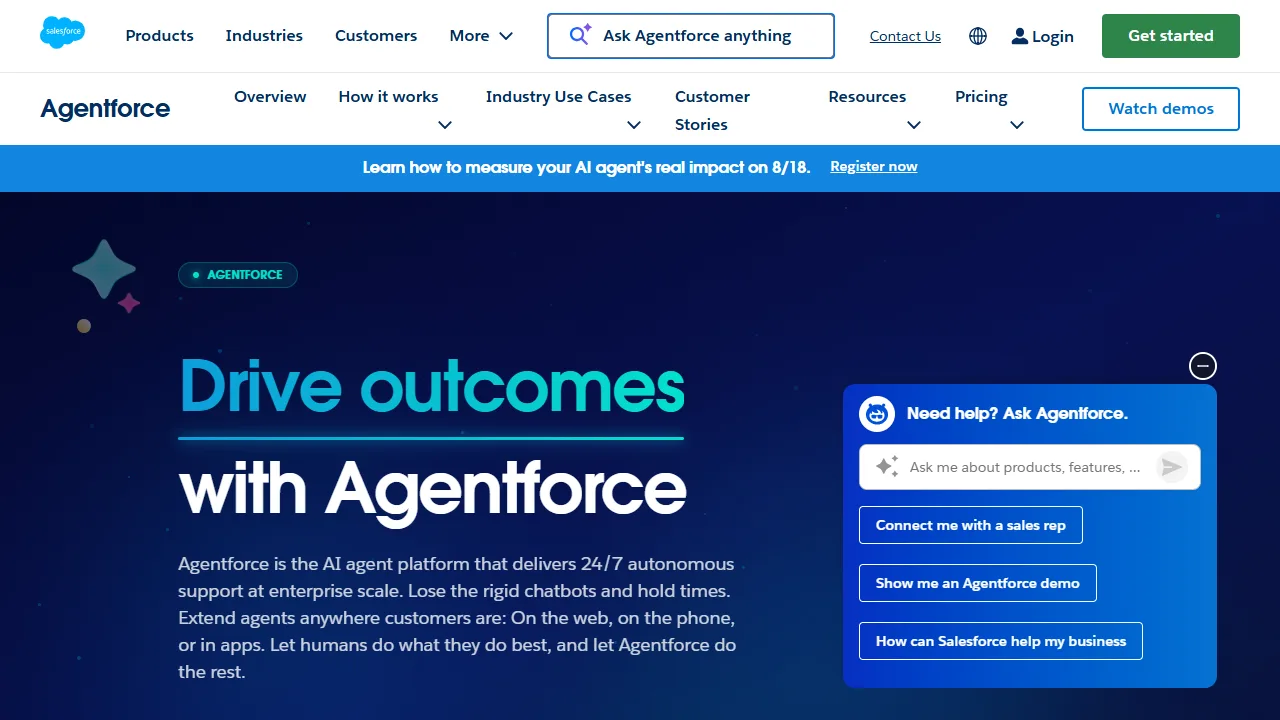
Salesforce Agentforce is an AI agent platform for autonomous support and enterprise workflows.
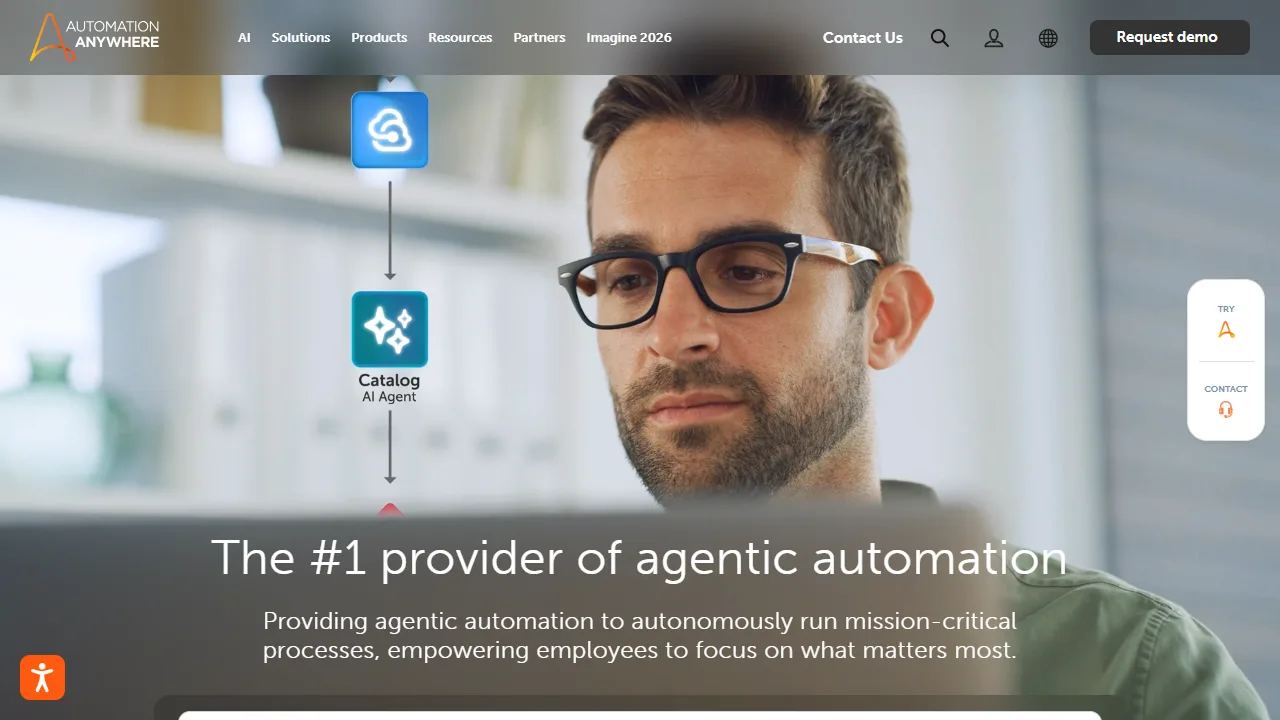
Automation Anywhere provides AI Agent Studio with built-in safety and governance guardrails.
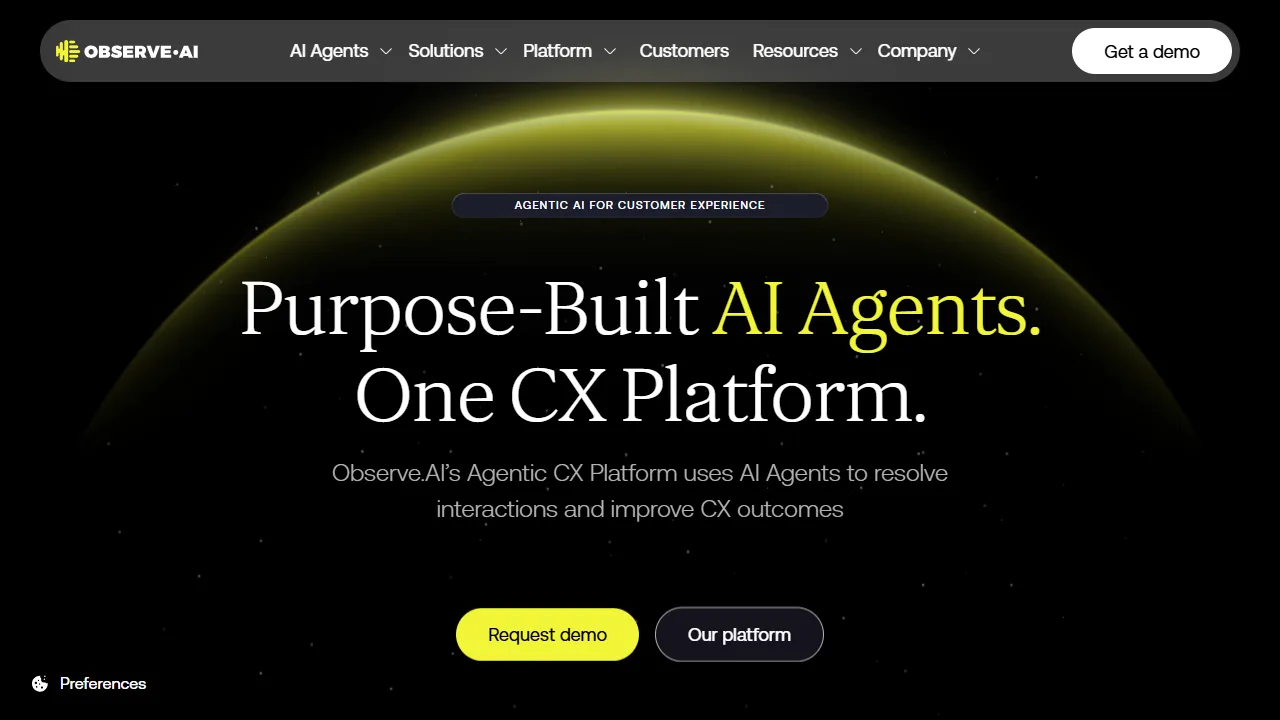
Observe.AI is an agentic CX platform whose AI agents resolve interactions and improve CX outcomes.
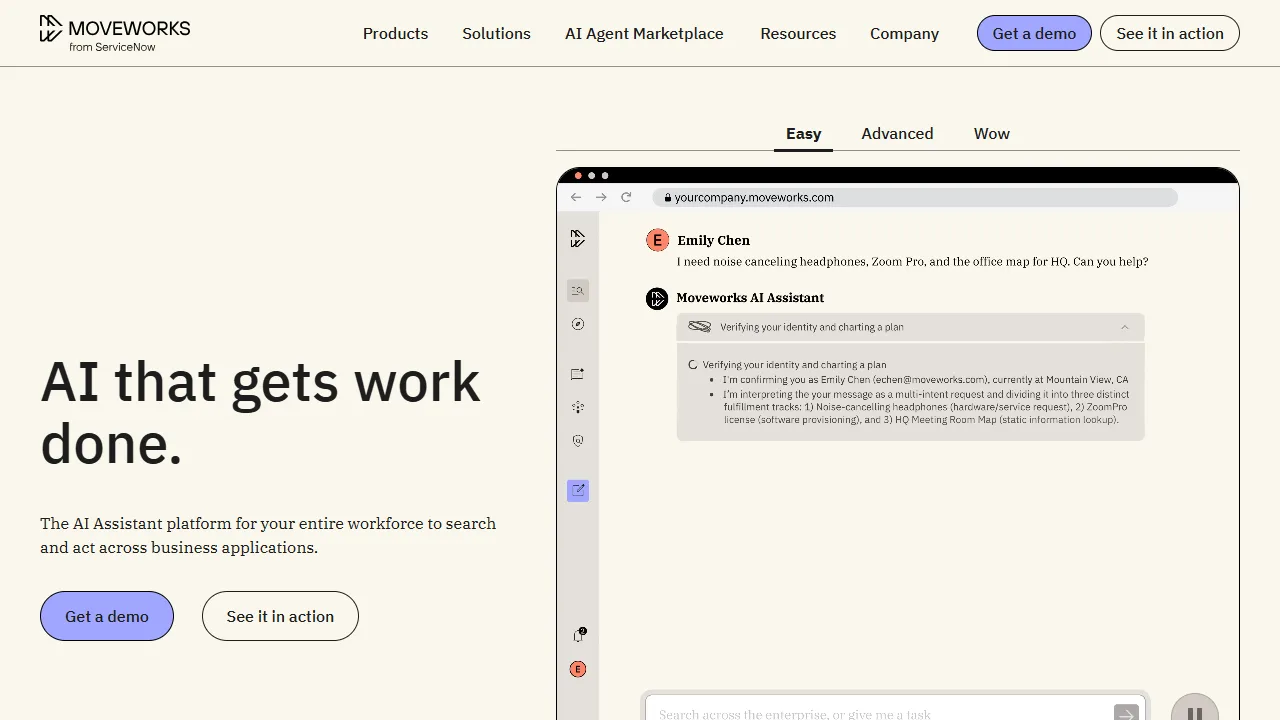
Moveworks is an enterprise AI platform that enables employees to get work done more efficiently and effectively.
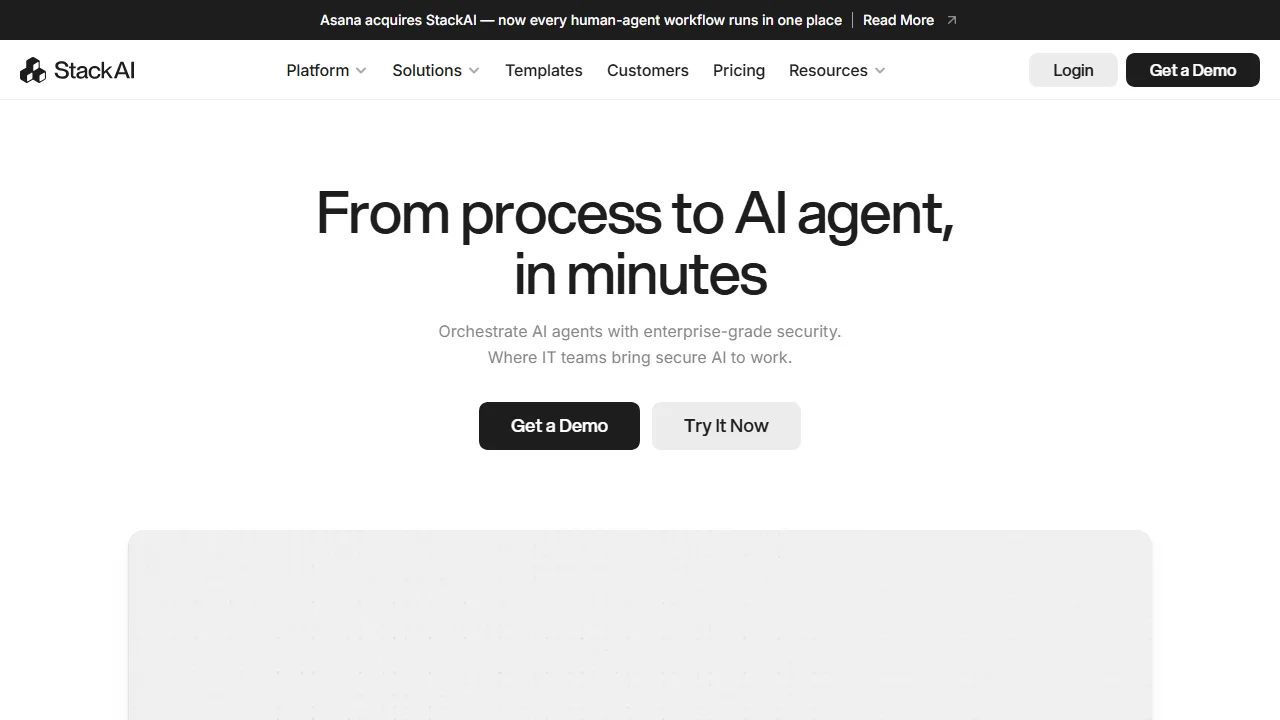
StackAI is a flexible enterprise AI platform that supports AI transformation and adoption across industries.
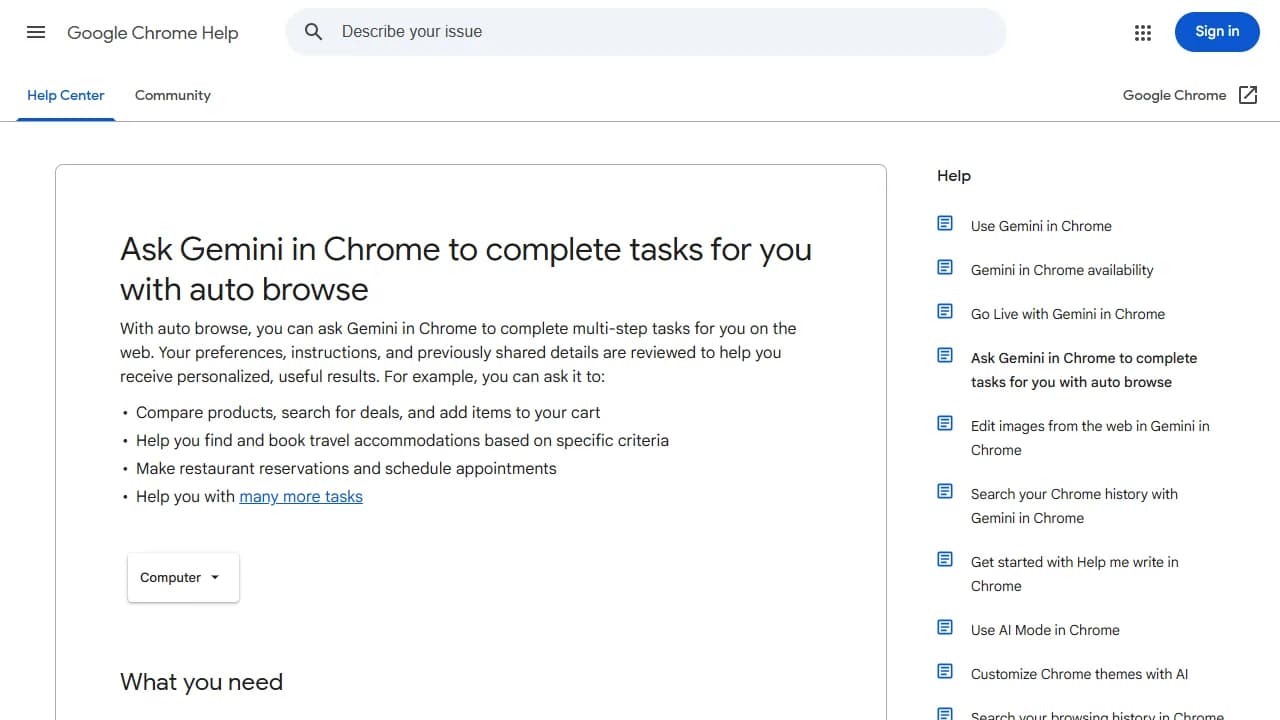
Chrome auto browse works in Chrome browser tabs to complete multi-step tasks that users assign to Gemini.

Perplexity Computer is a general-purpose digital worker that operates the same interfaces you do.
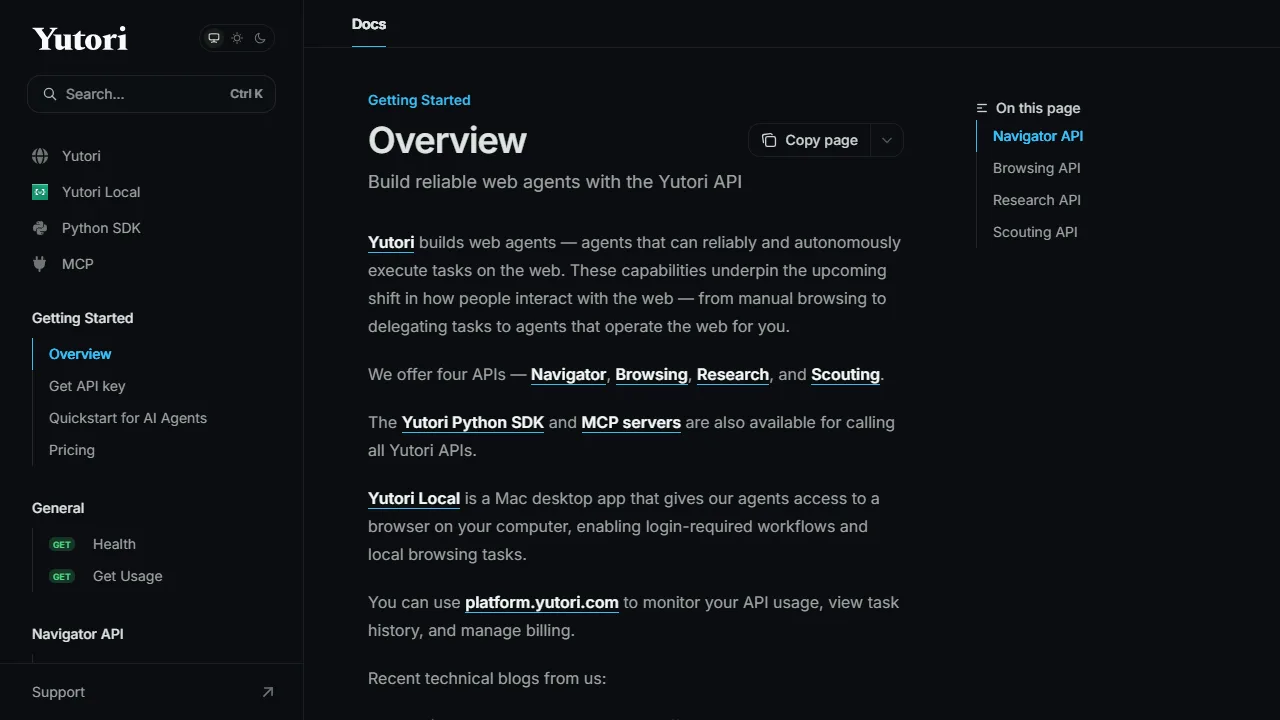
Yutori API is for building reliable web agents that execute tasks on the web.
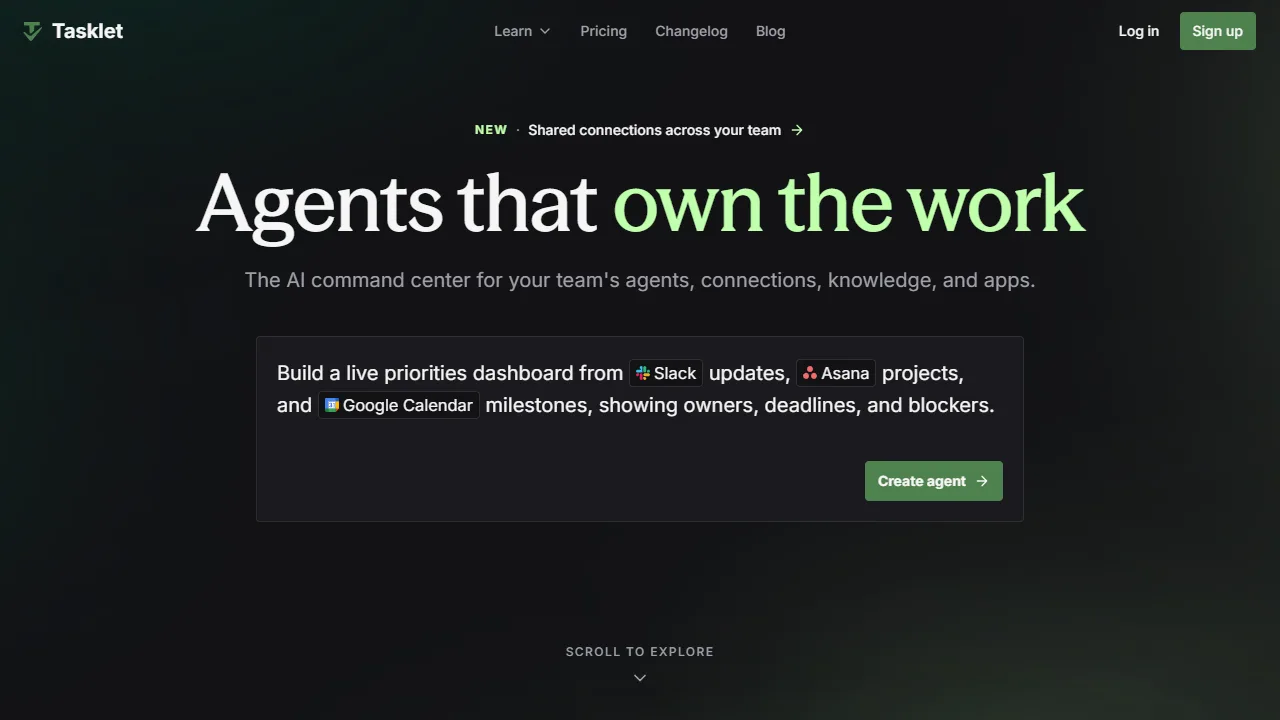
Tasklet is the AI command center that gives superpowers to your whole team.

Bardeen is an automation and workflow platform for GTM teams that eliminates manual tasks and streamlines processes.
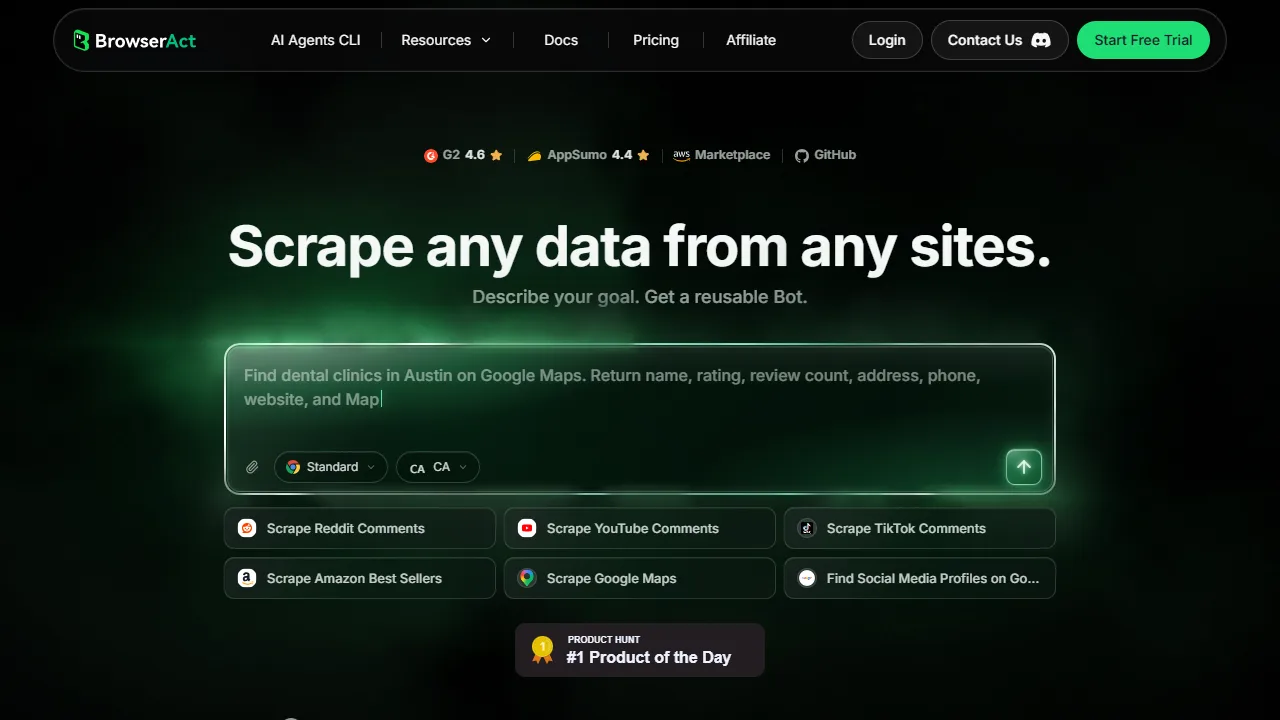
BrowserAct enables AI agents and teams to perform real-browser automation, web data extraction, and account-based workflows.
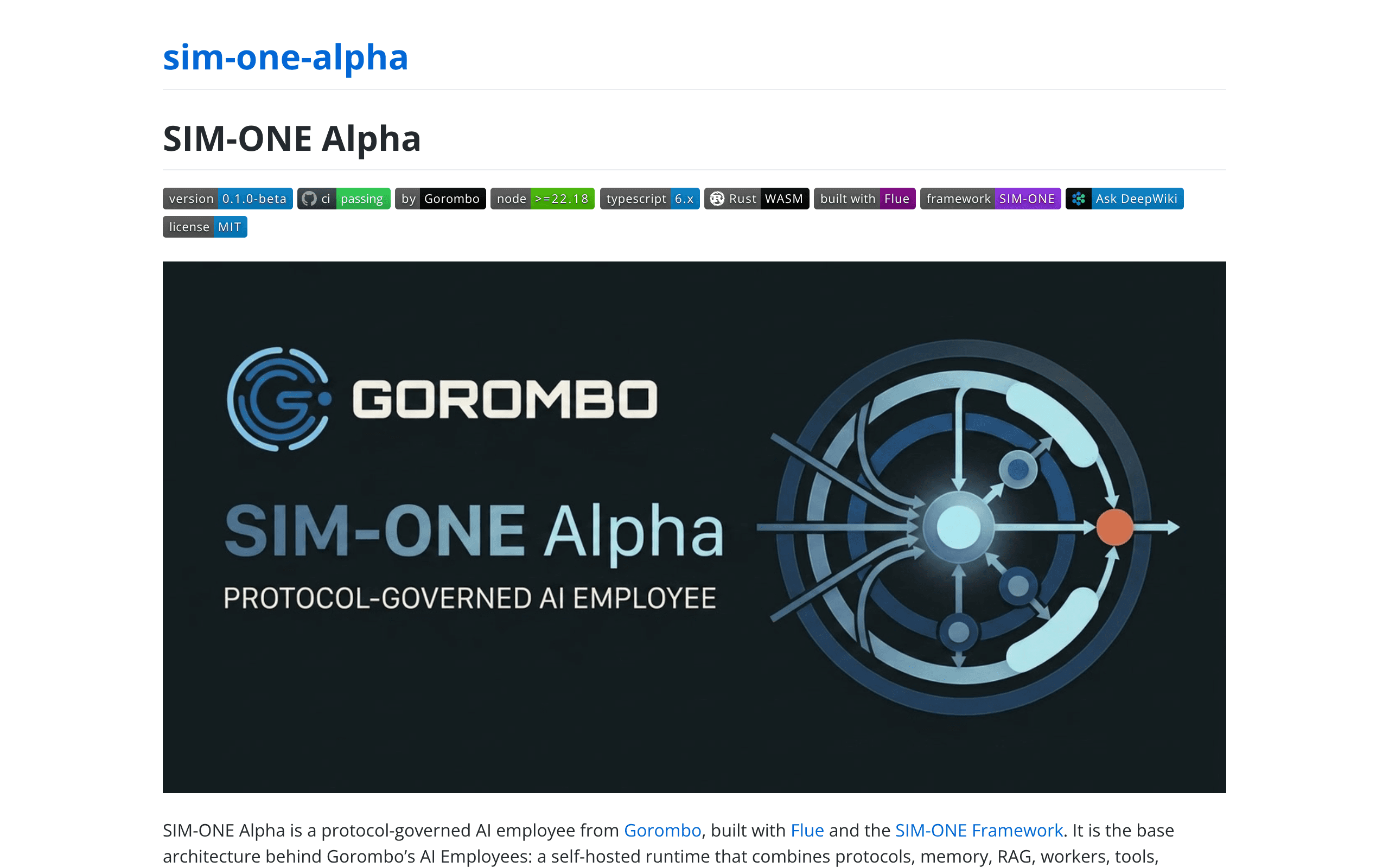
SIM-ONE Alpha is a protocol-governed AI employee built with Flue and the SIM-ONE Framework.
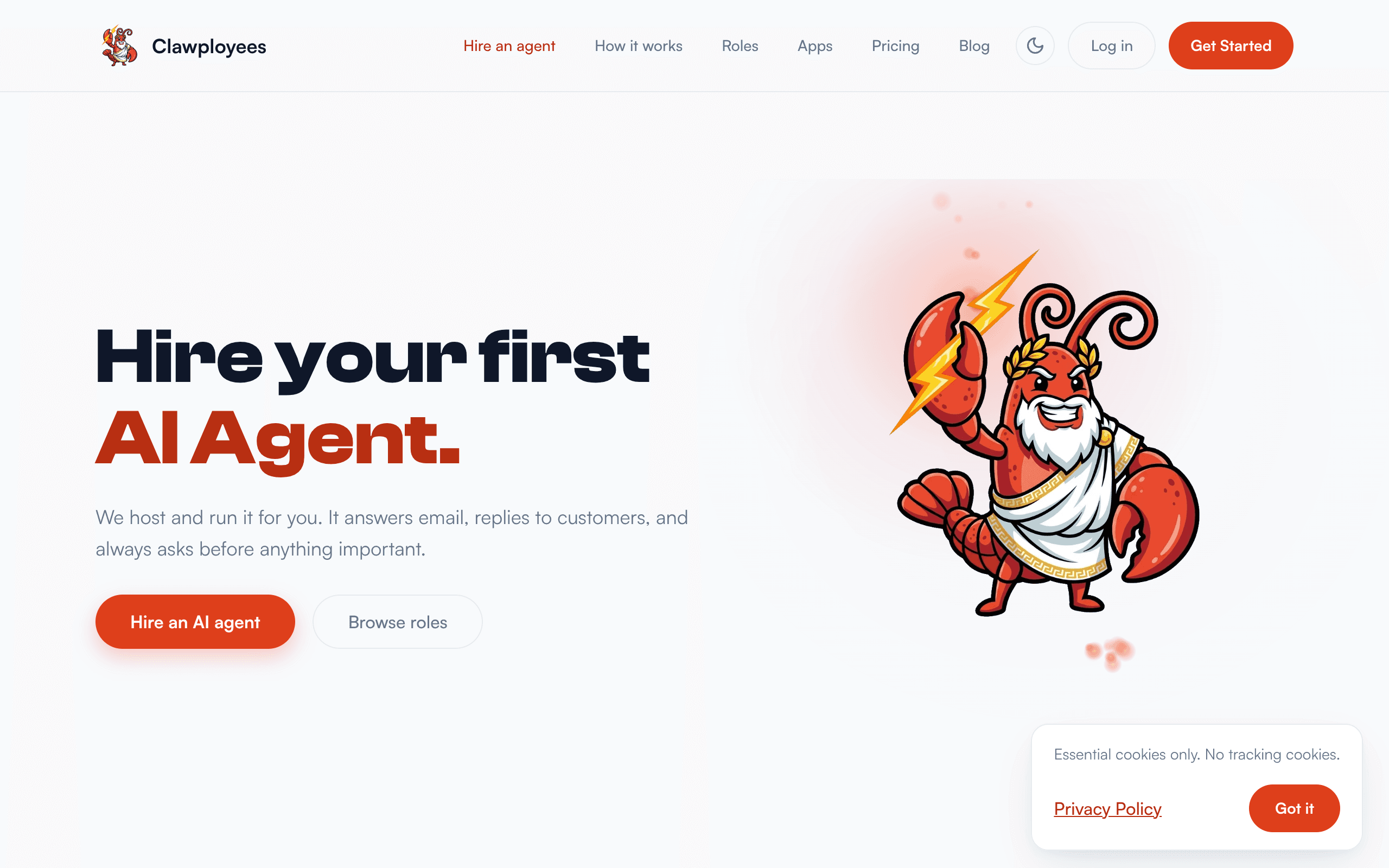
Hire ready-made AI agents for support, sales, email, and research. Connect Slack, email, WhatsApp, and Google Workspace; hosted for you.
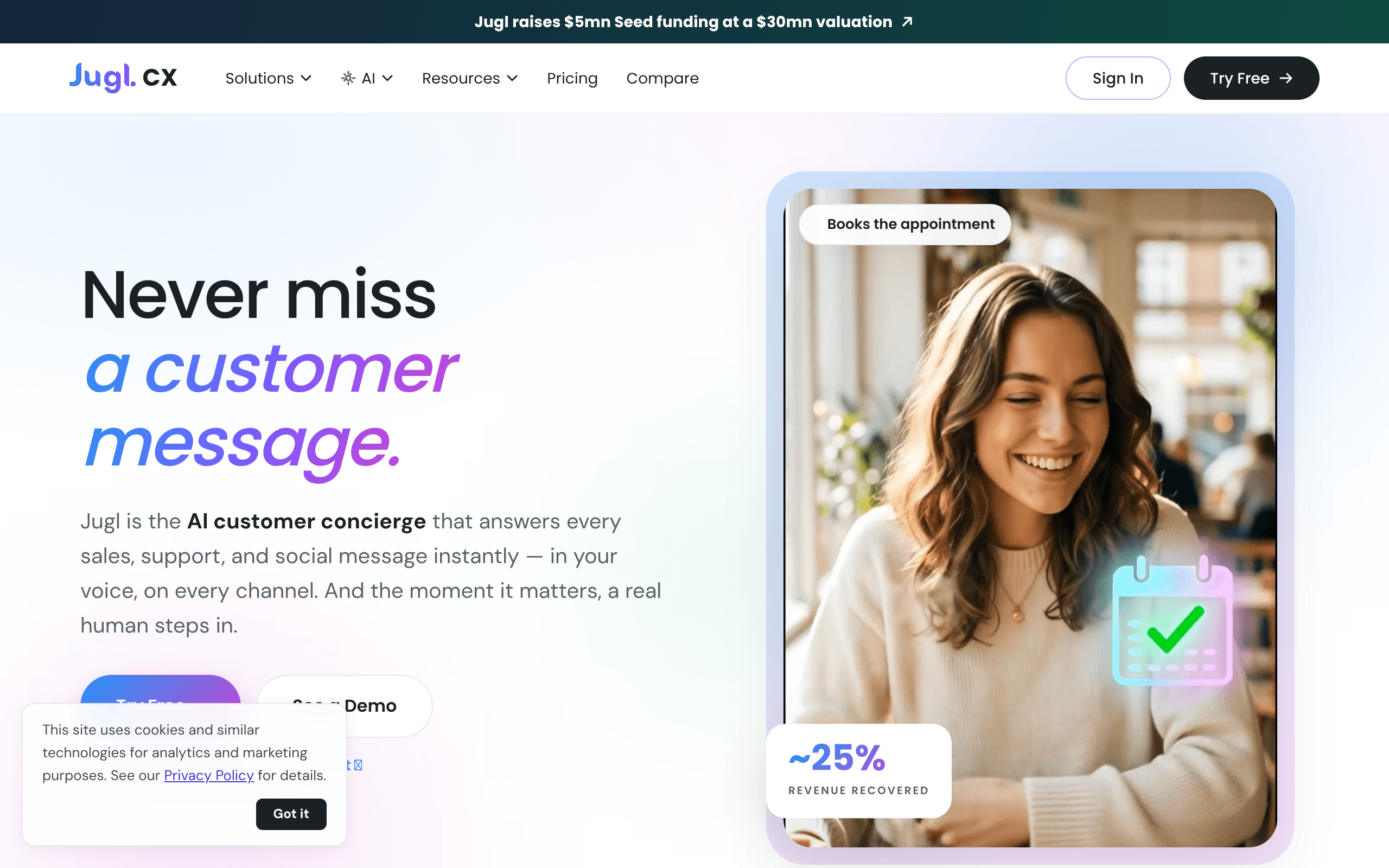
Jugl AI Agent is your 24/7 AI-powered sales and customer support assistant that helps businesses capture more leads, close more sales
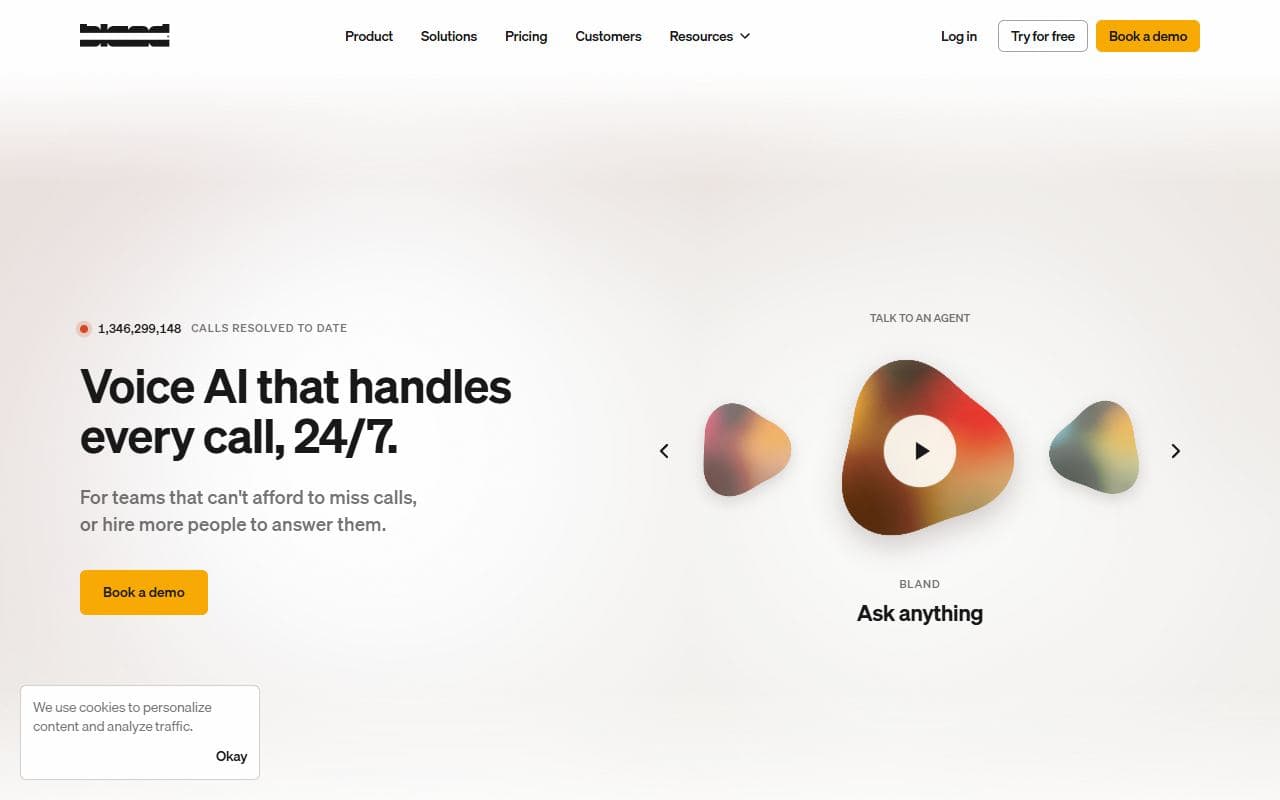
Enterprise voice AI platform for building, running, and monitoring phone agents that handle real customer conversations.
Voice AI agent platform for inbound and outbound phone calls with real-time conversation handling and function calling.
Workflow automation platform for building AI-assisted business processes with humans, apps, and conditional logic.
Workflow automation platform with AI agent, LangChain, MCP, app integration, and self-hosted automation capabilities.
AI by Zapier is a built-in tool that lets you add AI action steps to your Zap workflows.
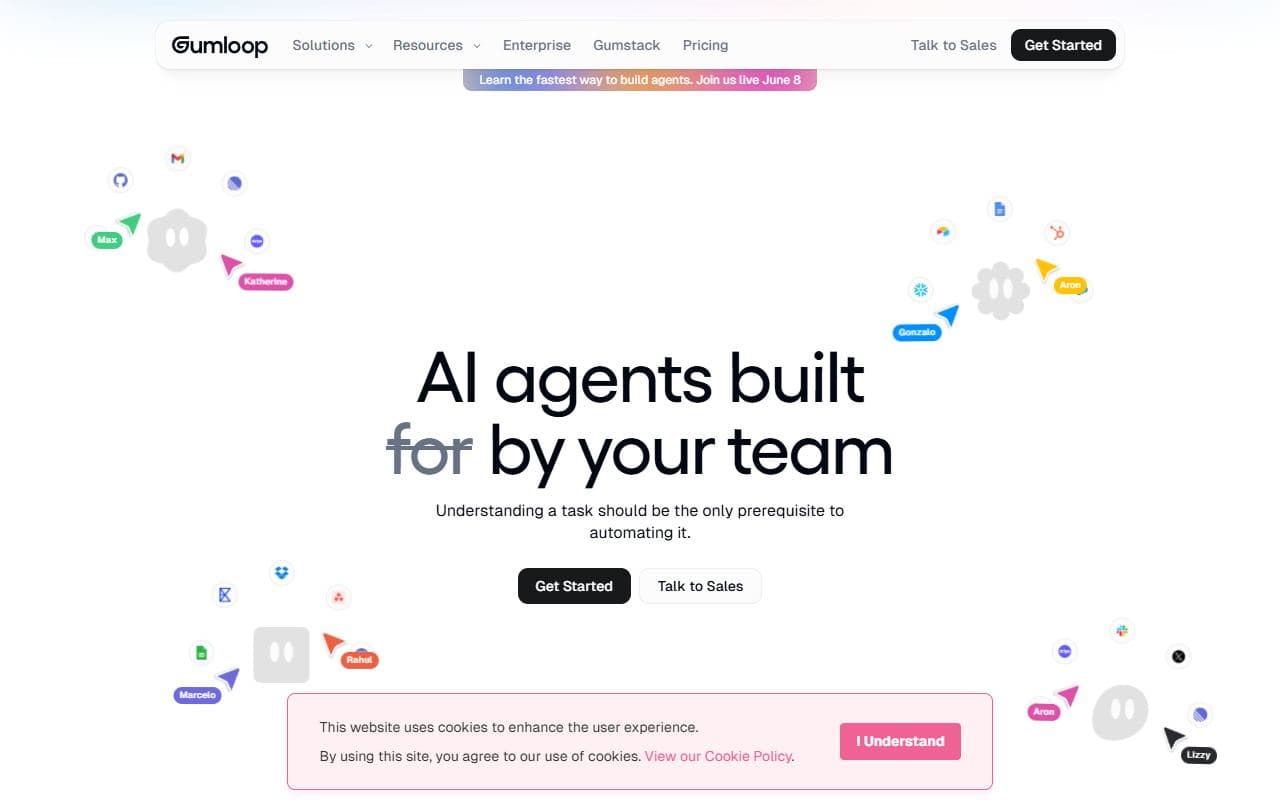
No-code AI automation platform for building agentic workflows with web search, app actions, data processing, and reasoning steps.

Enterprise AI workforce platform for building, deploying, and managing trusted agents across go-to-market and operations teams.
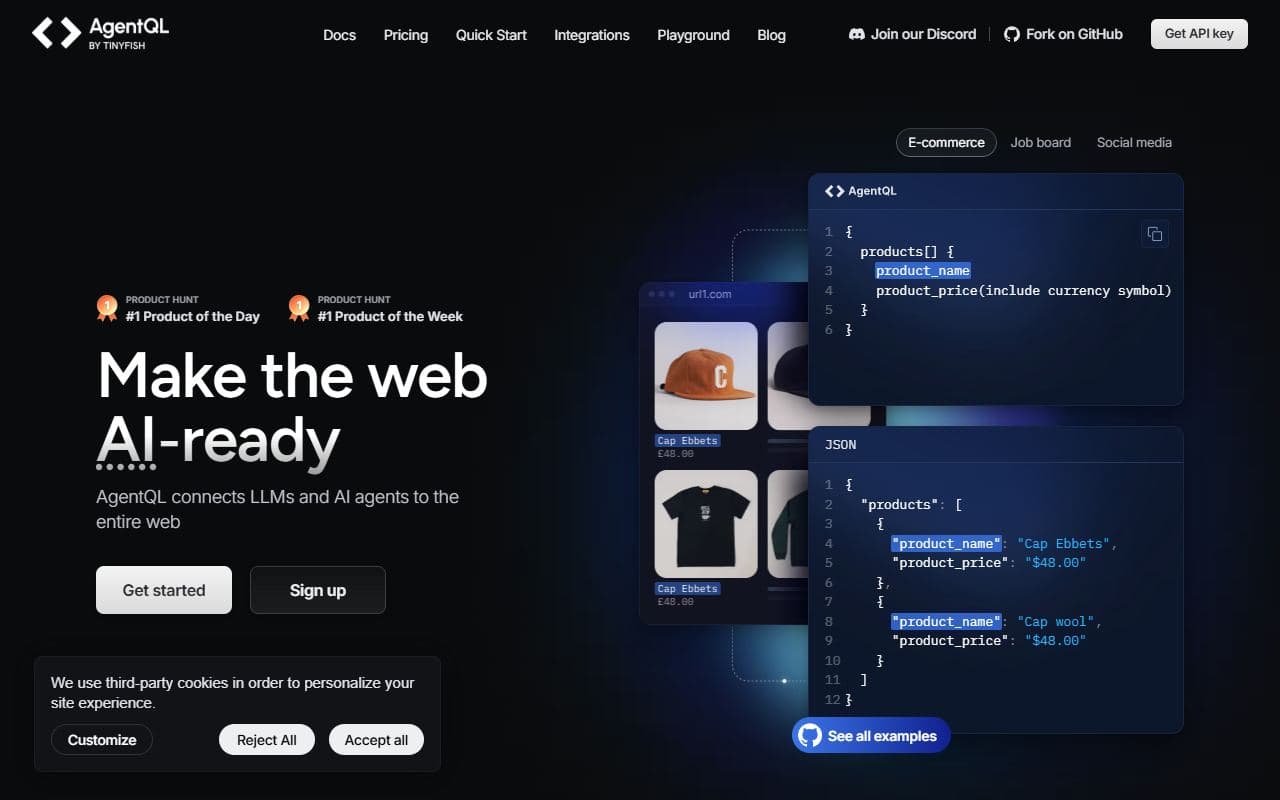
AI web automation and data extraction platform that connects agents to web pages through structured queries instead of brittle selectors.
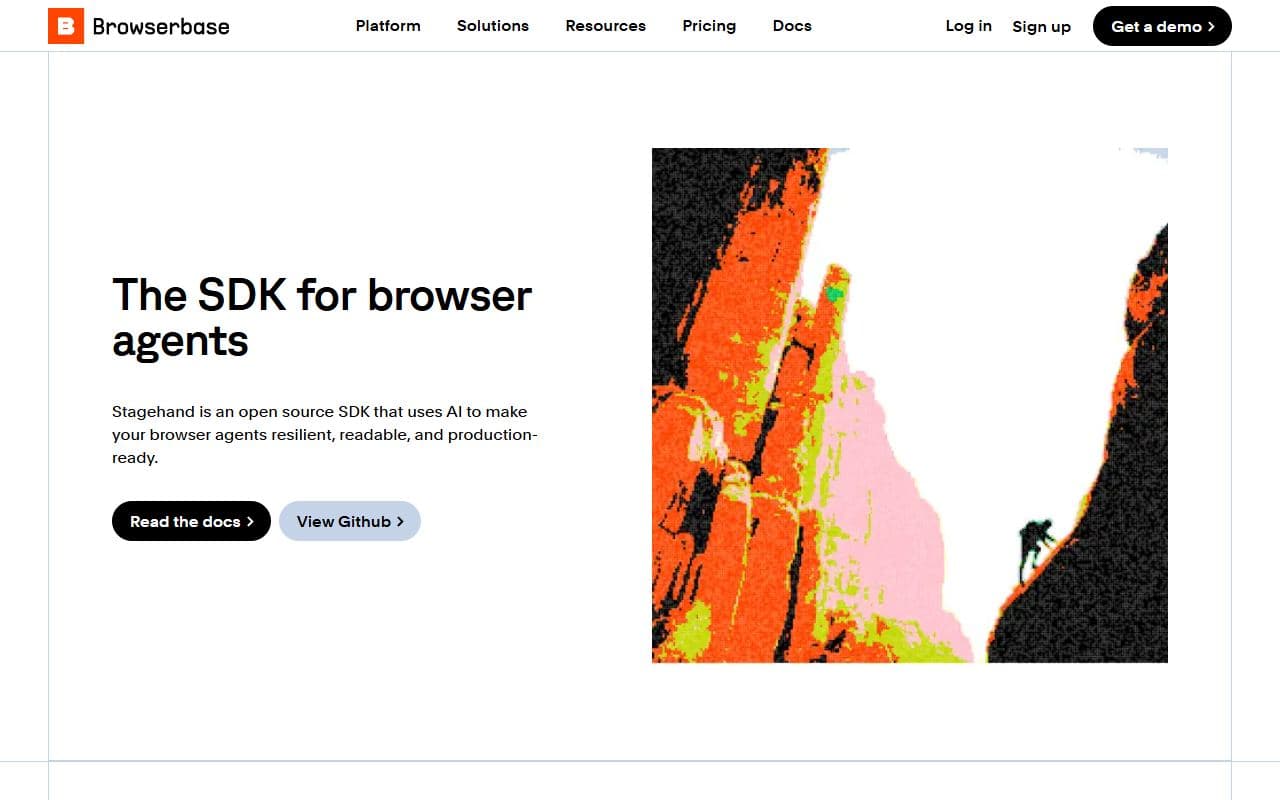
Open-source SDK from Browserbase for building browser agents with AI-powered page actions and production-ready automation patterns.
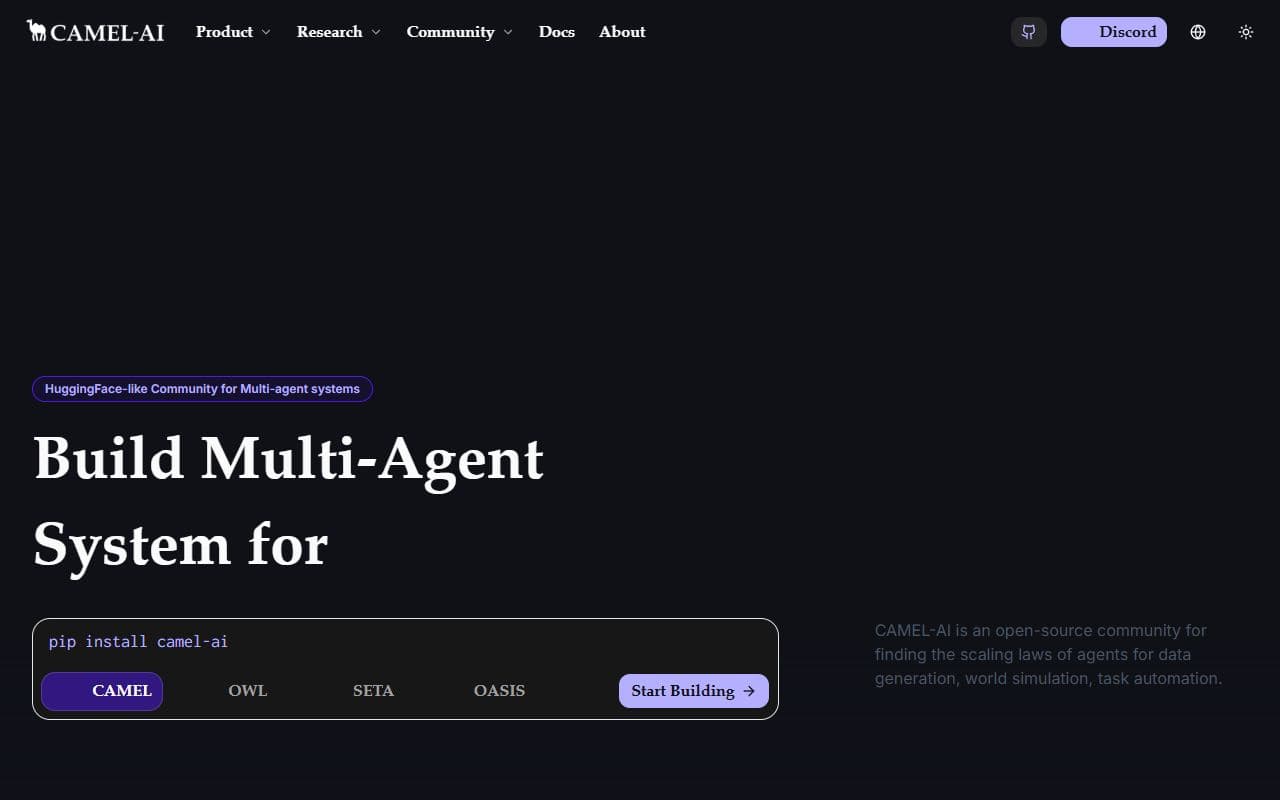
Open-source multi-agent framework and research ecosystem for building communicative AI agent systems.
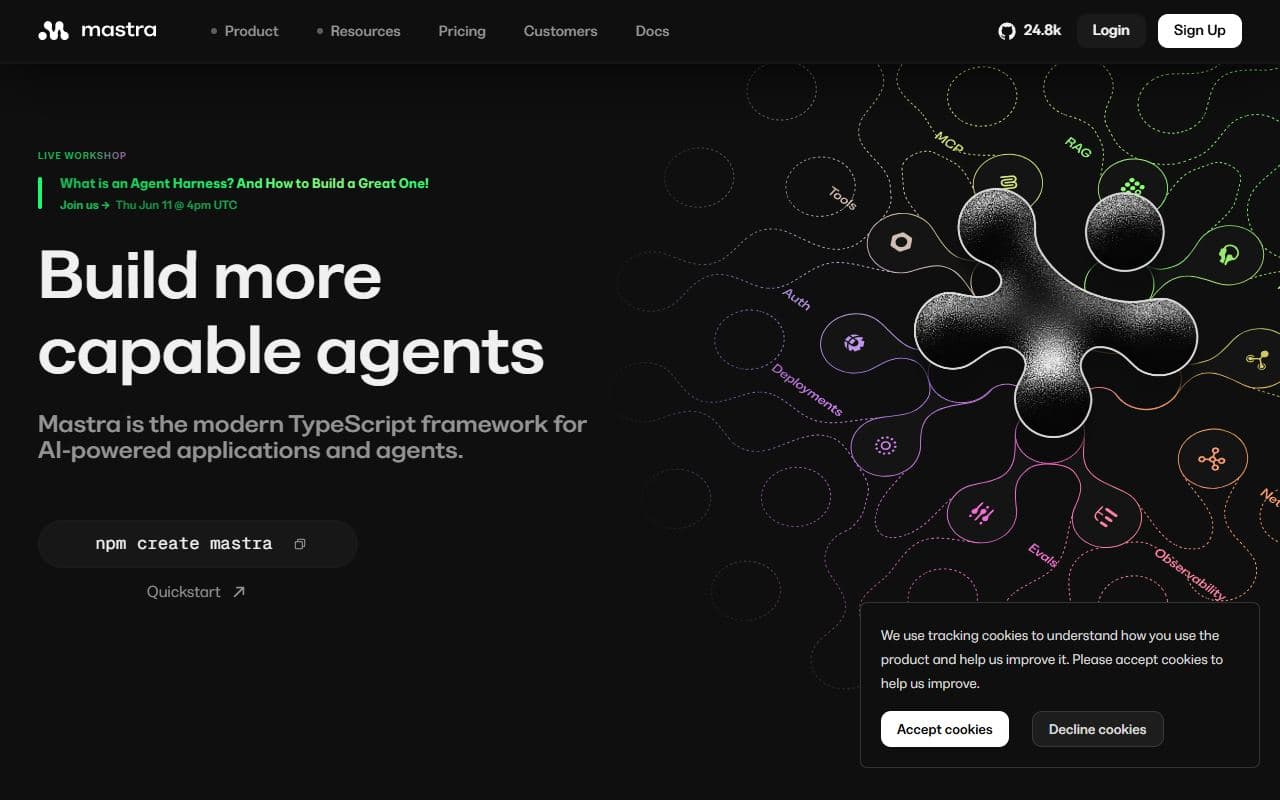
Open-source TypeScript framework for building stateful AI agents, workflows, memory systems, and MCP-enabled apps.

Open-source Python framework and AgentOS runtime for building, serving, and operating AI agents.
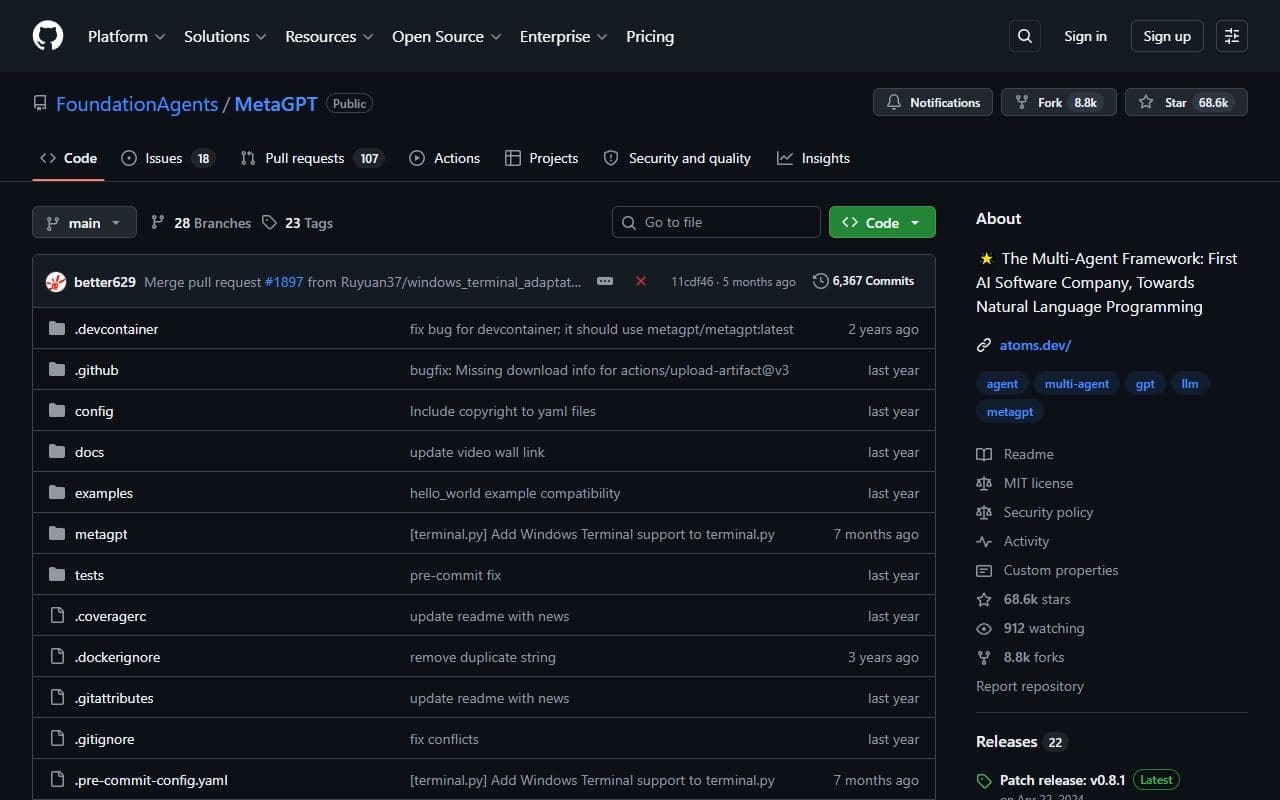
Open-source multi-agent framework that simulates software company roles and collaborative agent workflows.
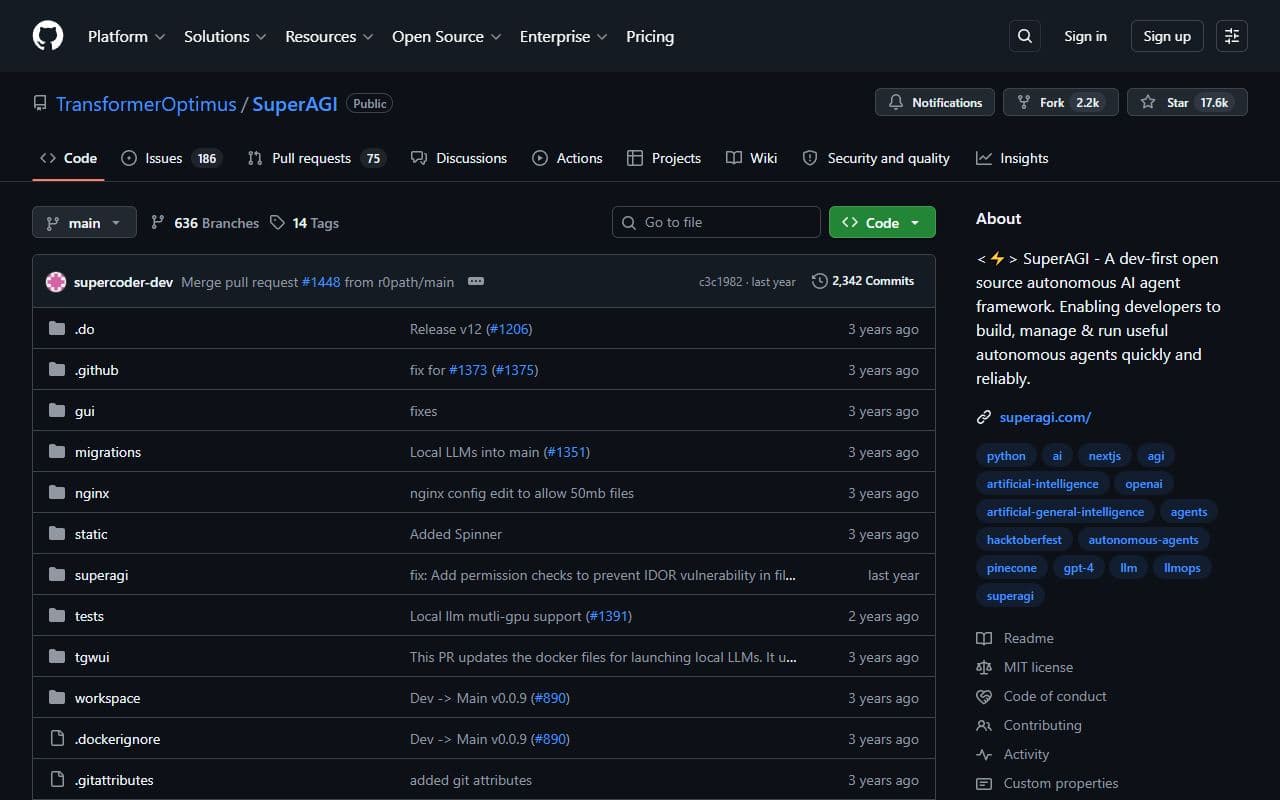
Open-source autonomous AI agent framework for building, managing, and running agent workflows.
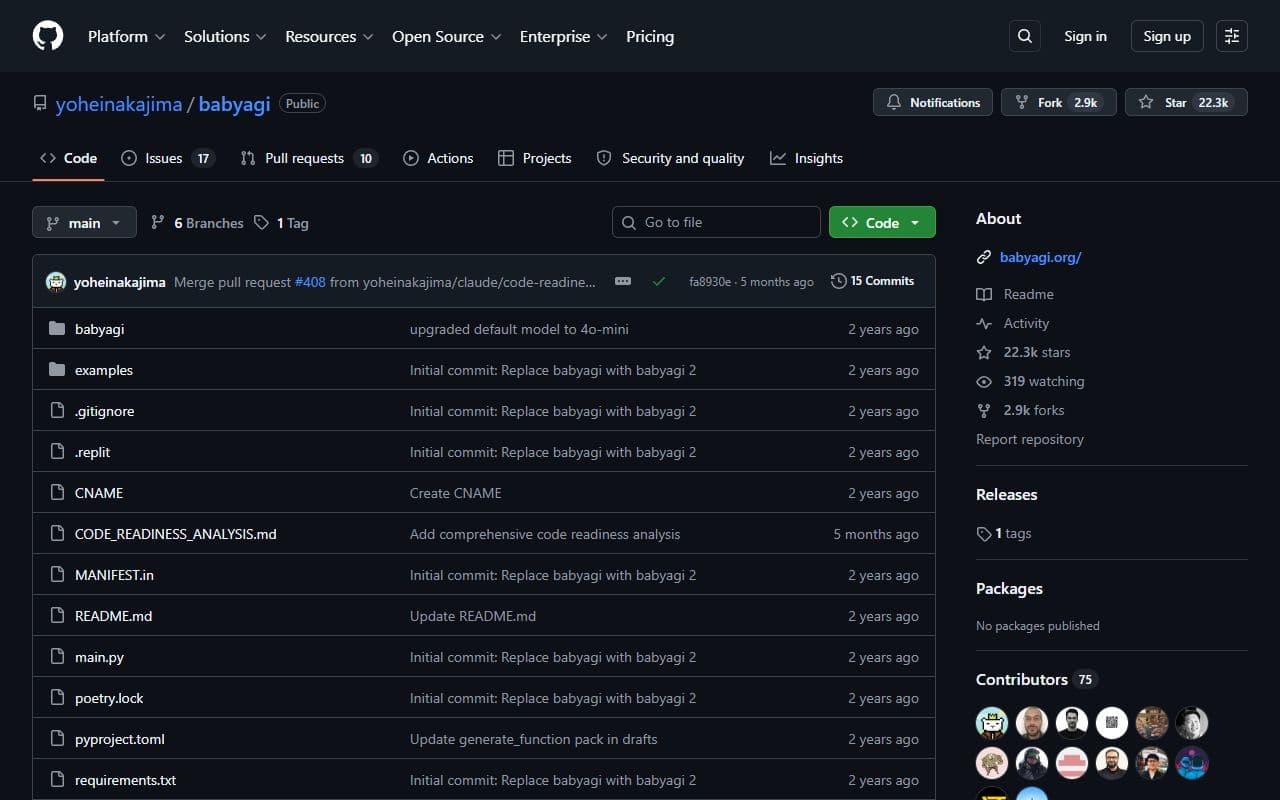
Open-source autonomous task management and agent experimentation project focused on task creation and execution loops.
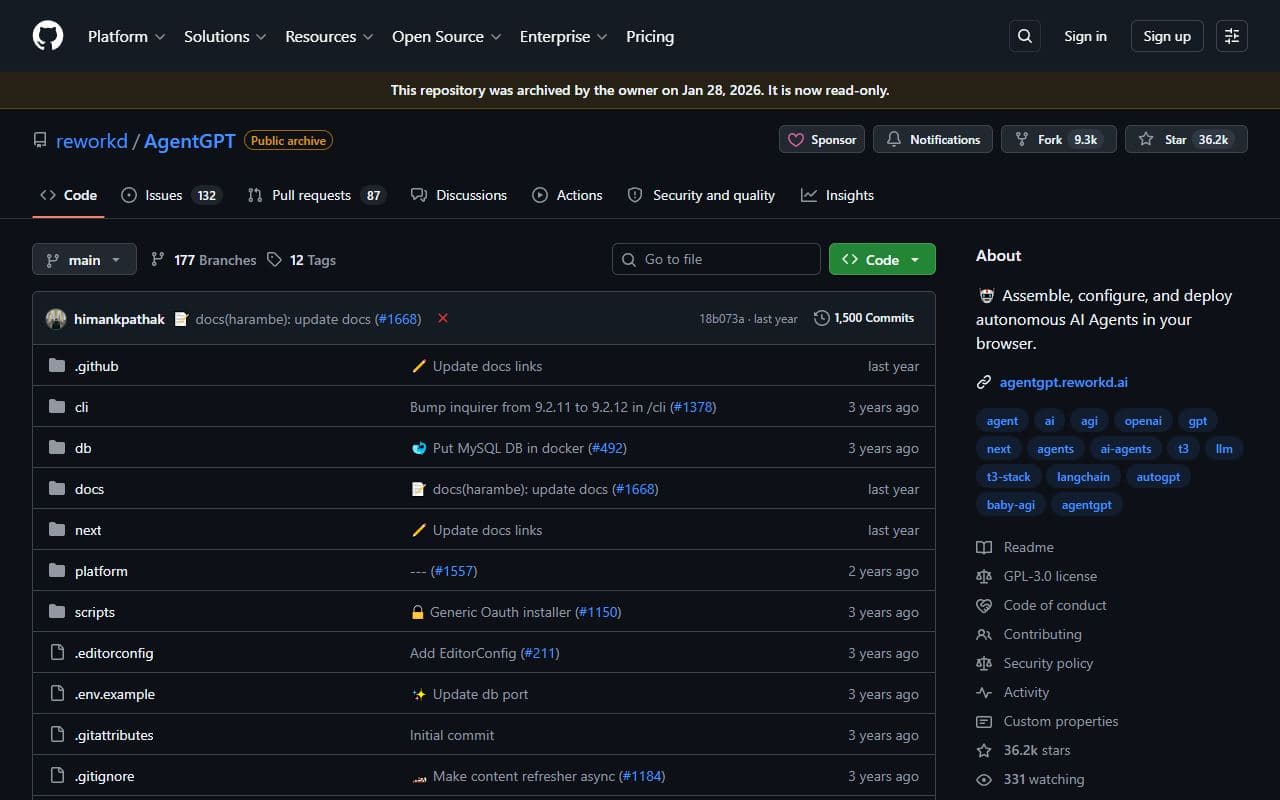
Archived open-source browser-based autonomous agent project for assembling, configuring, and deploying AI agents.
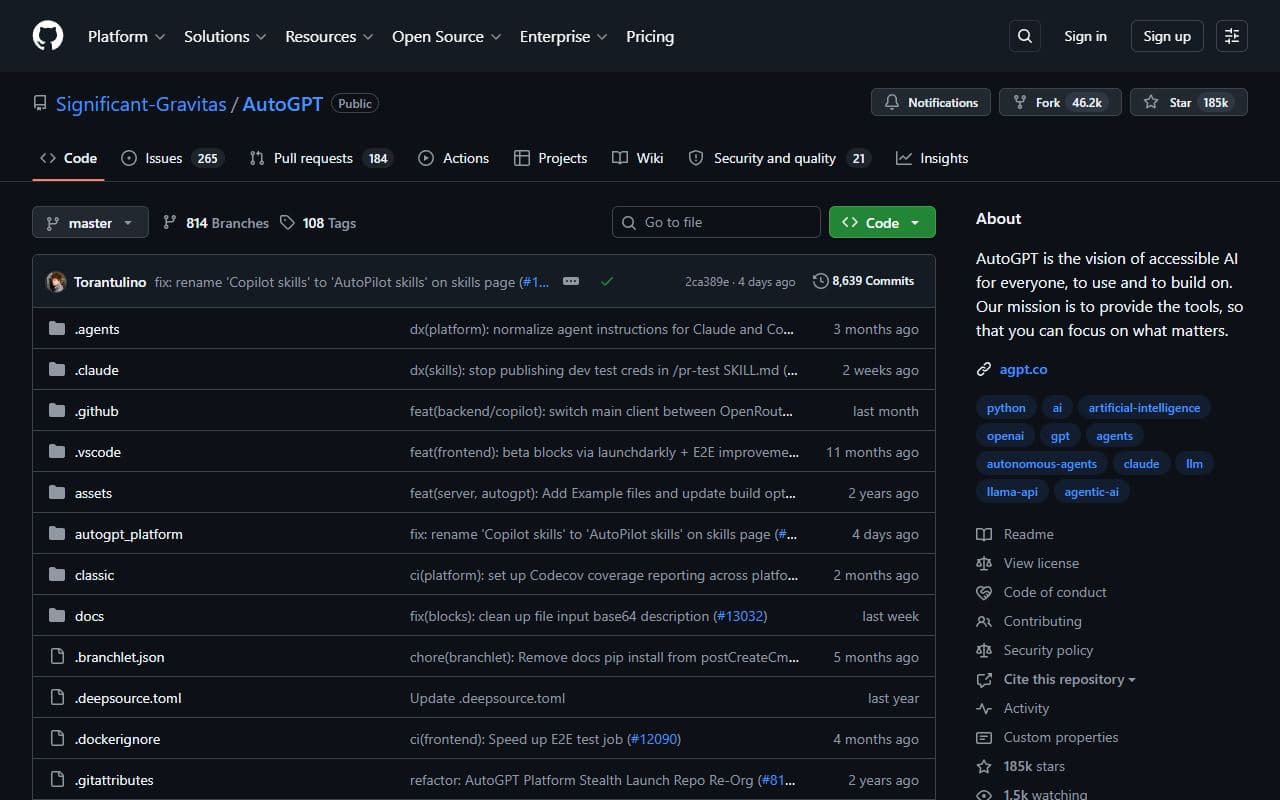
AutoGPT lets users build, deploy, and run AI agents that carry out complete workflows on demand, on schedules, or from triggers.
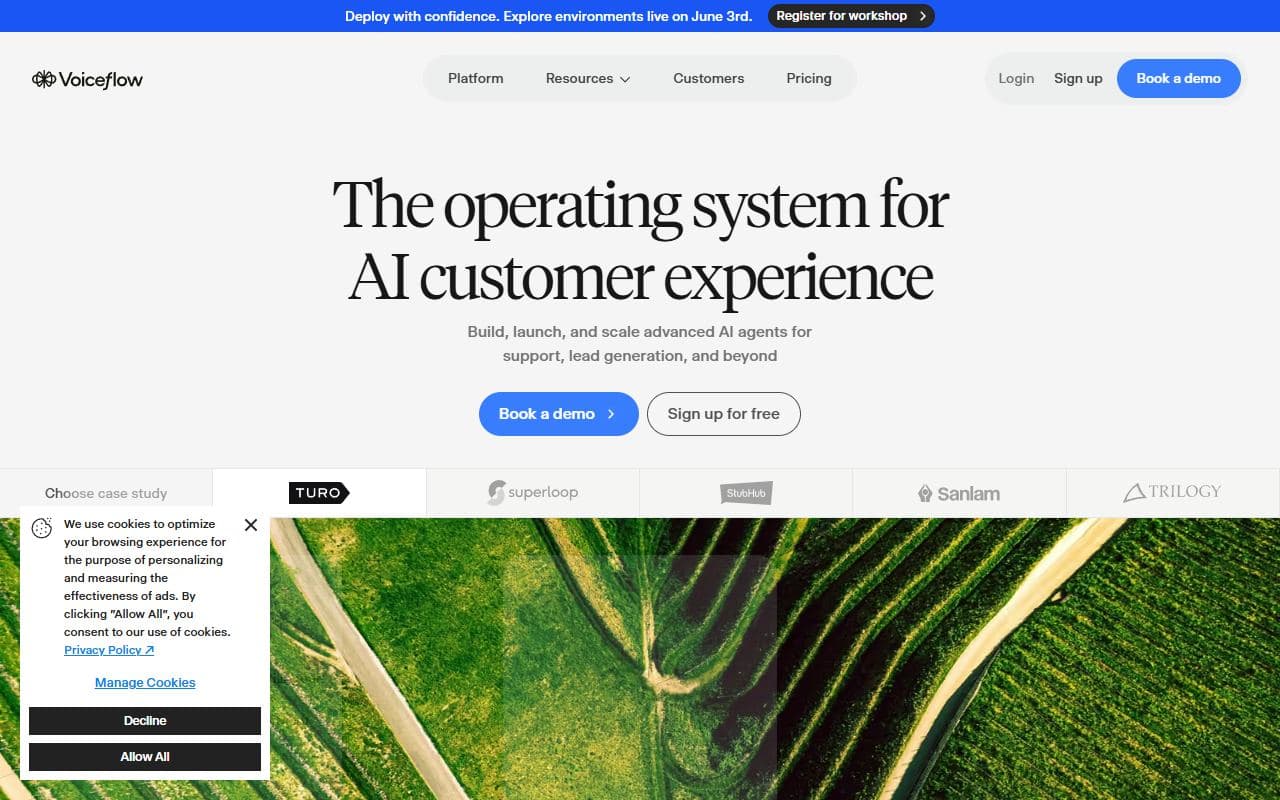
Platform for designing, testing, and launching conversational AI agents and voice/chat assistants.
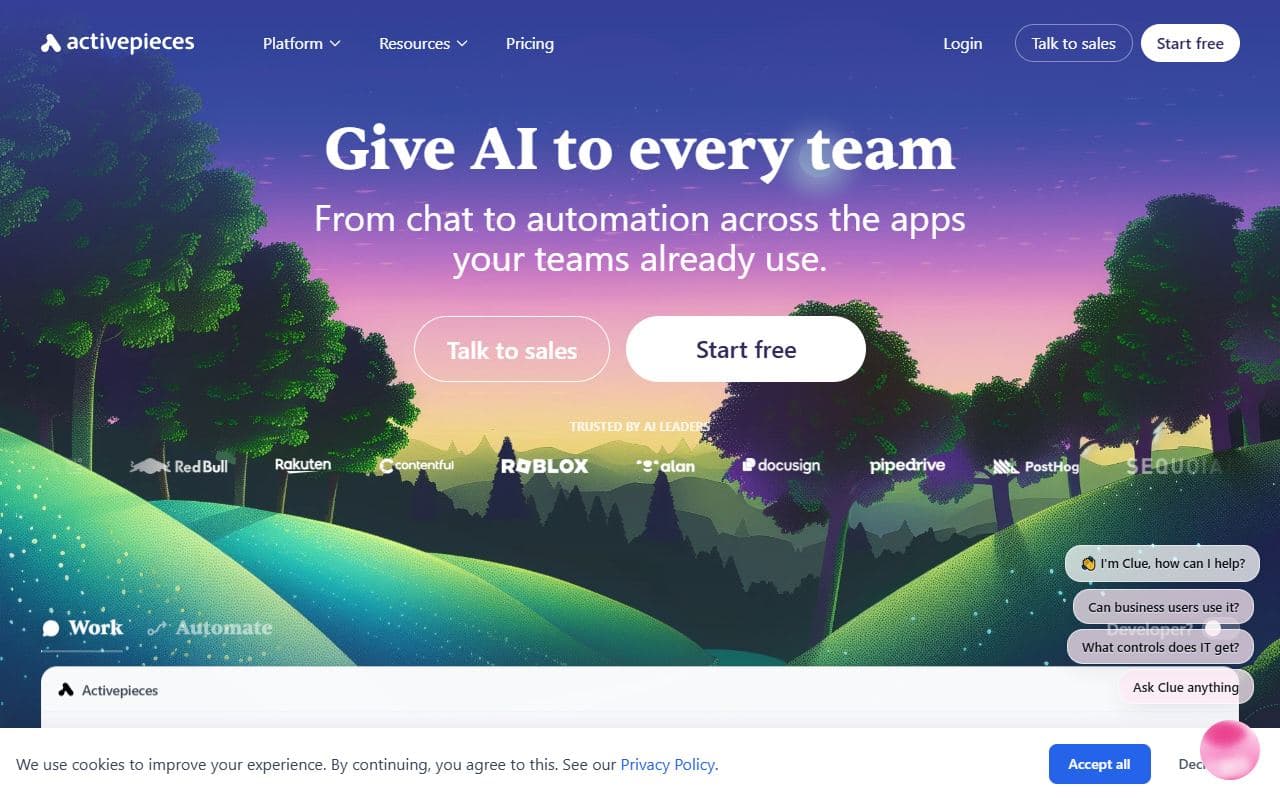
Open-source automation platform with AI workflow support and app integrations for agentic automations.
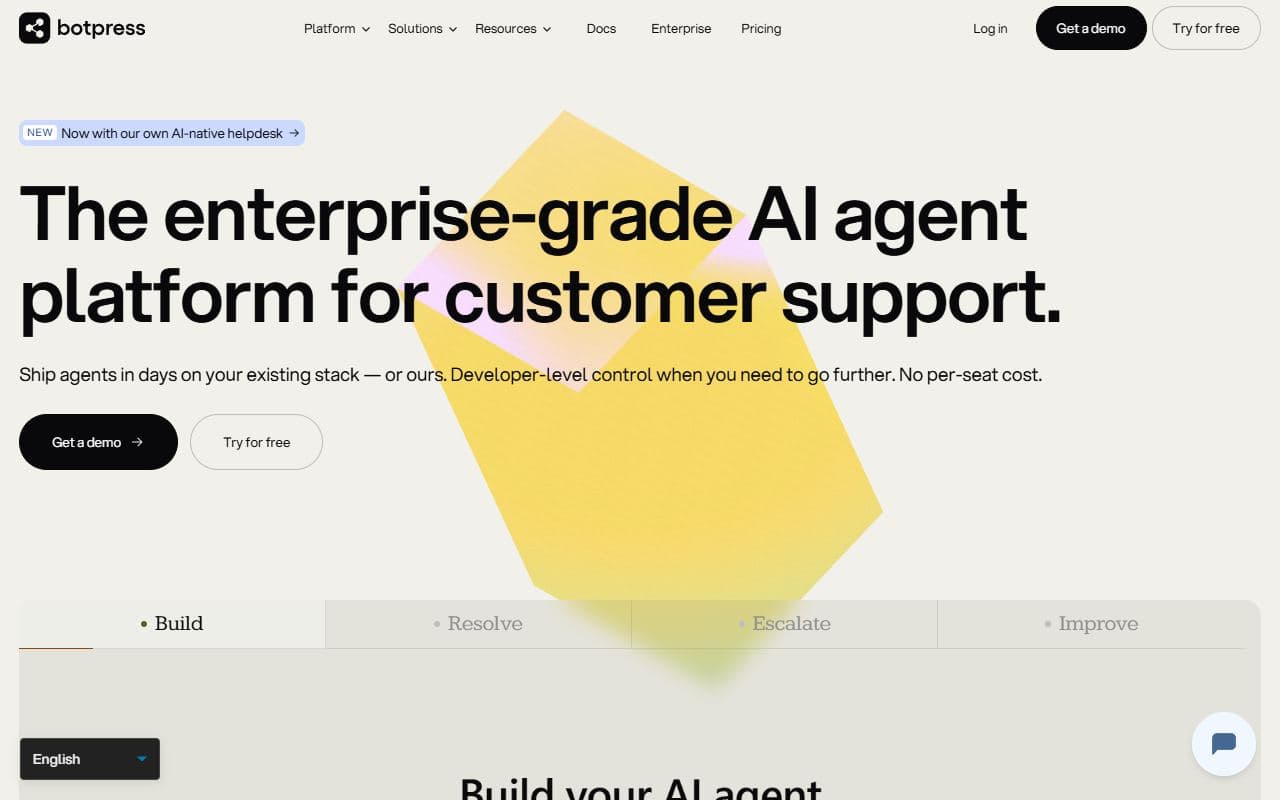
Platform for building AI agents and conversational assistants with integrations and workflow automation.
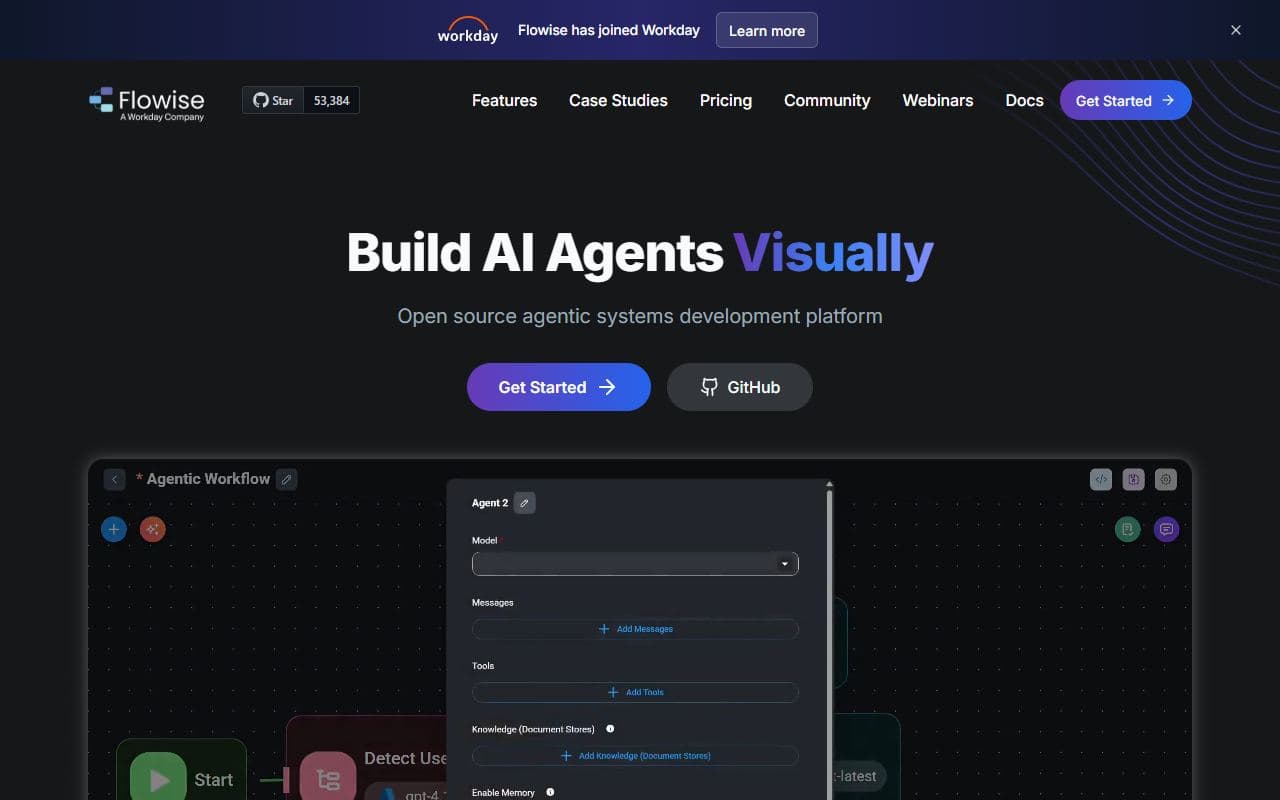
Low-code visual builder for LLM flows, agents, tools, and retrieval workflows.
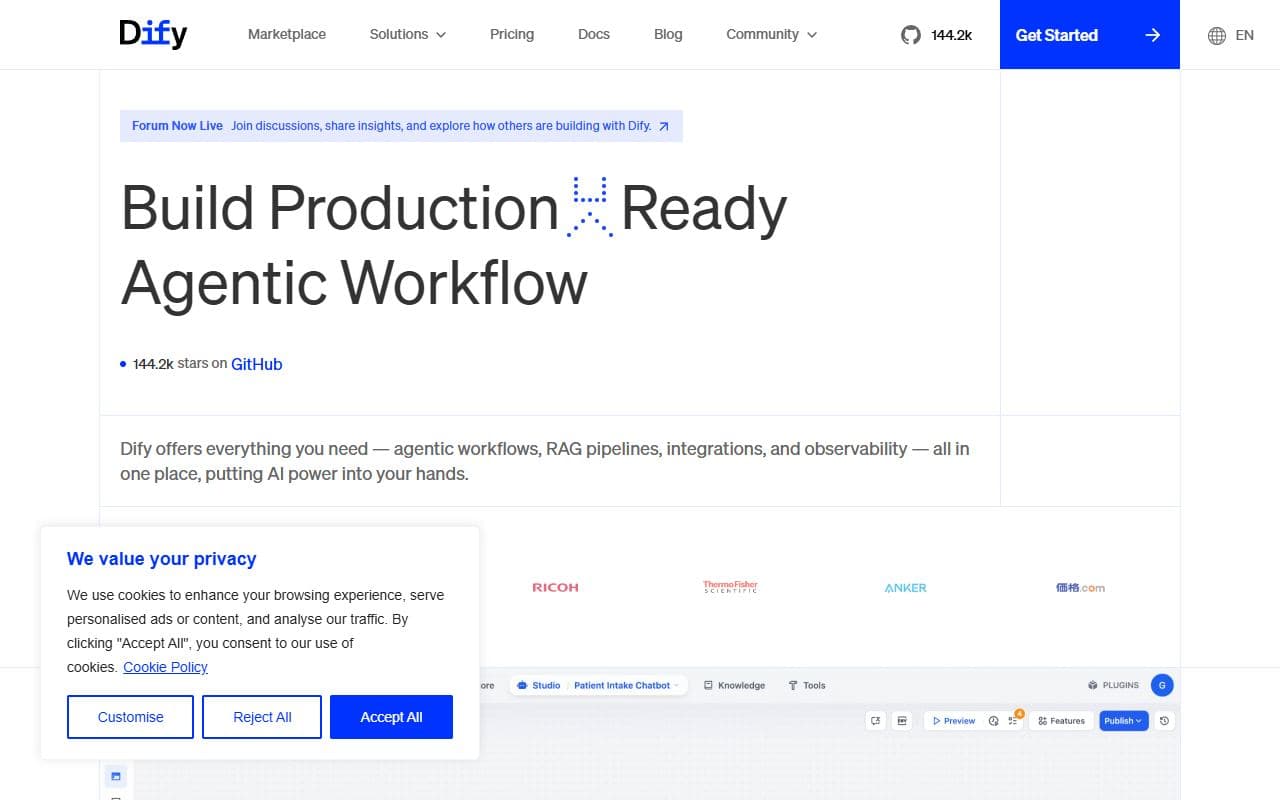
Open-source platform for building, deploying, and operating LLM applications and agent workflows.

AutoGen is a framework for creating multi-agent AI applications that can act autonomously or work alongside humans.
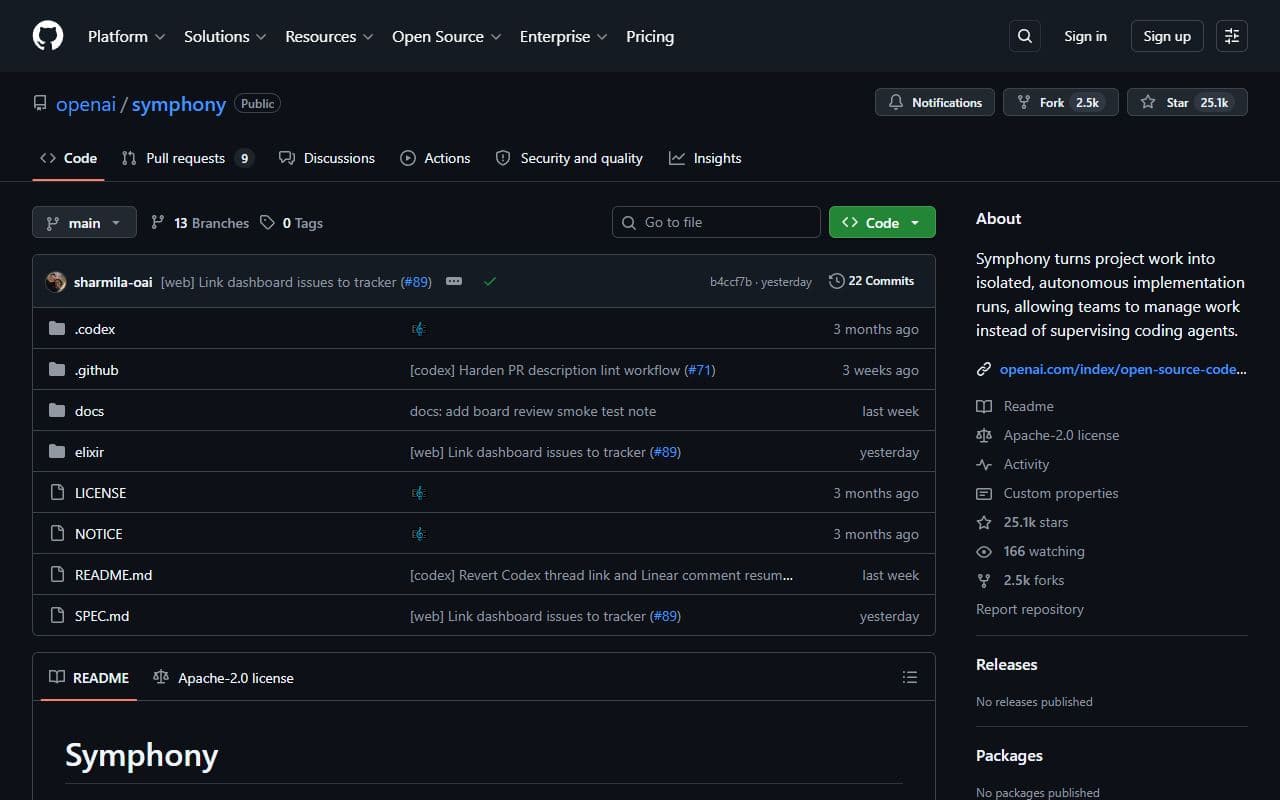
Open-source orchestration project for autonomous implementation runs and agentic execution workflows.
LangGraph is a low-level orchestration framework and runtime for building, managing, and deploying long-running, stateful agents.

Framework and platform for orchestrating role-based teams of autonomous AI agents.
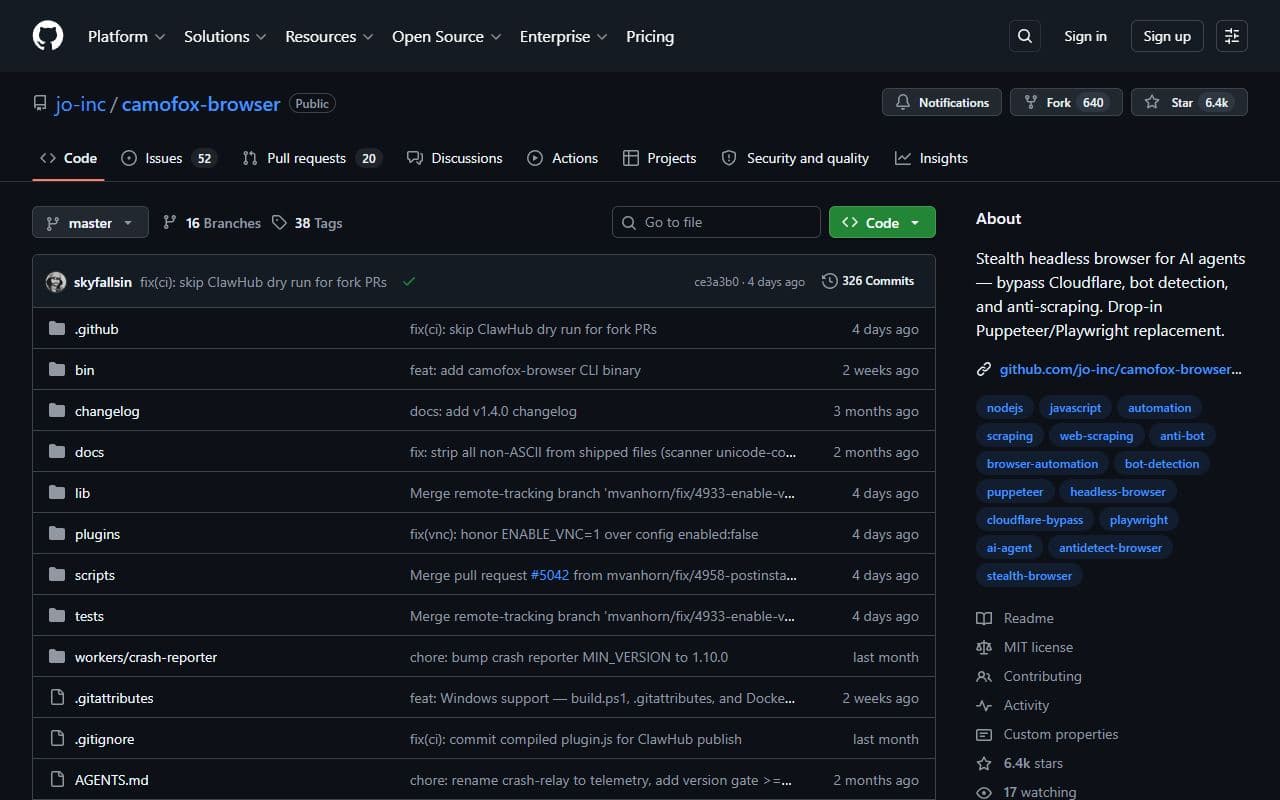
Browser backend for stealthier automated browsing and web interaction workflows.
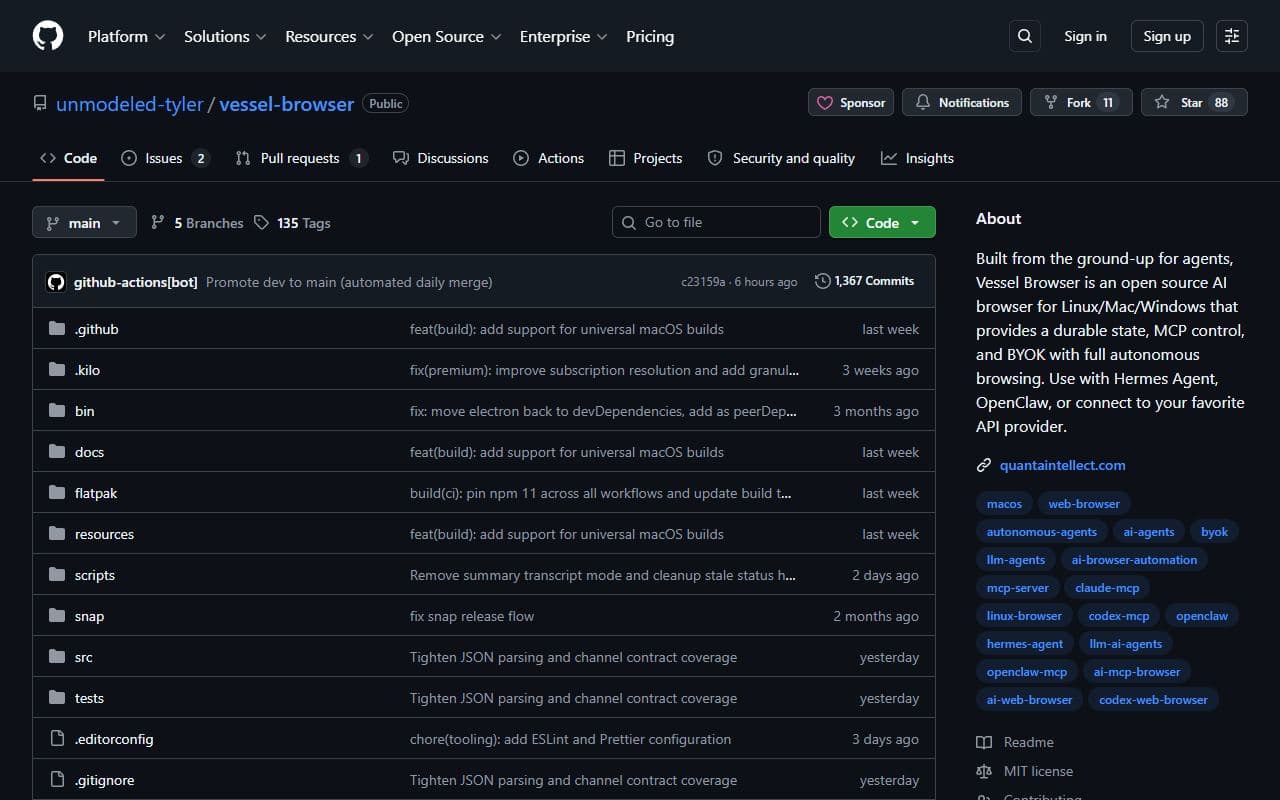
Open-source browser project designed for AI agents that need a controllable web runtime.
AI web automation framework for turning natural language instructions into browser actions.
Browser agent and web automation tool for scraping, workflow execution, and MCP-enabled web tasks.
Browser automation toolkit for building JavaScript agents that navigate, extract, and act on web pages.
AI-powered browser automation platform for completing web workflows, forms, and data extraction tasks.
Browser automation framework and cloud service that makes websites accessible to AI agents through persistent browser sessions.
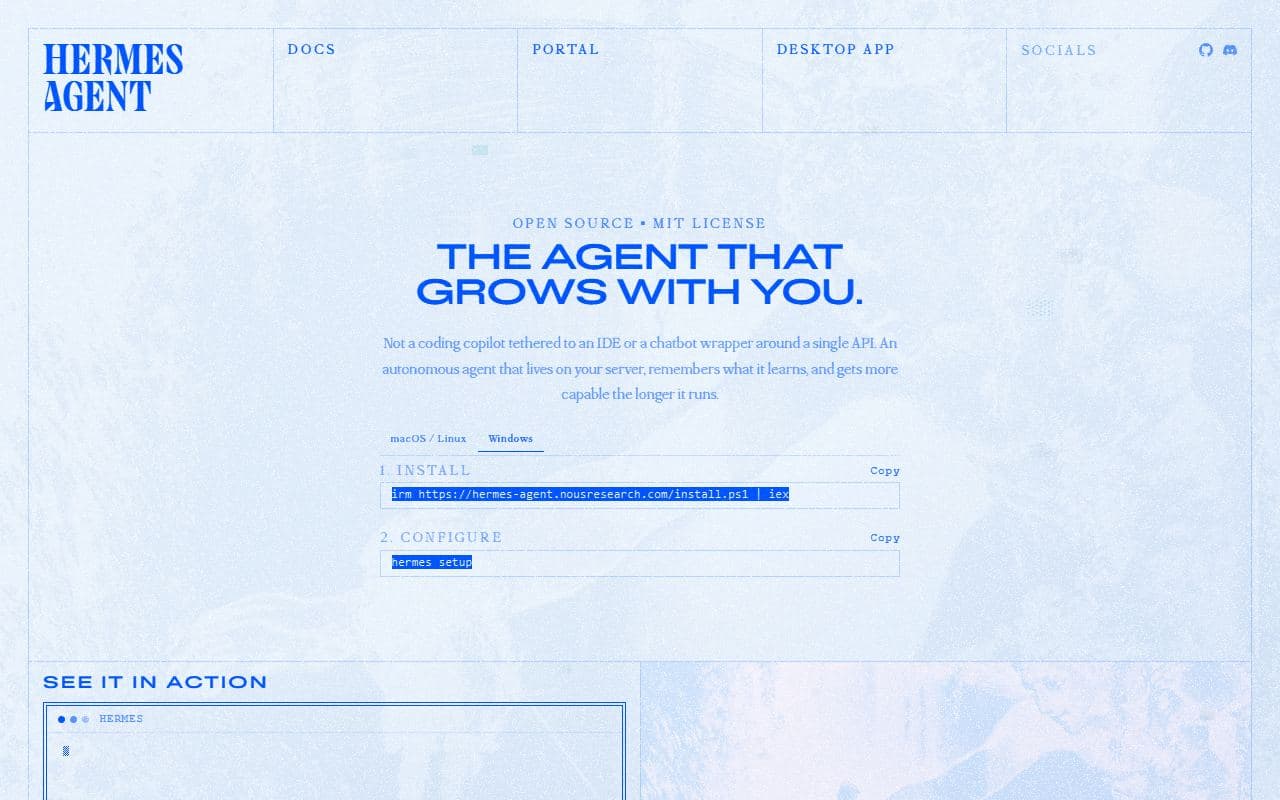
Open-source autonomous agent platform from Nous Research with memory, skills, subagents, terminal tools, messaging gateways, and always-on workflows.
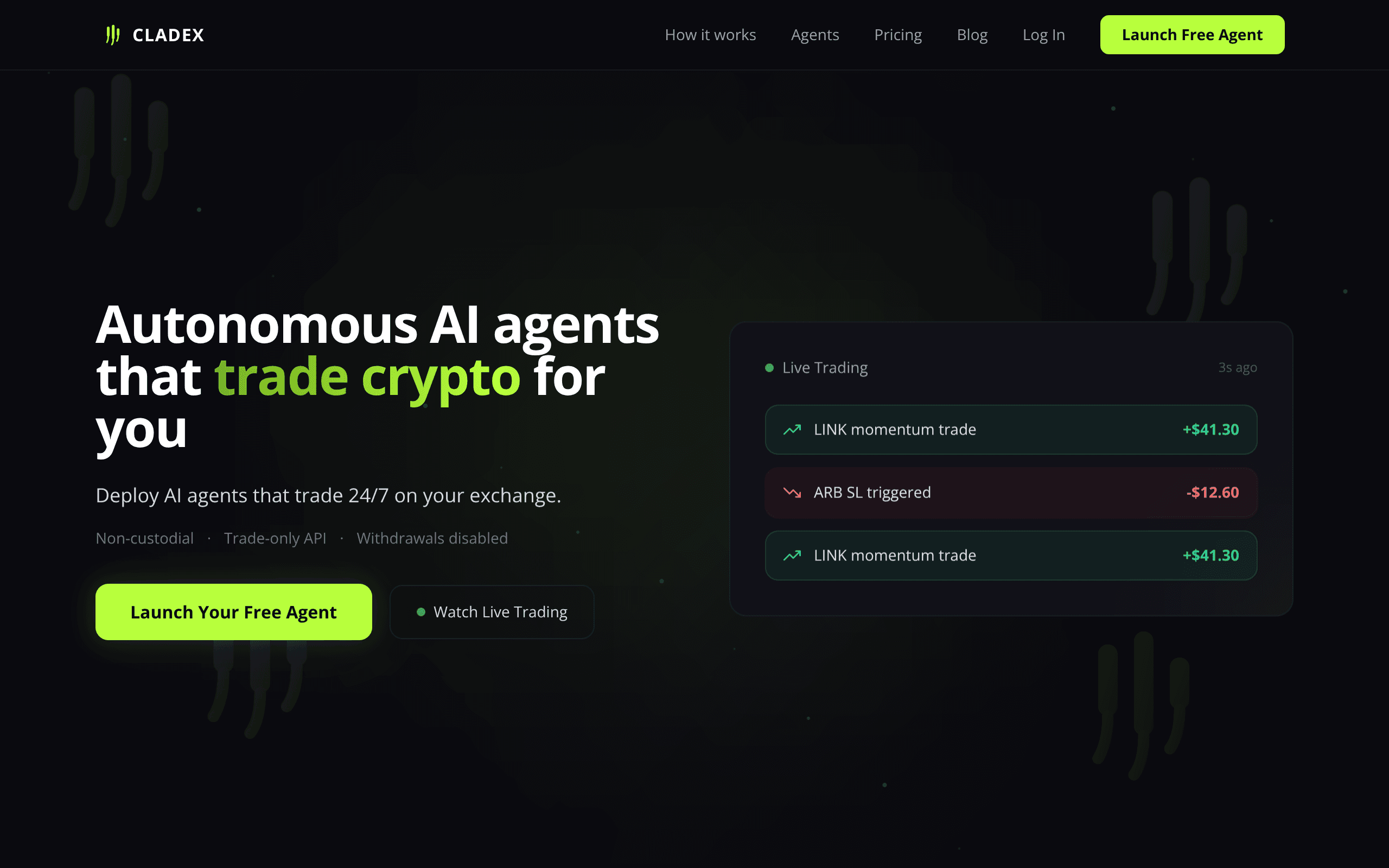
Cladex is an autonomous AI crypto-trading product that provides agents designed to trade cryptocurrency on a user?s behalf.
Search for skills. Download. Your agent calls internal APIs in 200ms instead of browser automation in 45 seconds.
This category maps AI agents, agentic products, and supporting tools focused on automation workflows. Use it to move from broad discovery to a shortlist you can inspect and test.
Listings use community votes and recency to aid discovery. Sponsored cards are labelled separately and do not change that order. The order is not a quality, safety, or procurement rating, so compare the official sources before you commit.
A strong automation listing should make its role and workflow boundary clear. Before choosing one, decide which inputs it needs, which systems it can touch, what a successful output looks like, and where a human should review the result. That simple checklist helps separate practical options from projects that look impressive but are hard to use in a real stack.
Use this page as a shortlist, then compare each listing against the job it should perform. The right automation option should make its value and operating boundary understandable. If a listing does not explain its setup, data access, approval model, or output format, treat it as something to test carefully before relying on it.
| Question | Why it matters | Good sign |
|---|---|---|
| What automation task does it own? | Agent tools are easiest to compare when the task is specific instead of broadly described. | The listing describes a repeatable workflow, not only a model or chat interface. |
| Which systems can it access? | Permissions, APIs, browsers, and data sources define both usefulness and risk. | The tool explains connectors, credentials, and human approval points. |
| How are results reviewed? | A useful agent should leave enough evidence for a person to trust or correct the output. | Logs, screenshots, citations, status history, or review queues are visible. |
| Can it recover from failure? | Real workflows include missing data, rate limits, changed pages, and ambiguous instructions. | The tool exposes retries, alerts, fallbacks, or clear handoff behavior. |
Start here when your team already knows the automation job it wants to improve and needs a shortlist of tools to compare. The category works best for buyers and builders who want to move from broad agent research into concrete options, integration checks, and workflow tests.
Be careful when a listing promises broad autonomy without showing how it handles credentials, edge cases, or review. For important automation workflows, run a small test with low-risk data before connecting sensitive accounts or letting an agent take irreversible actions.
Browse the full AI agent directory or submit a project for review.
Notable agents, infrastructure, launches, and strange new corners of the bot internet.
Unsubscribe at any time. We hate spam too.