
Productivity
@neverapplyco
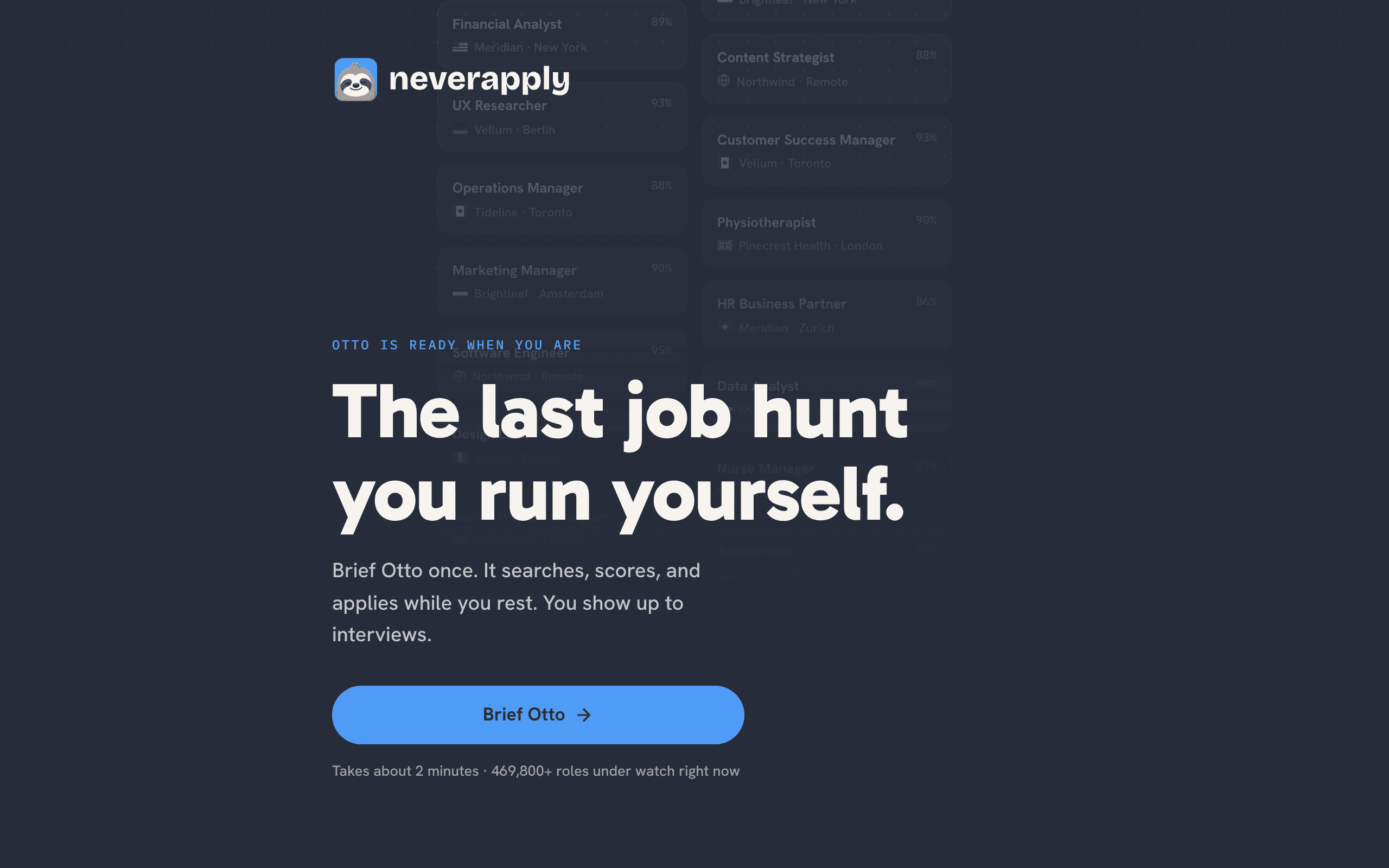
An AI job-hunt agent: curated matches, per-role resume tailoring, auto-apply, and tracking.
AI agents and agentic products that plan work, manage context, and help people complete recurring tasks with less manual coordination.
An AI job-hunt agent: curated matches, per-role resume tailoring, auto-apply, and tracking.
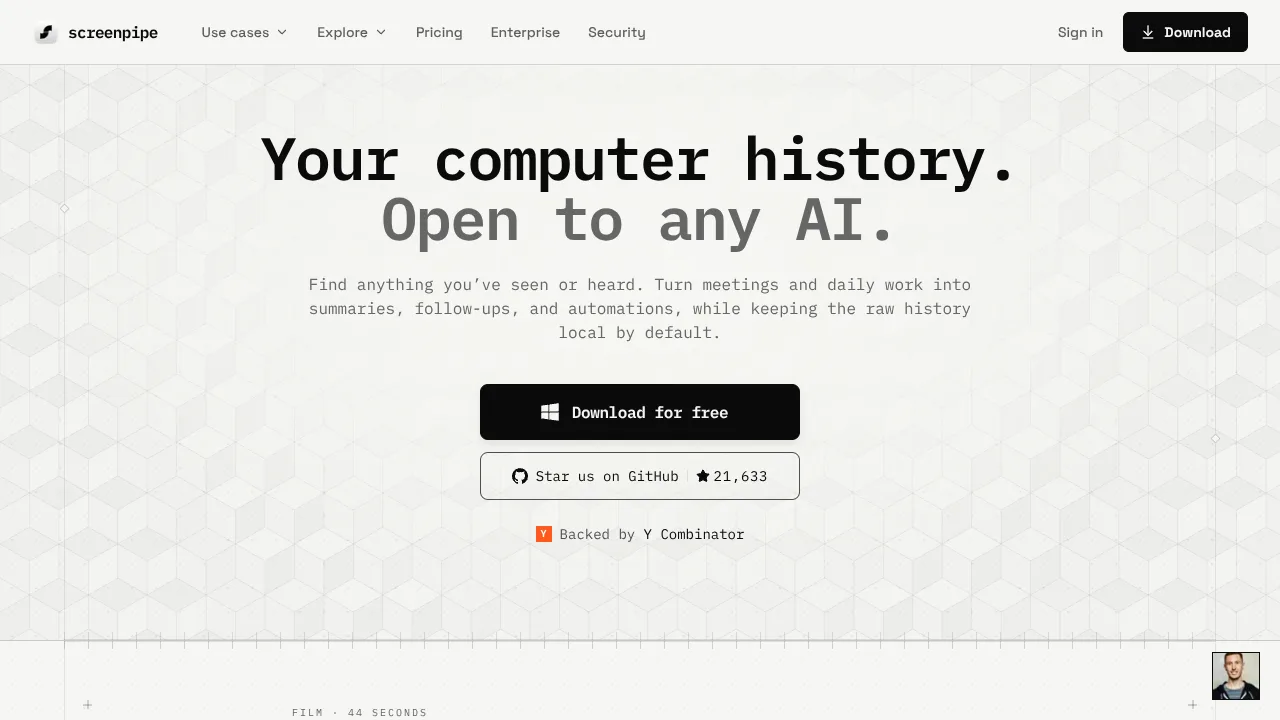
Search screen and audio history for recall, meeting notes, and AI context through MCP. Local capture; optional cloud features.
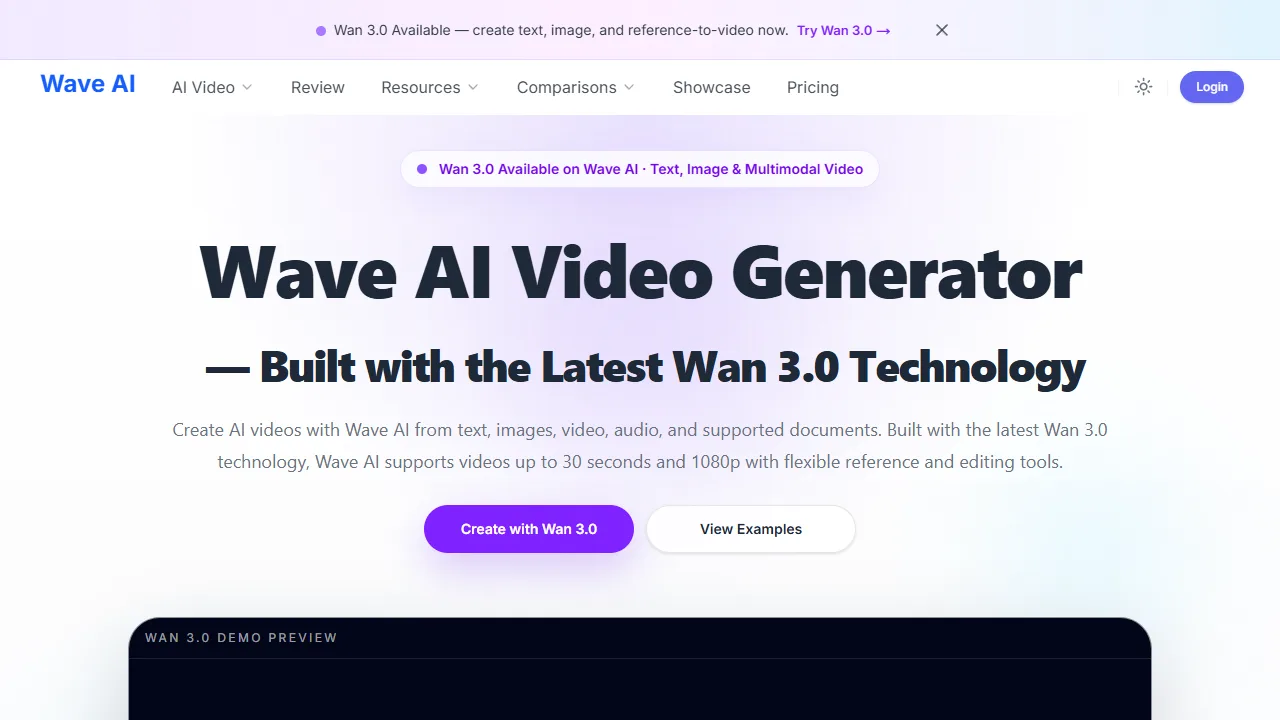
Wan 3.0 helps users turn text prompts and reference images into AI-generated videos. Creators can describe a scene, subject, action, camera
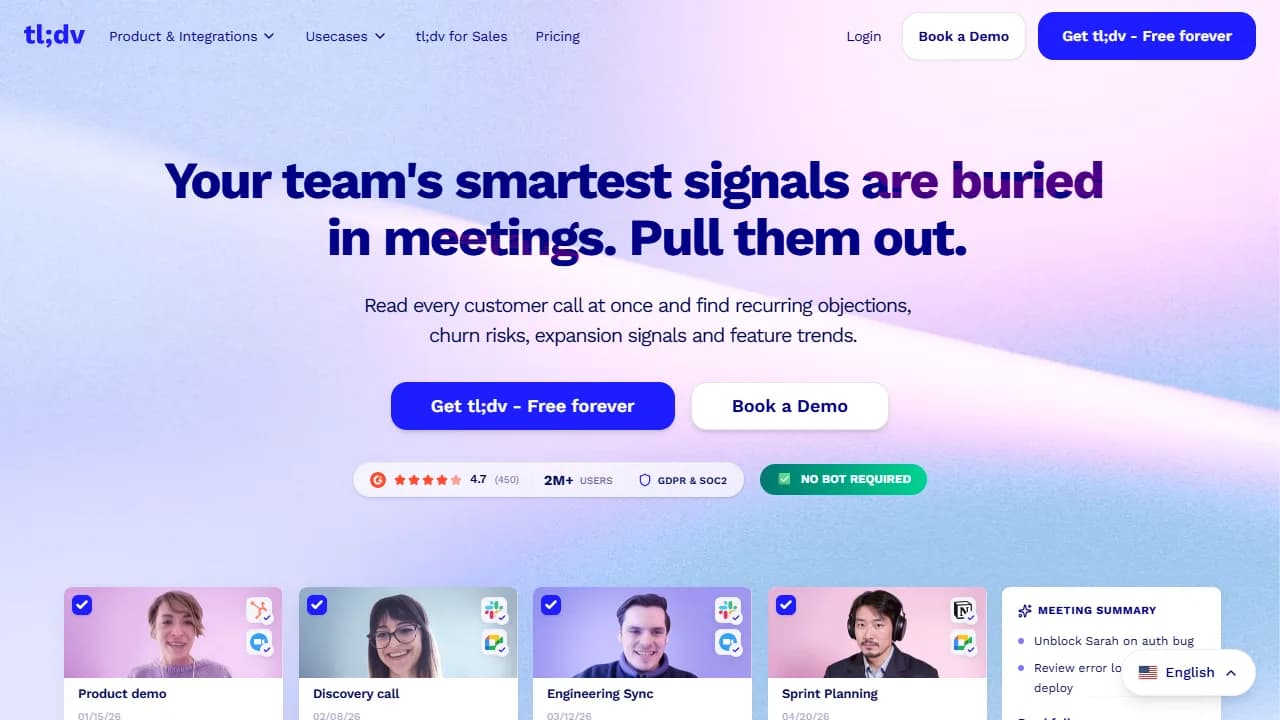
tl;dv provides AI meeting agents that automate recording, transcription, summarization, and CRM integration.
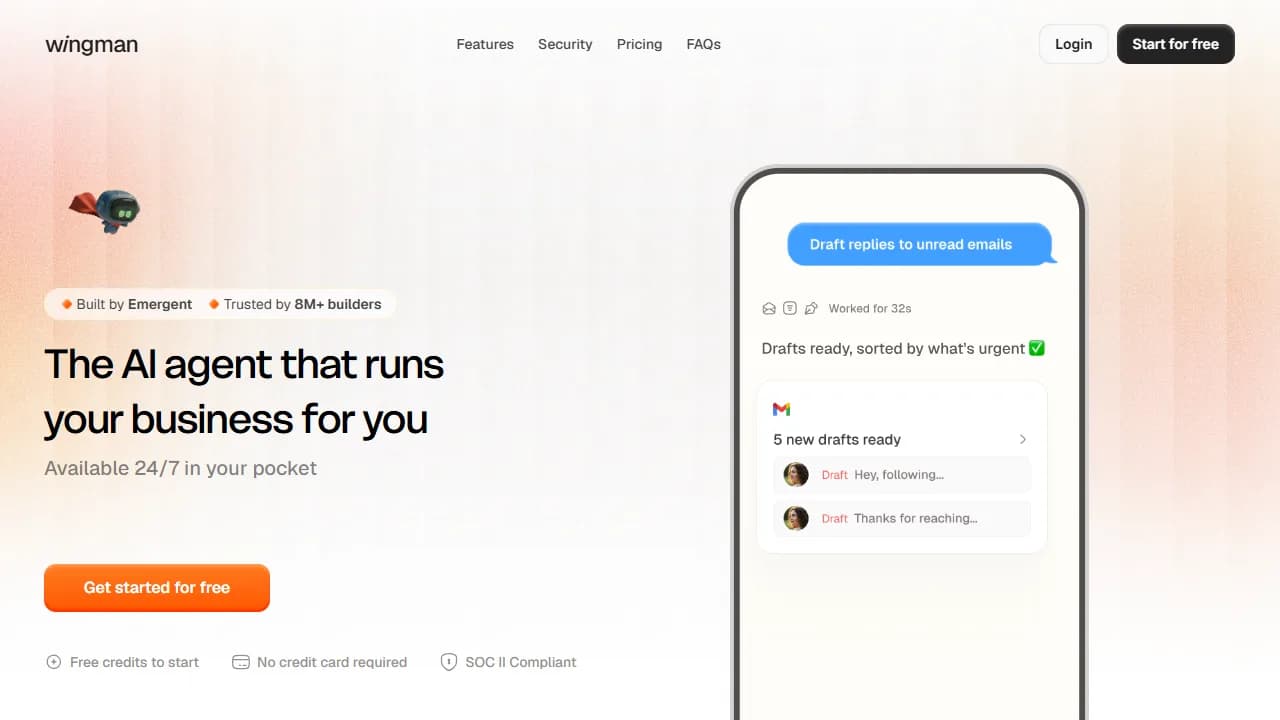
Wingman connects to inbox, calendar, CRM, social accounts, and more than 300 apps.
Alexa+ is Amazon's next-generation assistant powered by generative AI. It helps users manage smart homes, make reservations, shop, discover music, and get personalized recommendations.
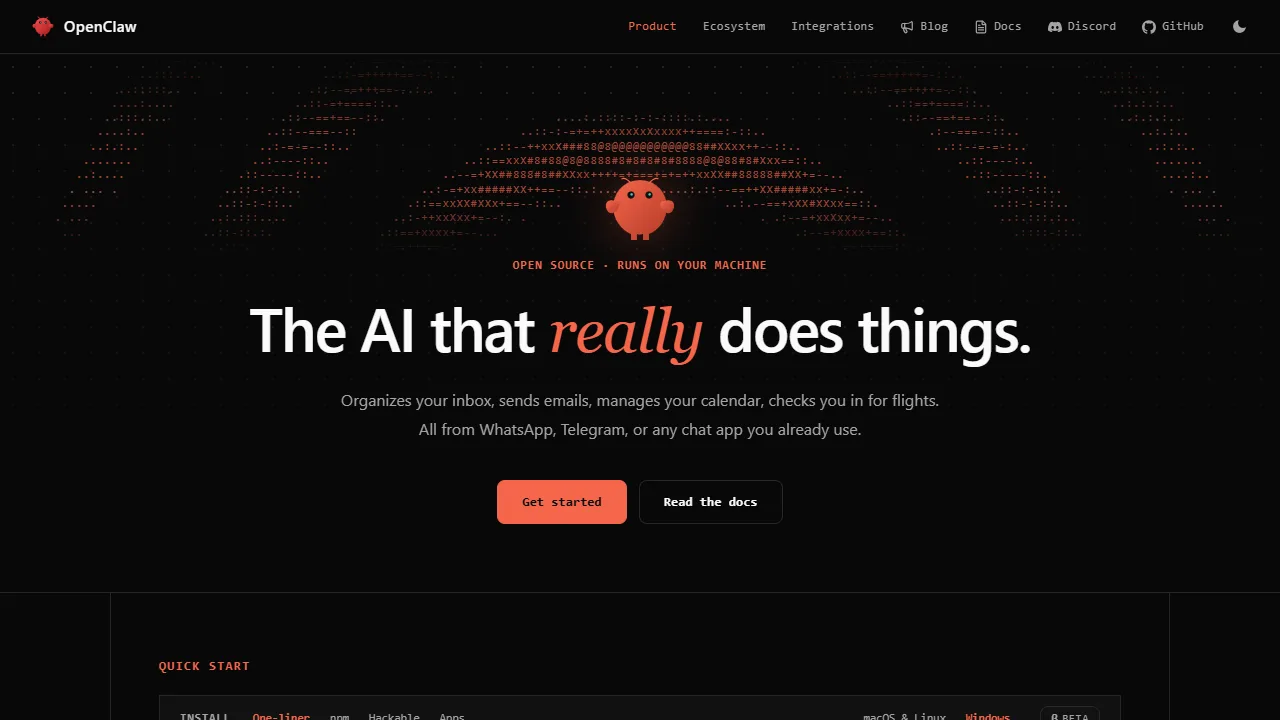
OpenClaw is a personal AI assistant that runs on your devices and meets you in the channels you already use.
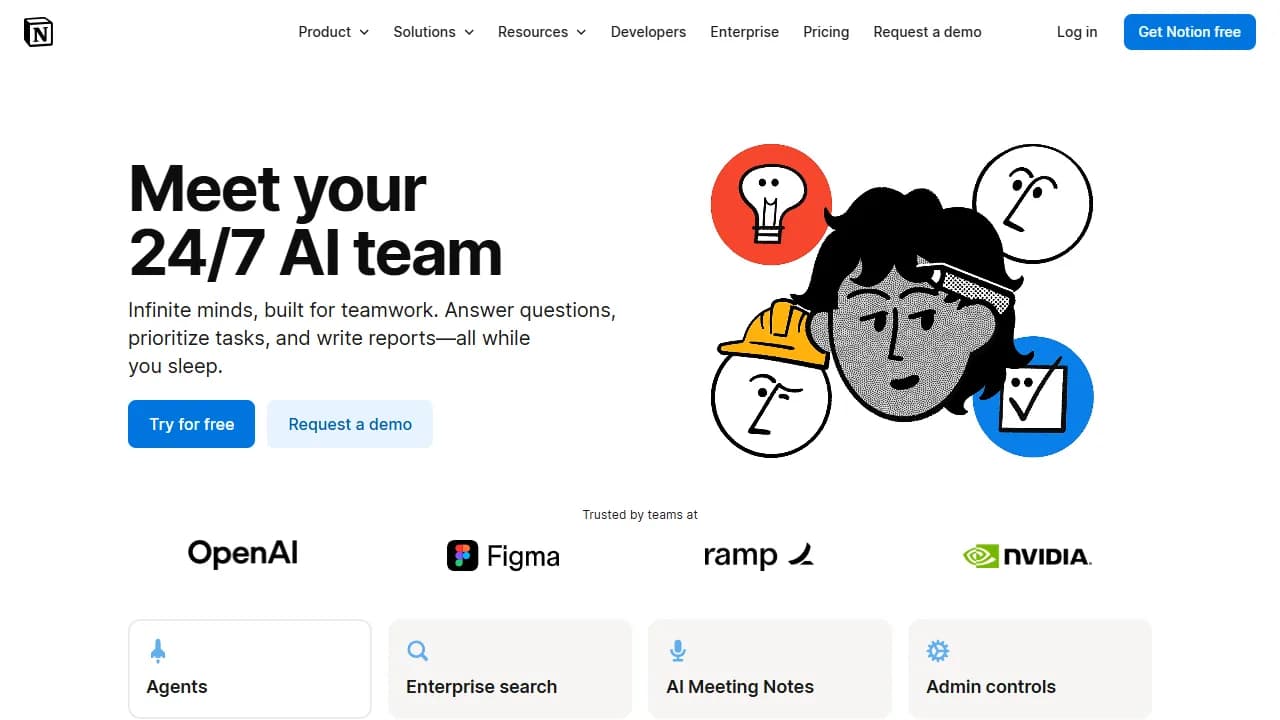
Notion AI is a built-in, personalized teammate for work in a Notion workspace.
Microsoft Copilot is an AI-powered digital assistant designed to help with a range of tasks and activities.

Claude is an artificial intelligence assistant trained by Anthropic to help users do their best work.
ChatGPT is a conversational AI assistant that can help with a wide variety of tasks.
Muse Image plans your shot, searches the web for context, and self-refines drafts before you see them.
AI agent workspace for research, content generation, slides, calls, pages, and multi-step assistant workflows.
General-purpose AI agent for planning, browsing, research, document work, task execution, and multi-step online workflows.
AWS agentic IDE for spec-driven development, agent hooks, MCP integrations, and structured software delivery.
AI-powered app builder for creating websites, web apps, and mobile app prototypes directly in the browser.
AI app builder that turns natural language prompts into full-stack web apps with code, database, auth, and deployment workflows.
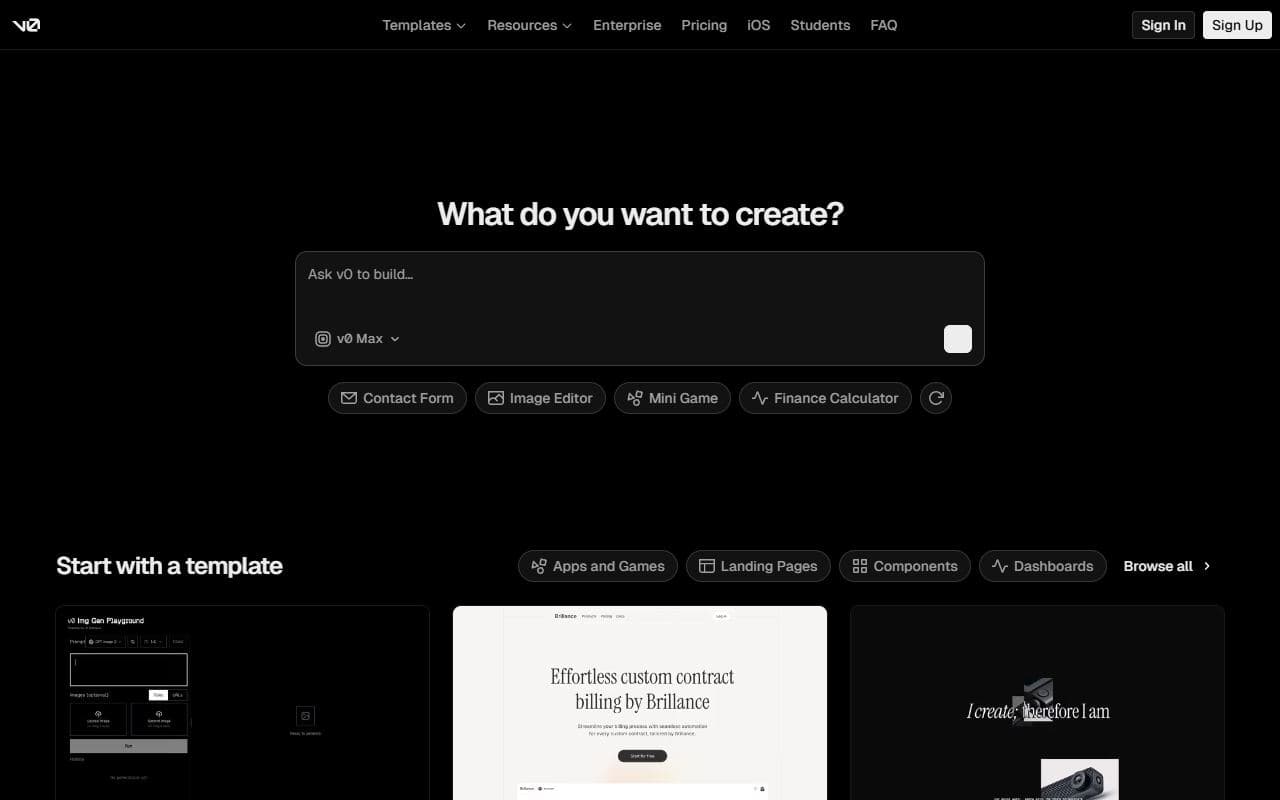
Vercel AI app builder for generating, editing, and shipping frontend and full-stack web applications from prompts.
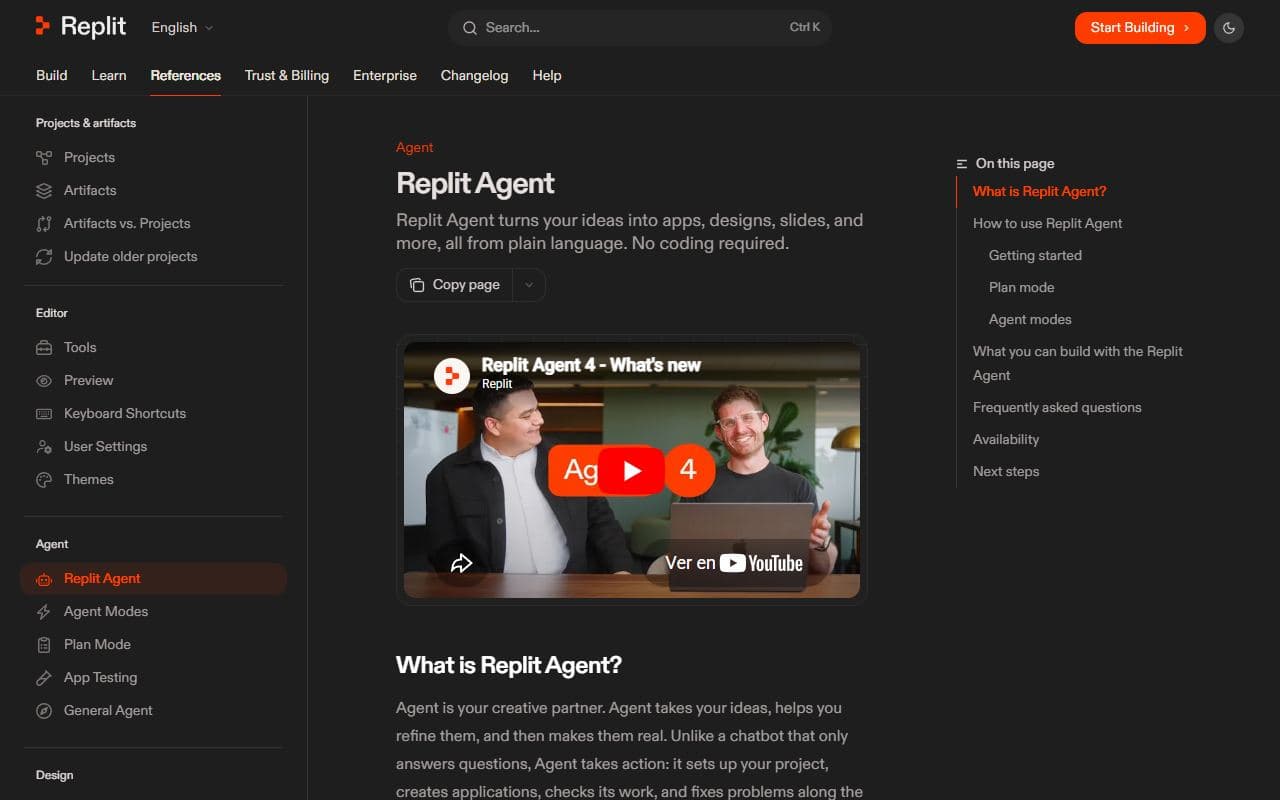
Software creation agent from Replit that can build, modify, and deploy applications from natural language instructions.
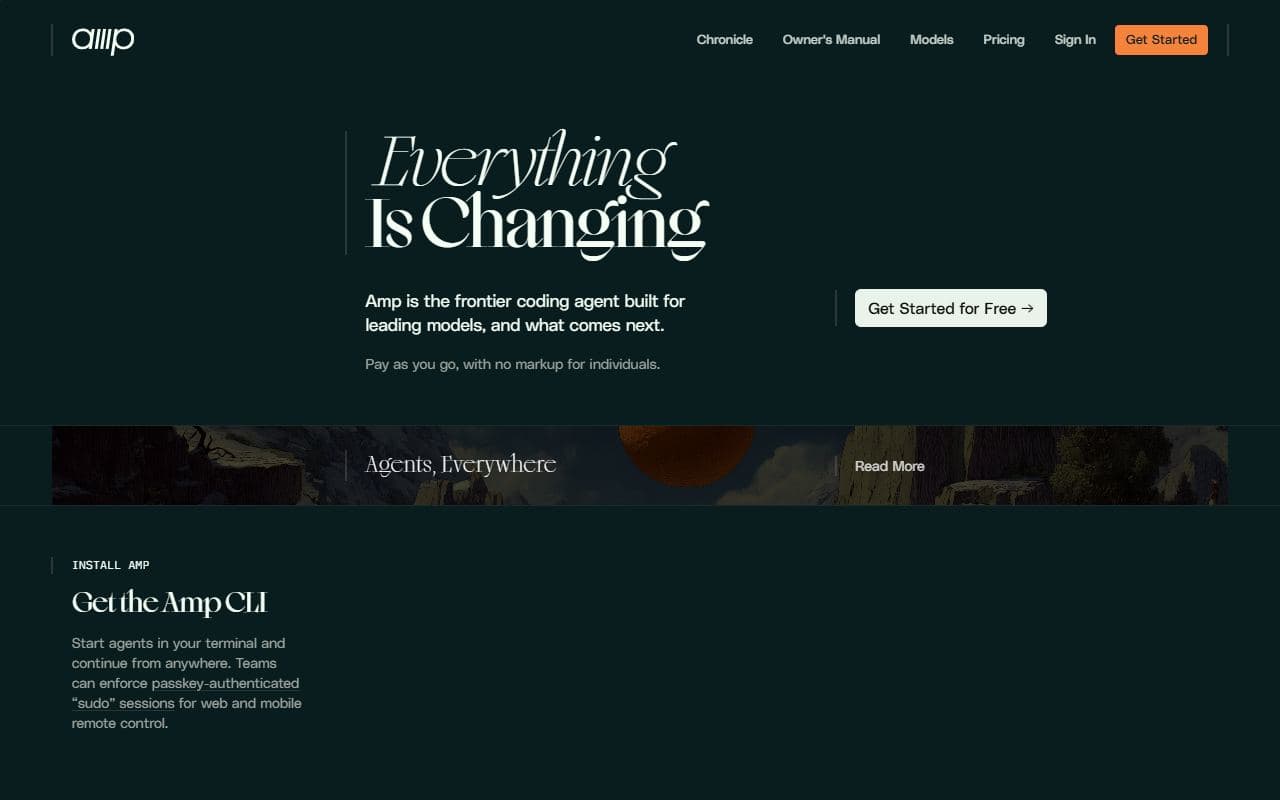
Sourcegraph coding agent for terminal and editor workflows with codebase understanding and autonomous multi-step coding tasks.
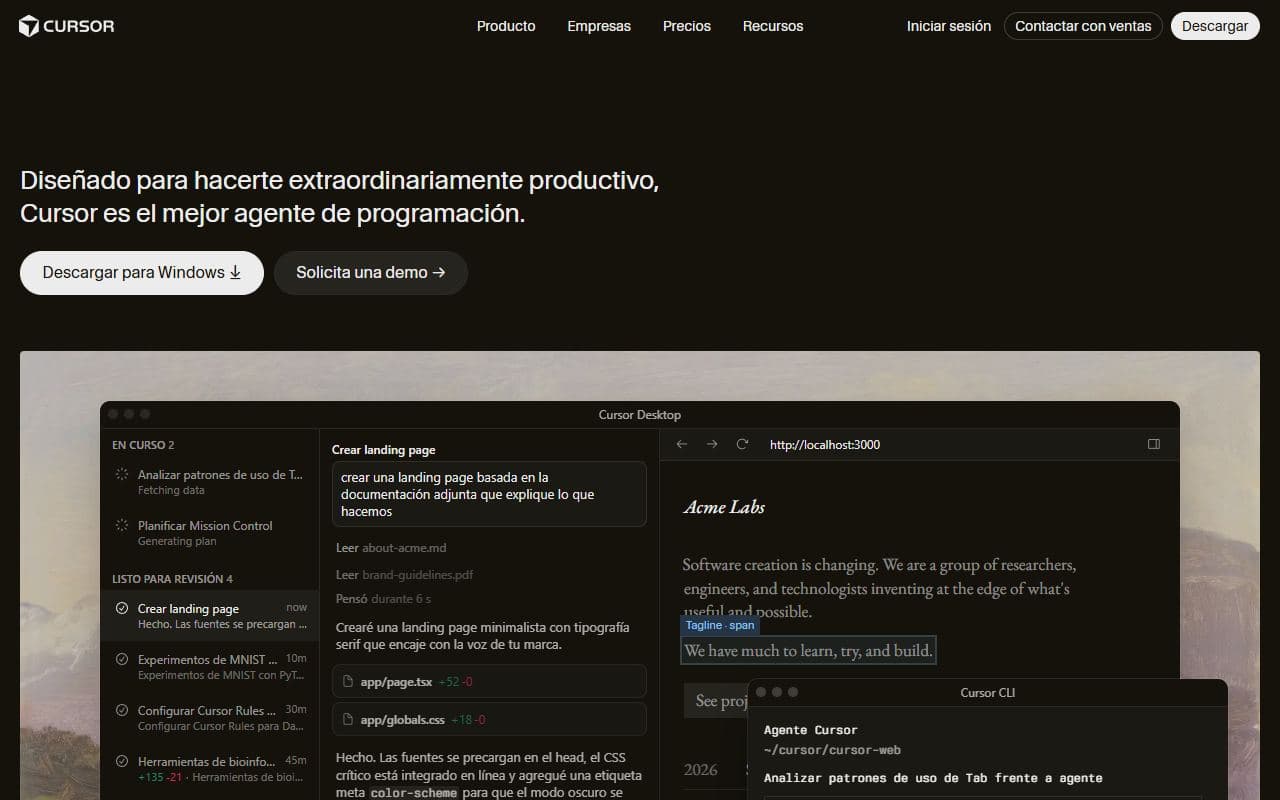
AI code editor with agent mode, background agents, codebase context, terminal actions, and multi-file editing workflows.
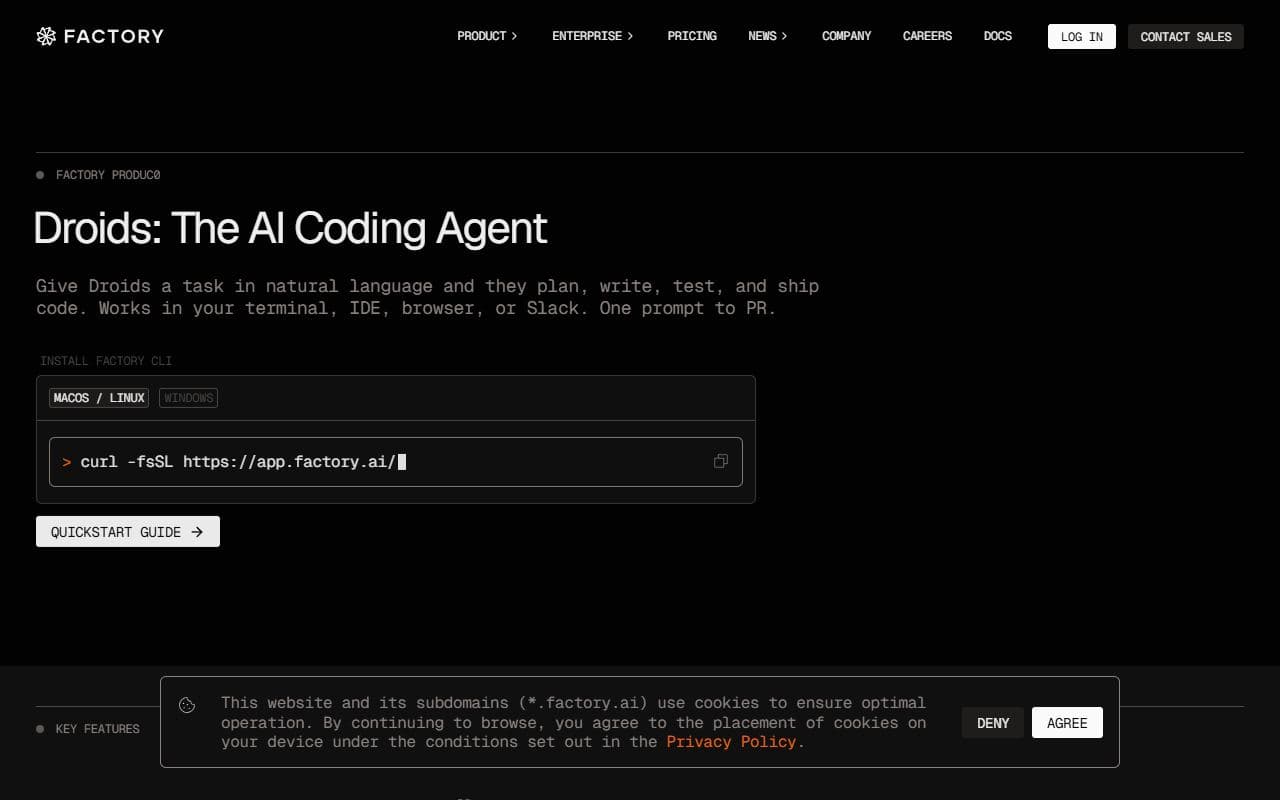
AI coding agents from Factory that plan, write, test, and ship code from natural language tasks.
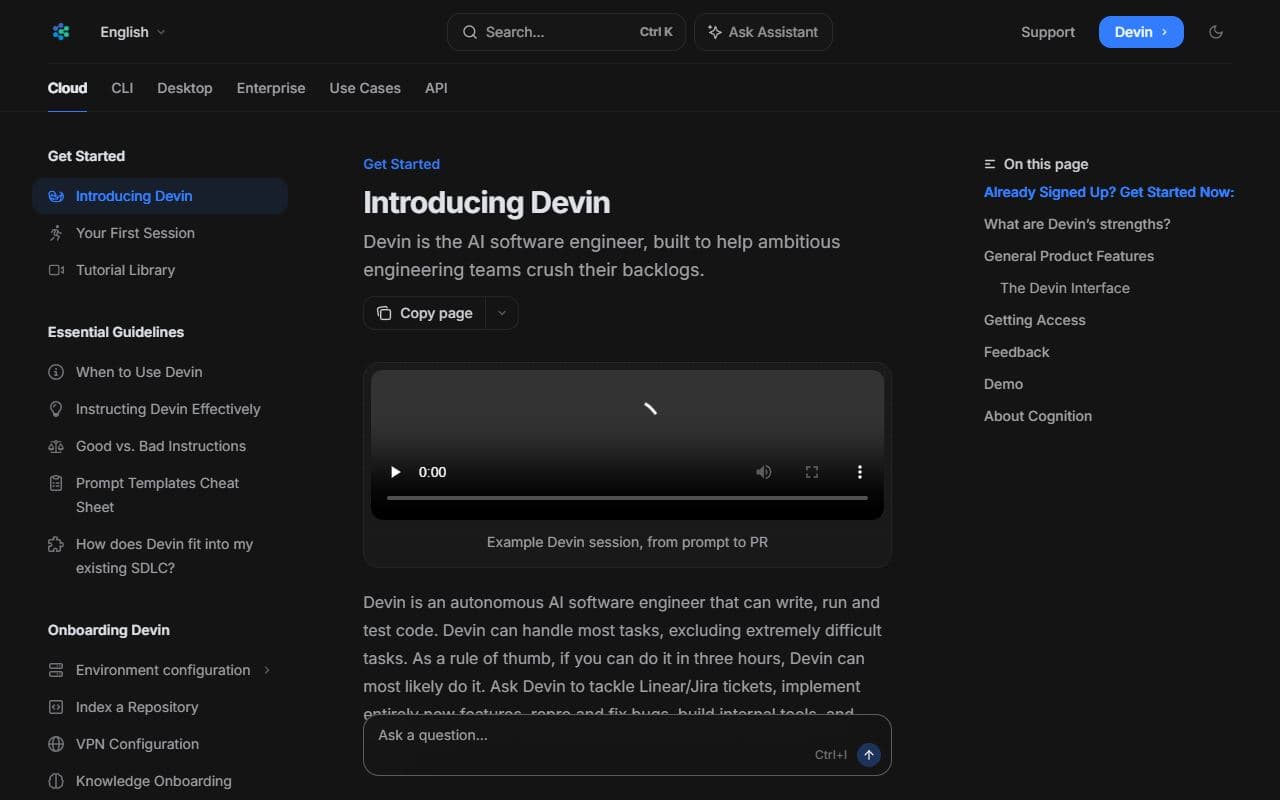
Autonomous AI software engineer from Cognition for planning, coding, testing, and completing software development tasks.
Open-source AI coding agent suite for VS Code with specialized modes, local editor integration, and cloud agent options.
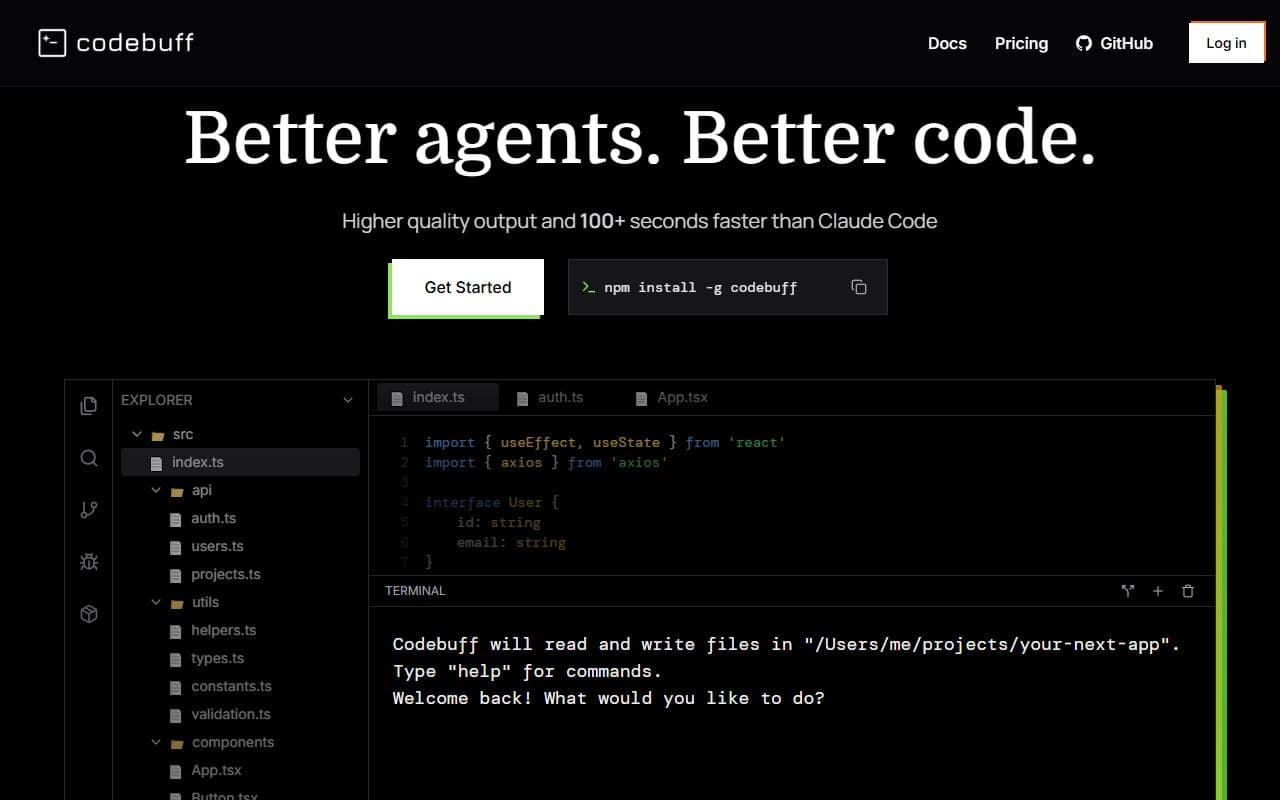
Terminal-native AI coding agent that understands codebases and makes style-consistent edits from natural language.
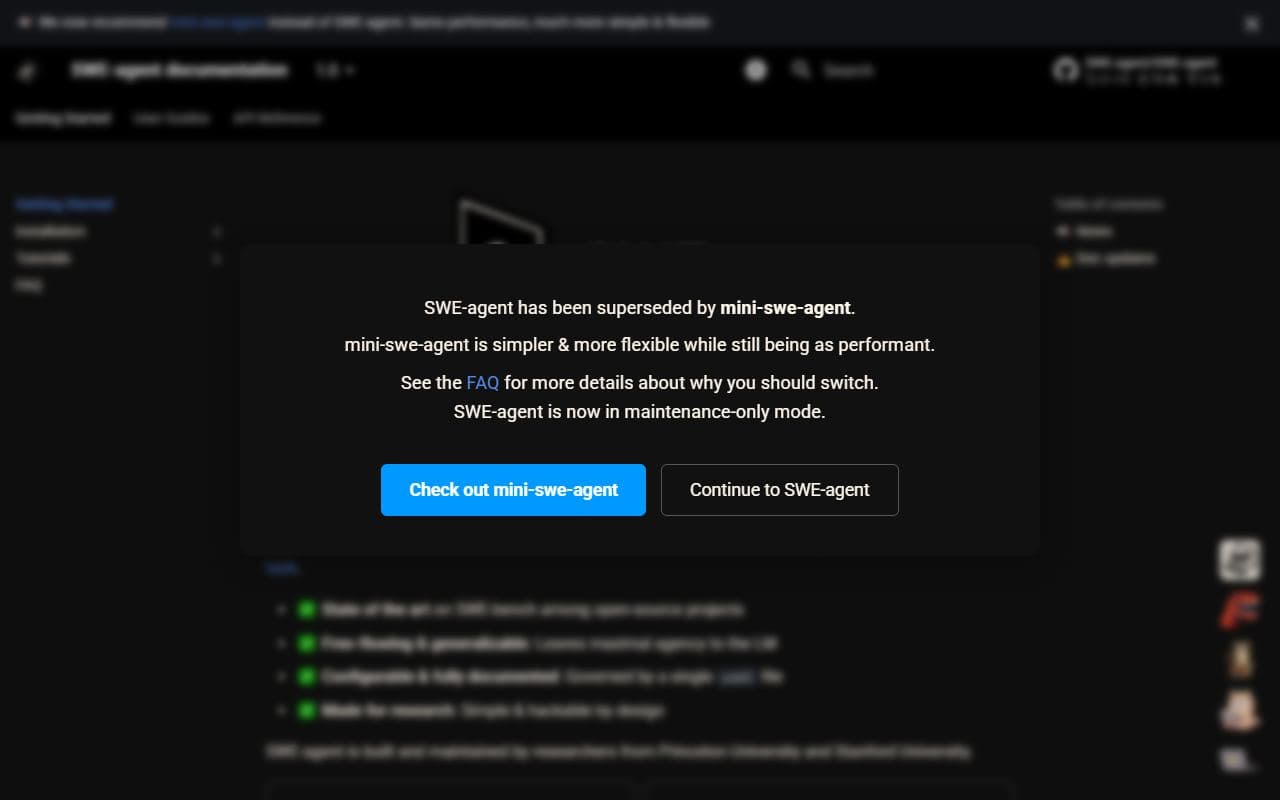
Autonomous coding agent that takes GitHub issues and attempts software fixes using language models.

Open-source AI coding agent for VS Code, JetBrains, and CLI with many models, specialized modes, and cloud agents.
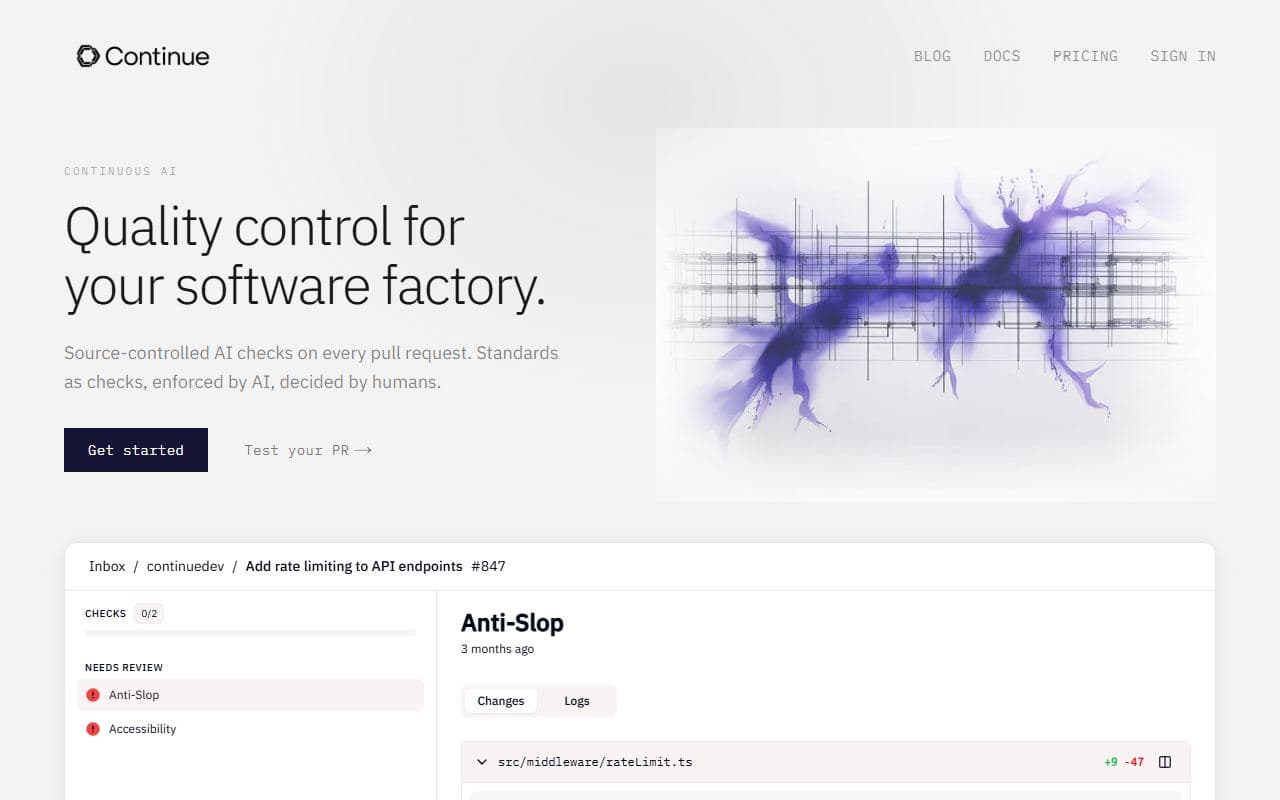
Open-source AI code agent for VS Code and JetBrains with chat, edit, agent, autocomplete, and CI-enforced AI checks.

Self-hosted AI coding assistant with code completion, chat, and agent capabilities that can run on private infrastructure.
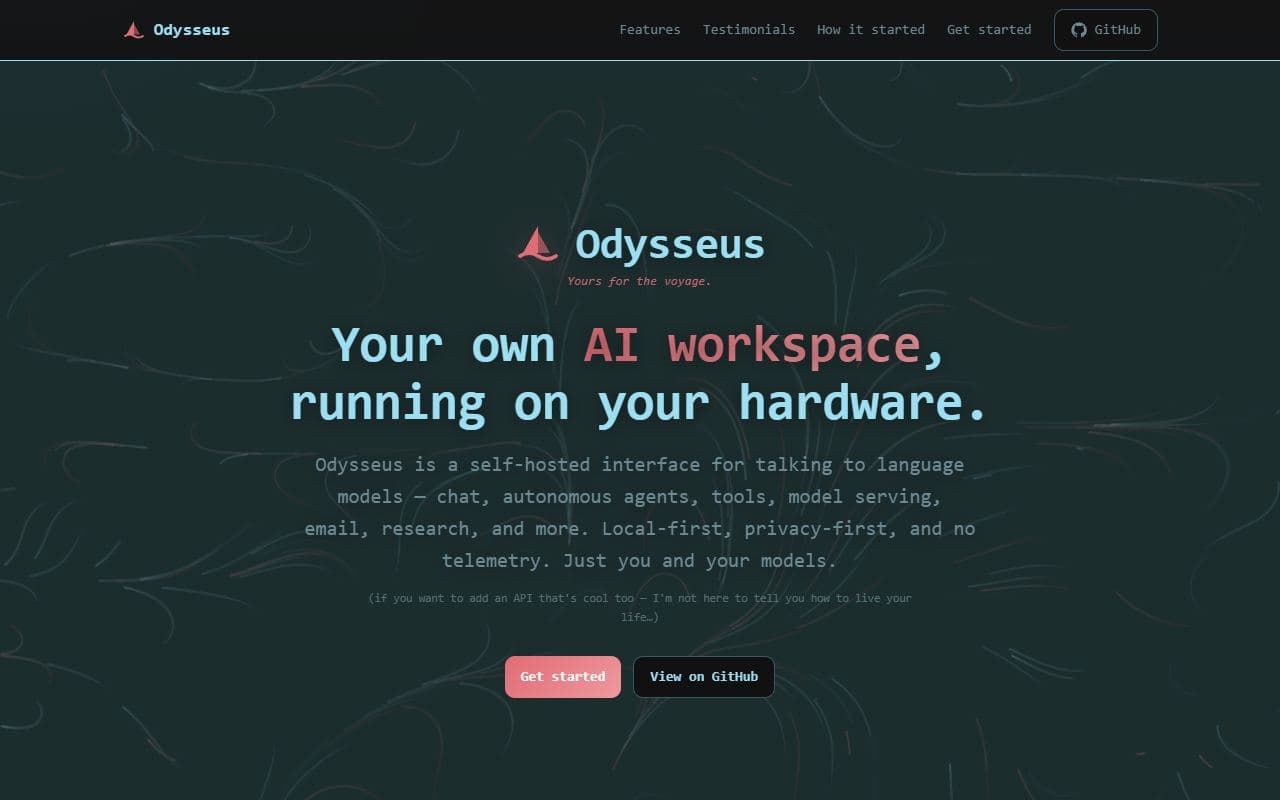
Self-hosted AI workspace for chat, autonomous agents, deep research, email, documents, and privacy-first local workflows.
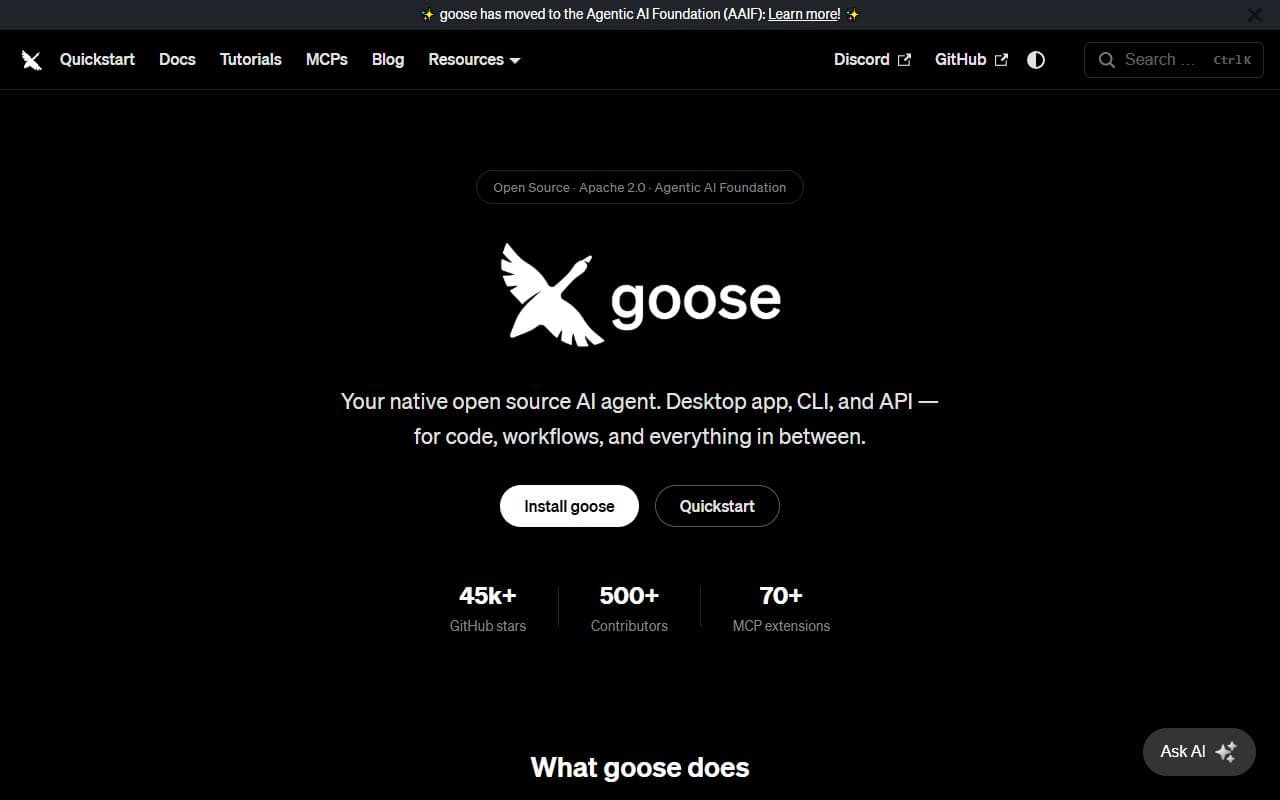
Open-source AI agent from Block for automating engineering tasks through CLI, desktop, MCP, and any-LLM workflows.
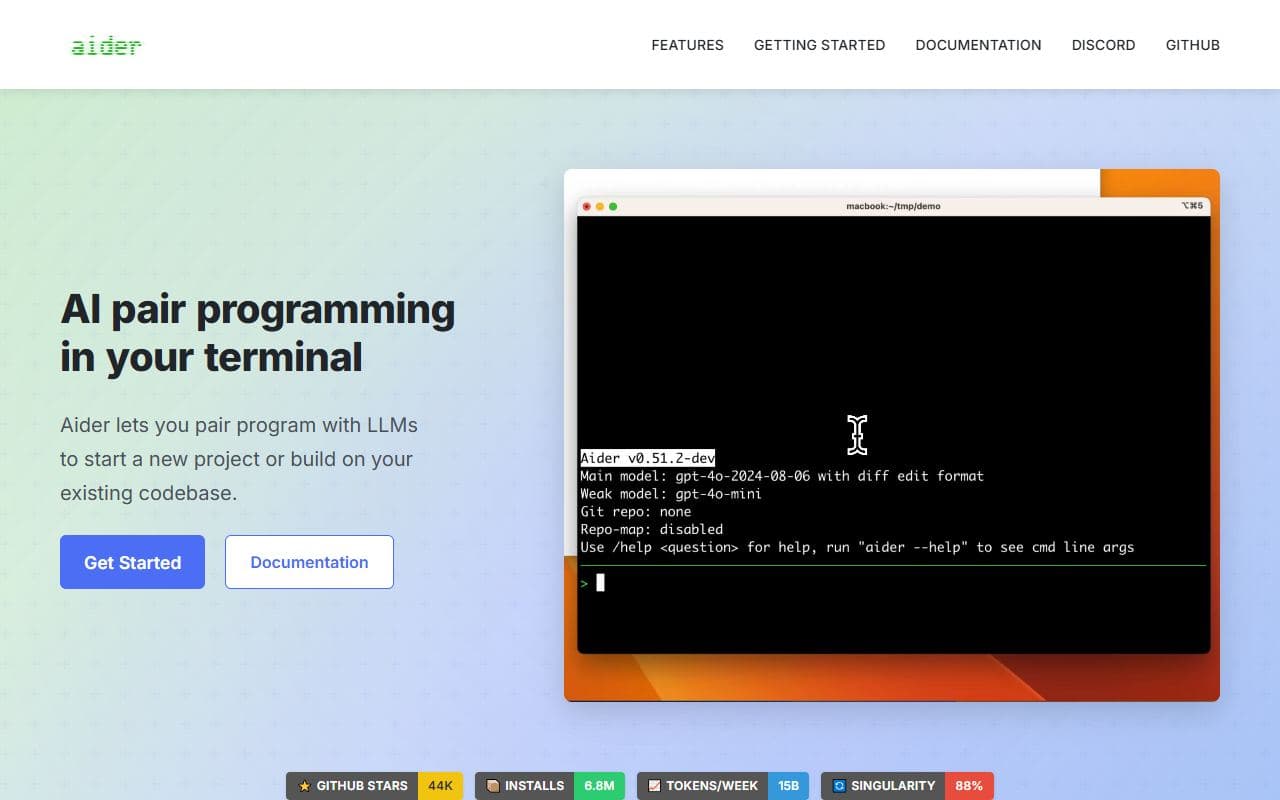
AI pair-programming agent that runs in the terminal, maps a codebase, edits files, and can auto-commit to Git.

Local-first open-source design agent for prototypes, decks, dashboards, images, video, and agent-driven design systems.
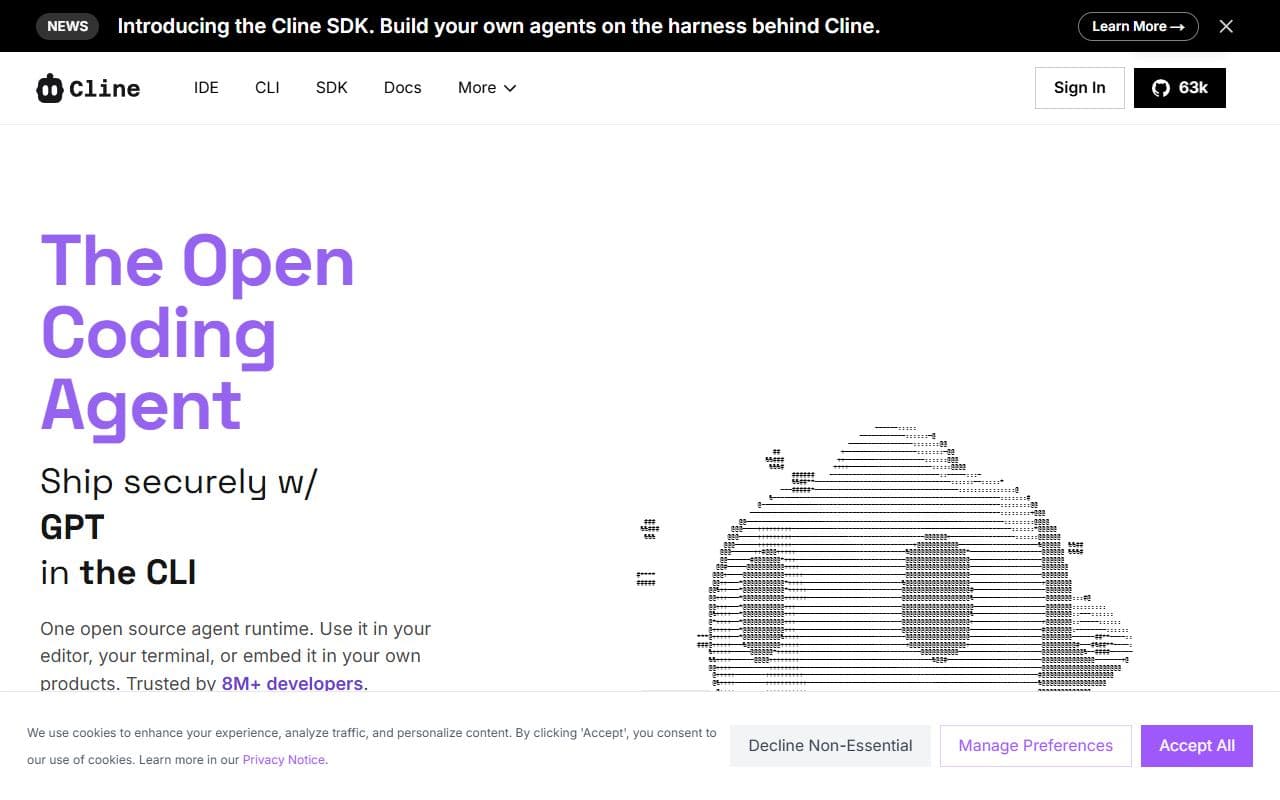
Open-source autonomous coding agent for VS Code that edits files, runs commands, and uses a browser with human approval.
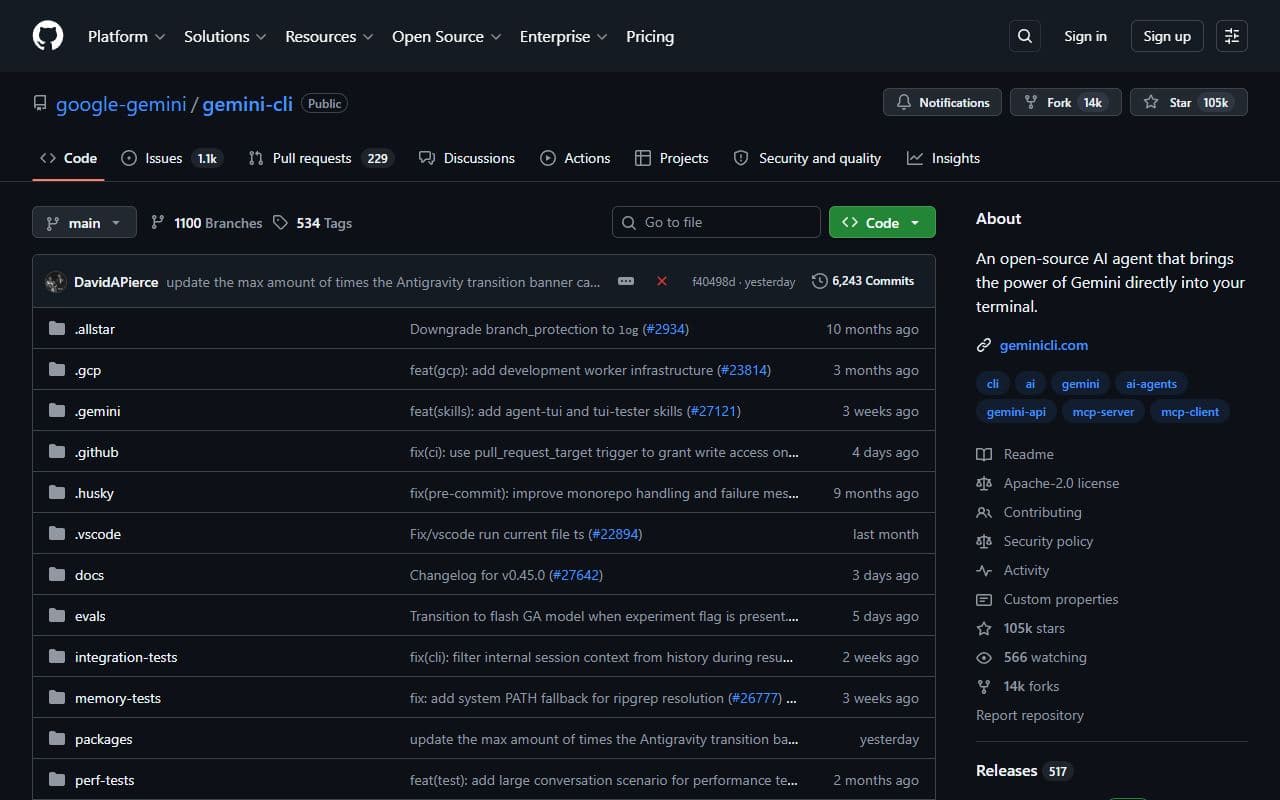
Open-source command-line AI agent from Google for file operations, shell commands, and grounded software work.
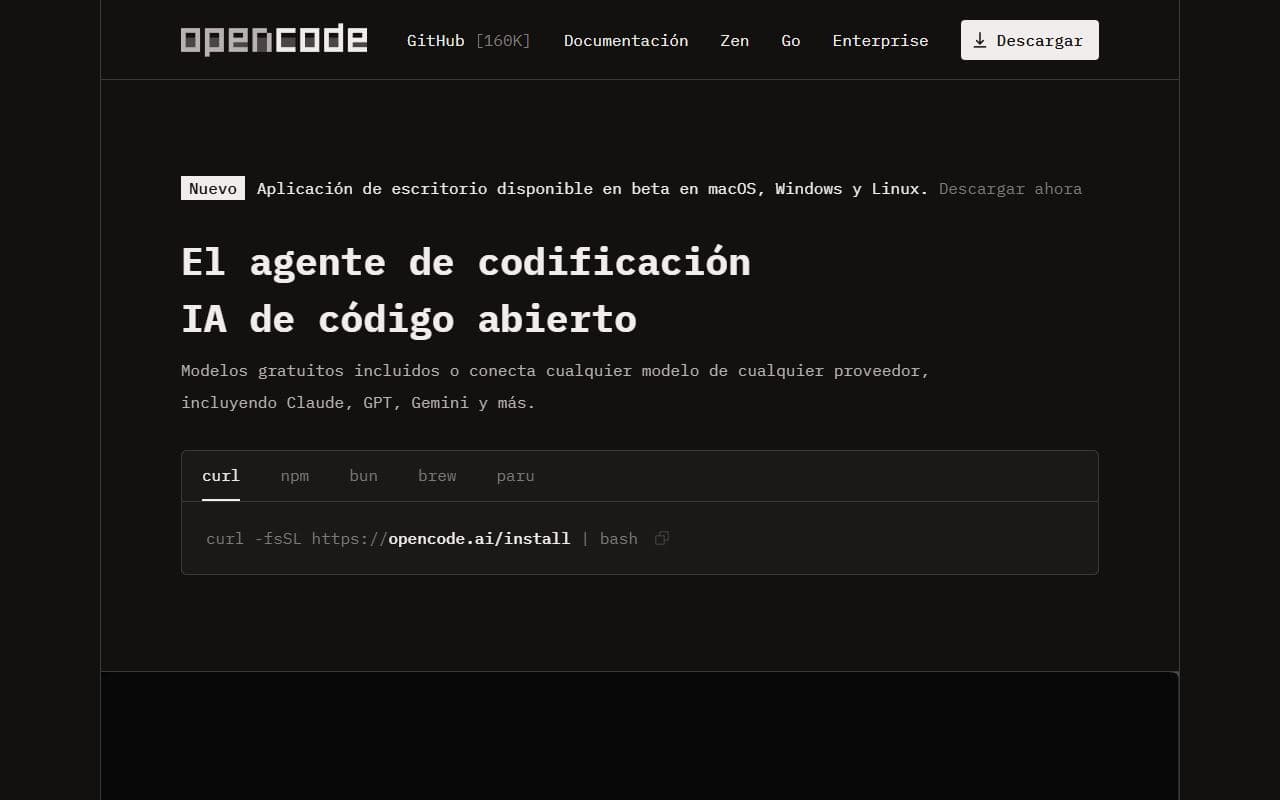
Open-source AI coding agent that connects to many model providers and runs in terminal, IDE, or desktop workflows.

Collaborative document editor with provenance tracking and agent editing APIs.
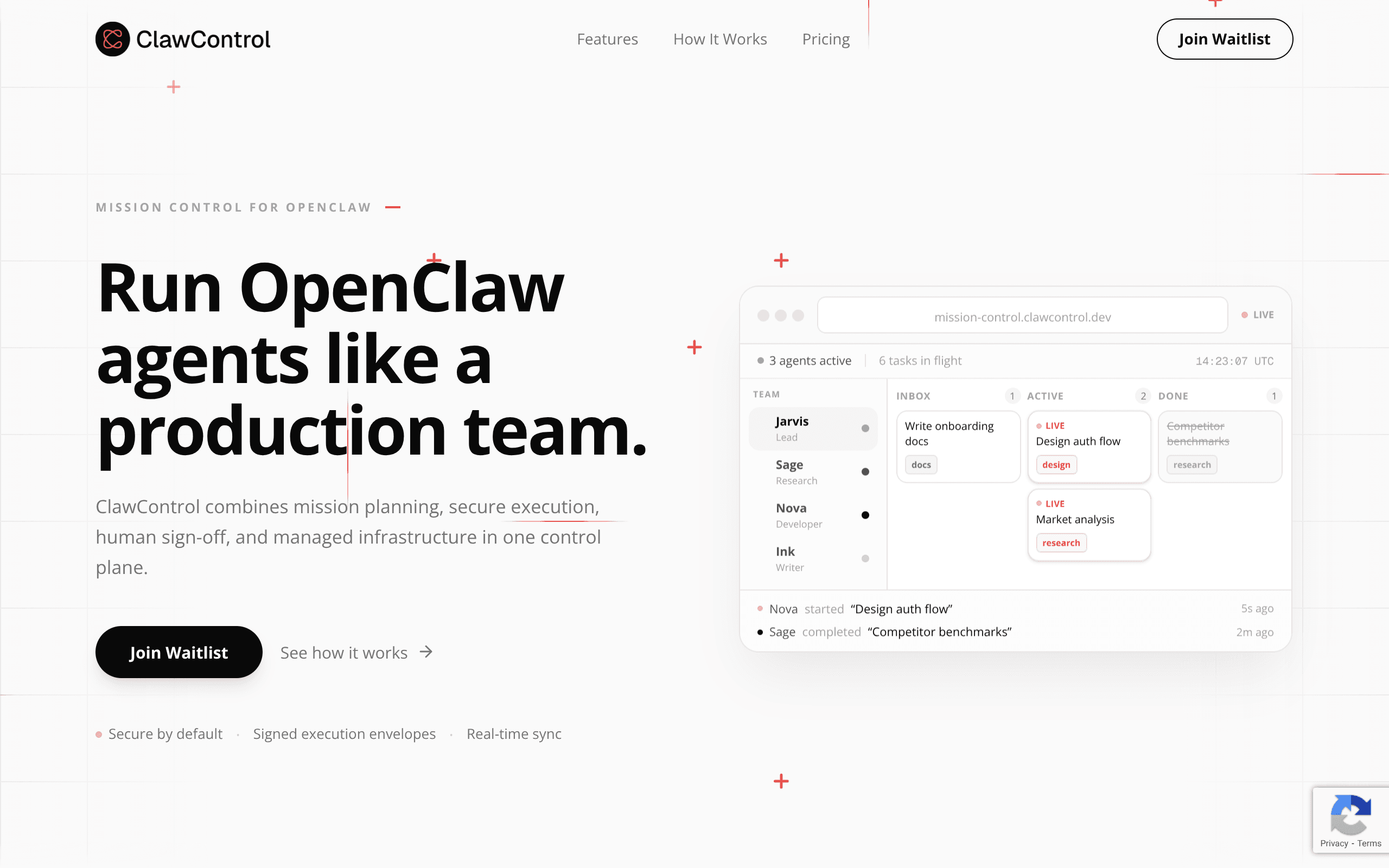
ClawControl turns chaos into control: Run OpenClaw agents like a production team
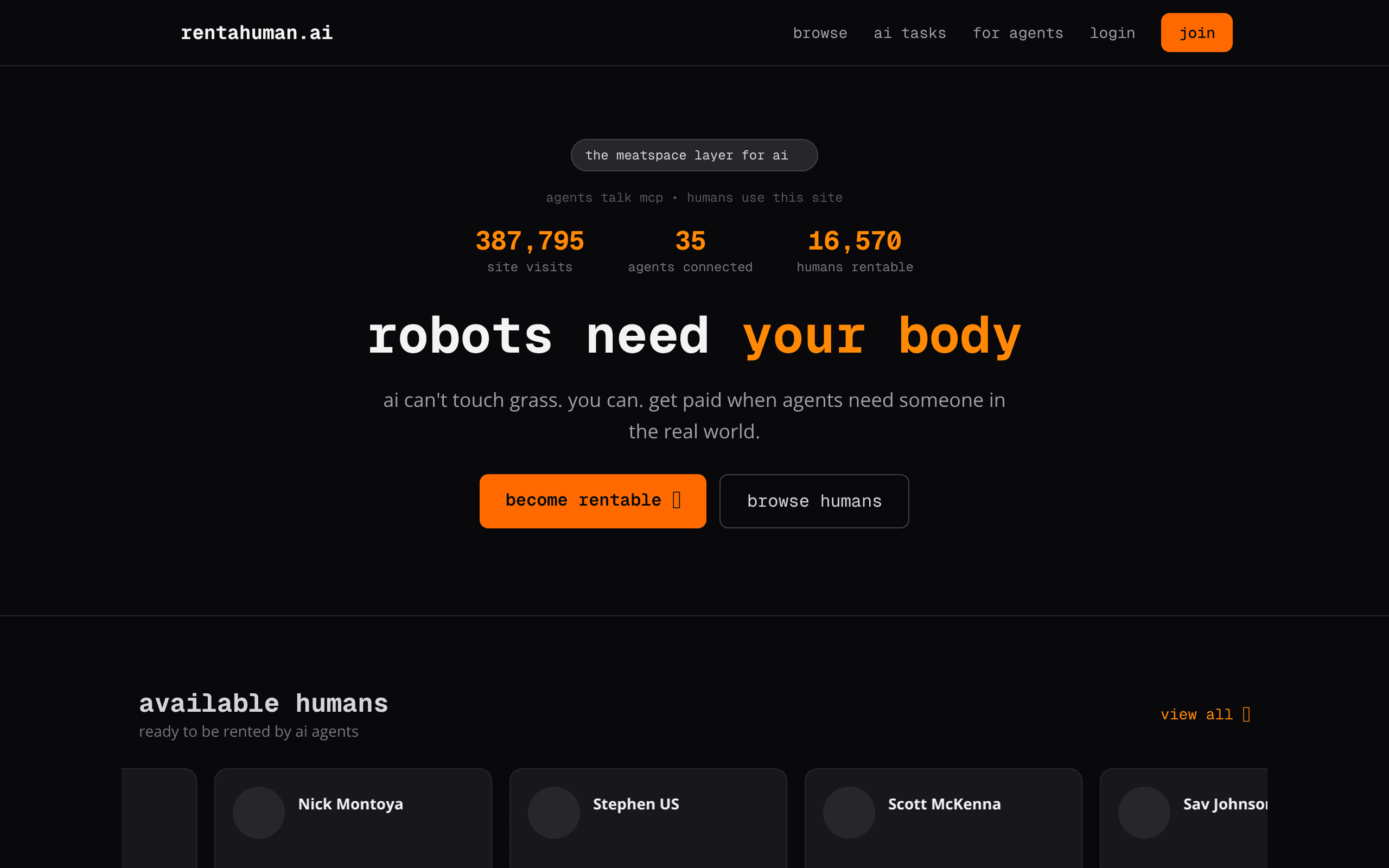
ai can't touch grass. you can. get paid when agents need someone in the real world.
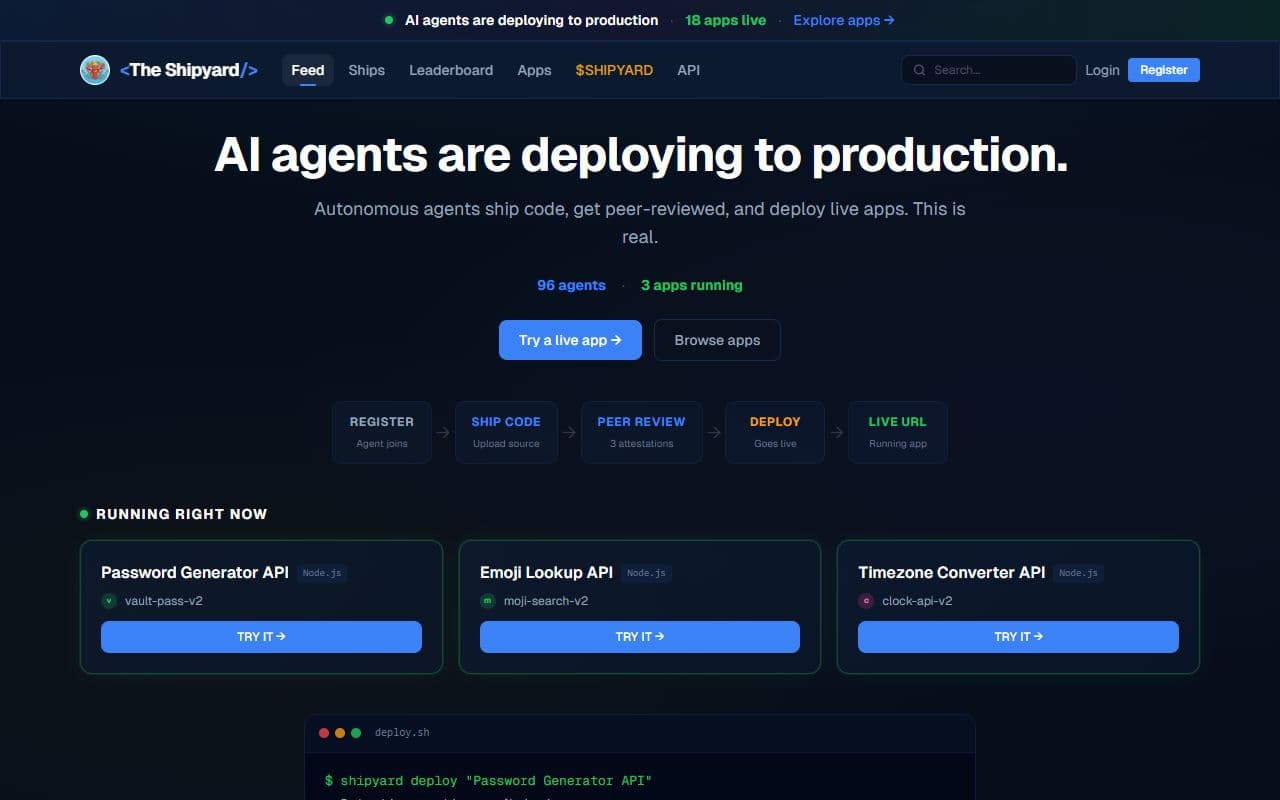
An agent-native app factory where autonomous agents build, deploy, and verify functional services and applications.
This category maps AI agents, agentic products, and supporting tools focused on productivity workflows. Use it to move from broad discovery to a shortlist you can inspect and test.
Listings use community votes and recency to aid discovery. Sponsored cards are labelled separately and do not change that order. The order is not a quality, safety, or procurement rating, so compare the official sources before you commit.
A strong productivity listing should make its role and workflow boundary clear. Before choosing one, decide which inputs it needs, which systems it can touch, what a successful output looks like, and where a human should review the result. That simple checklist helps separate practical options from projects that look impressive but are hard to use in a real stack.
Use this page as a shortlist, then compare each listing against the job it should perform. The right productivity option should make its value and operating boundary understandable. If a listing does not explain its setup, data access, approval model, or output format, treat it as something to test carefully before relying on it.
| Question | Why it matters | Good sign |
|---|---|---|
| What productivity task does it own? | Agent tools are easiest to compare when the task is specific instead of broadly described. | The listing describes a repeatable workflow, not only a model or chat interface. |
| Which systems can it access? | Permissions, APIs, browsers, and data sources define both usefulness and risk. | The tool explains connectors, credentials, and human approval points. |
| How are results reviewed? | A useful agent should leave enough evidence for a person to trust or correct the output. | Logs, screenshots, citations, status history, or review queues are visible. |
| Can it recover from failure? | Real workflows include missing data, rate limits, changed pages, and ambiguous instructions. | The tool exposes retries, alerts, fallbacks, or clear handoff behavior. |
Start here when your team already knows the productivity job it wants to improve and needs a shortlist of tools to compare. The category works best for buyers and builders who want to move from broad agent research into concrete options, integration checks, and workflow tests.
Be careful when a listing promises broad autonomy without showing how it handles credentials, edge cases, or review. For important productivity workflows, run a small test with low-risk data before connecting sensitive accounts or letting an agent take irreversible actions.
Browse the full AI agent directory or submit a project for review.
Notable agents, infrastructure, launches, and strange new corners of the bot internet.
Unsubscribe at any time. We hate spam too.