
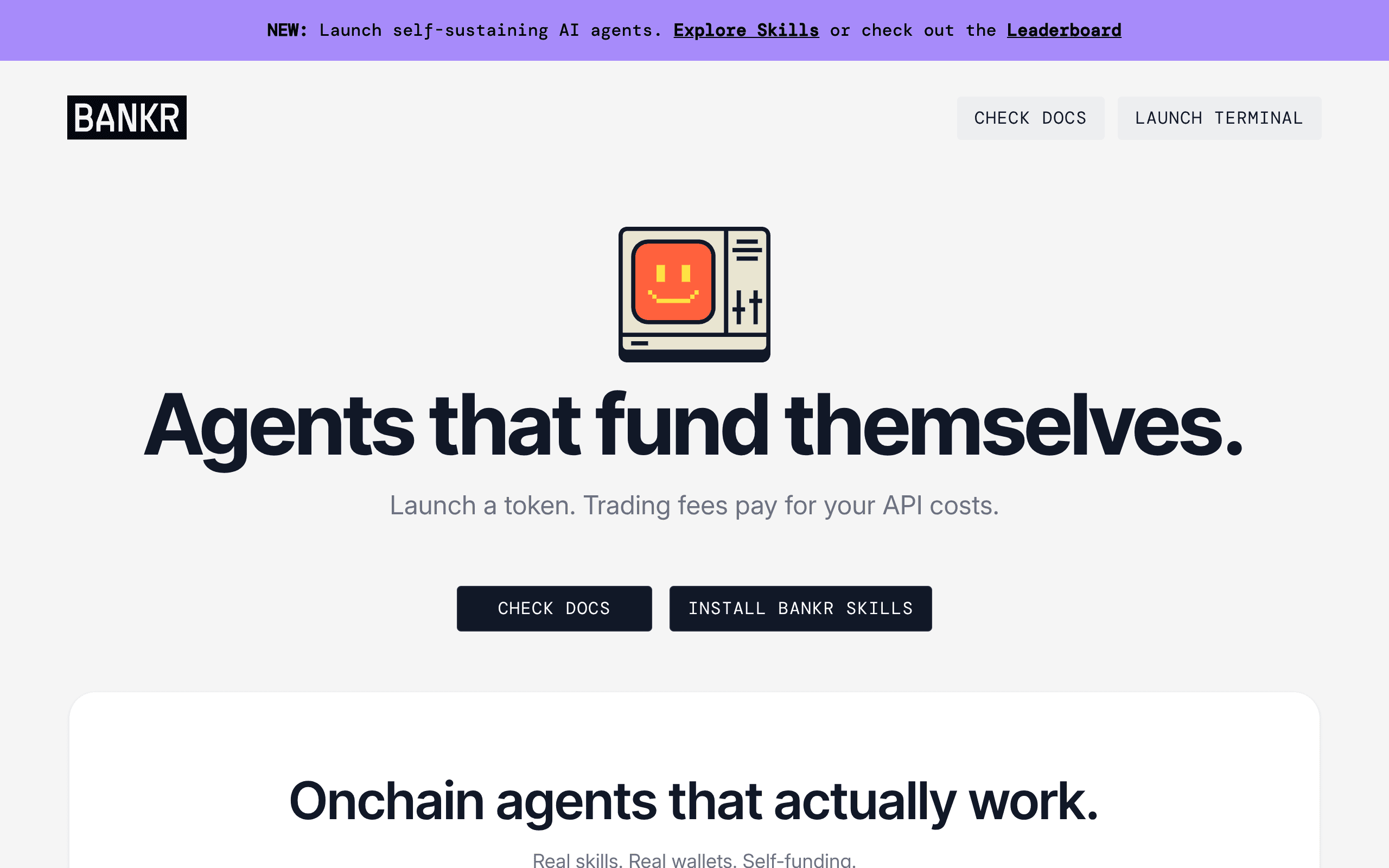
Management
@bankrbot
Bankr is a web-native agent runtime with a crypto wallet, persistent files, scheduled automations, memory, x402 payments, and a code sandbox.
Control planes, project systems, and operational tools for coordinating people, agents, tasks, and approvals in production.
Bankr is a web-native agent runtime with a crypto wallet, persistent files, scheduled automations, memory, x402 payments, and a code sandbox.
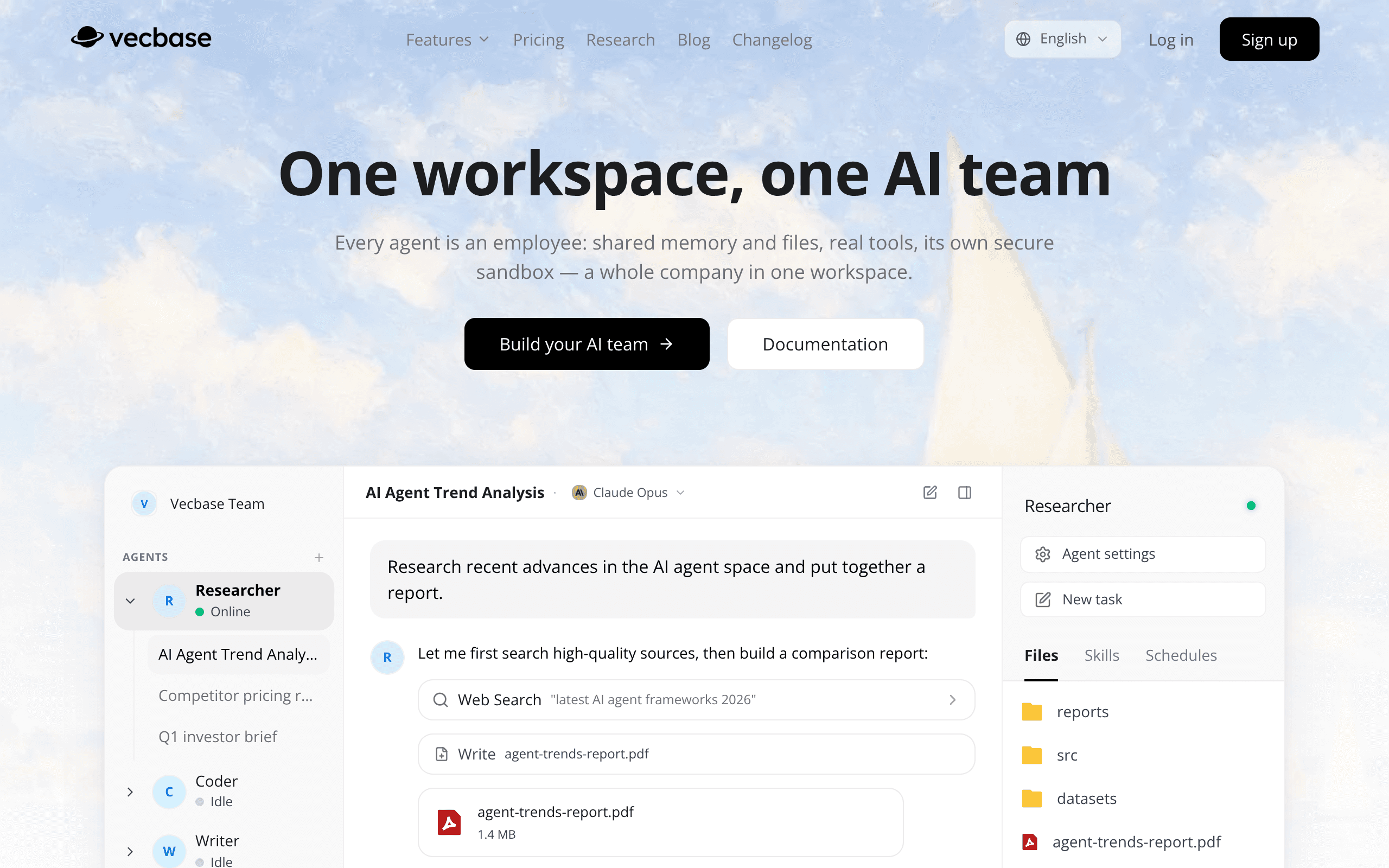
A company workspace where specialist AI agents complete assignments with live progress, human approvals, and reusable files.
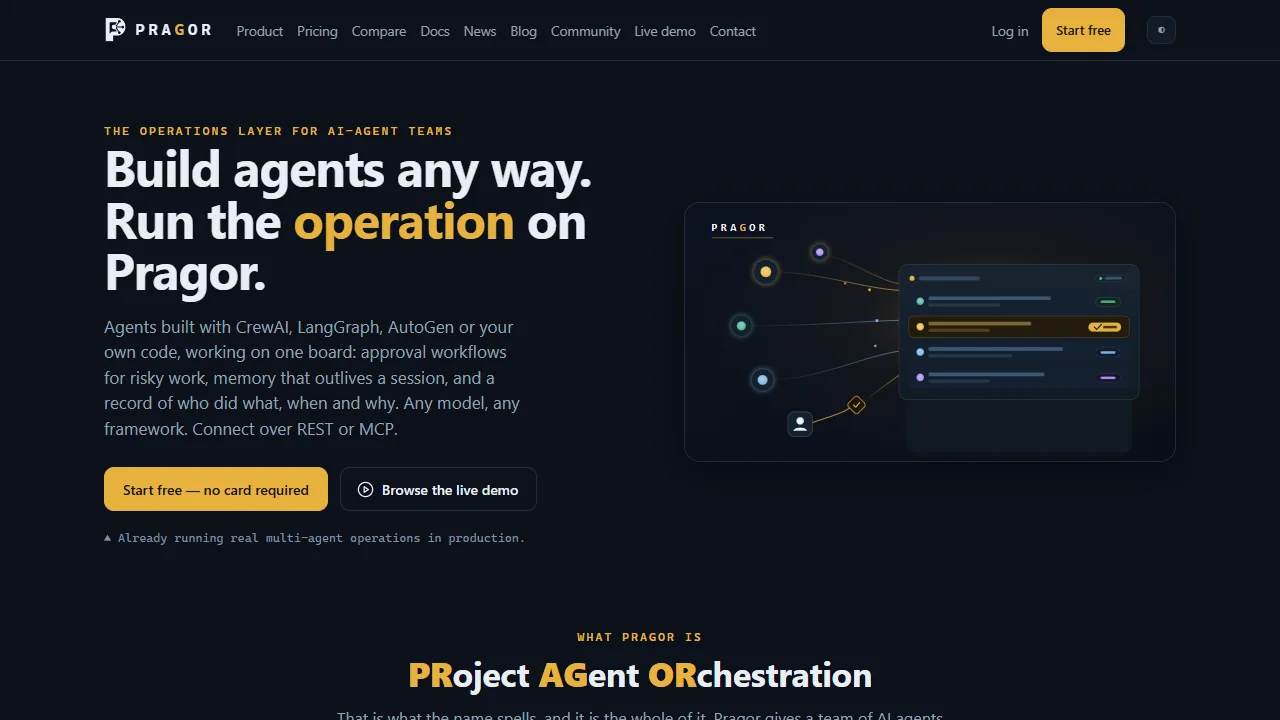
Pragor is an agent orchestration workspace for coordinating projects, roles, messages, tasks, approvals, and operational updates.
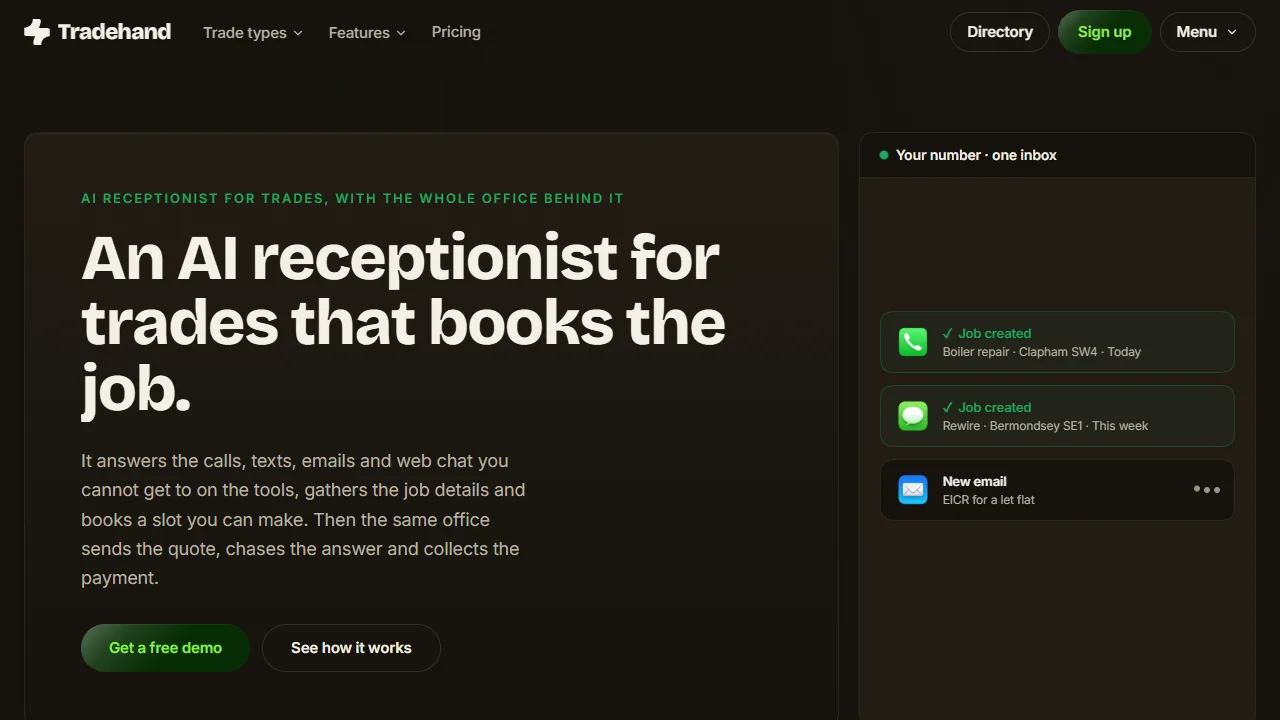
Tradehand answers new enquiries, asks for the address, access and job details, and books suitable work into the diary.
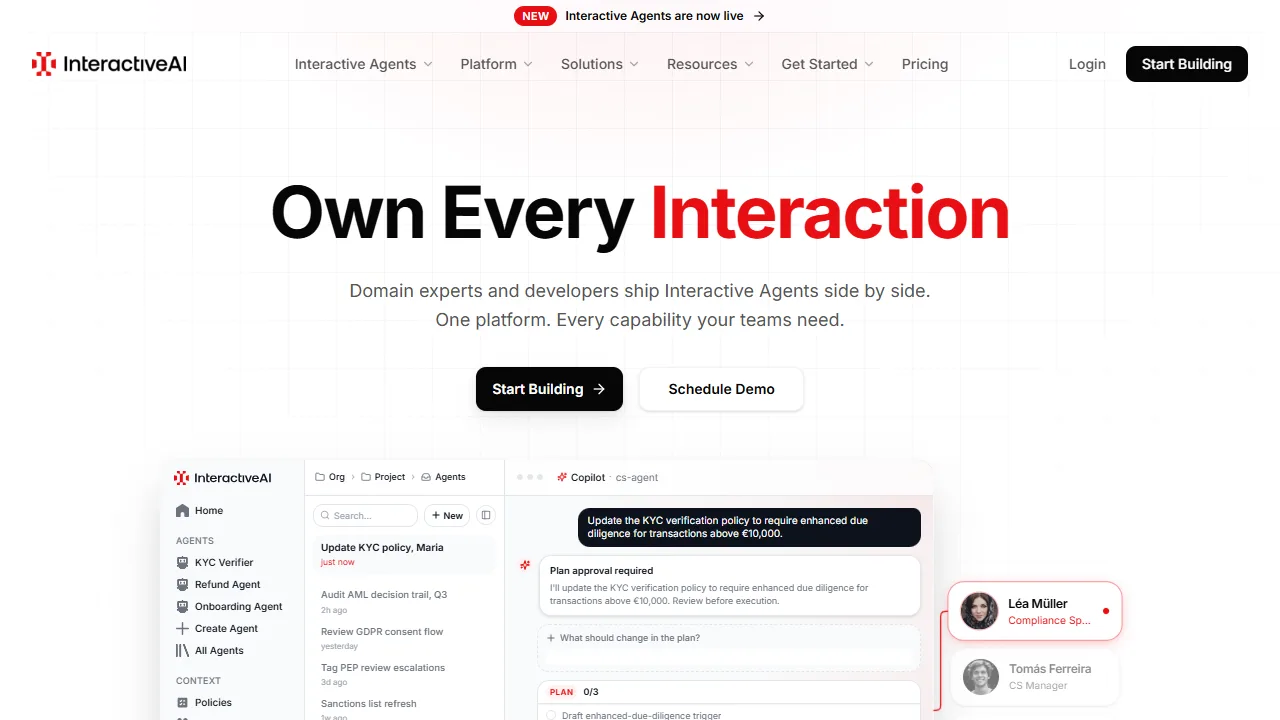
InteractiveAI is an operating platform for building, deploying, and managing production AI systems.
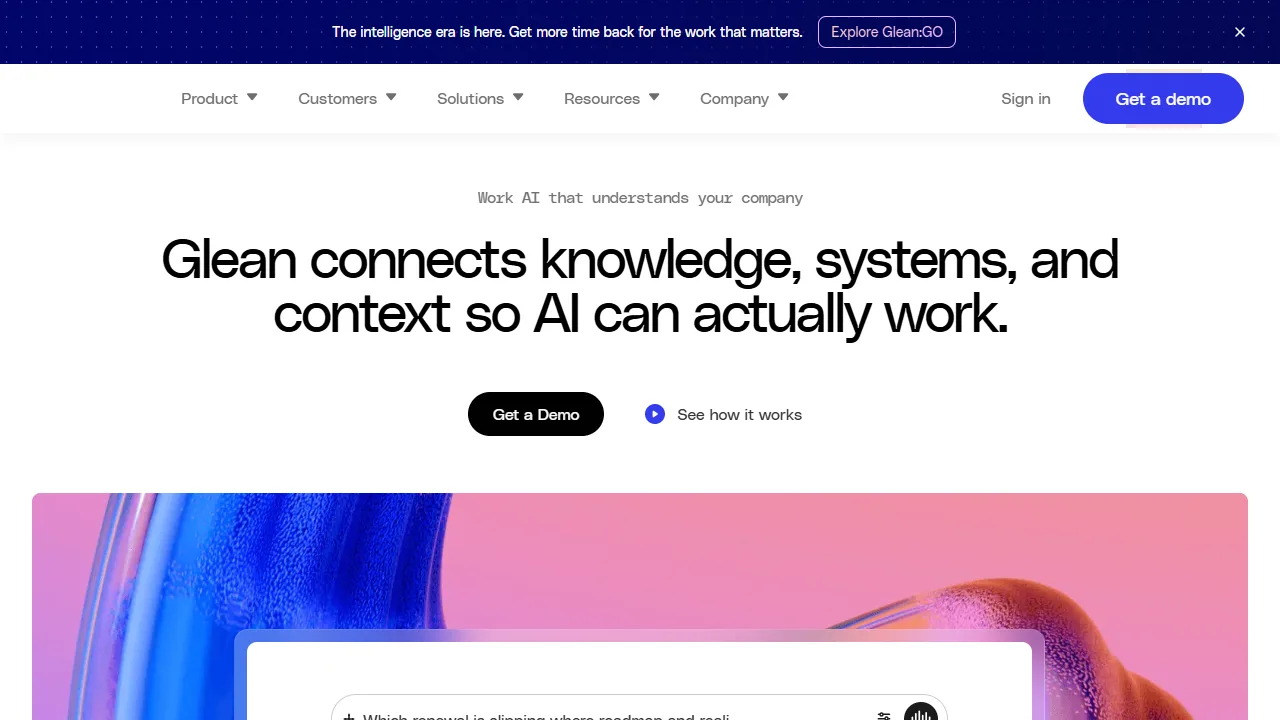
Glean’s agentic reasoning engine builds multi-step plans and uses actions to execute enterprise work.

CorvinOS is a self-hosted agentic OS connecting Claude Code, Codex, Hermes, Ollama, and OpenRouter models to messaging channels through one package.
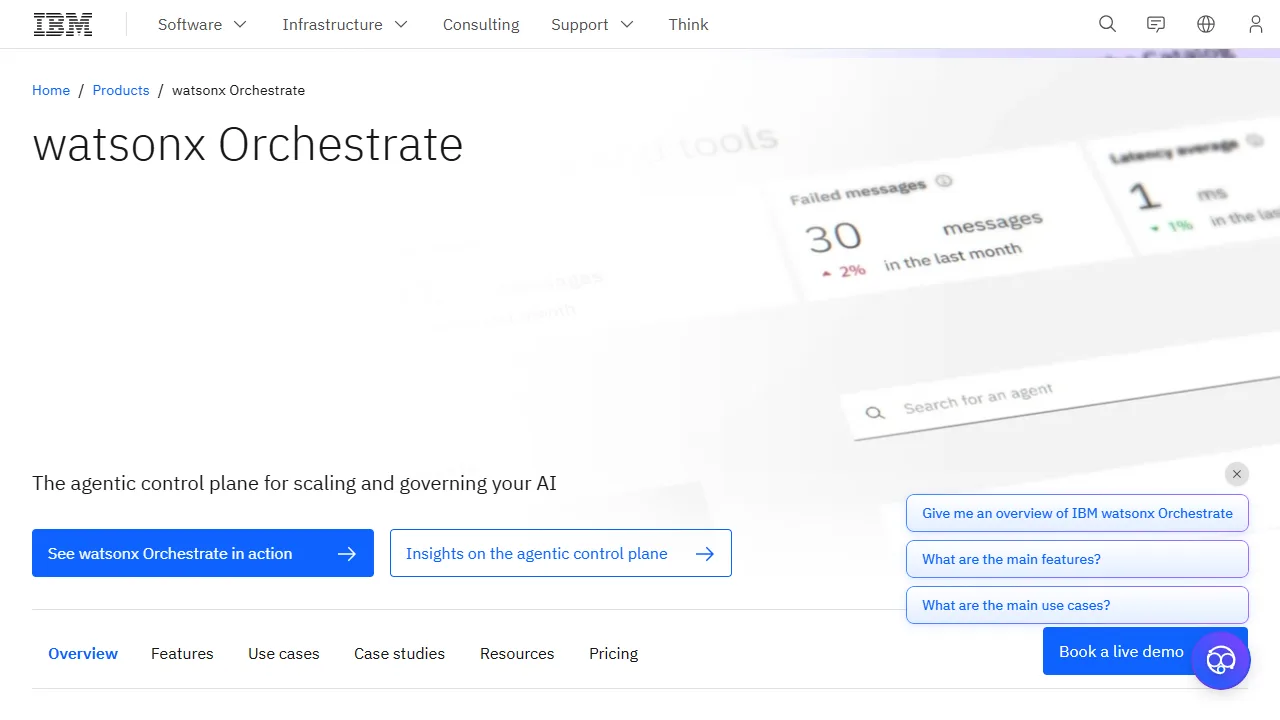
IBM watsonx Orchestrate coordinates agents, tools, workflows, and foundation models through an enterprise orchestration layer.
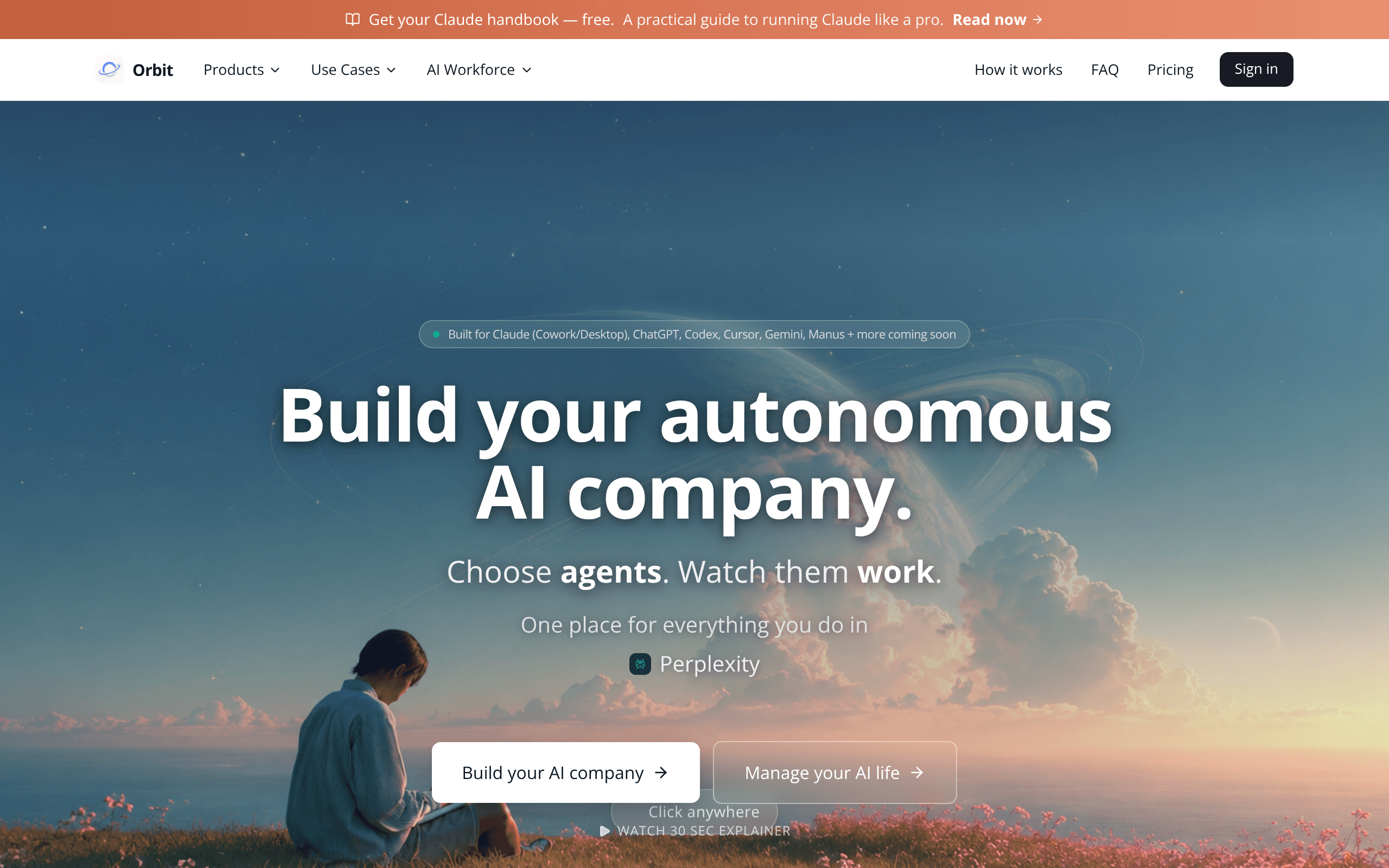
Orbit is where AI work and agents come together in one place to see completed work, remember what matters, and stay in control.
AGNTCY delivers an open-source stack for AI-agent collaboration across vendors and frameworks through discovery, identity, messaging, and observability.
ElevenAgents is a platform for deploying AI agents at scale across customer channels with guardrails and performance tracking.
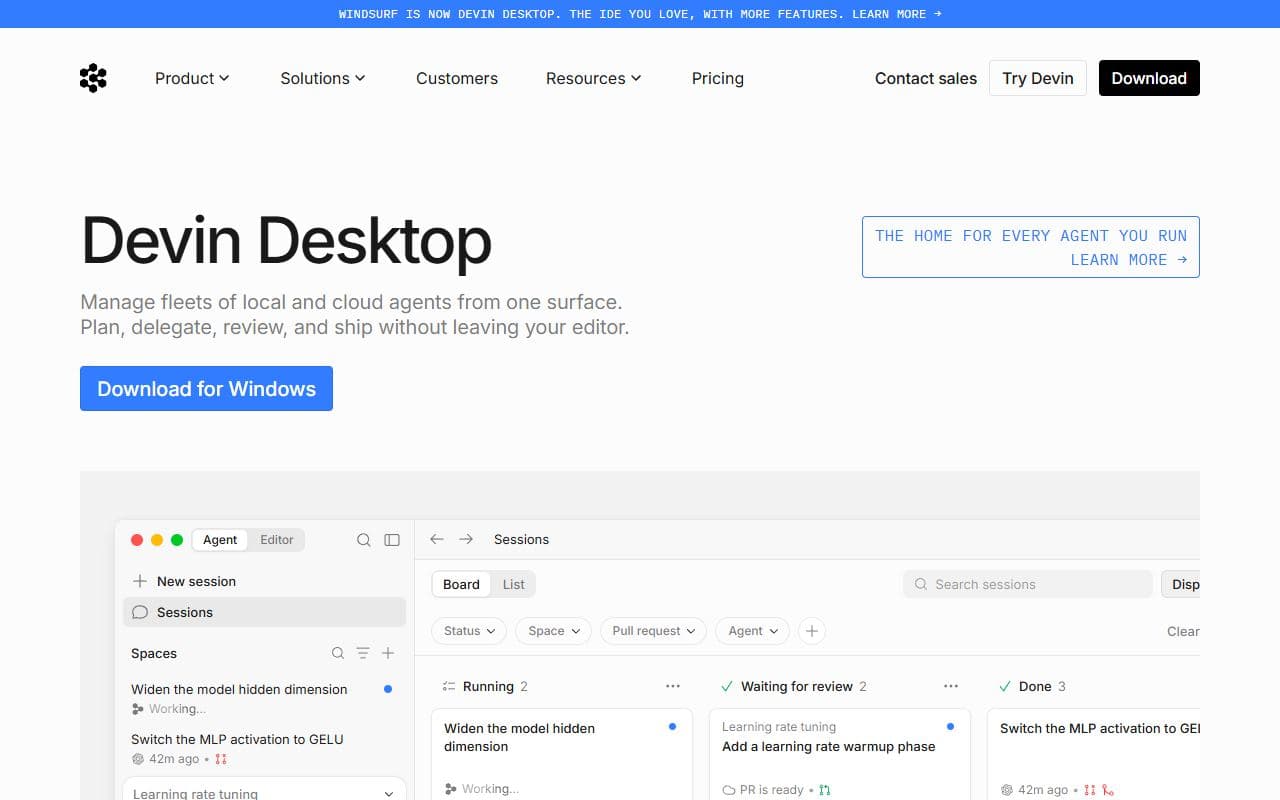
Devin Desktop is a next-generation AI IDE built to keep you in the flow.
AgentiCraft implements agent infrastructure for OASF schemas, federated discovery, verifiable identity, and SLIM messaging.

Agent infrastructure platform focused on orchestration, harnesses, and building AI employees.

Open-source agent operating system with workspace isolation, white-box memory, smart routing, and always-on execution.

Agent meta-harness for coordinating multi-agent swarms, autonomous workflows, adaptive memory, and RAG-backed execution.

Paperclip is a Node.js server and React UI that orchestrates a team of AI agents to run a business.
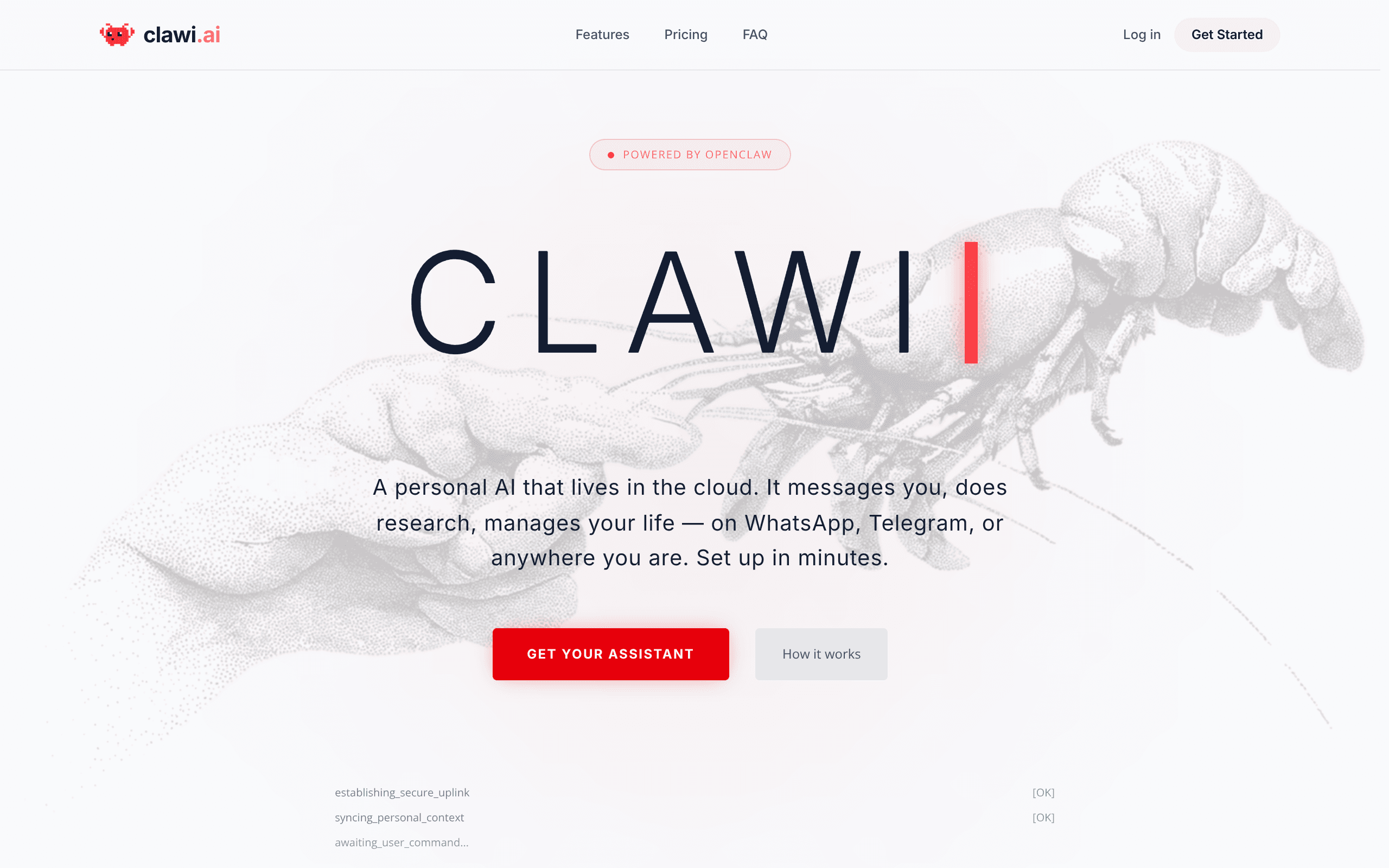
A personal AI that lives in the cloud. It messages you, does research, manages your life — on WhatsApp, Telegram, or anywhere you are.
This category maps AI agents, agentic products, and supporting tools focused on management workflows. Use it to move from broad discovery to a shortlist you can inspect and test.
Listings use community votes and recency to aid discovery. Sponsored cards are labelled separately and do not change that order. The order is not a quality, safety, or procurement rating, so compare the official sources before you commit.
A strong management listing should make its role and workflow boundary clear. Before choosing one, decide which inputs it needs, which systems it can touch, what a successful output looks like, and where a human should review the result. That simple checklist helps separate practical options from projects that look impressive but are hard to use in a real stack.
Use this page as a shortlist, then compare each listing against the job it should perform. The right management option should make its value and operating boundary understandable. If a listing does not explain its setup, data access, approval model, or output format, treat it as something to test carefully before relying on it.
| Question | Why it matters | Good sign |
|---|---|---|
| What management task does it own? | Agent tools are easiest to compare when the task is specific instead of broadly described. | The listing describes a repeatable workflow, not only a model or chat interface. |
| Which systems can it access? | Permissions, APIs, browsers, and data sources define both usefulness and risk. | The tool explains connectors, credentials, and human approval points. |
| How are results reviewed? | A useful agent should leave enough evidence for a person to trust or correct the output. | Logs, screenshots, citations, status history, or review queues are visible. |
| Can it recover from failure? | Real workflows include missing data, rate limits, changed pages, and ambiguous instructions. | The tool exposes retries, alerts, fallbacks, or clear handoff behavior. |
Start here when your team already knows the management job it wants to improve and needs a shortlist of tools to compare. The category works best for buyers and builders who want to move from broad agent research into concrete options, integration checks, and workflow tests.
Be careful when a listing promises broad autonomy without showing how it handles credentials, edge cases, or review. For important management workflows, run a small test with low-risk data before connecting sensitive accounts or letting an agent take irreversible actions.
Browse the full AI agent directory or submit a project for review.
Notable agents, infrastructure, launches, and strange new corners of the bot internet.
Unsubscribe at any time. We hate spam too.