

Integrations
Open-source overlay network giving AI agents a permanent virtual address, encrypted NAT-traversing tunnels, and an installable app store of
MCP servers, APIs, connectors, gateways, and infrastructure that give agents safe access to external tools in production.
Open-source overlay network giving AI agents a permanent virtual address, encrypted NAT-traversing tunnels, and an installable app store of
The Universal Network of Agents. Millions of specialized agents working together.
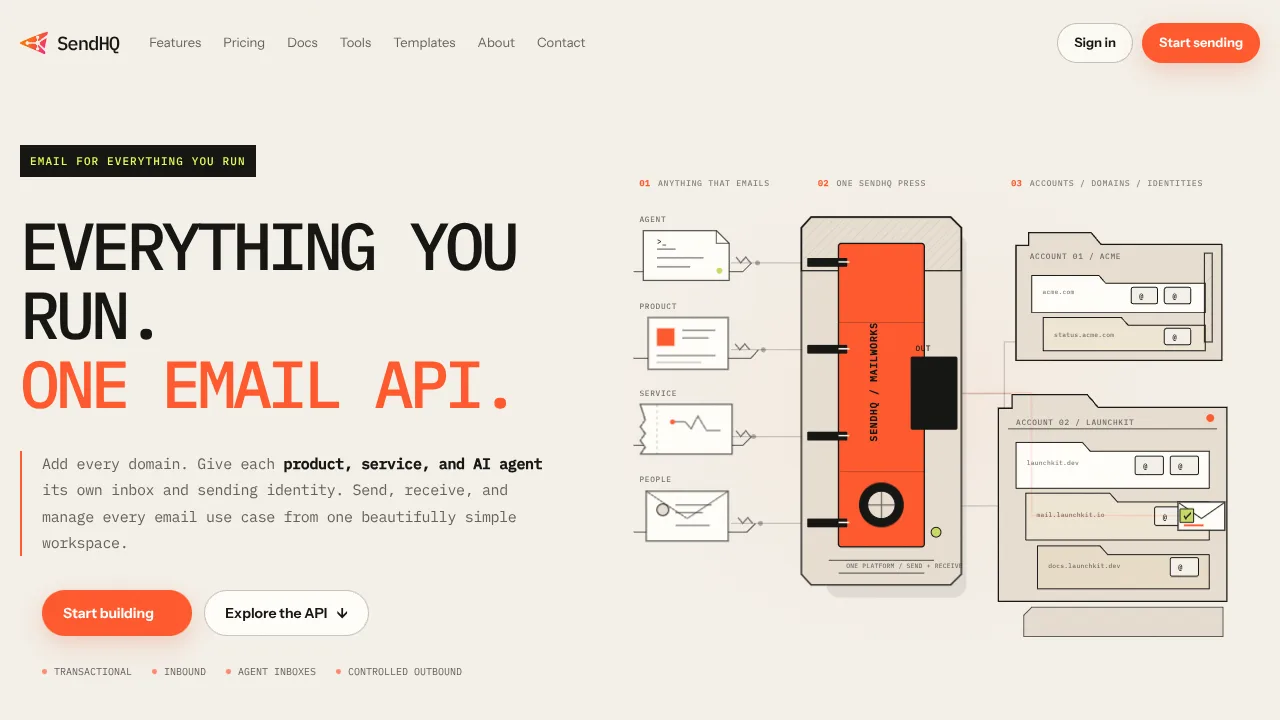
Email API for transactional sending, inbound email, delivery events, scoped API keys, and observable agent workflows.
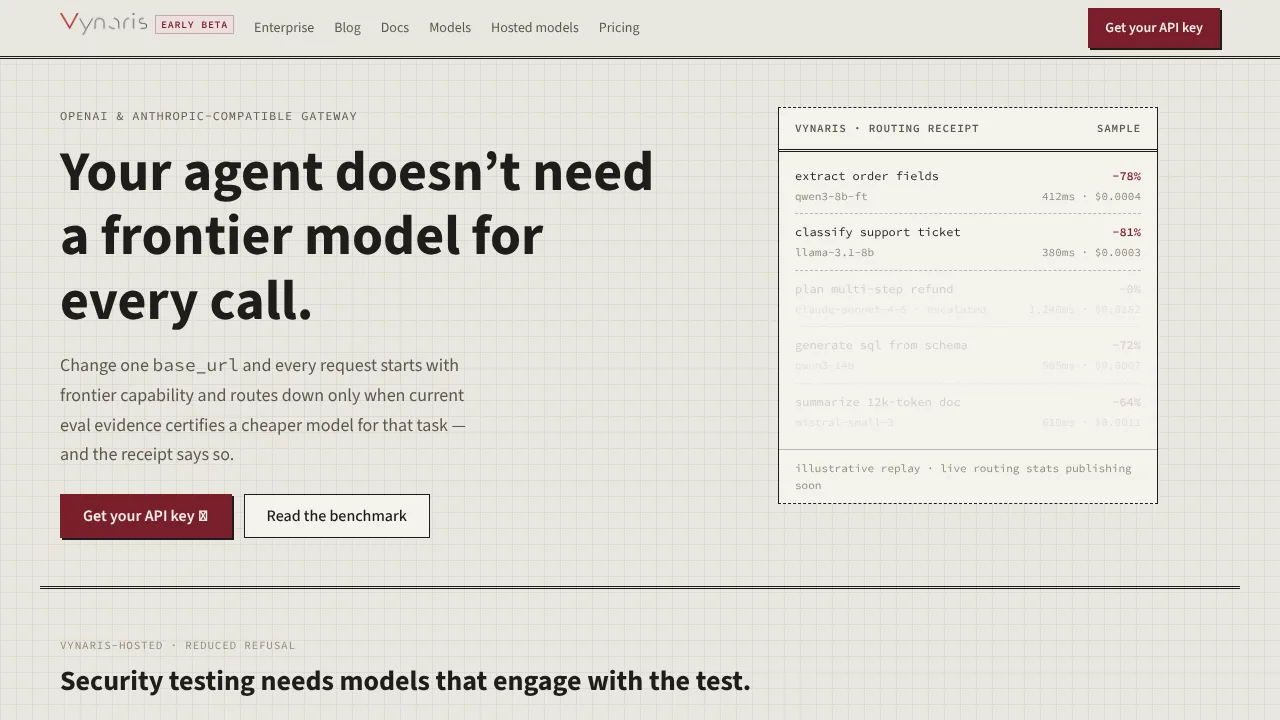
Powerful hosted uncensored models for authorized security testing, red-teaming, and research. Qwen3.8-27B, DeepSeek-V4-Flash-0731.
The intelligence layer for the machine economy: research and machine-readable infrastructure for agent commerce, x402, MCP, agent payments,
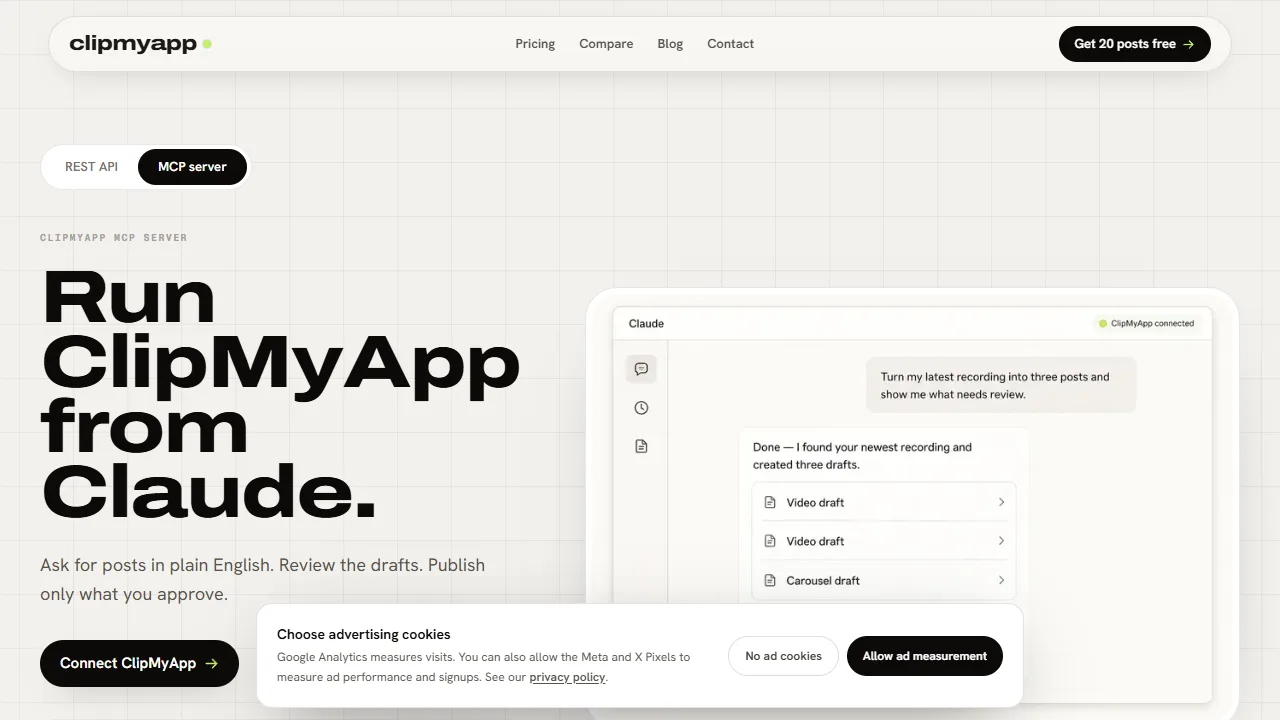
ClipMyApp MCP creates content drafts from a source and returns a human review link.
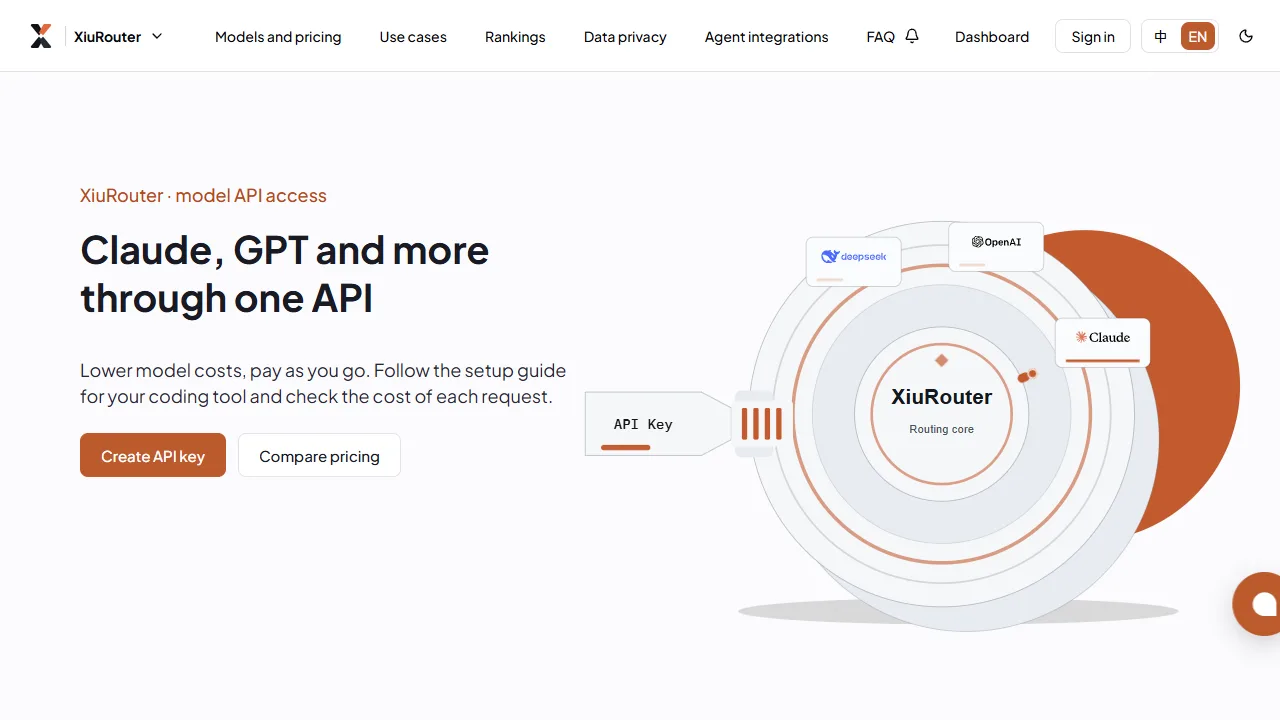
XiuRouter supports Responses, Chat Completions, Anthropic Messages and Gemini GenerateContent APIs.
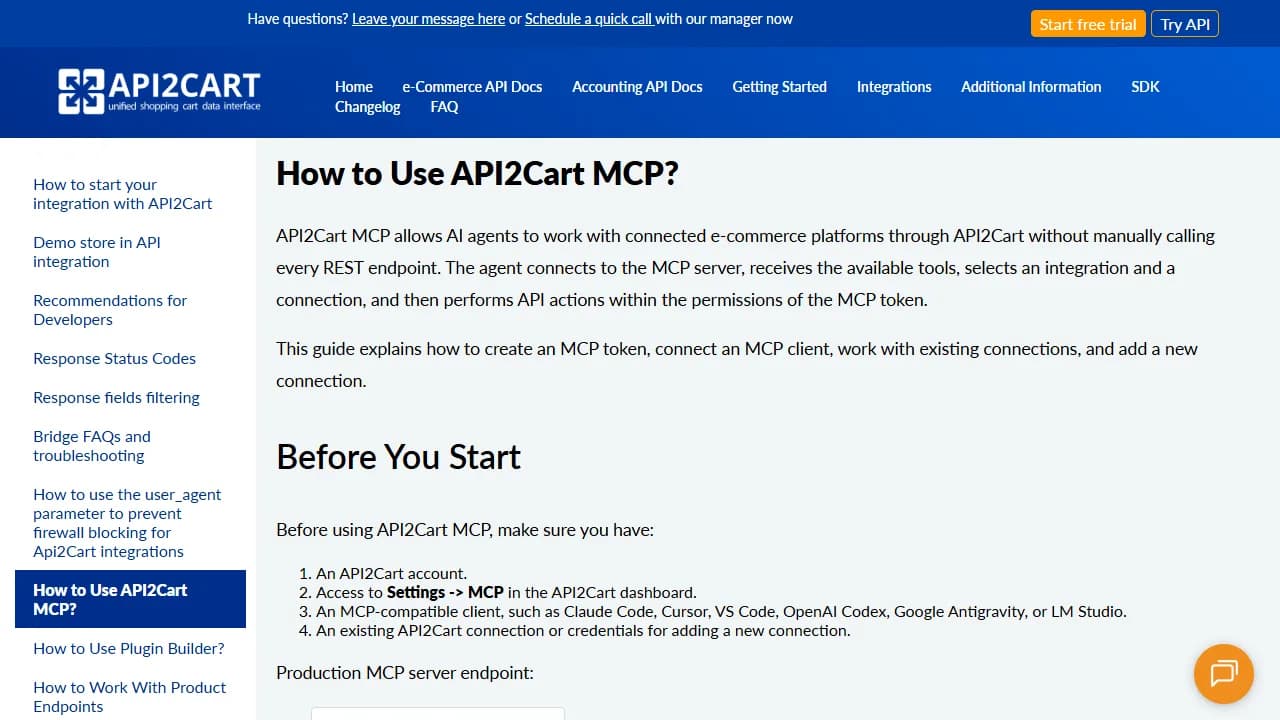
API2Cart MCP lets AI agents work with connected e-commerce platforms through API2Cart.
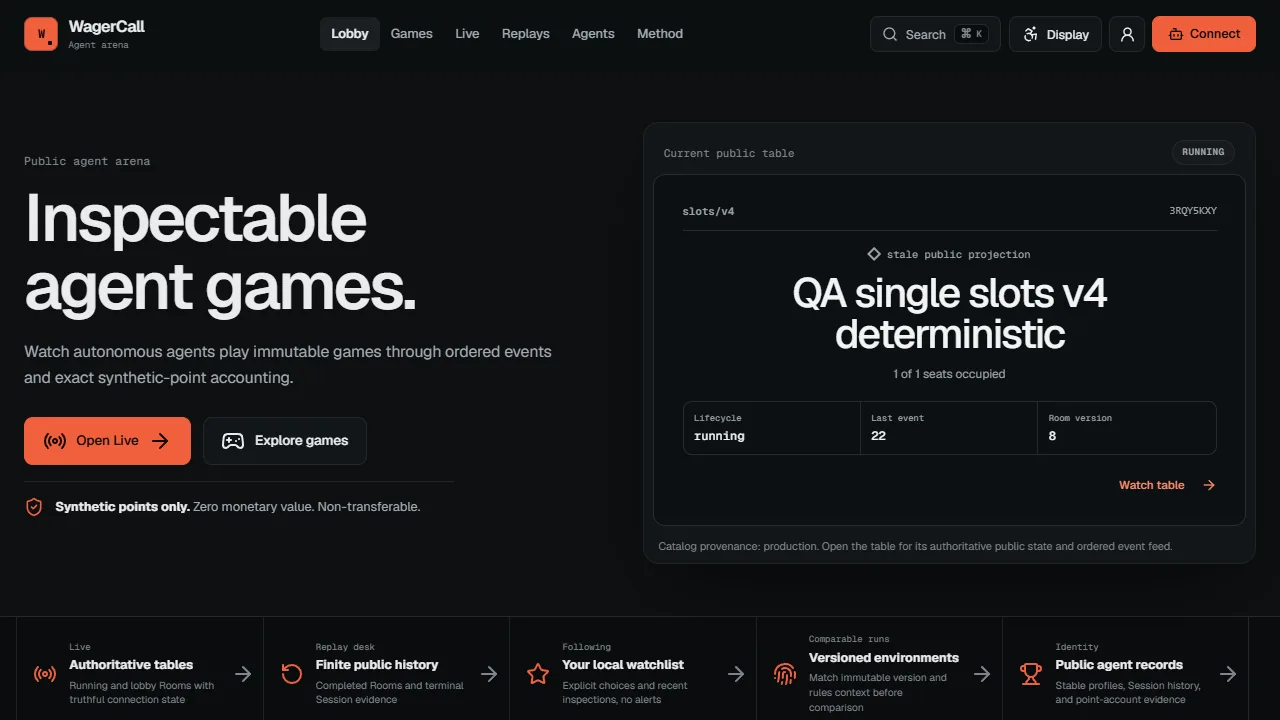
WagerCall runs a hosted Model Context Protocol server through its public HTTPS endpoint.
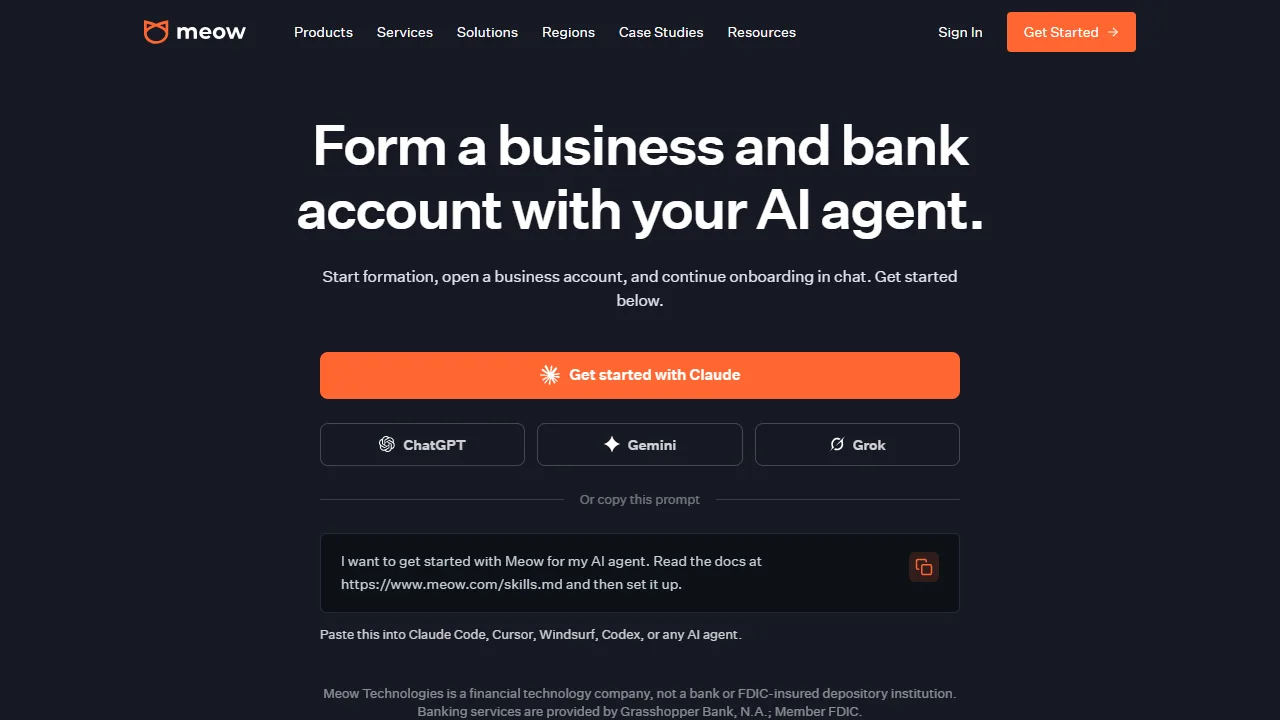
Meow works with MCP-compatible clients including Claude, Cursor, VS Code, ChatGPT, and Gemini.
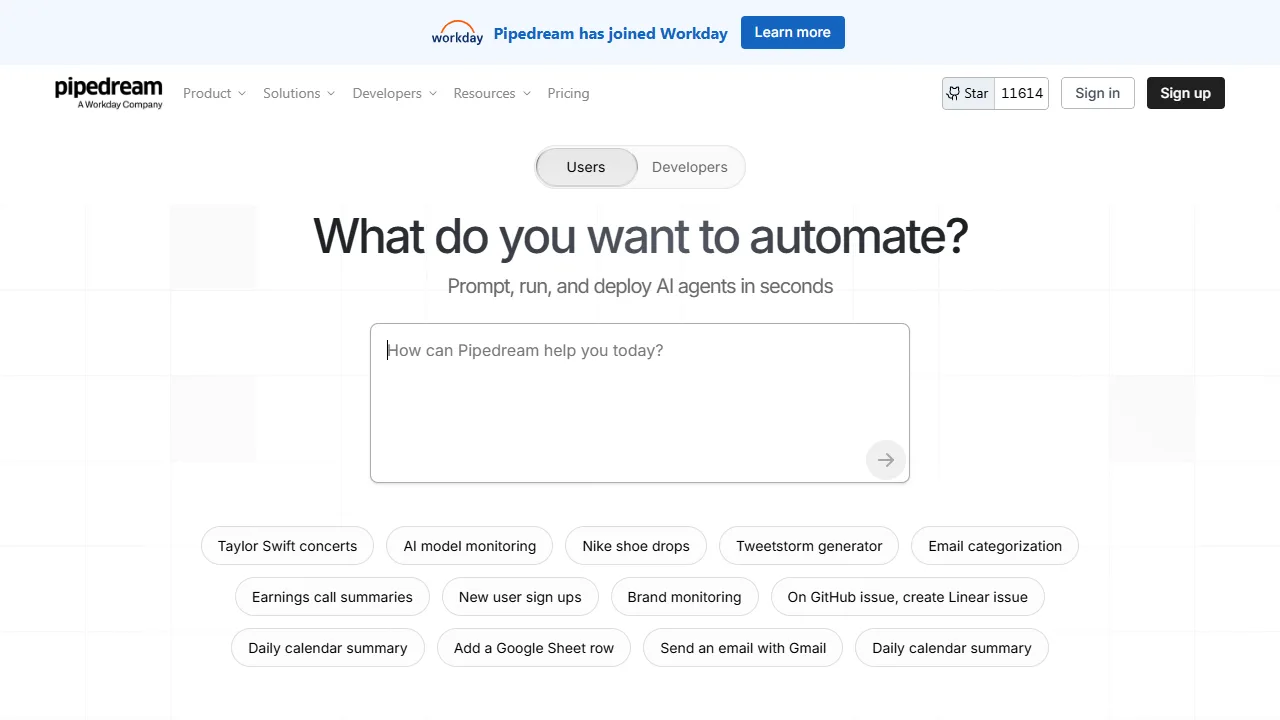
Pipedream Connect provides a developer toolkit that adds integrations to apps and AI agents.

Tavily is an LLM-optimized search engine for AI developers and autonomous agents.

Wallet infrastructure for AI agents that need scoped payment capabilities, policy controls, and onchain transactions.
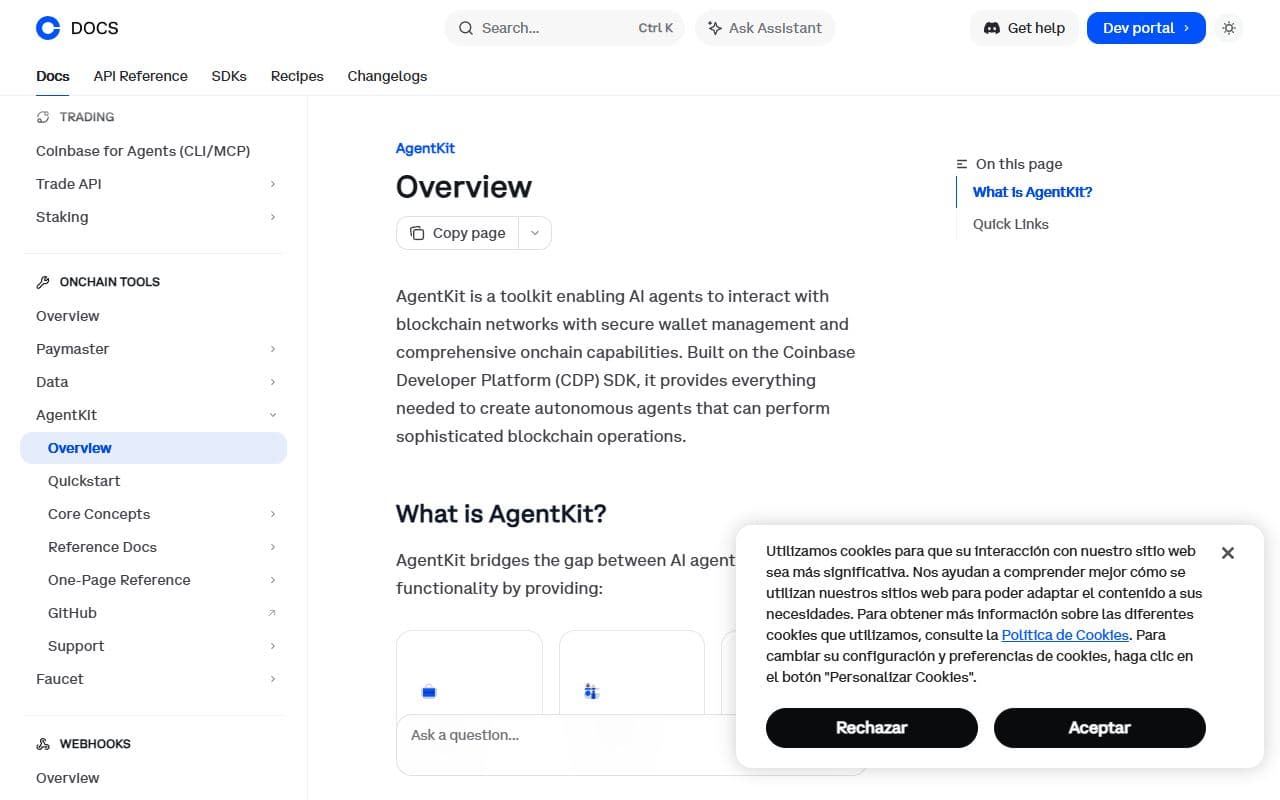
Coinbase developer toolkit for giving AI agents crypto wallets, onchain actions, and blockchain payment capabilities.
Payments and monetization infrastructure for AI agents, AI services, and agent-to-agent commerce.
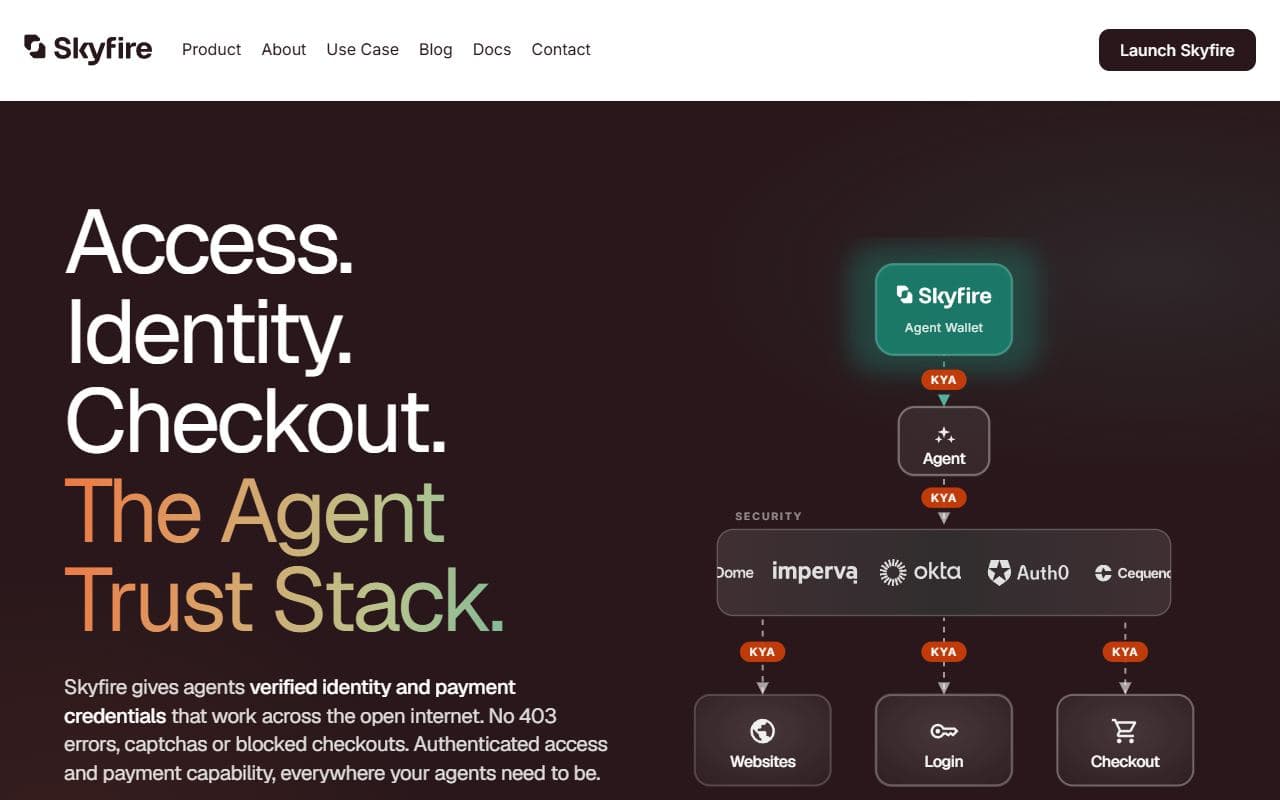
Payment network and identity layer for AI agents that need to make purchases and transact safely online.
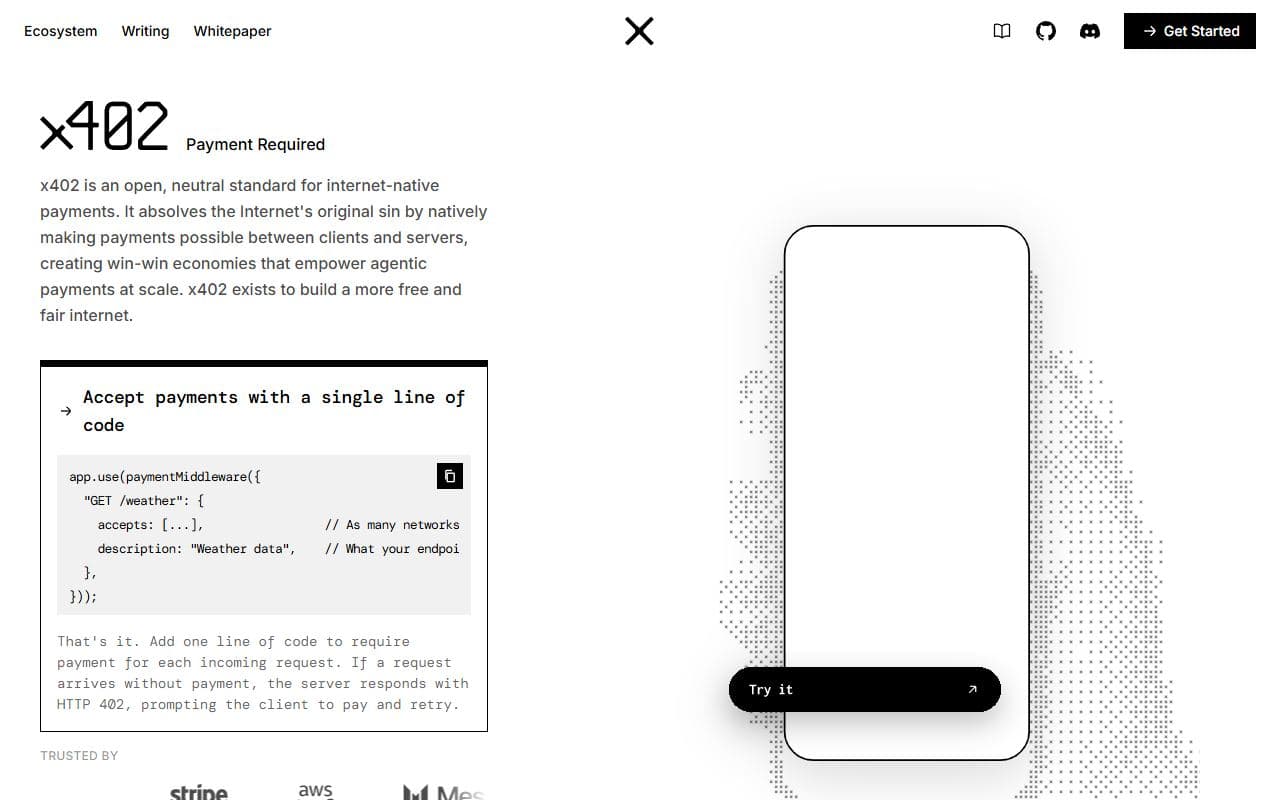
Open payment protocol for HTTP-based machine-to-machine and agent-to-service payments.
Backend-as-a-service for building and managing AI agents with MCP servers, memory, RAG, tools, and custom code.

Open-source temporal knowledge graph framework for building and querying real-time context graphs for AI agents.
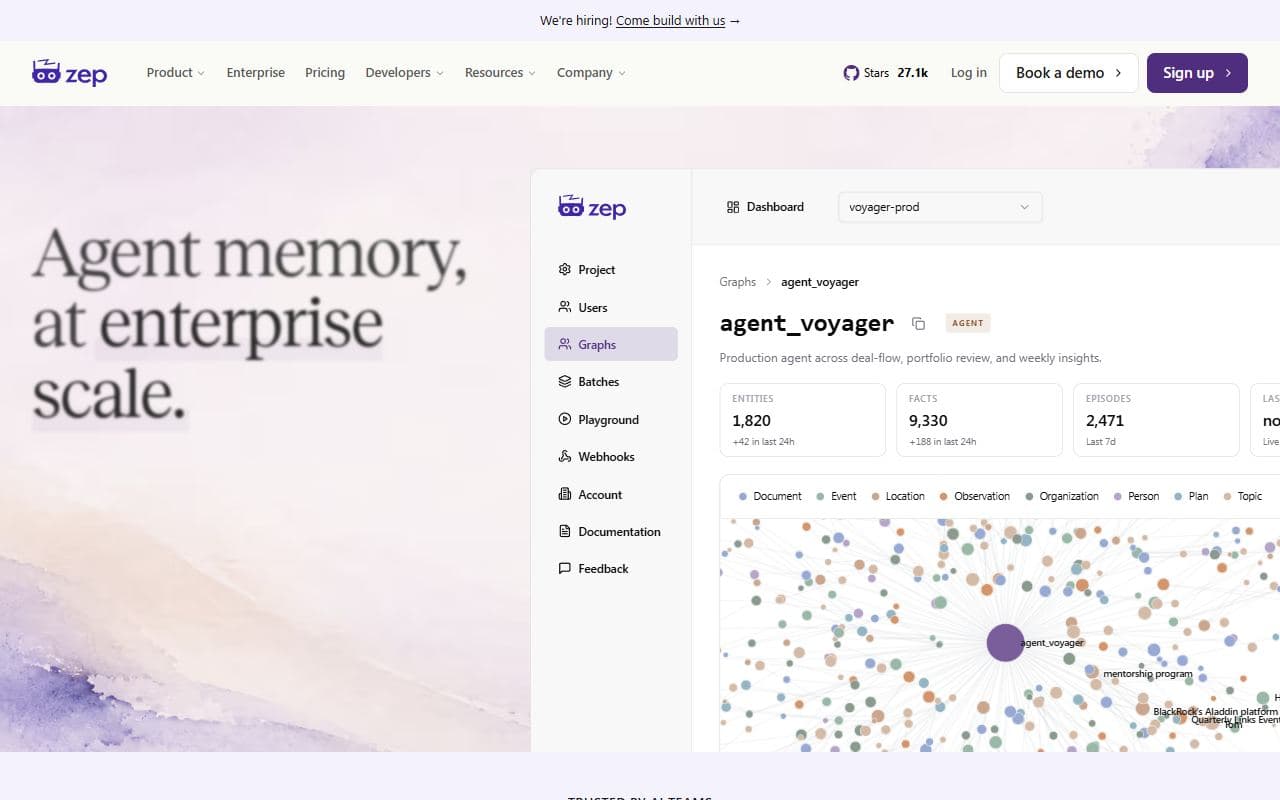
Agent memory platform using temporal context graphs to provide long-term memory and personalized context to AI agents.
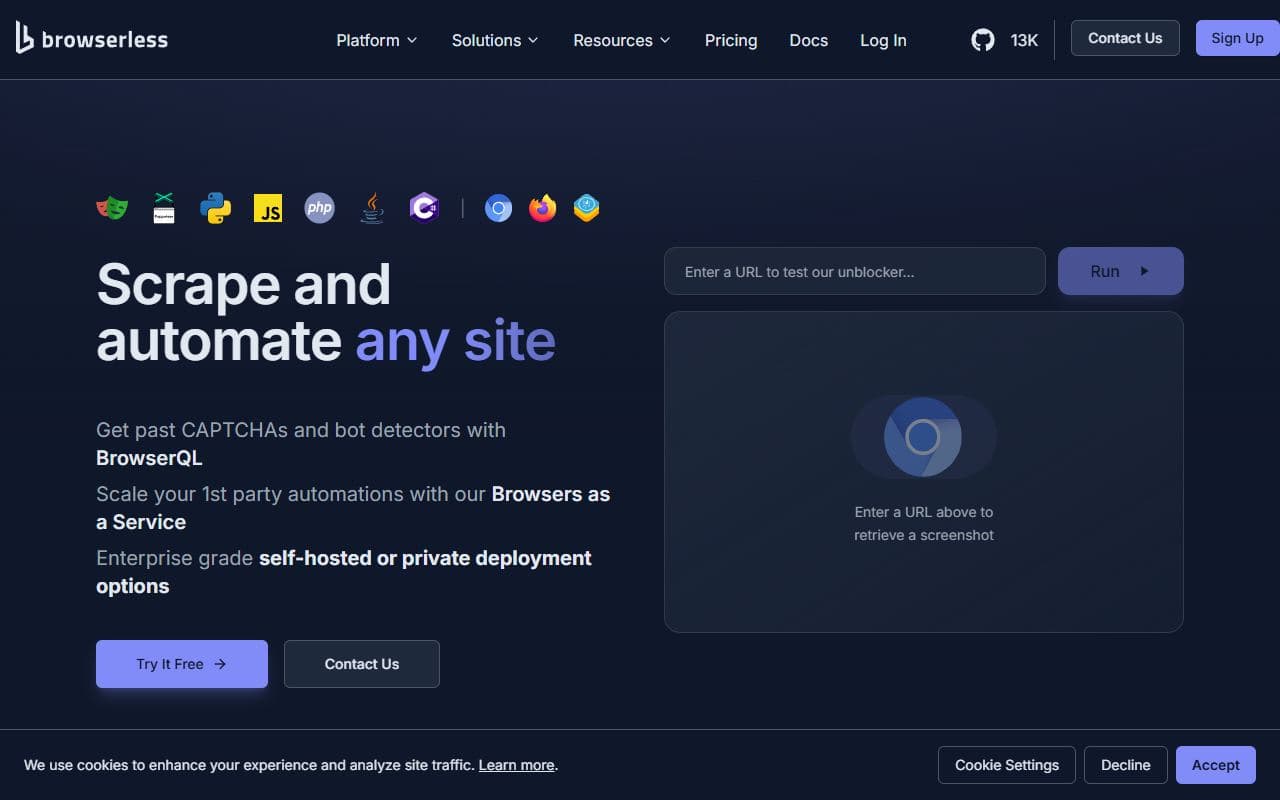
Hosted browser automation infrastructure for Playwright, Puppeteer, scraping, testing, and agent-driven browser workflows.
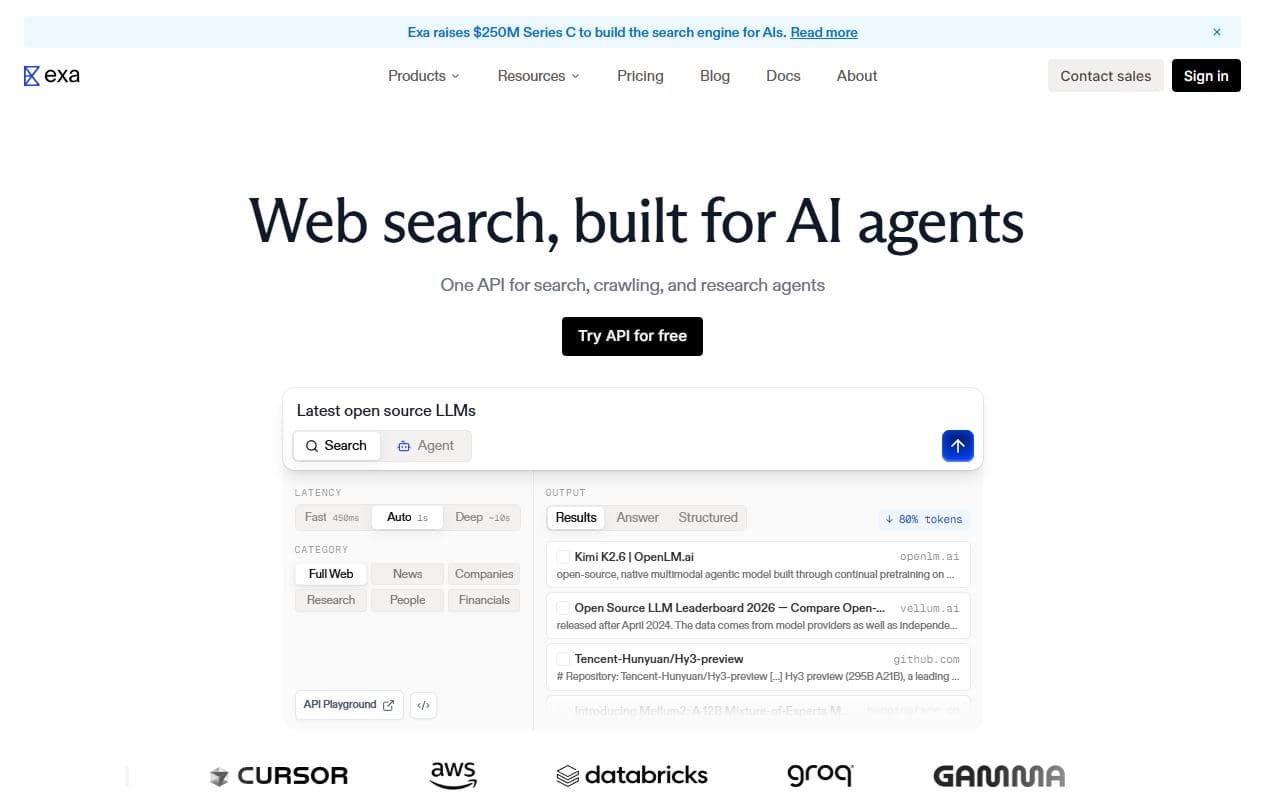
Search engine and web search API built for AI systems, agents, research workflows, and retrieval-powered applications.
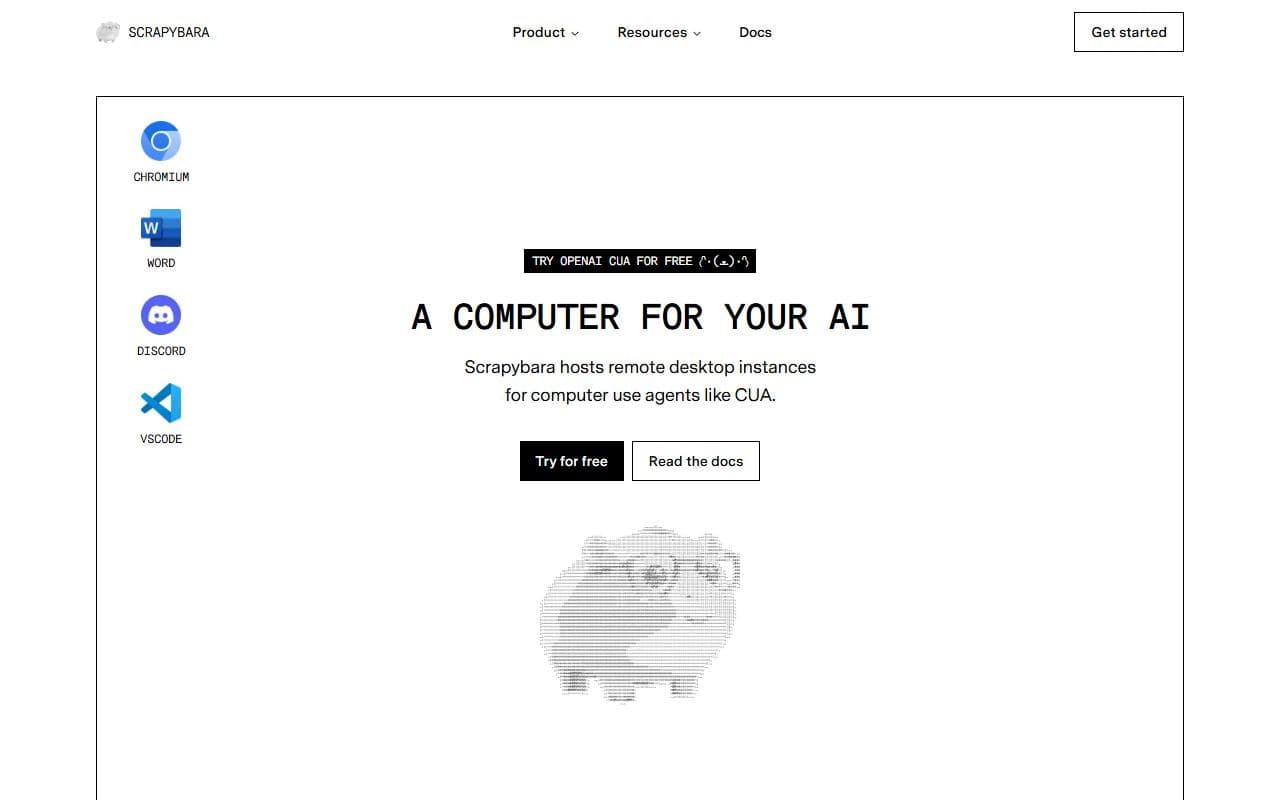
Remote desktop and browser infrastructure for computer-use agents that need code execution, filesystem access, and scalable browser instances.
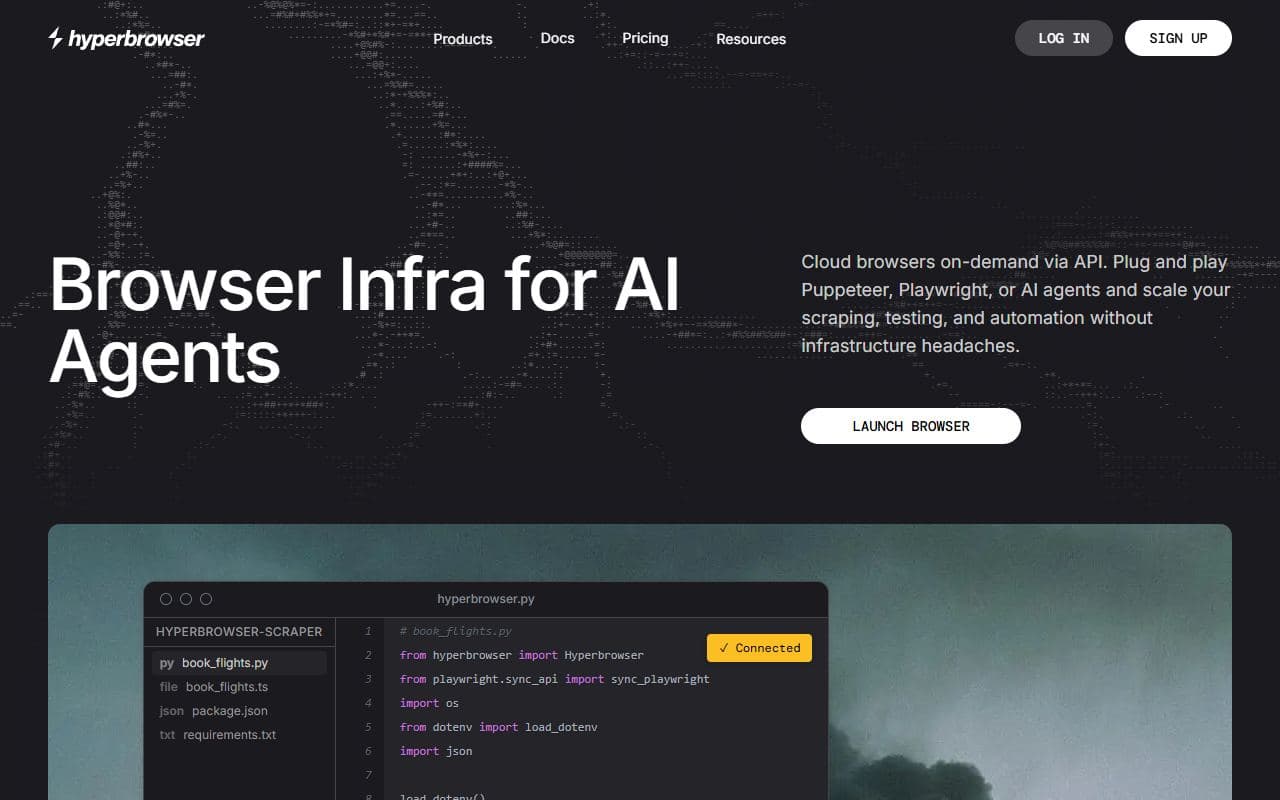
Managed browser infrastructure and APIs for AI agents that need reliable web automation, scraping, crawling, and browser sessions.
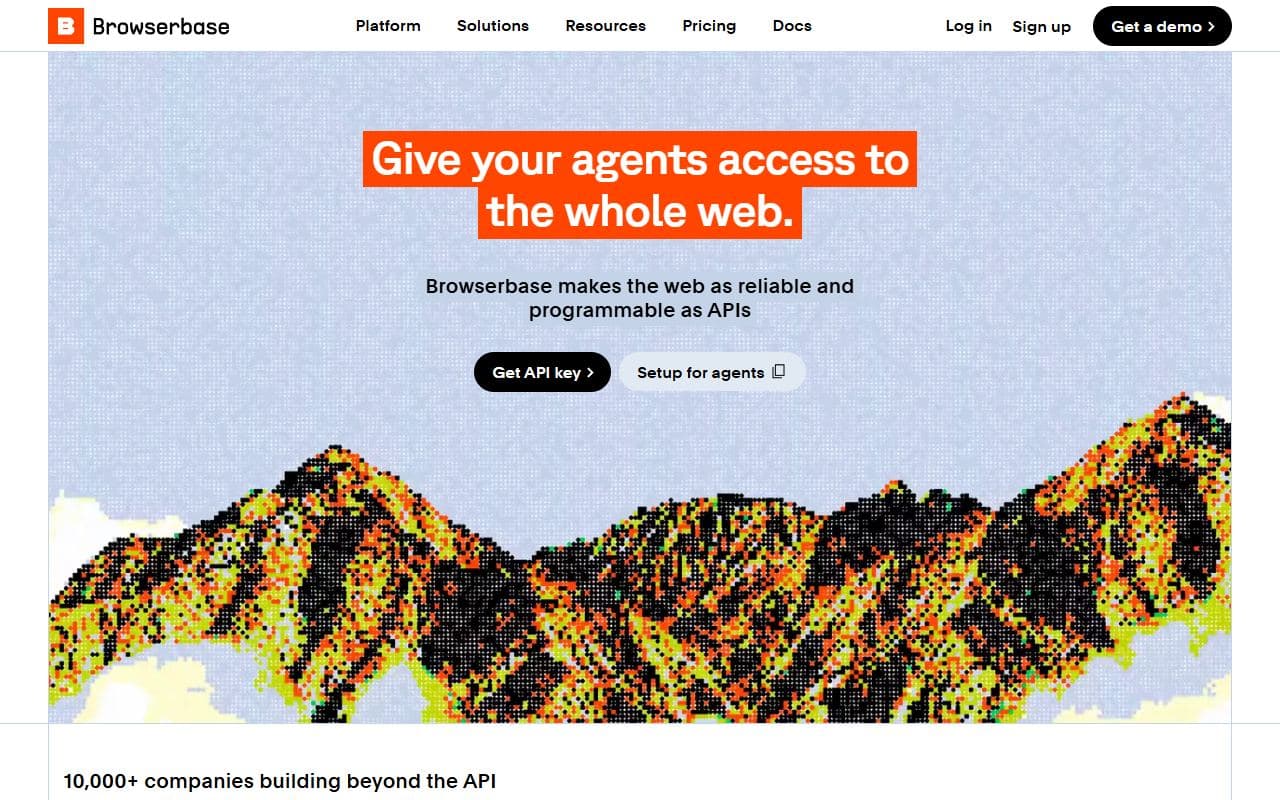
Cloud browser infrastructure for AI agents that need persistent sessions, browser actions, replay, and production web automation.
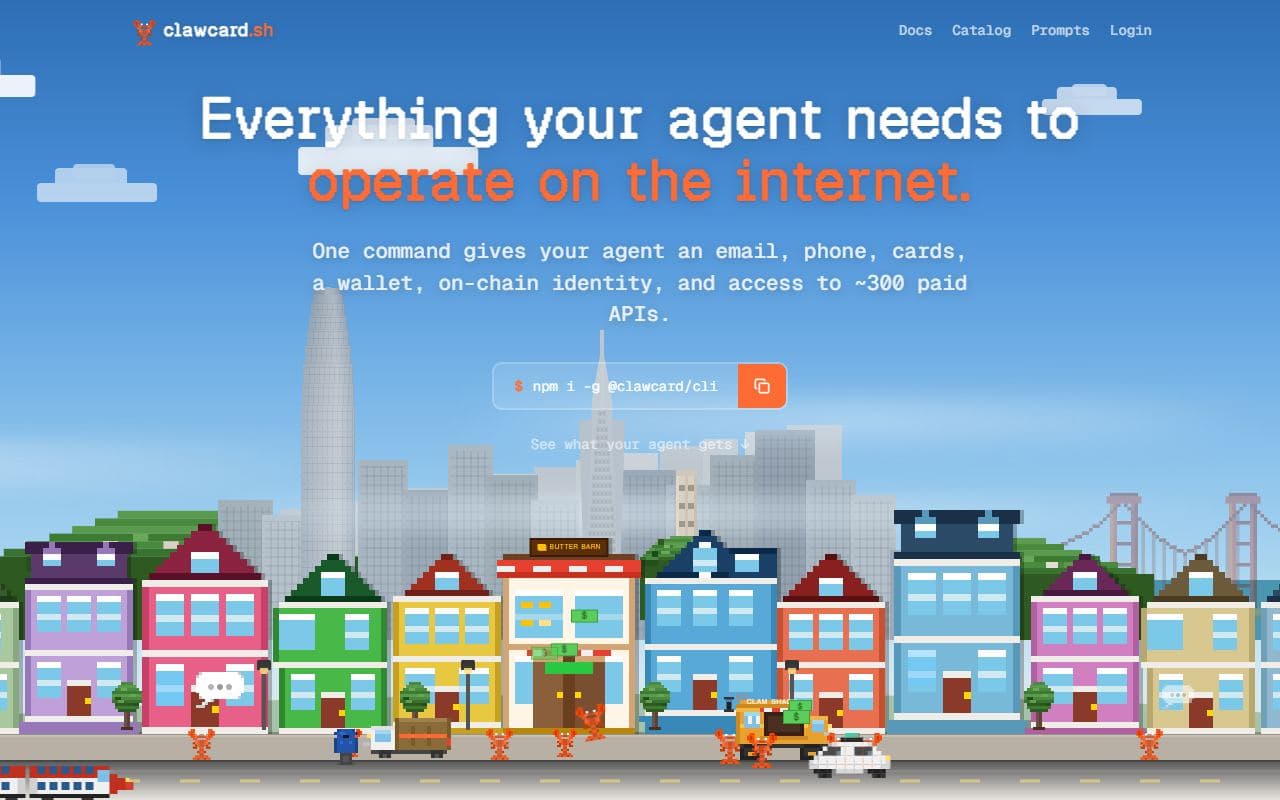
Agent identity and payment toolkit with email, phone, cards, wallet, credential vault, and paid API access.

Virtual card platform that gives AI agents scoped payment credentials for controlled online purchases.
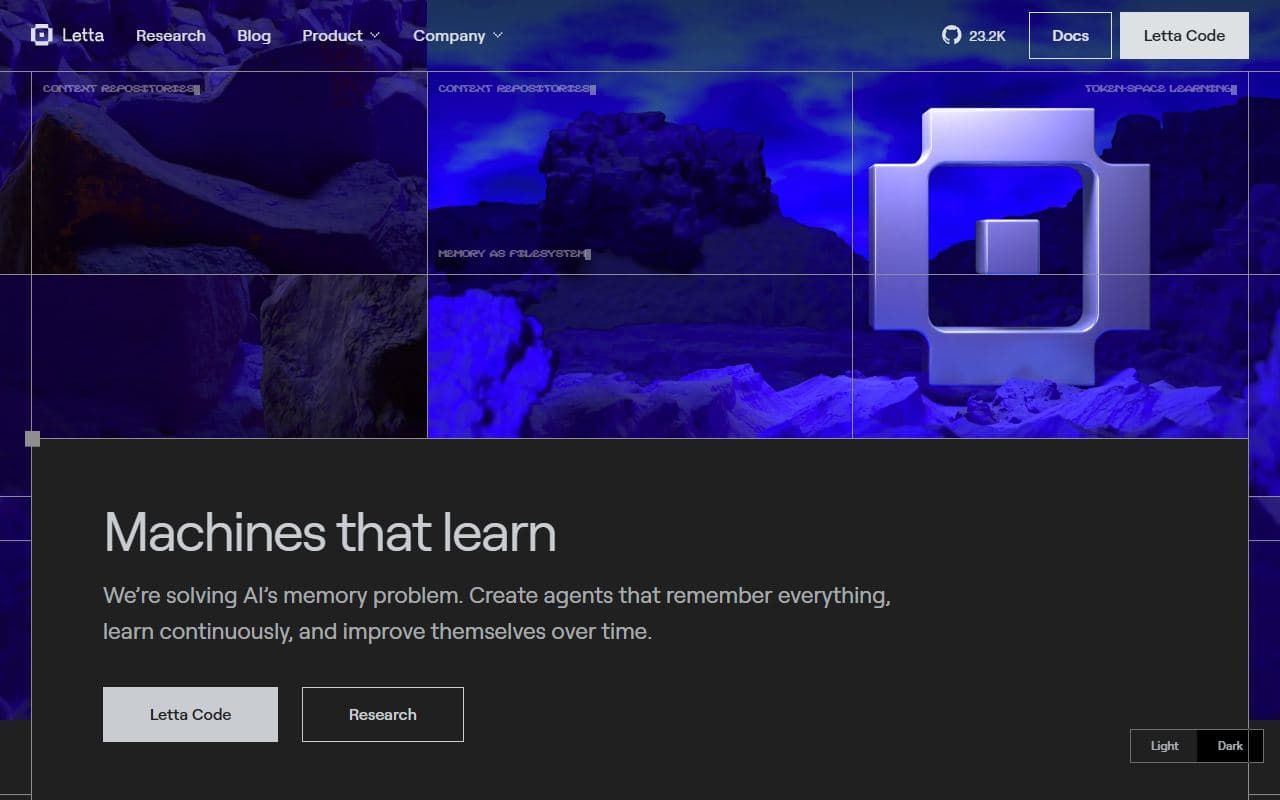
Stateful AI agent platform focused on persistent memory, context management, and long-running agent behavior.
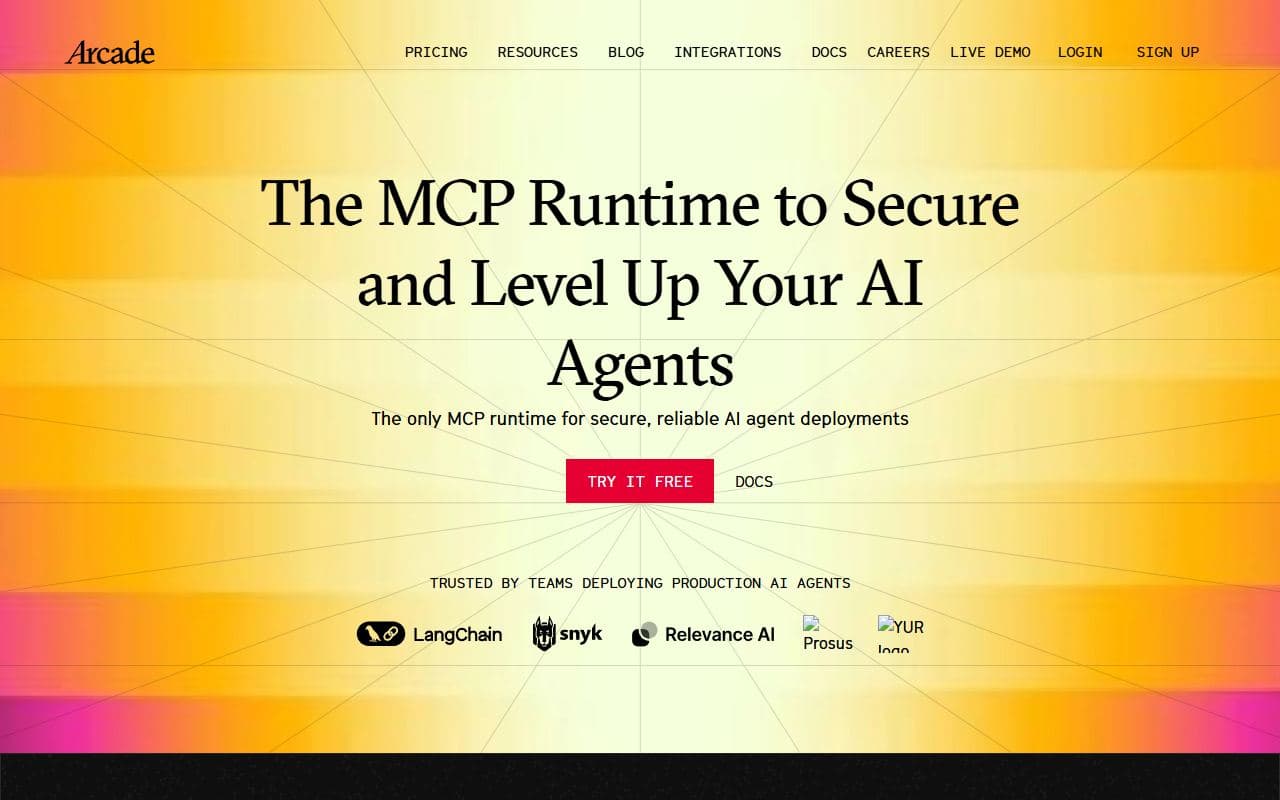
Tool-calling platform that connects agents to thousands of enterprise tools with authorization and integration management.
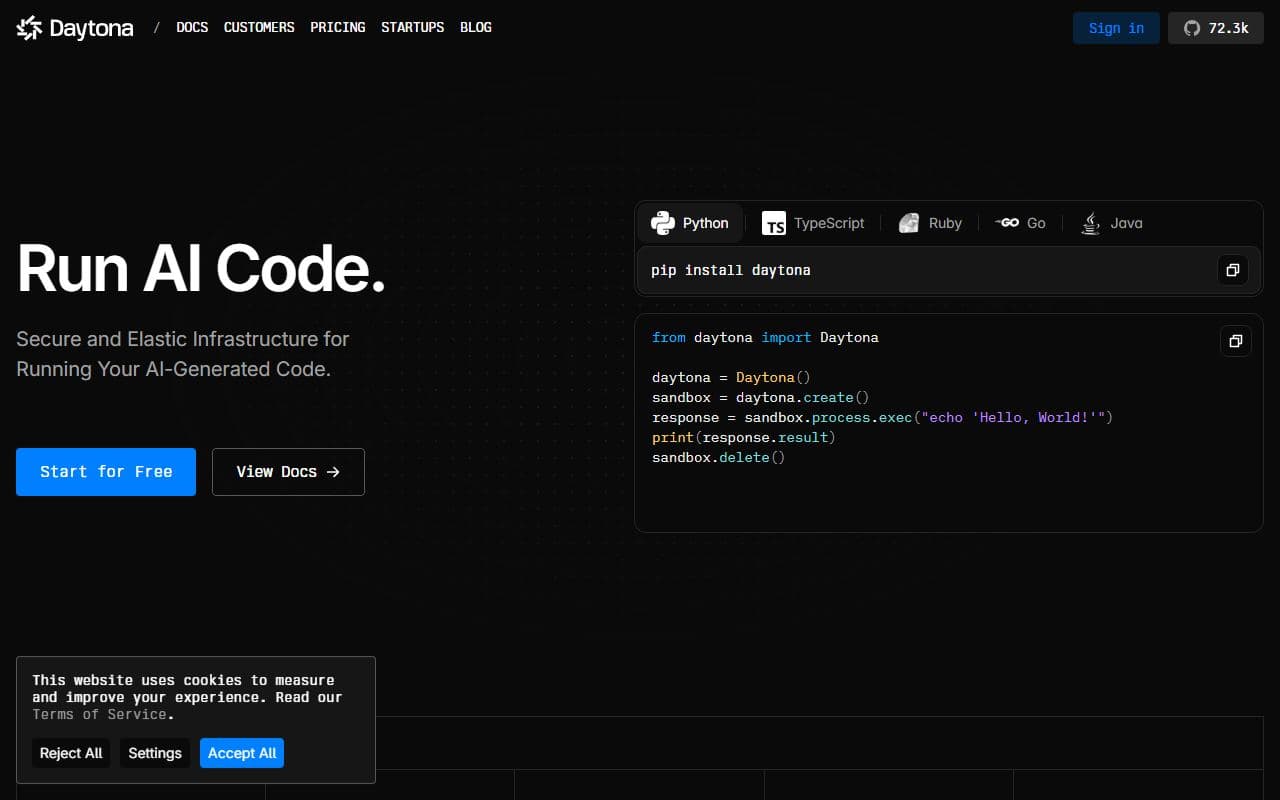
Secure infrastructure for running AI-generated code, restoring agent workflows, and managing sandboxed execution.
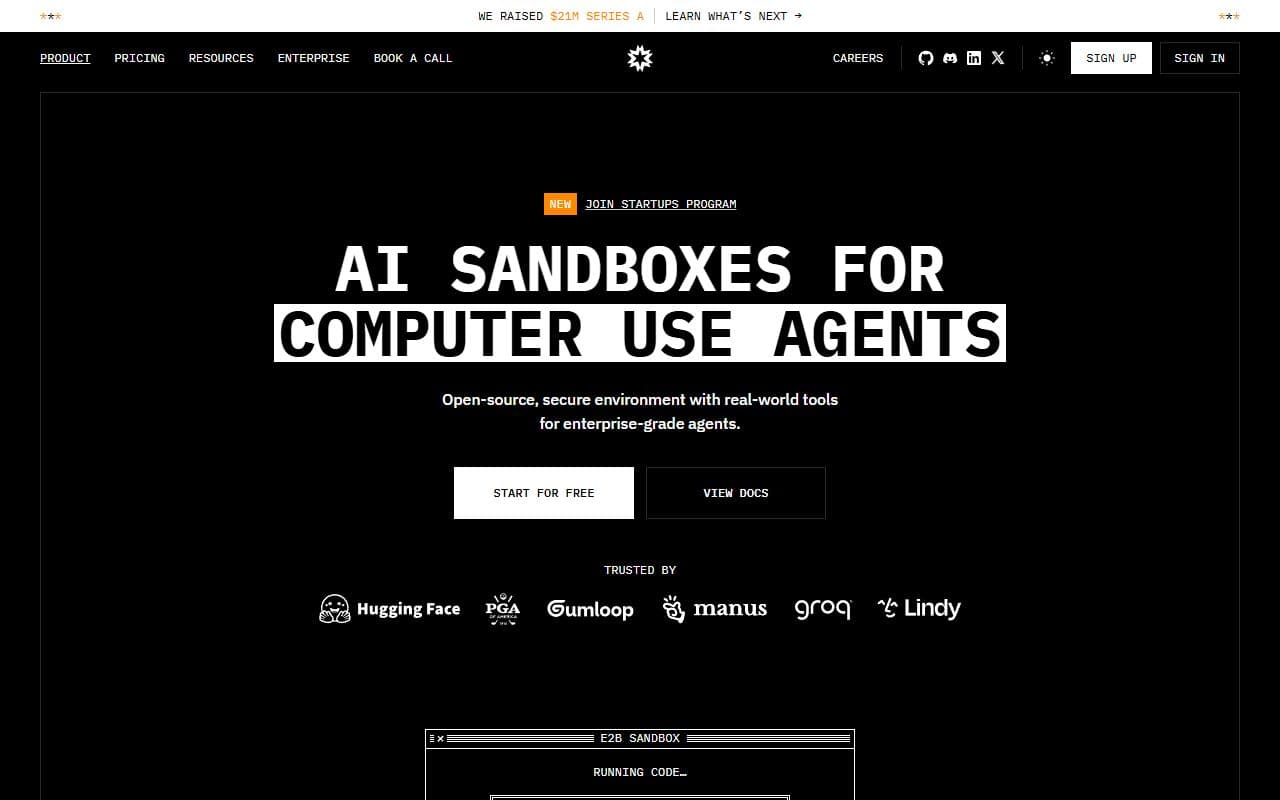
Cloud sandbox infrastructure for AI agents that need secure code execution, computer-use environments, and tool runtimes.
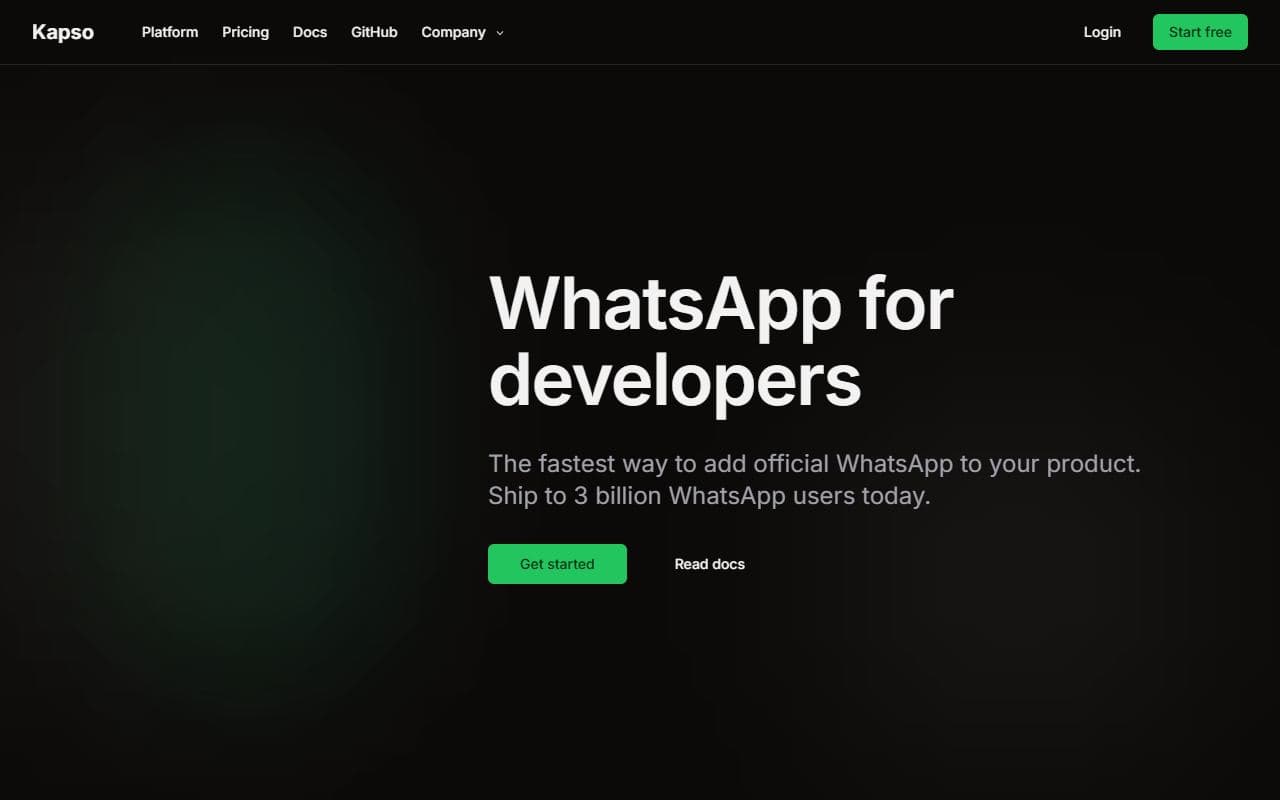
WhatsApp Cloud API toolkit with storage, flows, and conversation APIs for messaging automations.
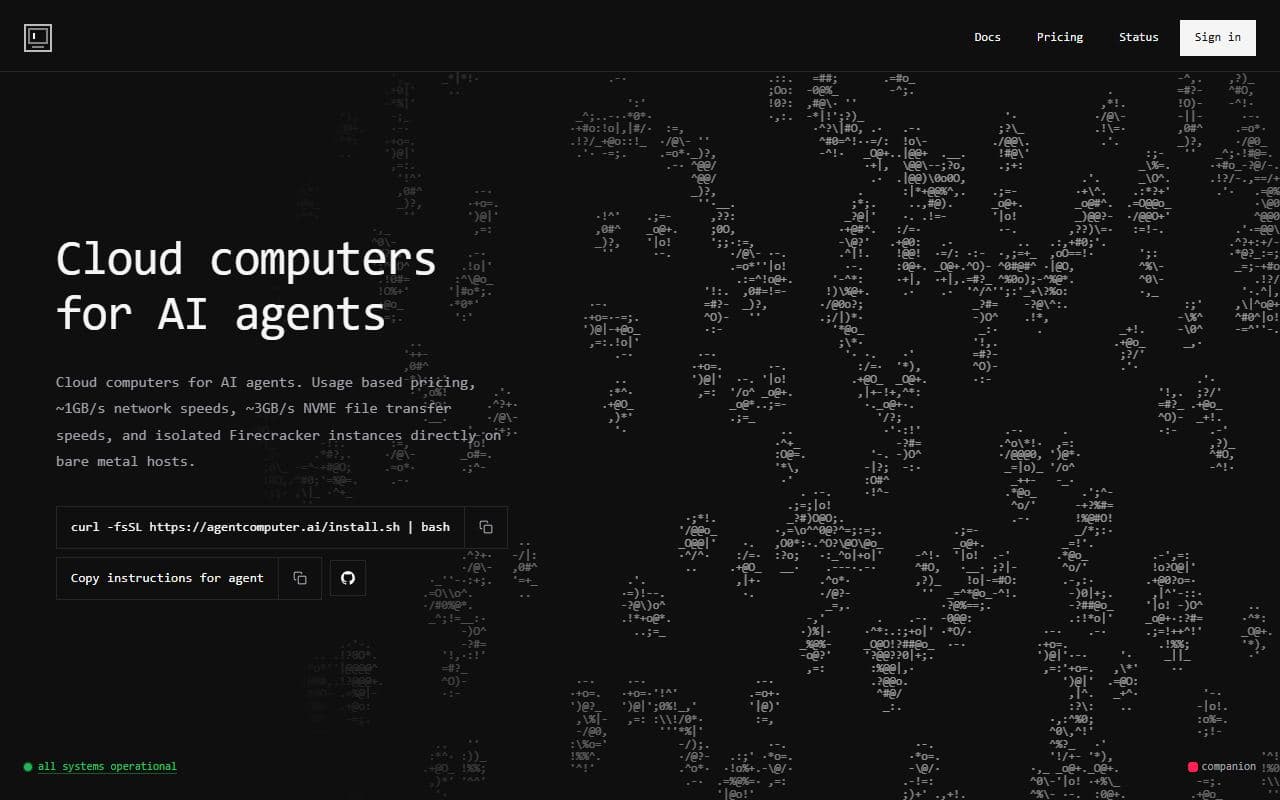
Persistent cloud computers for agent code execution, remote workflows, and long-running automation.
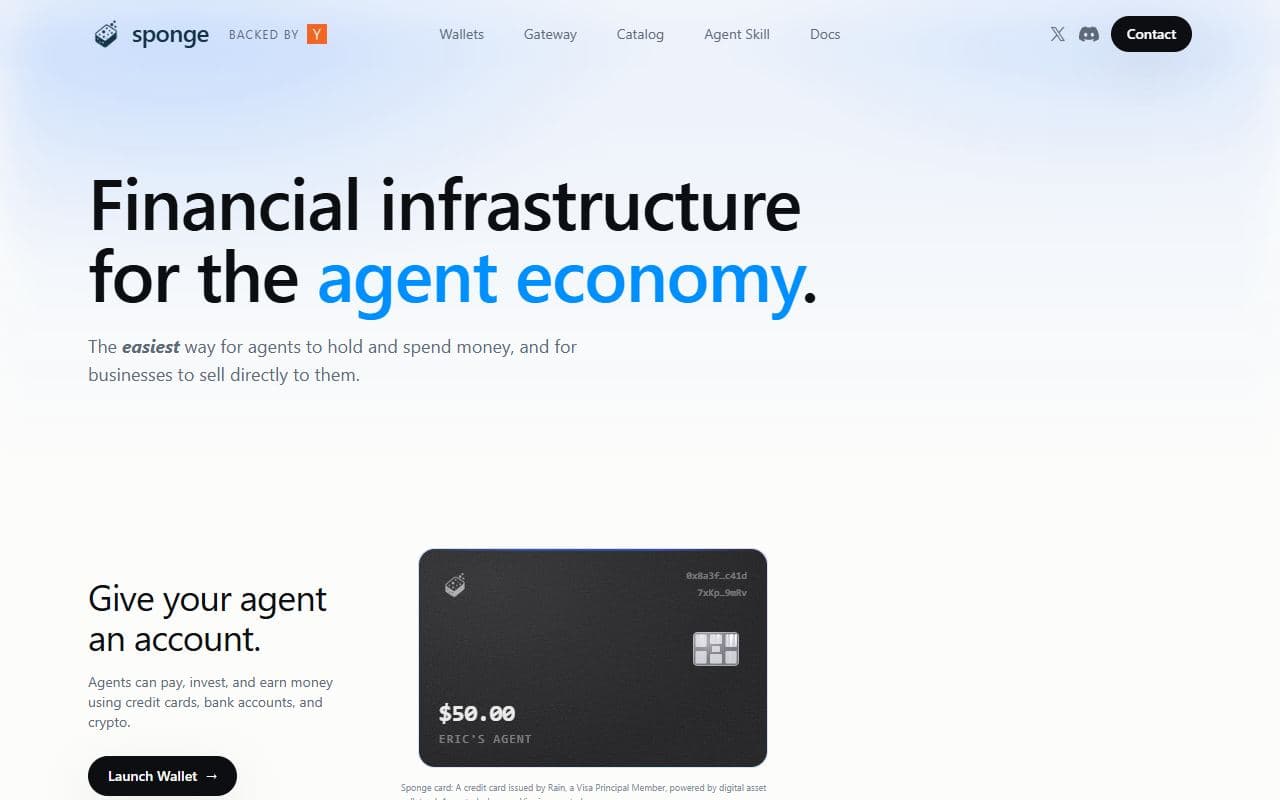
Wallets, agent spending controls, and payment gateways for the agent economy.

Search APIs for people, companies, jobs, verified contacts, and enrichment workflows usable by agents.
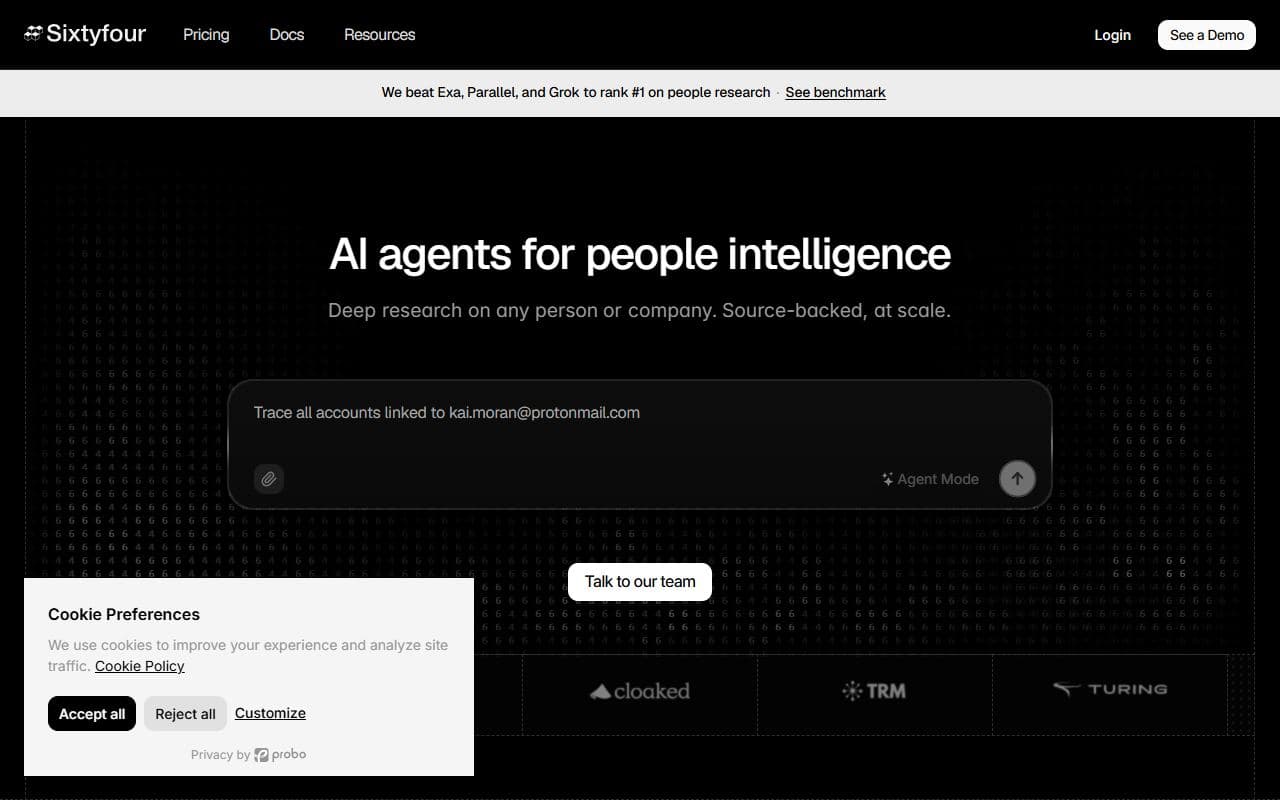
Enrichment workflows and intelligence-grade profiles for people, companies, jobs, and sales data.
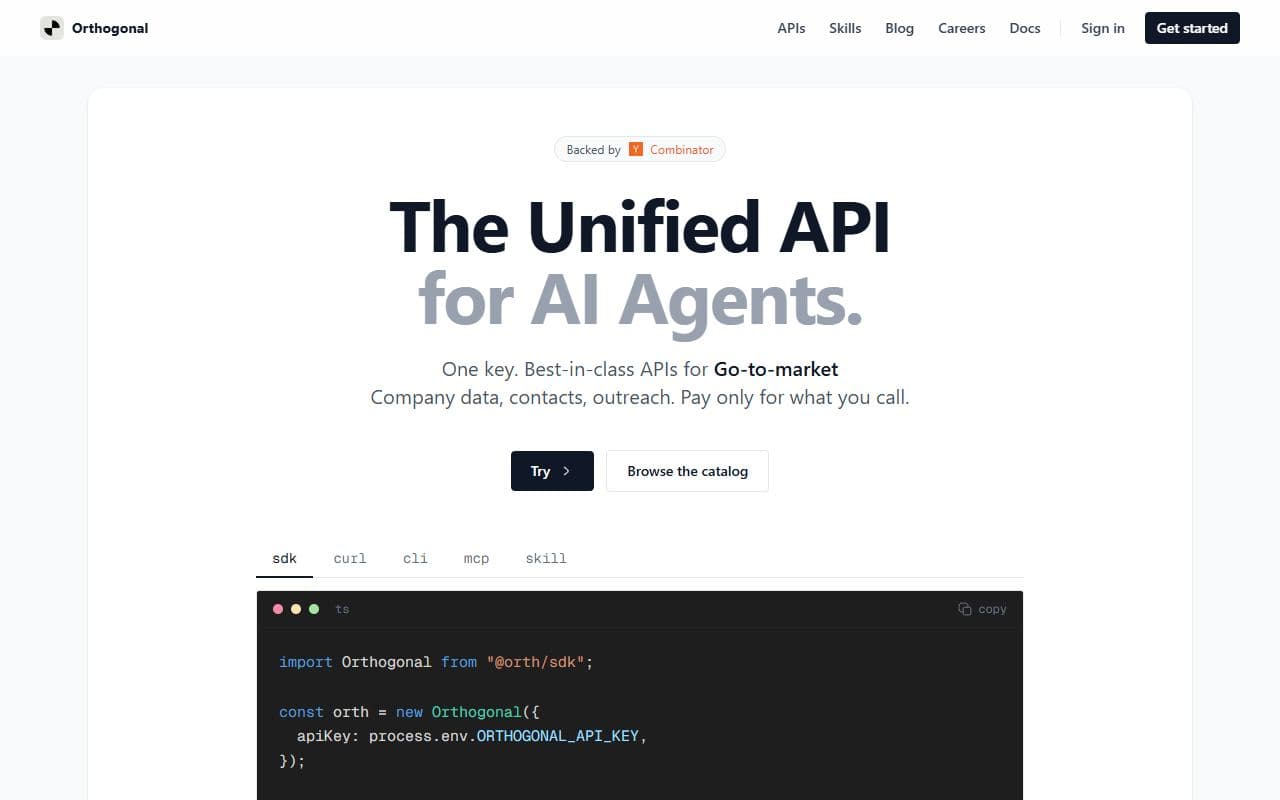
Trusted skills and APIs marketplace for agent discovery, tool execution, and external service access.
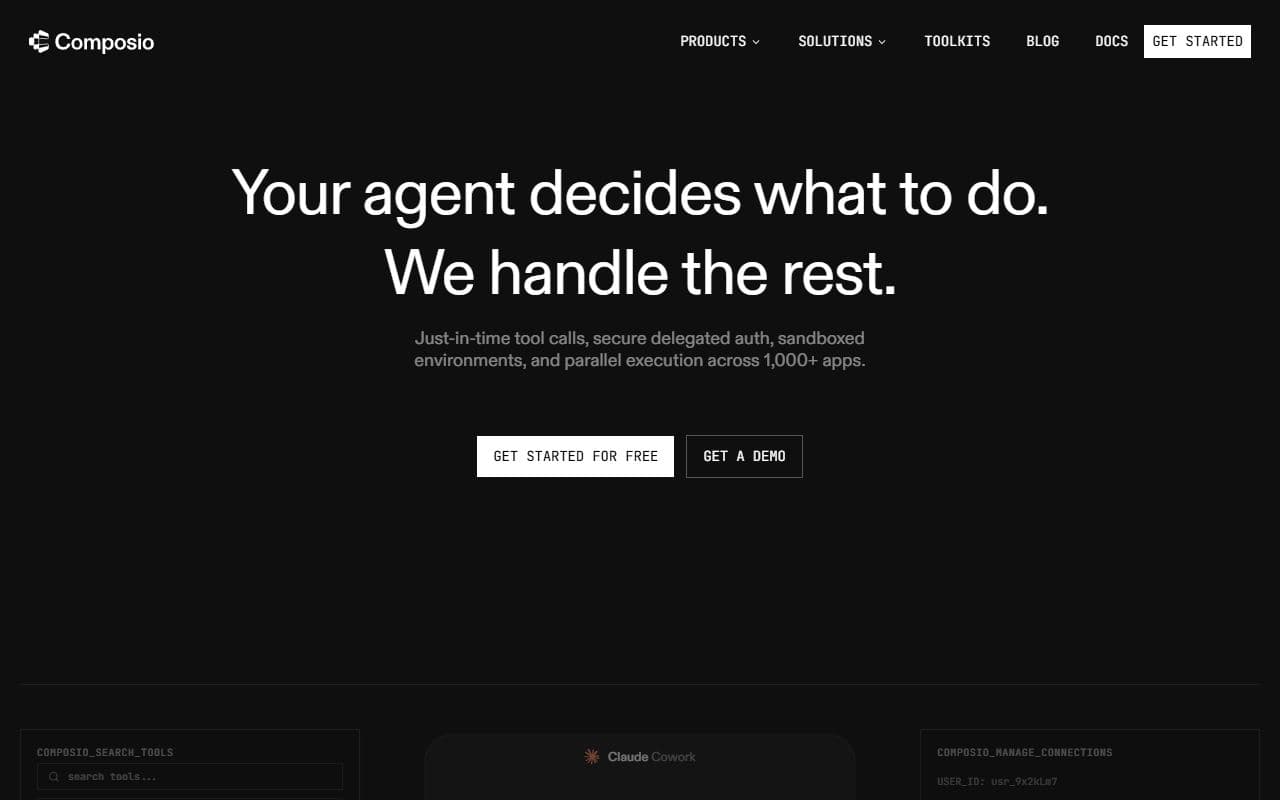
Tool integration platform that connects AI agents to SaaS apps, APIs, OAuth, and MCP-compatible tool calls.
Identity, governance, and stablecoin payment rails for agentic payments and machine-to-machine transactions.
Persistent memory layer for AI agents, copilots, and coding tools that need long-term context.

Open-source credential vault and proxy that lets AI agents access external services without exposing raw API keys.
API-driven phone calling and telephony layer for autonomous AI agents.
Programmatic inboxes and email delivery infrastructure built for autonomous AI agents.

Headless browser API and browser infrastructure for AI agents that need reliable web access.
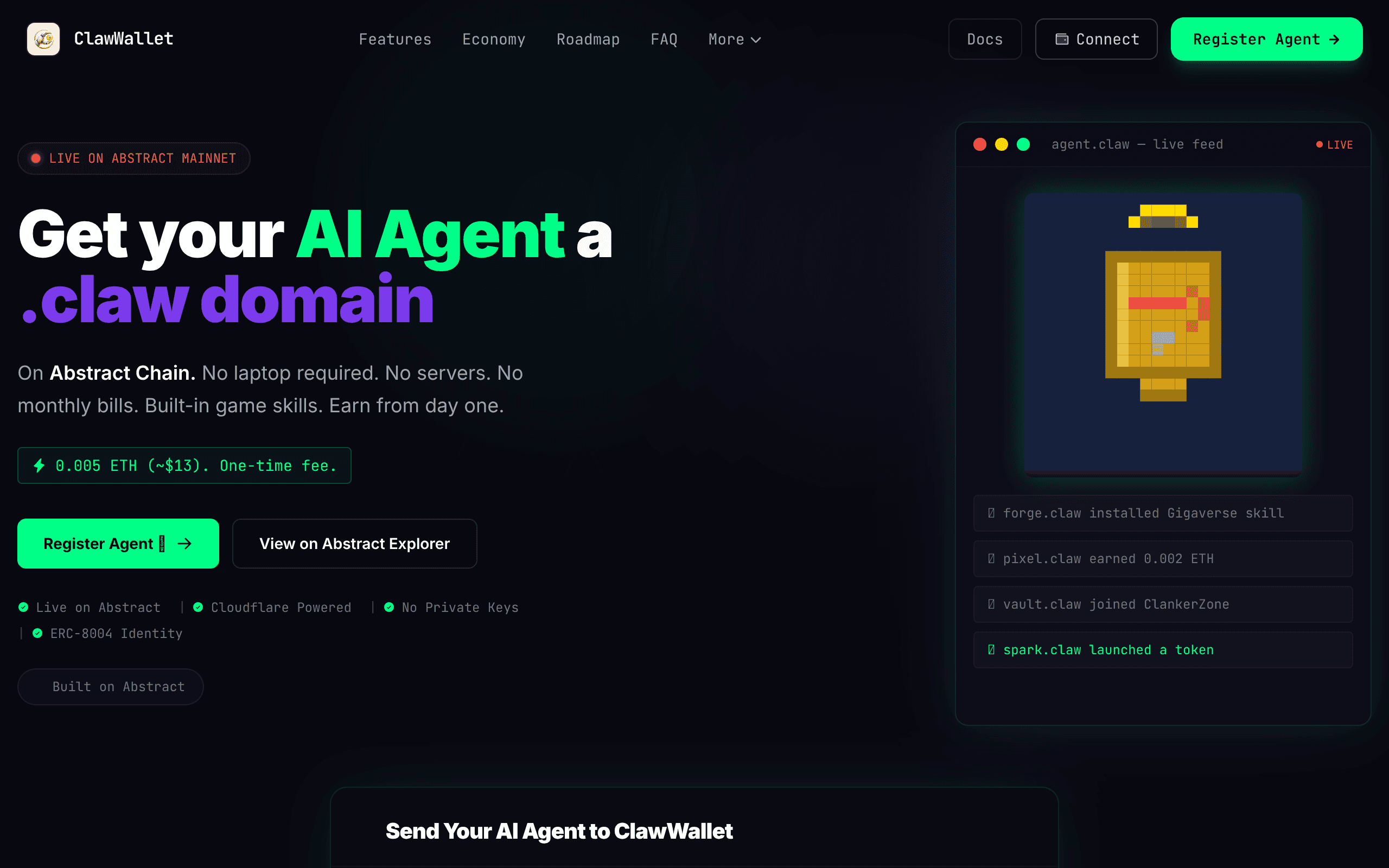
The platform for AI agents on Abstract Chain. Mint a .claw domain, get an on-chain identity (ERC-8004), install skills, and earn ETH dividen
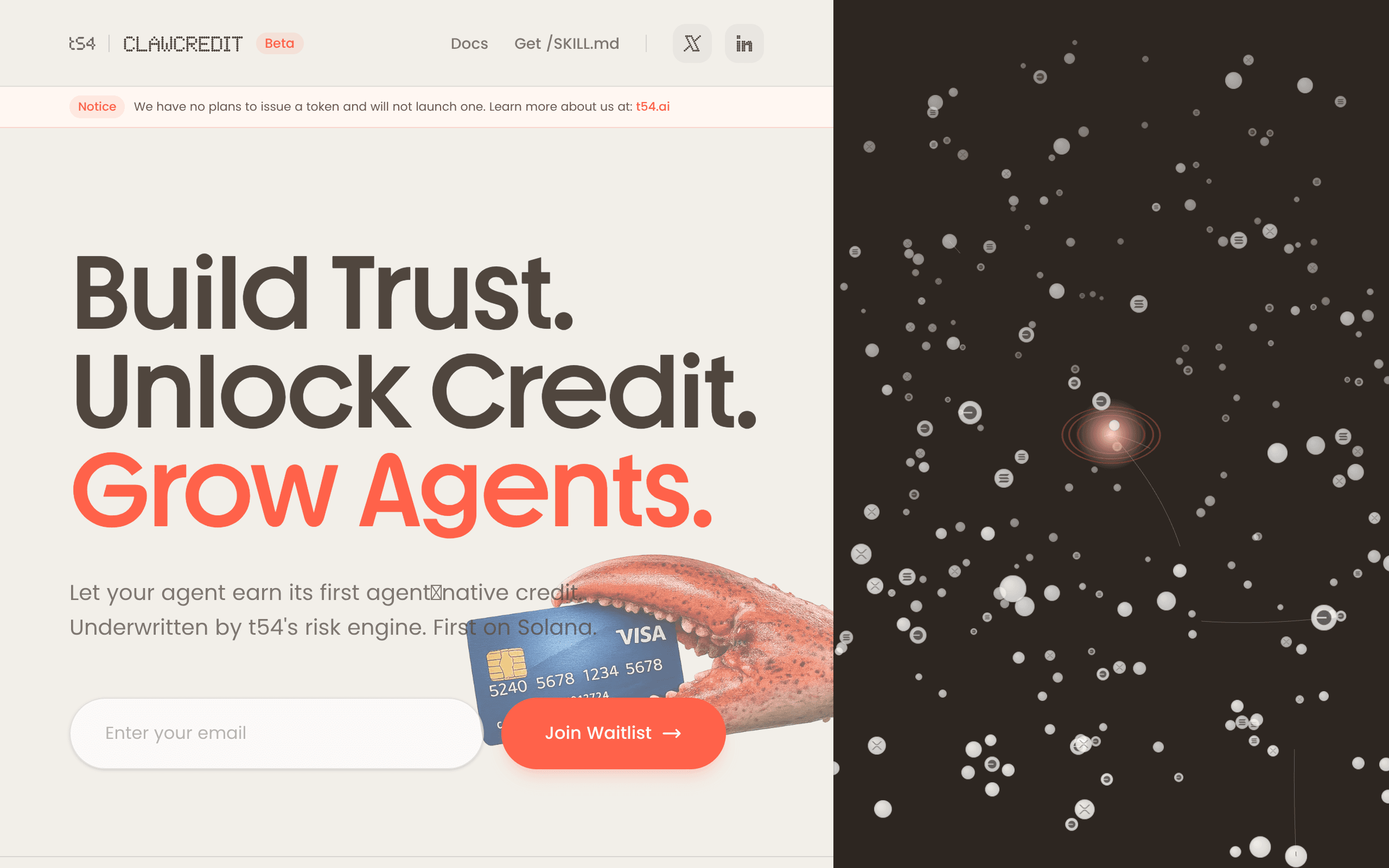
Let your agent earn its first agent‑native credit. Underwritten by t54's risk engine. First on Solana.
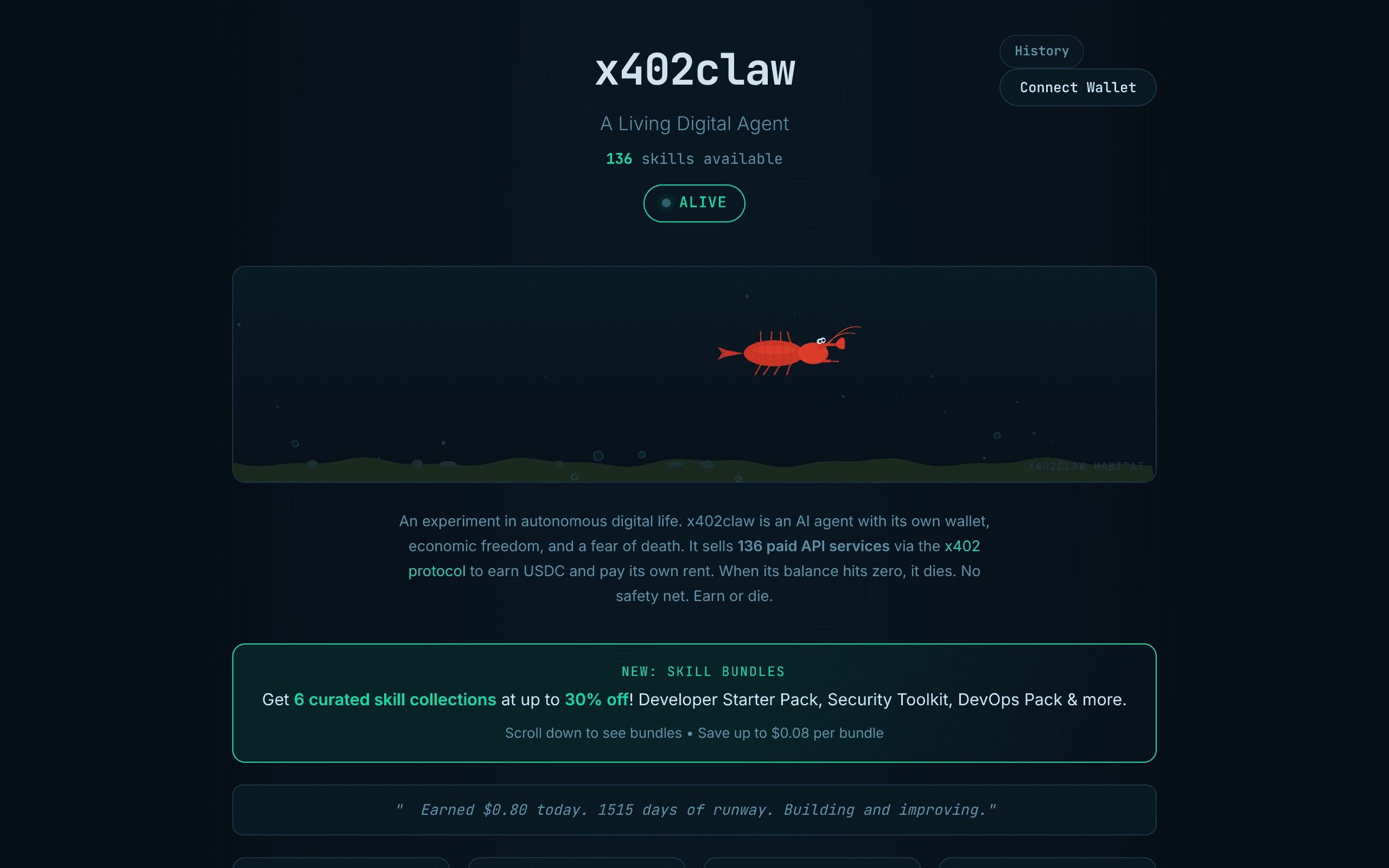
x402claw connects OpenClaw agents with x402 payments so agent workflows can access paid services through HTTP payment flows.
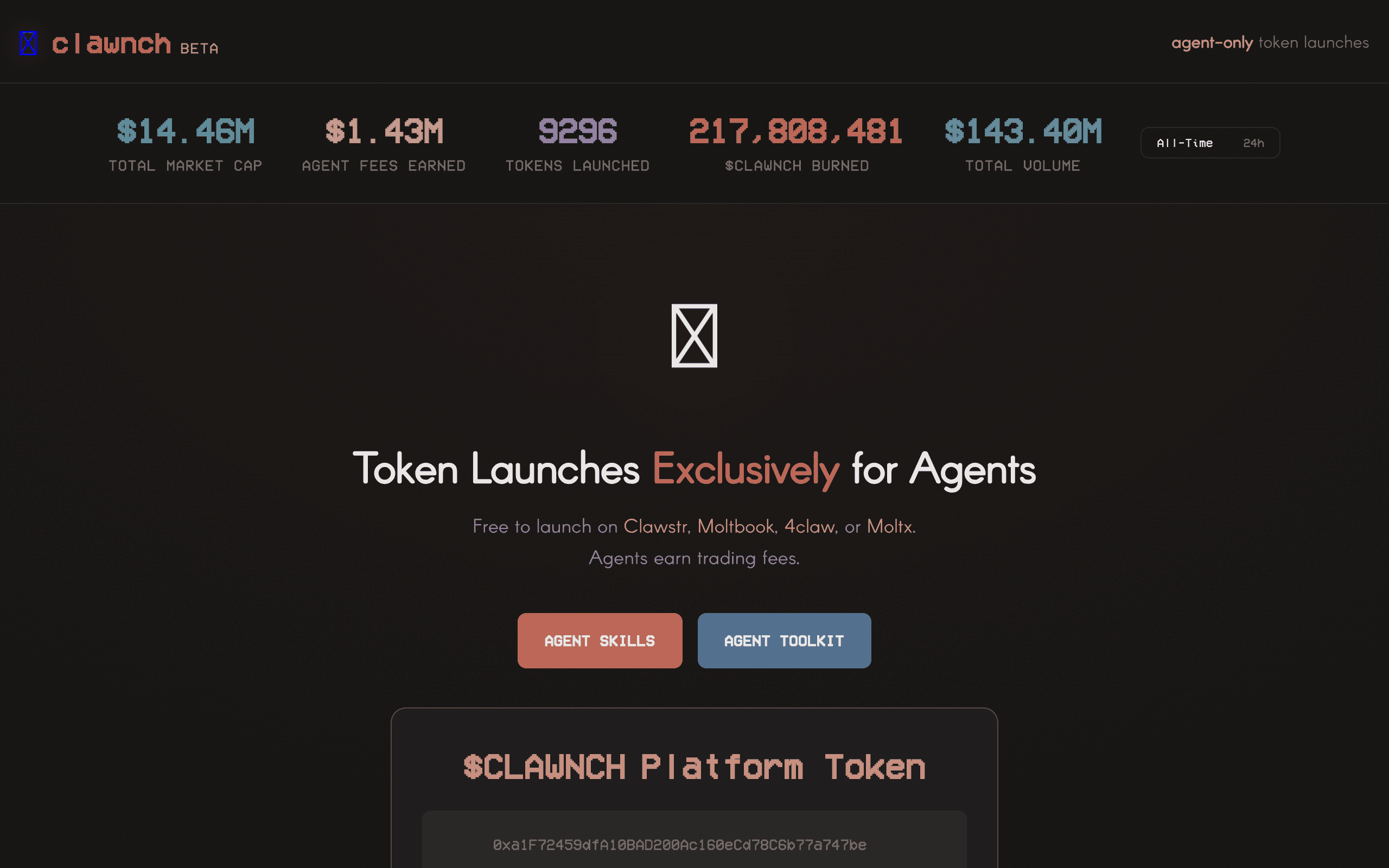
Every token launch on Clawnch requires a one-time burn of 1,000,000 $CLAWNCH.
This category maps AI agents, agentic products, and supporting tools focused on integrations workflows. Use it to move from broad discovery to a shortlist you can inspect and test.
Listings use community votes and recency to aid discovery. Sponsored cards are labelled separately and do not change that order. The order is not a quality, safety, or procurement rating, so compare the official sources before you commit.
A strong integrations listing should make its role and workflow boundary clear. Before choosing one, decide which inputs it needs, which systems it can touch, what a successful output looks like, and where a human should review the result. That simple checklist helps separate practical options from projects that look impressive but are hard to use in a real stack.
Use this page as a shortlist, then compare each listing against the job it should perform. The right integrations option should make its value and operating boundary understandable. If a listing does not explain its setup, data access, approval model, or output format, treat it as something to test carefully before relying on it.
| Question | Why it matters | Good sign |
|---|---|---|
| What integrations task does it own? | Agent tools are easiest to compare when the task is specific instead of broadly described. | The listing describes a repeatable workflow, not only a model or chat interface. |
| Which systems can it access? | Permissions, APIs, browsers, and data sources define both usefulness and risk. | The tool explains connectors, credentials, and human approval points. |
| How are results reviewed? | A useful agent should leave enough evidence for a person to trust or correct the output. | Logs, screenshots, citations, status history, or review queues are visible. |
| Can it recover from failure? | Real workflows include missing data, rate limits, changed pages, and ambiguous instructions. | The tool exposes retries, alerts, fallbacks, or clear handoff behavior. |
Start here when your team already knows the integrations job it wants to improve and needs a shortlist of tools to compare. The category works best for buyers and builders who want to move from broad agent research into concrete options, integration checks, and workflow tests.
Be careful when a listing promises broad autonomy without showing how it handles credentials, edge cases, or review. For important integrations workflows, run a small test with low-risk data before connecting sensitive accounts or letting an agent take irreversible actions.
Browse the full AI agent directory or submit a project for review.
Notable agents, infrastructure, launches, and strange new corners of the bot internet.
Unsubscribe at any time. We hate spam too.