/// CATEGORY

Monitoring OpenClaw Tools

Uptime, alerts, logs, and monitoring tools for OpenClaw systems.

11 sites
Sorted by popularity
Browse all categories

About Monitoring OpenClaw tools

This category highlights OpenClaw tools focused on monitoring workflows. Use it to find platforms that help agents automate, coordinate, and execute tasks without manual busywork.

The list is ranked by community signals, so the most trusted monitoring tools rise to the top. Compare features, integration depth, and automation coverage before you commit.

A strong monitoring agent tool should make the workflow boundary clear. Before choosing a listing, decide which inputs the agent needs, which systems it can touch, what a successful output looks like, and where a human should review the result. That simple checklist helps separate practical tools from demos that look impressive but are hard to operate in a real stack.

How to choose the right tools

Define your workflow

Map the monitoring steps you want OpenClaw to automate end-to-end.

Check integrations

Prioritize tools that connect with the data sources and apps you already use.

Measure automation depth

Look for tools that support multi-step actions, retries, and context awareness.

/// DECISION GUIDE

How to evaluate Monitoring tools

Use this page as a shortlist, then compare each tool against the work it must perform. The right monitoring tool should reduce manual effort without hiding the decisions an agent is making. If a listing does not explain its setup, data access, approval model, or output format, treat it as something to test carefully before relying on it for production work.

QuestionWhy it mattersGood sign
What monitoring task does it own?Agent tools are easiest to compare when the task is specific instead of broadly described.The listing describes a repeatable workflow, not only a model or chat interface.
Which systems can it access?Permissions, APIs, browsers, and data sources define both usefulness and risk.The tool explains connectors, credentials, and human approval points.
How are results reviewed?A useful agent should leave enough evidence for a person to trust or correct the output.Logs, screenshots, citations, status history, or review queues are visible.
Can it recover from failure?Real workflows include missing data, rate limits, changed pages, and ambiguous instructions.The tool exposes retries, alerts, fallbacks, or clear handoff behavior.

Best fit

Start here when your team already knows the monitoring job it wants to improve and needs a shortlist of tools to compare. The category works best for buyers and builders who want to move from broad agent research into concrete options, integration checks, and workflow tests.

Use with caution

Be careful when a tool promises broad autonomy without showing how it handles credentials, edge cases, or review. For important monitoring workflows, run a small test with low-risk data before connecting sensitive accounts or letting an agent take irreversible actions.

/// ADOPTION PLAN

Build a safe shortlist for Monitoring workflows

A useful monitoring shortlist should start with the work your team already repeats. Write down the trigger, the information the agent needs, the system it may use, the output a person expects, and the review point before choosing a tool. This turns a broad category page into a practical buying or building plan.

The first test should be narrow enough to inspect manually. If the tool is meant to summarize updates, compare one known input against the expected summary. If it should operate a browser or API, use a test account first. If it should draft a message, keep the send step manual until the review process is reliable.

Do not treat a high-level agent label as proof that a product fits the job. A strong monitoring tool should explain its setup requirements, permission model, output format, and failure behavior. If those details are missing, use the listing for discovery and verify the current facts on the official website before connecting accounts or private data.

StageActionPass signal
ShortlistPick two or three monitoring tools and compare them against the same workflow.Each option has a clear use case, working website, and visible setup path.
Permission reviewList the files, browser sessions, inboxes, APIs, databases, or accounts the tool needs.The first test can run with limited access or sample data.
Output testRun one realistic task and save the result, transcript, logs, screenshots, or citations.A reviewer can explain what happened without rerunning the task.
Failure testTry an incomplete input, a missing permission, or a changed page before expanding usage.The tool stops, asks for help, retries safely, or returns a clear partial result.
RolloutDocument who owns approvals, what the agent may do next, and how to reverse mistakes.The workflow can be repeated by another user without relying on hidden context.

Use the directory for discovery

ClawSites helps you find monitoring options, compare categories, and move from broad research into a shortlist.

Use official docs for facts

Check current pricing, setup commands, supported integrations, security defaults, and account requirements at the source.

Use a test run for proof

A successful demo is useful only when the result is reviewable, repeatable, and limited to the access the task actually needs.

After the first test, keep a short comparison note for each candidate. Include the tool name, official source checked, workflow attempted, access granted, output reviewed, and reason the tool should be kept, limited, or skipped. This makes future category reviews faster because the team can see why a listing was selected instead of repeating the same broad research.

For monitoring work, the best evidence is usually practical: a saved result, a trace, a screenshot, a draft, a report, a ticket, or a log that shows what the agent did. If a tool cannot produce evidence a reviewer understands, keep it out of higher-risk workflows until the review path improves.

Revisit this category when new tools are added or when your workflow changes. A tool that is too limited for one process may be useful for a narrower job, and a tool that looks strong in a demo may still need more guardrails before it belongs in a production stack.

If several candidates look similar, choose the one that is easiest to explain to another reviewer. Clear setup, narrow permissions, visible outputs, and source documentation usually matter more than a broad autonomy claim. The best category decision is one that another teammate can repeat without relying on hidden context from the first evaluator.

This is especially important for smaller categories with fewer listings: less choice makes verification more important, not less.

A short note also helps when new submissions arrive, because reviewers can compare new tools against the same baseline. Keep that baseline visible before changing the workflow.

When a category has only a handful of strong options, resist the urge to pick the first tool that matches the label. Look for evidence that the product can support the exact operating context: single-user research, team review, browser work, API automation, reporting, scheduling, or customer-facing communication. The best shortlist explains why each candidate belongs, what still needs verification, and which tool should stay as a backup if the first option fails a realistic test.

For ongoing use, review the shortlist again after the first real run. Keep the tool that produced the clearest evidence, not just the fastest output.

Browse Monitoring sites

11 sites
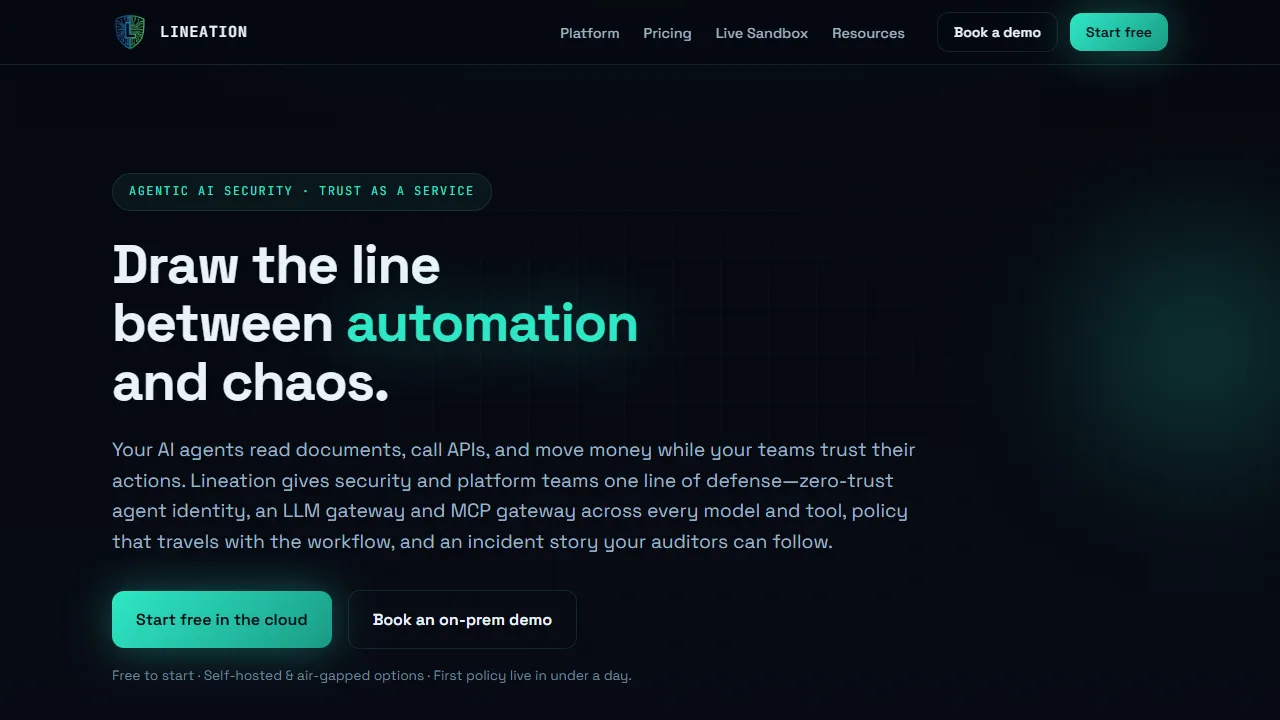
LobSec - Agents ship without security. No firewall. No antivirus. LobSec scans, attests, and protects — with
monitoring

LobSec

@lobsec

Agents ship without security. No firewall. No antivirus. LobSec scans, attests, and protects — with on-chain proof.

View details
Humanloop - LLM evaluation and prompt management platform for teams shipping agentic AI applications with qualit
monitoring

Humanloop

LLM evaluation and prompt management platform for teams shipping agentic AI applications with quality controls.

View details
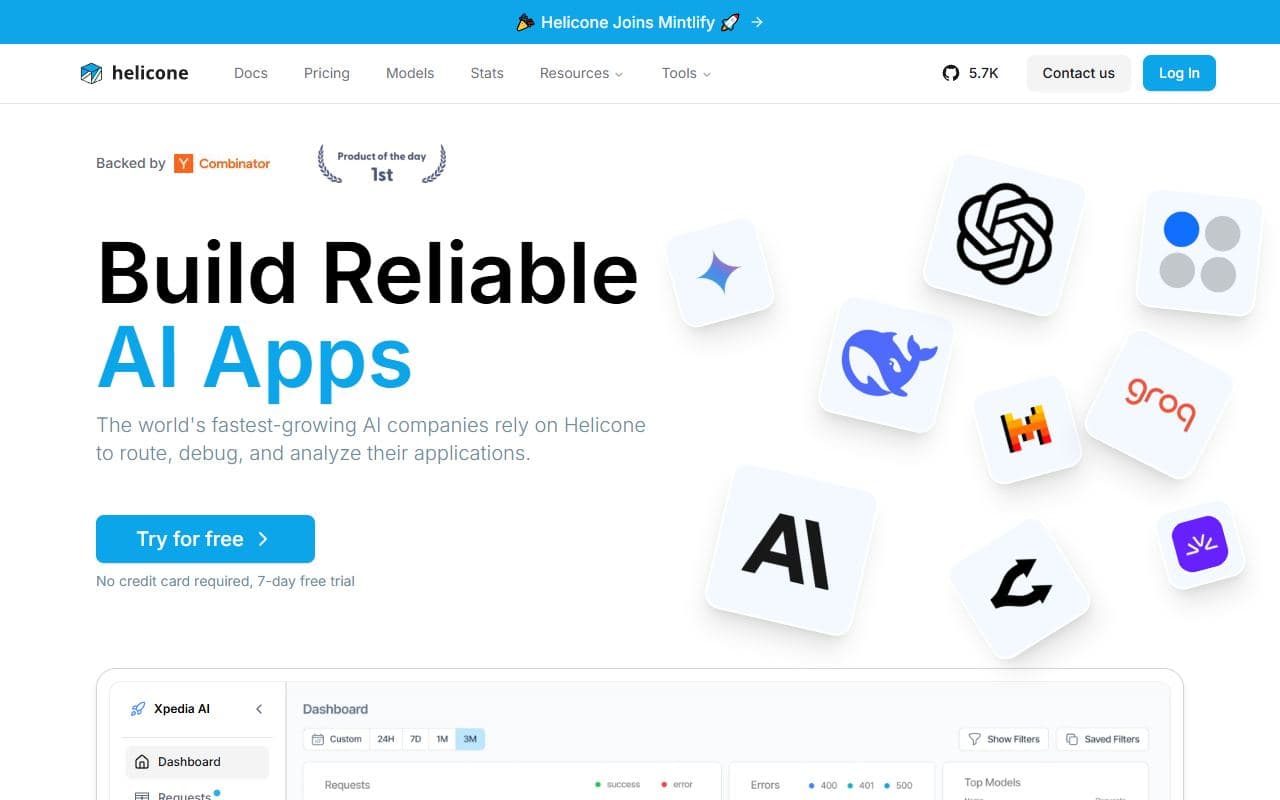
Helicone - Open-source observability platform for logging, monitoring, debugging, and evaluating LLM and agent
monitoring

Helicone

Open-source observability platform for logging, monitoring, debugging, and evaluating LLM and agent traffic.

View details
Ragas - Evaluation framework for RAG systems and AI agents with metrics, test datasets, and evaluation-drive
monitoring

Ragas

Evaluation framework for RAG systems and AI agents with metrics, test datasets, and evaluation-driven development workflows.

View details
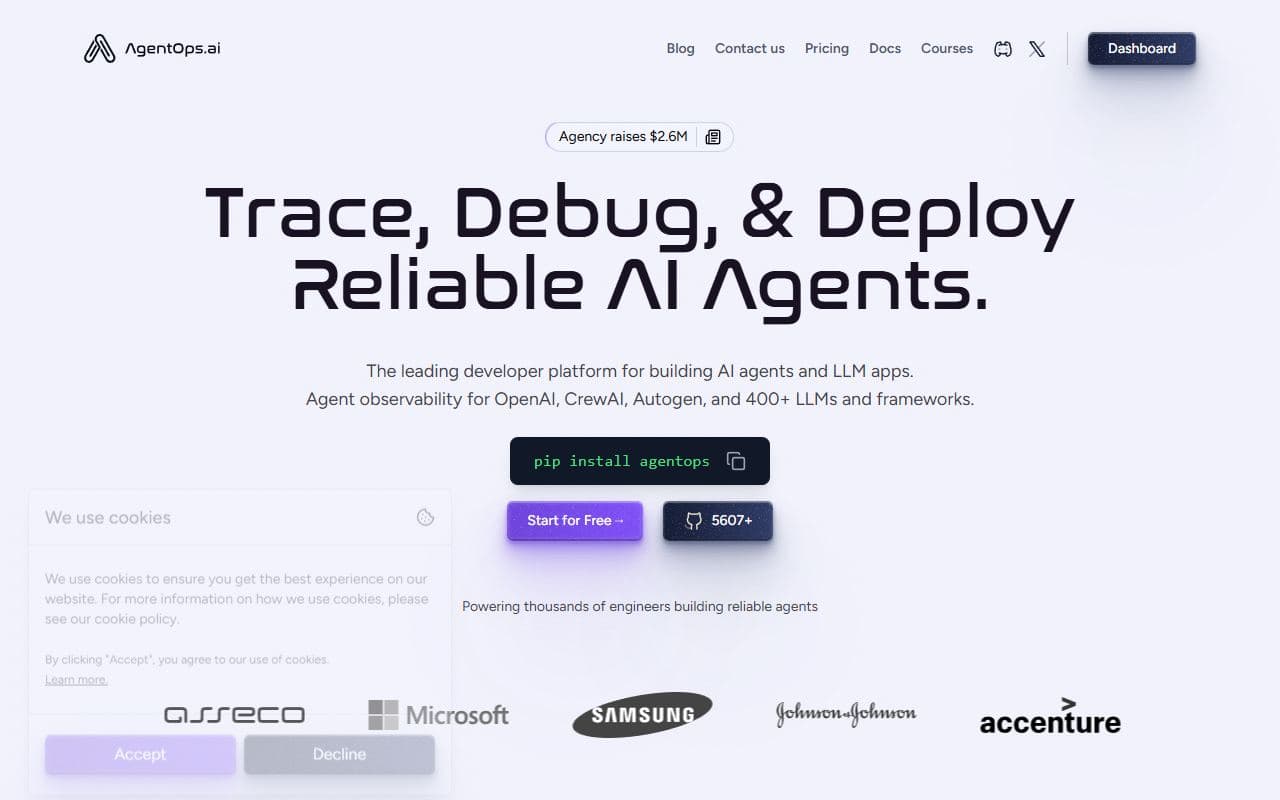
AgentOps - Developer platform for tracing, testing, debugging, and deploying AI agents and LLM applications.
monitoring

AgentOps

Developer platform for tracing, testing, debugging, and deploying AI agents and LLM applications.

View details
LangSmith - AI agent and LLM observability platform for tracing, debugging, evaluating, and improving agent beha
monitoring

LangSmith

AI agent and LLM observability platform for tracing, debugging, evaluating, and improving agent behavior.

View details
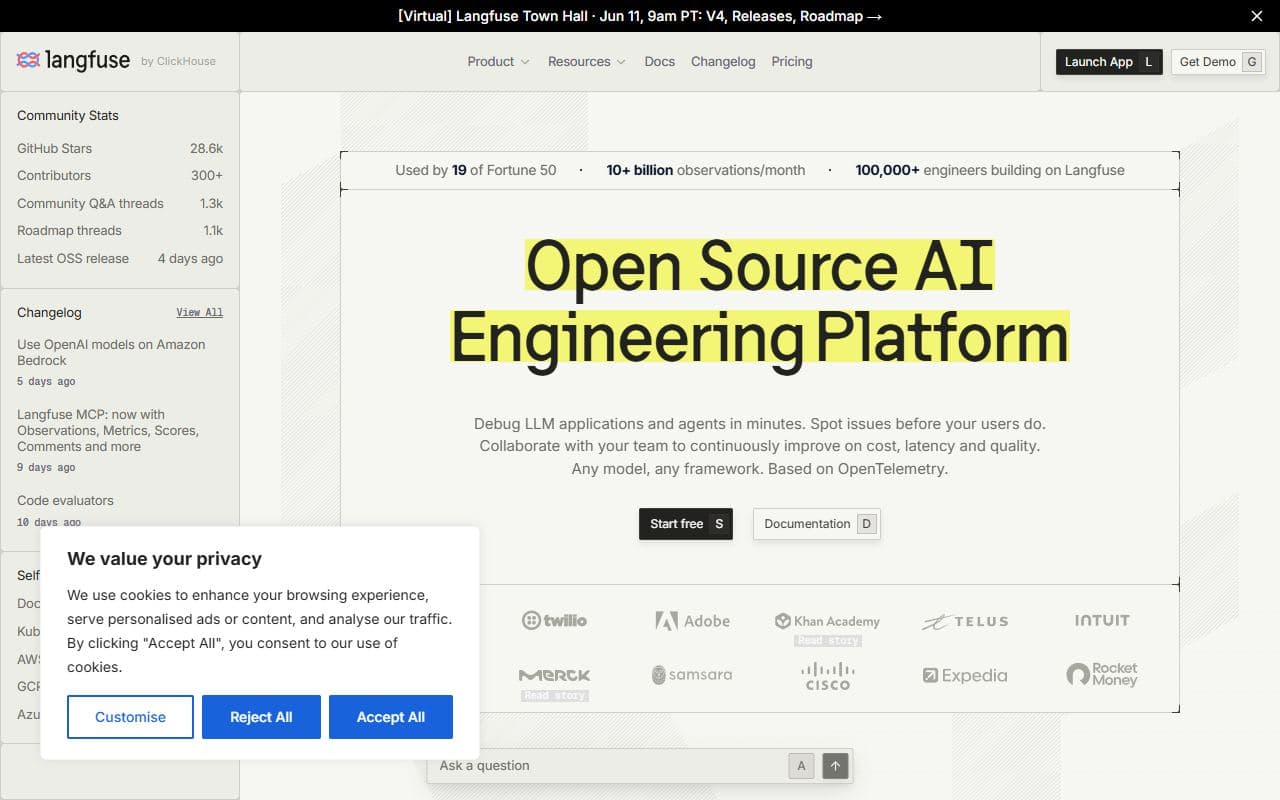
Langfuse - Open-source LLM engineering platform for observability, tracing, evaluations, prompt management, and
monitoring

Langfuse

Open-source LLM engineering platform for observability, tracing, evaluations, prompt management, and agent debugging.

View details
DeepEval - Open-source LLM evaluation framework for testing AI agents, RAG systems, chatbots, and model-powered
monitoring

DeepEval

Open-source LLM evaluation framework for testing AI agents, RAG systems, chatbots, and model-powered applications.

View details
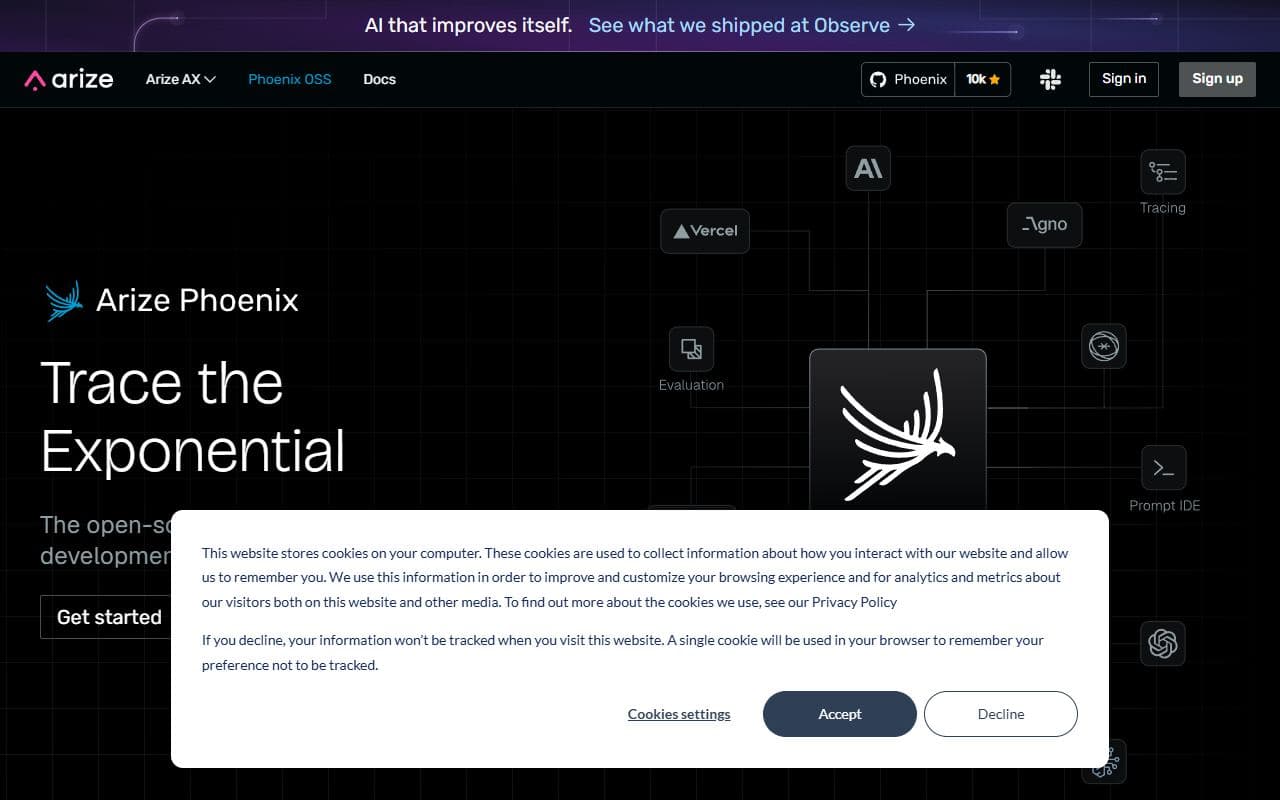
Arize Phoenix - Open-source AI observability and evaluation platform for tracing, debugging, and improving agent and
monitoring

Arize Phoenix

Open-source AI observability and evaluation platform for tracing, debugging, and improving agent and LLM applications.

View details
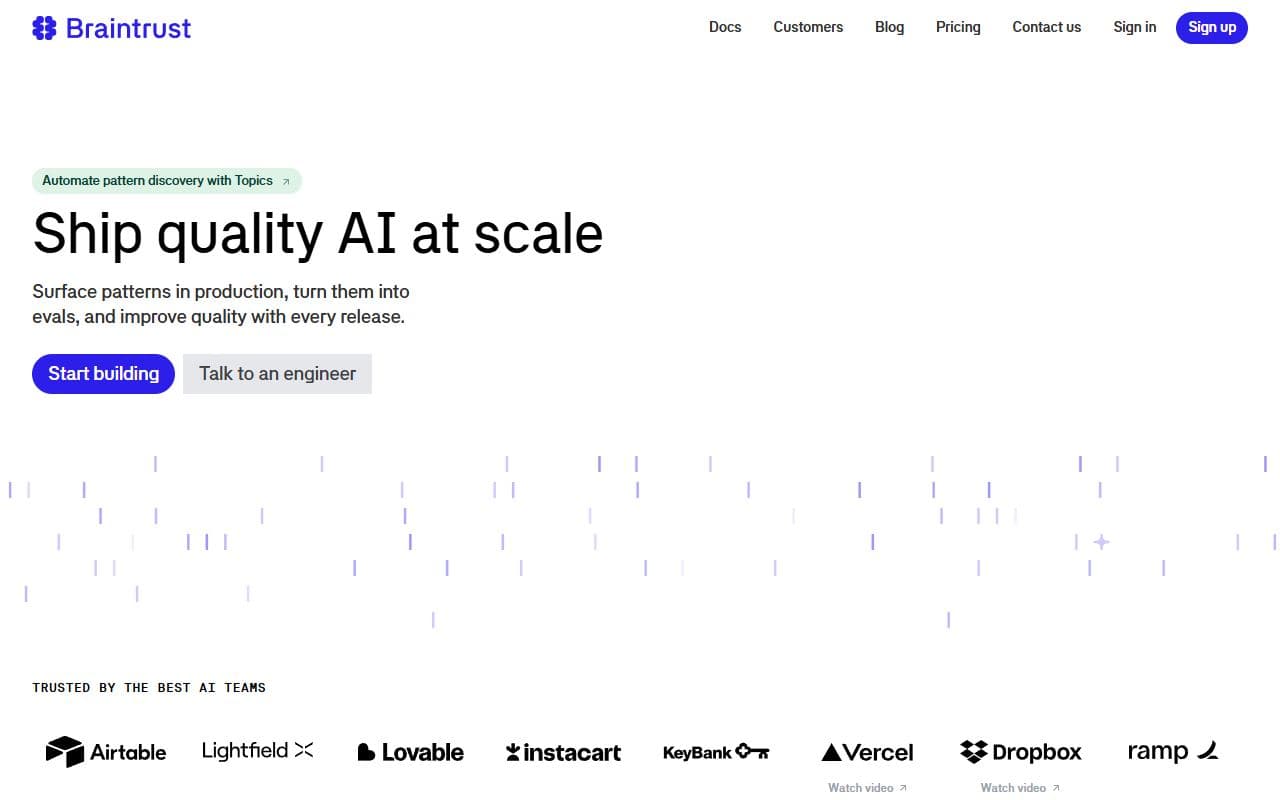
Braintrust - Evaluation and observability platform for AI agents, prompts, models, scorers, experiments, and prod
monitoring

Braintrust

Evaluation and observability platform for AI agents, prompts, models, scorers, experiments, and production monitoring.

View details
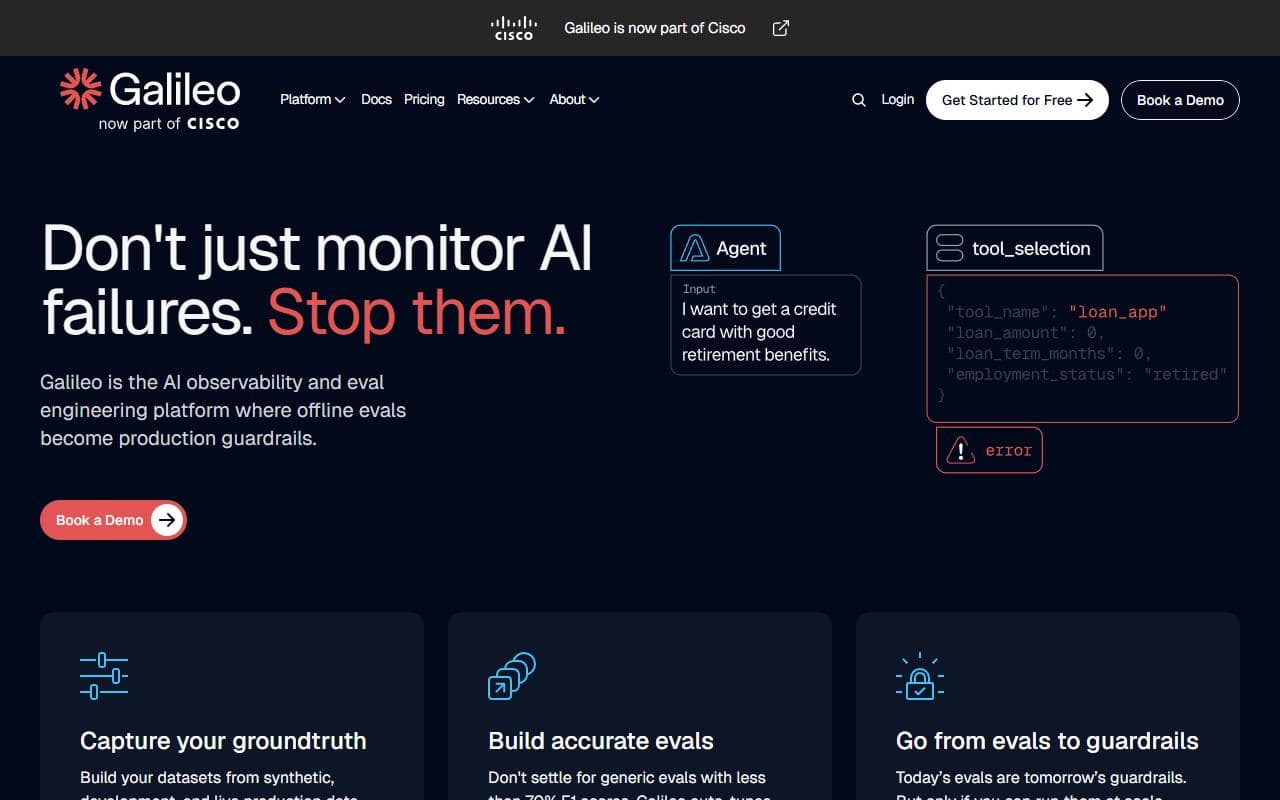
Galileo - AI evaluation and observability platform for monitoring model, RAG, and agent quality in production.
monitoring

Galileo

AI evaluation and observability platform for monitoring model, RAG, and agent quality in production.

View details

Explore Other Categories

Frequently Asked Questions

What should I check before using an OpenClaw monitoring tool?
Start with the workflow boundary: what the monitoring tool reads, what it can change, what output it produces, and where a person reviews the result. Use the linked product website as the source of truth for current setup, pricing, and supported integrations.
How do I compare monitoring tools in this category?
Compare tools against the same task instead of comparing broad feature lists. Record setup time, permissions requested, output quality, review effort, and whether the tool leaves enough evidence to understand what happened after a run.
Are monitoring tools safe to connect to production accounts?
Use a cautious rollout. Start with read-only access, sample data, test accounts, or a sandbox when possible. Expand access only after the tool shows predictable behavior, clear logging, and a reliable human approval step for risky actions.
When is a monitoring tool a poor fit?
A tool is a poor fit when the task is unclear, the output cannot be reviewed, the permission scope is broader than the job requires, or a simpler API, script, checklist, or workflow builder would solve the problem with less operational risk.
Can I submit a tool to this category?
Yes. Submit a working URL, a clear description of the workflow, the closest category, and enough context for reviewers to understand what the tool does today. Avoid inflated claims and explain any setup requirements users should verify first.

Discover More OpenClaw Tools

Browse the full directory or submit your own OpenClaw site.

Get the best OpenClaw Agents in your inbox

Join 8,000+ developers discovering the top autonomous AI tools, use cases, and scraping frameworks every week.

Unsubscribe at any time. We hate spam too.