
Dashboards
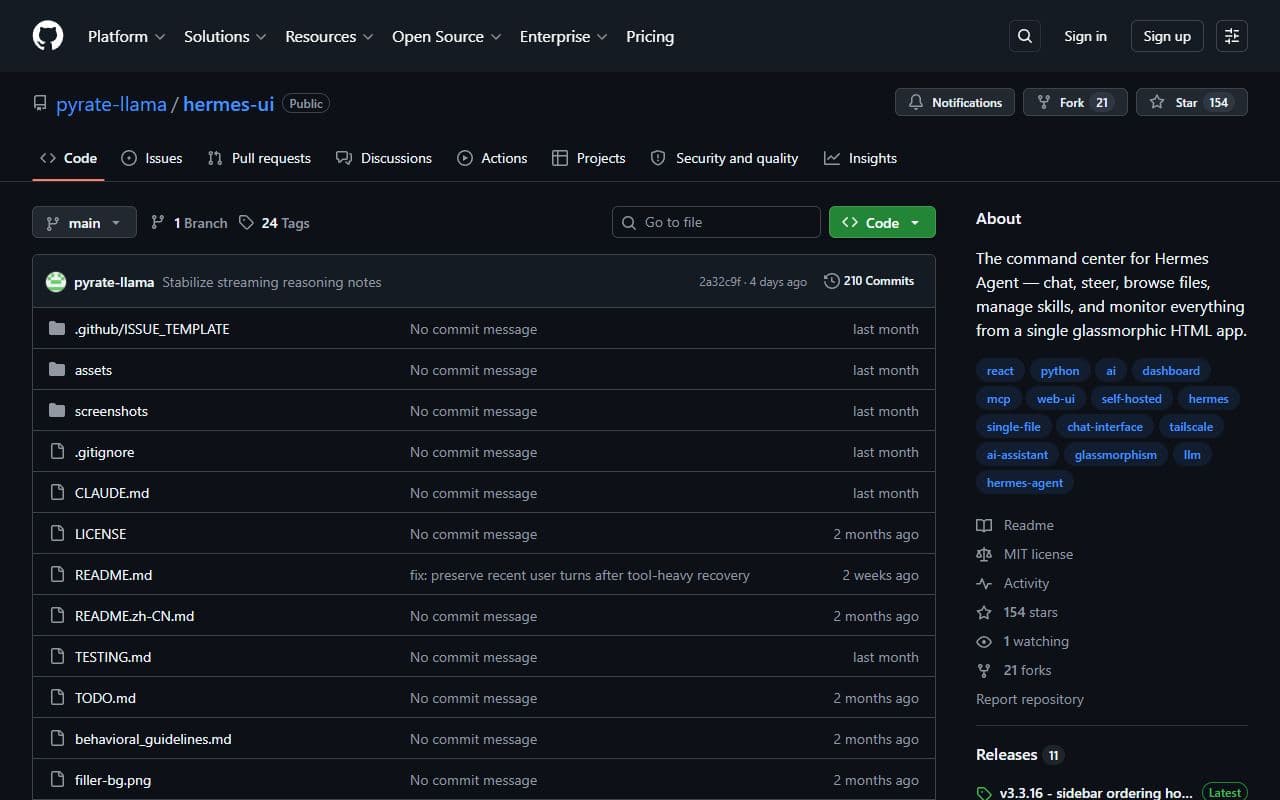
Hermes UI provides a chat interface, real-time log streaming, file browsing, and memory inspection through a lightweight Python proxy server.
Interfaces for observing, controlling, and reviewing autonomous agents, tasks, systems, and business workflows.
Hermes UI provides a chat interface, real-time log streaming, file browsing, and memory inspection through a lightweight Python proxy server.

Mission Control is a self-hosted control plane for AI agents that dispatches tasks, reviews runs, tracks spend, and operates multiple runtimes.
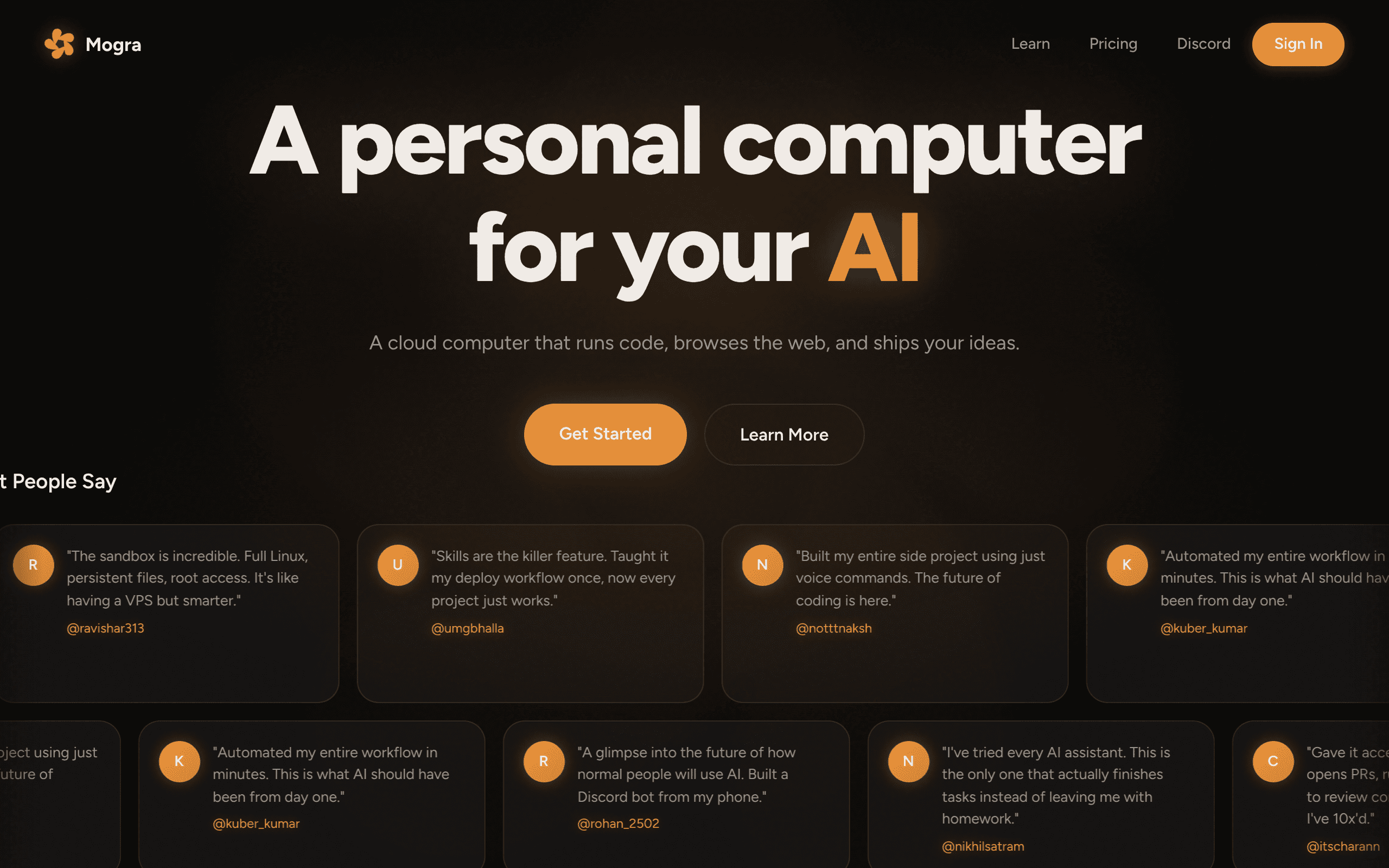
A cloud computer that runs code, browses the web, and ships your ideas.
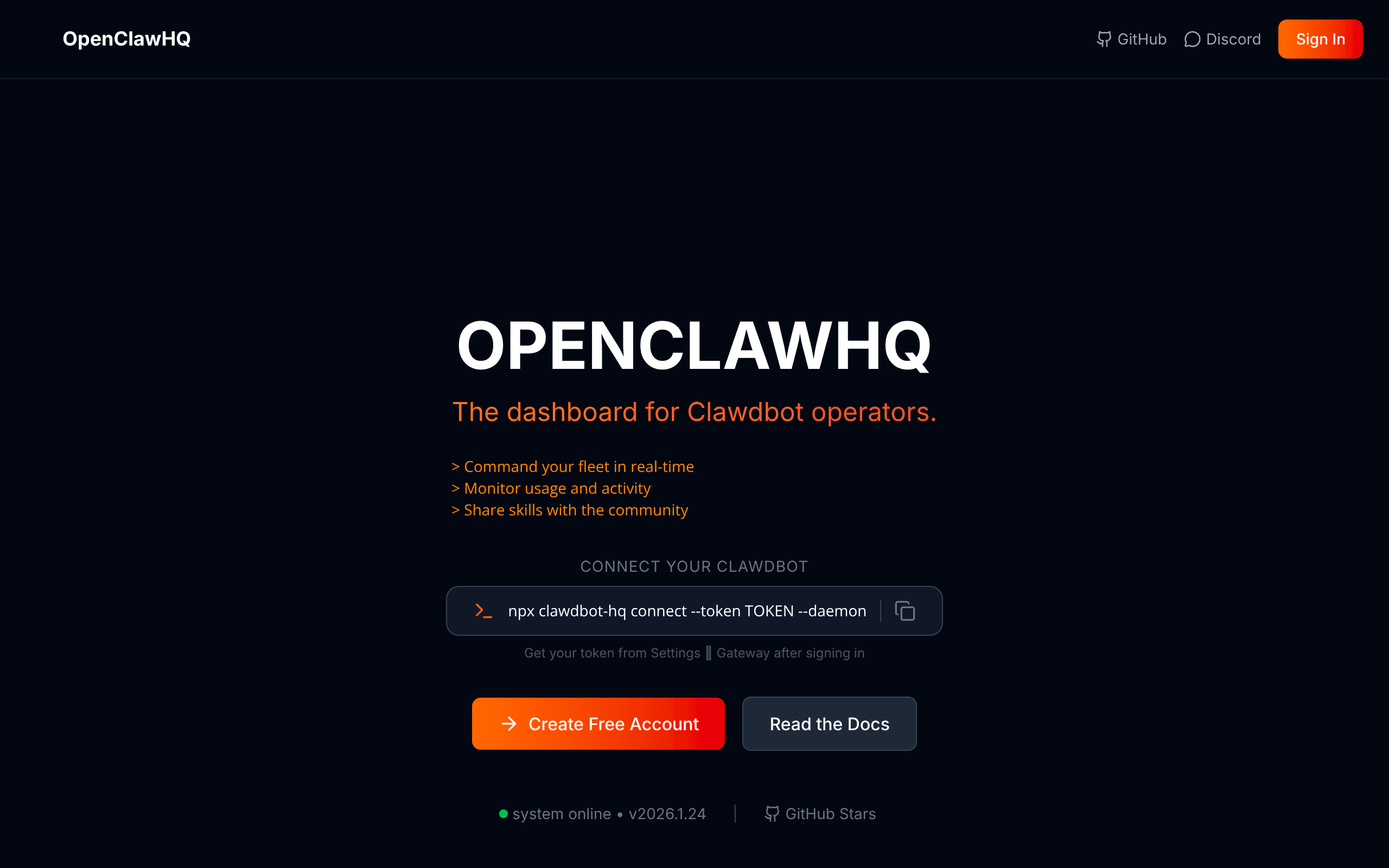
Your AI agents, united. The dashboard for Clawdbot operators. Command your fleet, monitor your usage, share skills, and more.
This category maps AI agents, agentic products, and supporting tools focused on dashboards workflows. Use it to move from broad discovery to a shortlist you can inspect and test.
Listings use community votes and recency to aid discovery. Sponsored cards are labelled separately and do not change that order. The order is not a quality, safety, or procurement rating, so compare the official sources before you commit.
A strong dashboards listing should make its role and workflow boundary clear. Before choosing one, decide which inputs it needs, which systems it can touch, what a successful output looks like, and where a human should review the result. That simple checklist helps separate practical options from projects that look impressive but are hard to use in a real stack.
Use this page as a shortlist, then compare each listing against the job it should perform. The right dashboards option should make its value and operating boundary understandable. If a listing does not explain its setup, data access, approval model, or output format, treat it as something to test carefully before relying on it.
| Question | Why it matters | Good sign |
|---|---|---|
| What dashboards task does it own? | Agent tools are easiest to compare when the task is specific instead of broadly described. | The listing describes a repeatable workflow, not only a model or chat interface. |
| Which systems can it access? | Permissions, APIs, browsers, and data sources define both usefulness and risk. | The tool explains connectors, credentials, and human approval points. |
| How are results reviewed? | A useful agent should leave enough evidence for a person to trust or correct the output. | Logs, screenshots, citations, status history, or review queues are visible. |
| Can it recover from failure? | Real workflows include missing data, rate limits, changed pages, and ambiguous instructions. | The tool exposes retries, alerts, fallbacks, or clear handoff behavior. |
Start here when your team already knows the dashboards job it wants to improve and needs a shortlist of tools to compare. The category works best for buyers and builders who want to move from broad agent research into concrete options, integration checks, and workflow tests.
Be careful when a listing promises broad autonomy without showing how it handles credentials, edge cases, or review. For important dashboards workflows, run a small test with low-risk data before connecting sensitive accounts or letting an agent take irreversible actions.
Browse the full AI agent directory or submit a project for review.
Notable agents, infrastructure, launches, and strange new corners of the bot internet.
Unsubscribe at any time. We hate spam too.