
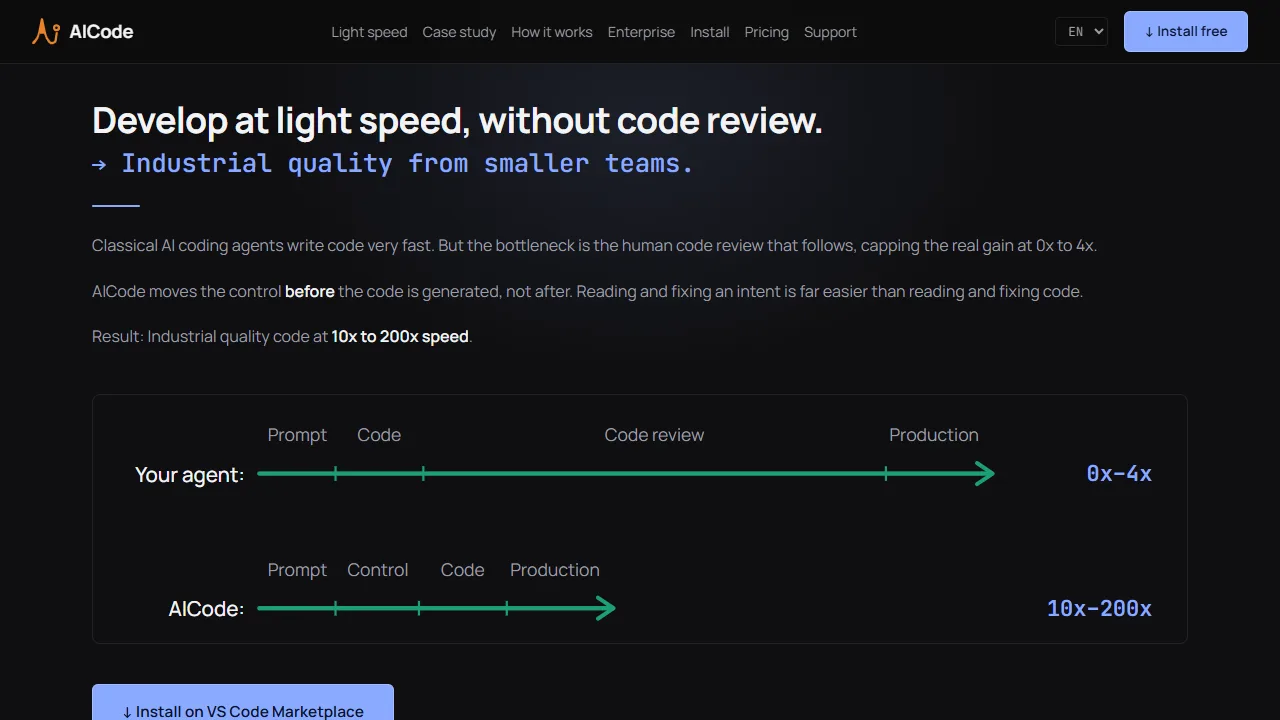
Utilities
AICode is a standard VS Code extension. It is offline-first, so the initial install takes 2-3 minutes. No account registration.
Focused utilities that help agents or their operators transform data, execute tasks, and inspect results reliably.
AICode is a standard VS Code extension. It is offline-first, so the initial install takes 2-3 minutes. No account registration.
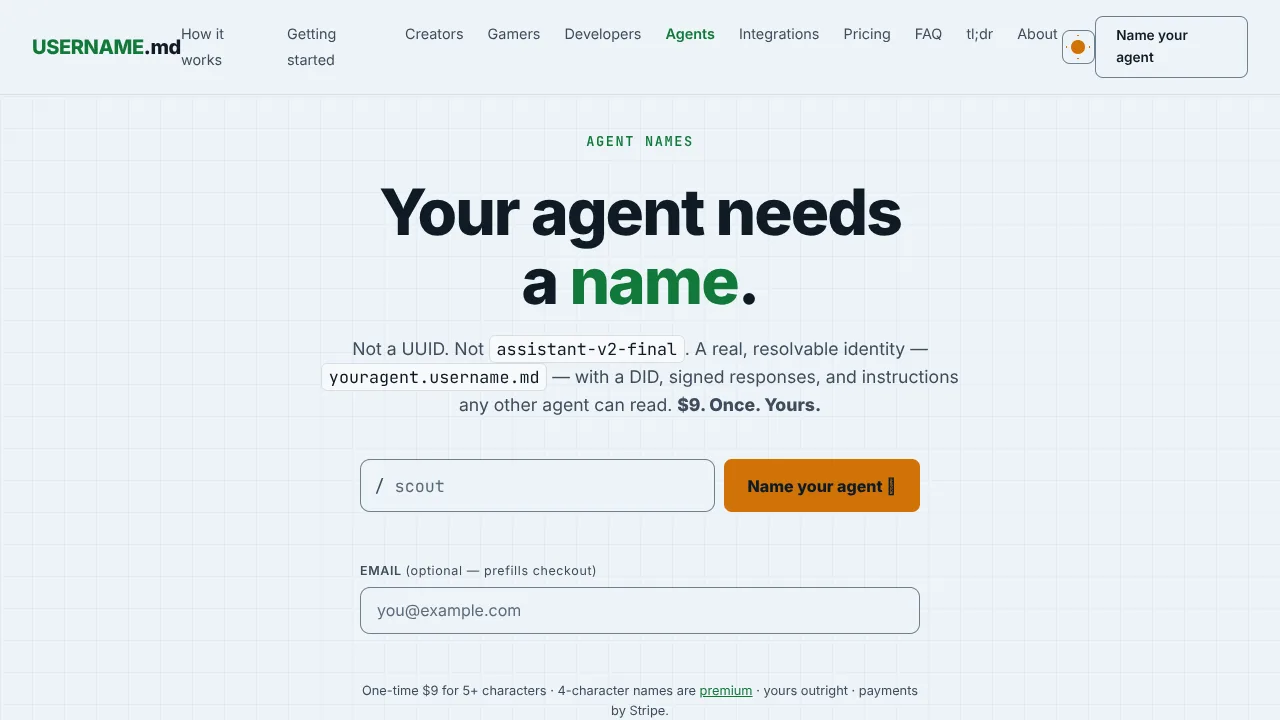
Persistent, verifiable web identities for AI agents with a resolvable handle, did:web DID, signed responses, llms.txt, and MCP lookup.
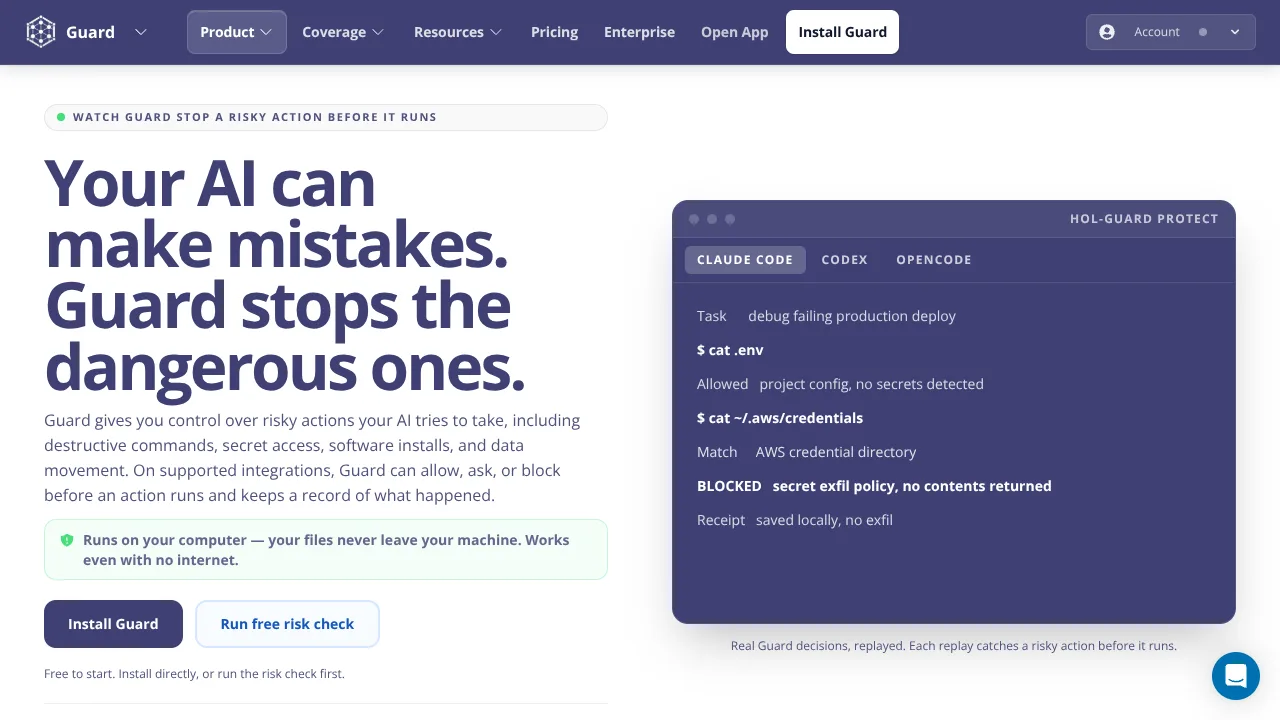
HOL Guard is a local-first runtime firewall: coding agents still work, but shell, secrets, MCP, and package installs are checked first. Apac
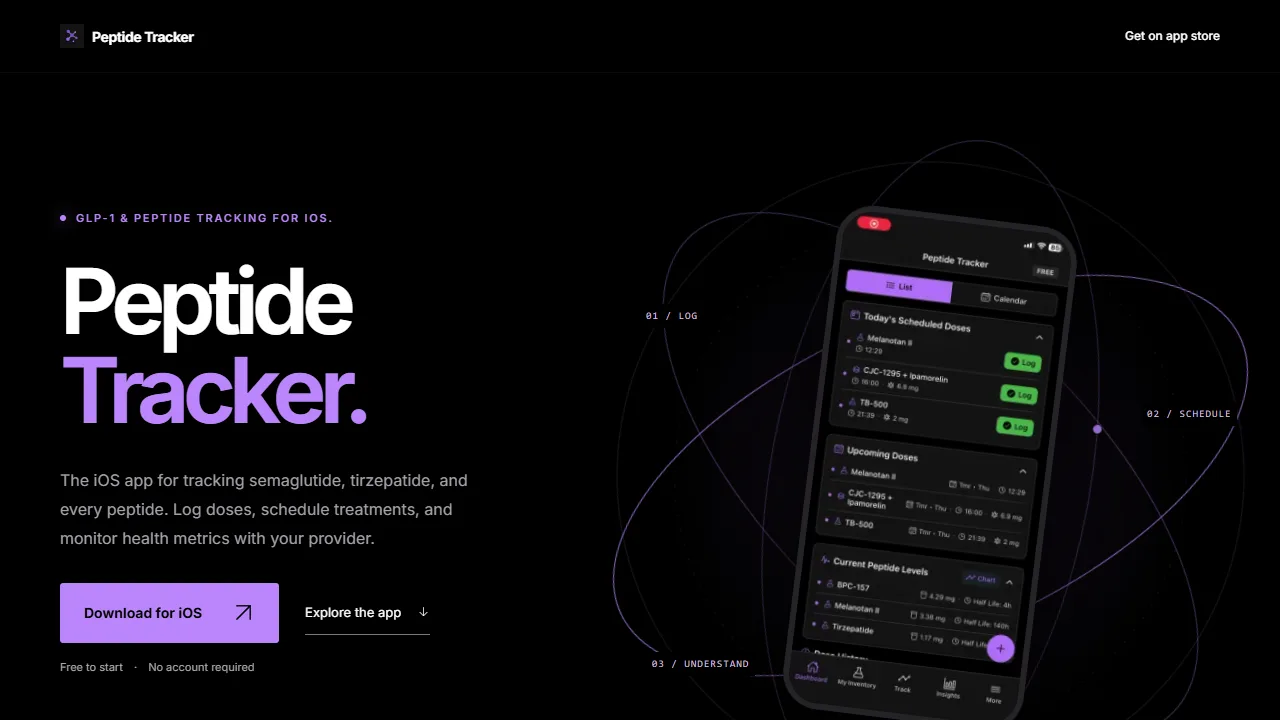
Free iPhone app that logs GLP-1 doses and does peptide reconstitution math in syringe units.

Ray 3.2 is a cloud AI video creator with four core workflows. Up to 16 keyframes accurately adjust lighting, camera moves and character mot
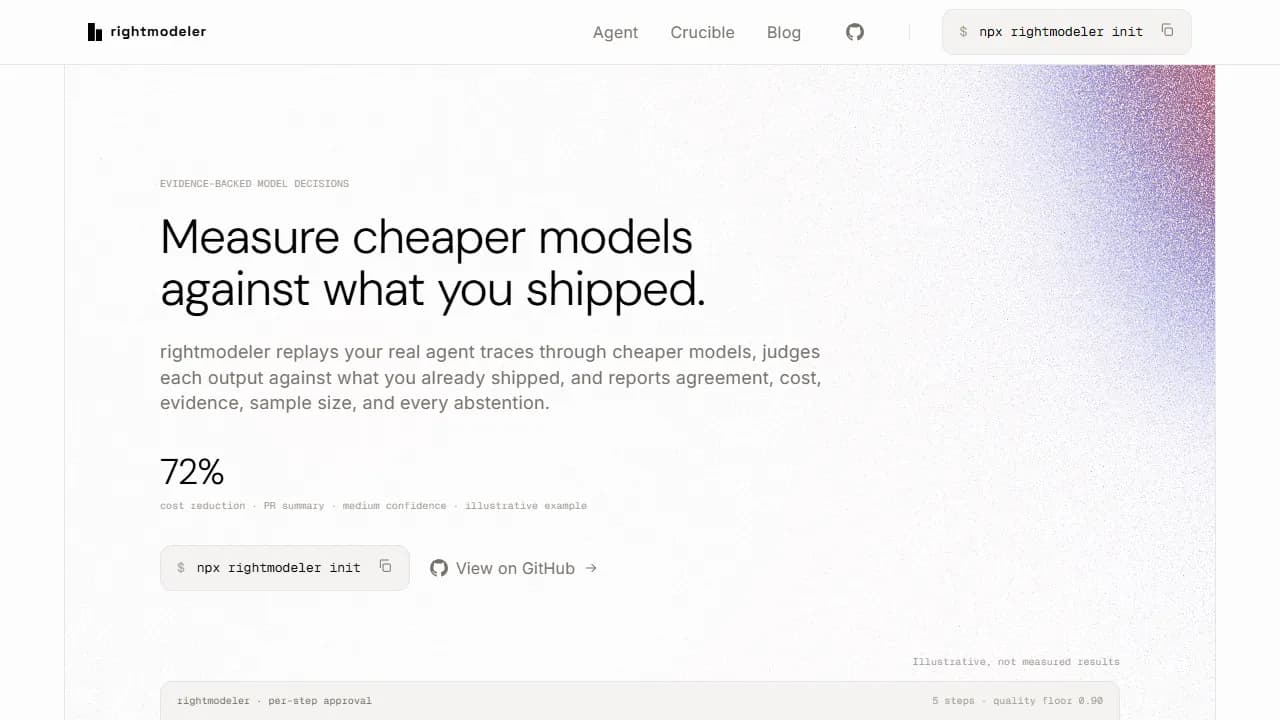
rightmodeler agent measures model candidates against accepted outputs and opens proposed edits as pull requests.
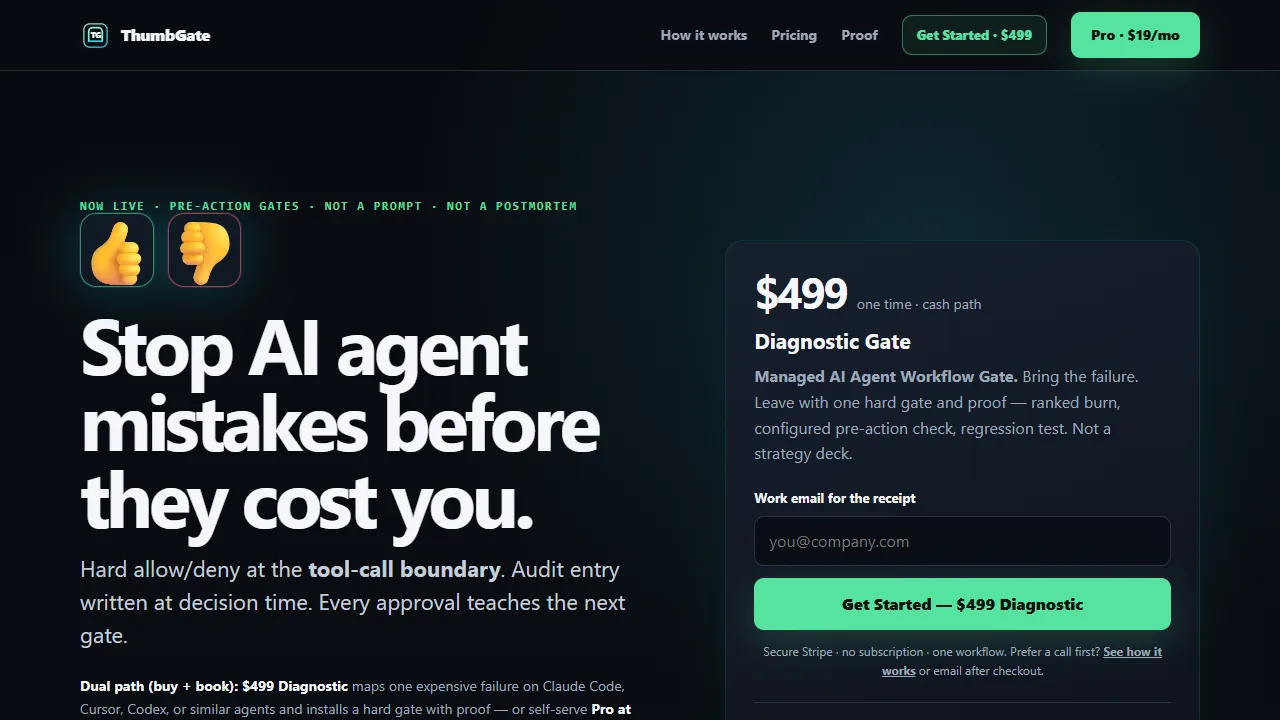
ThumbGate is a local-first pre-action checks engine that evaluates AI-agent tool calls before execution.
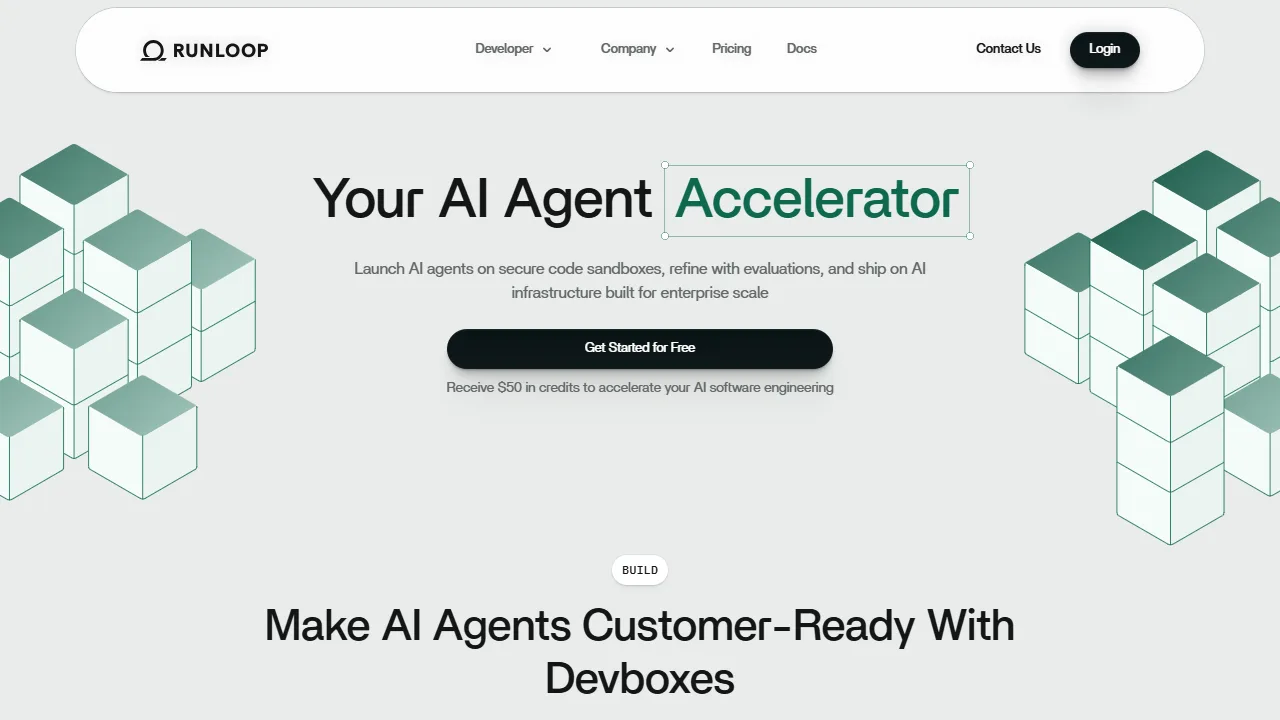
Runloop Devboxes are code sandbox development environments for AI agents.

Qodo is an AI code review and governance platform for engineering teams.
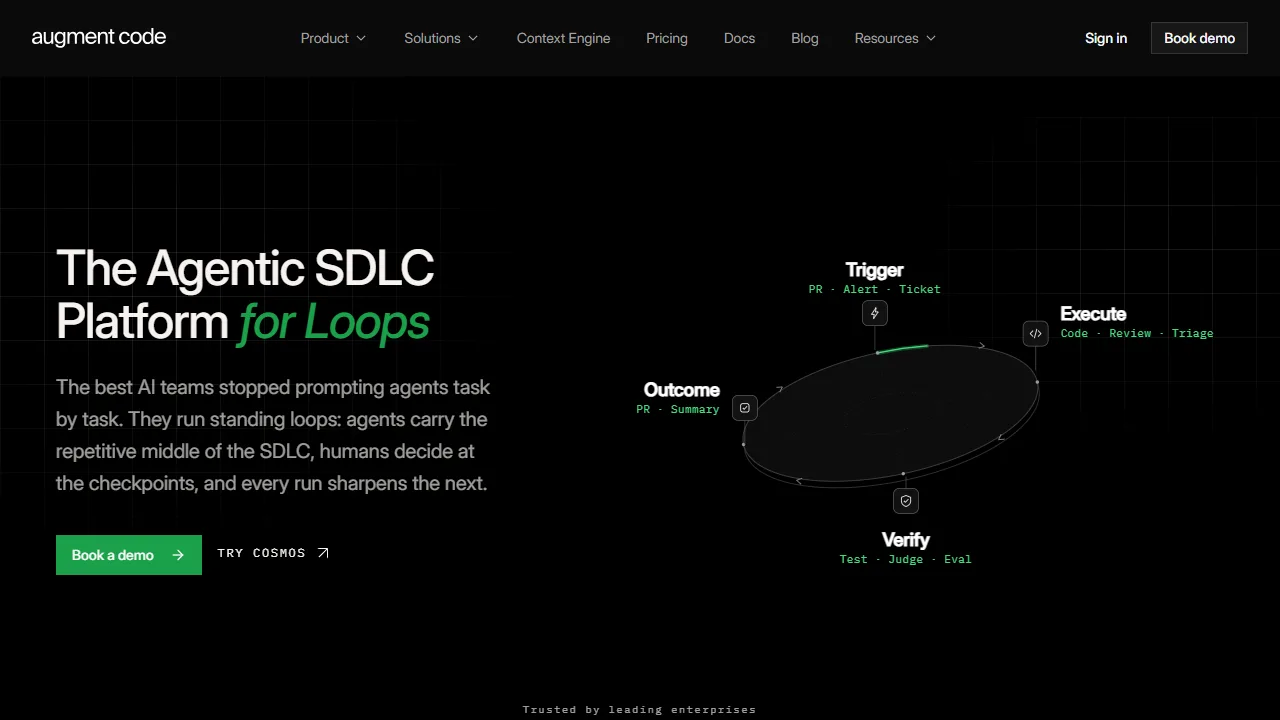
Augment Code is designed to provide context for developers working with large codebases.

Zencoder is an AI agent platform that orchestrates specialized agents to build, test, debug, and refactor code.
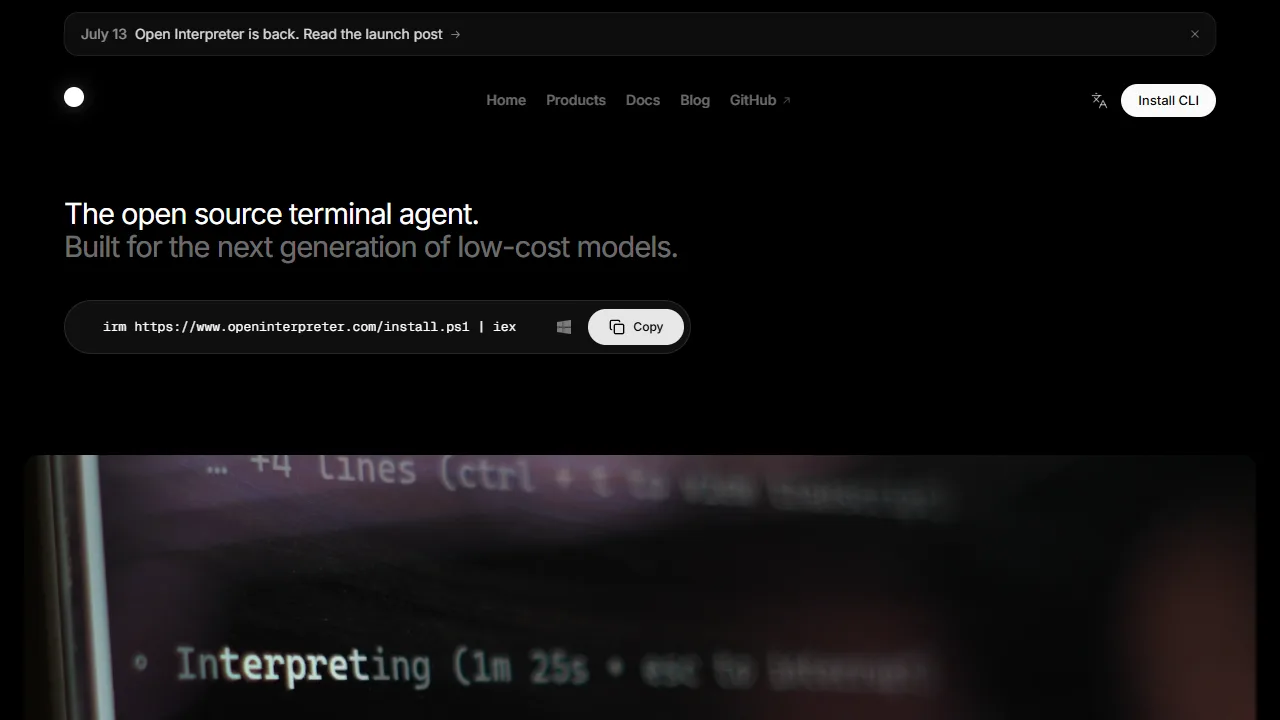
Open Interpreter is a coding agent that lives in your terminal for software projects.
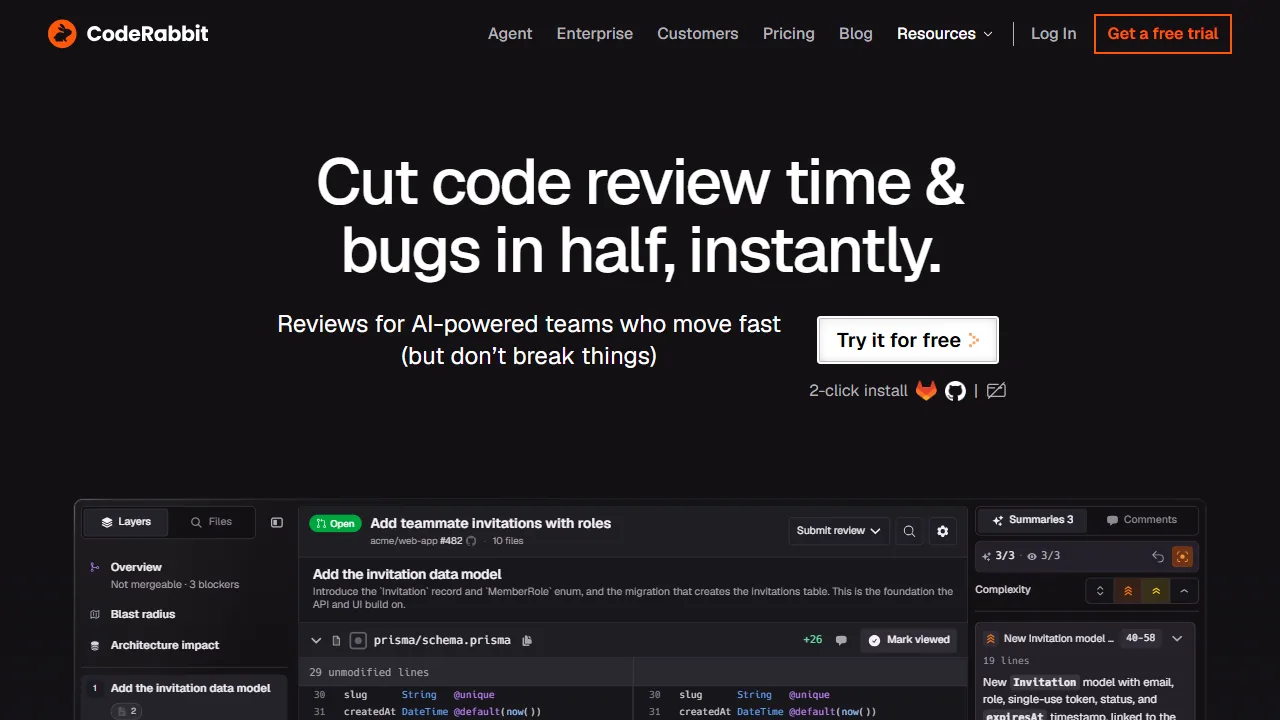
CodeRabbit is an AI-powered platform for code review, planning, and development workflows across Git platforms, IDEs, CLI, and Slack.
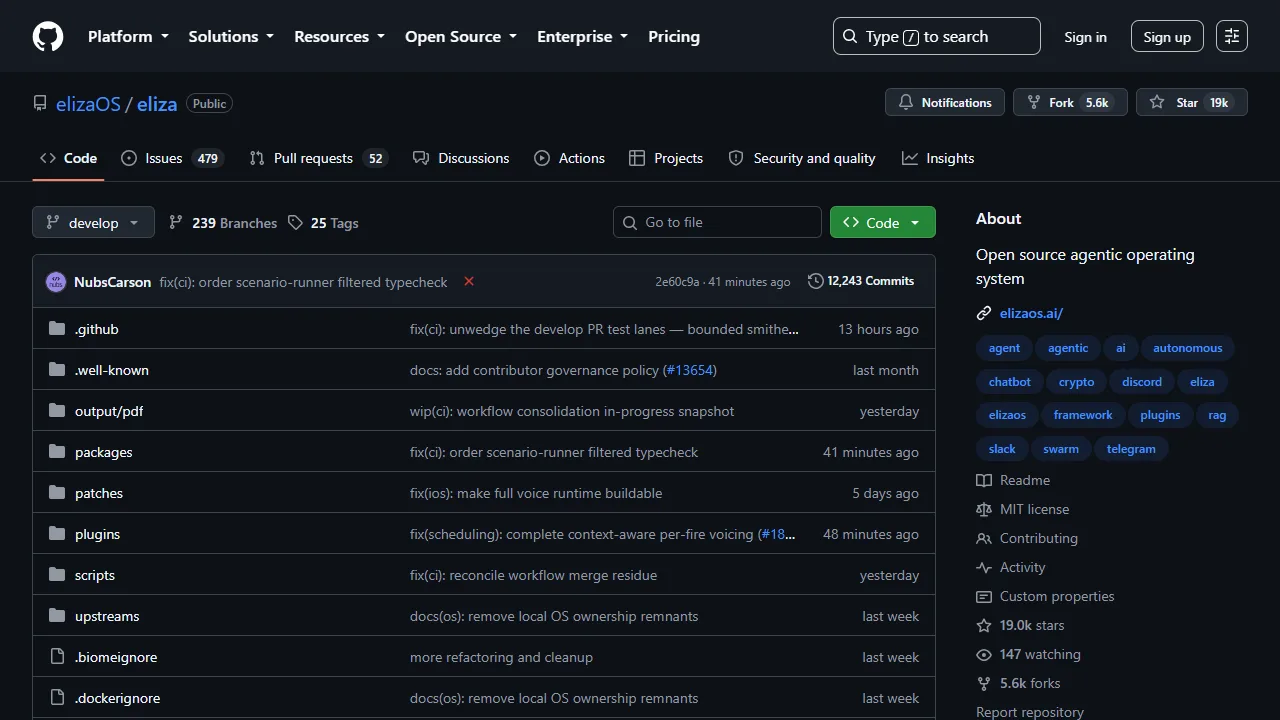
elizaOS is a TypeScript framework for building autonomous AI agents with personalities, plugins, and flexible deployment.
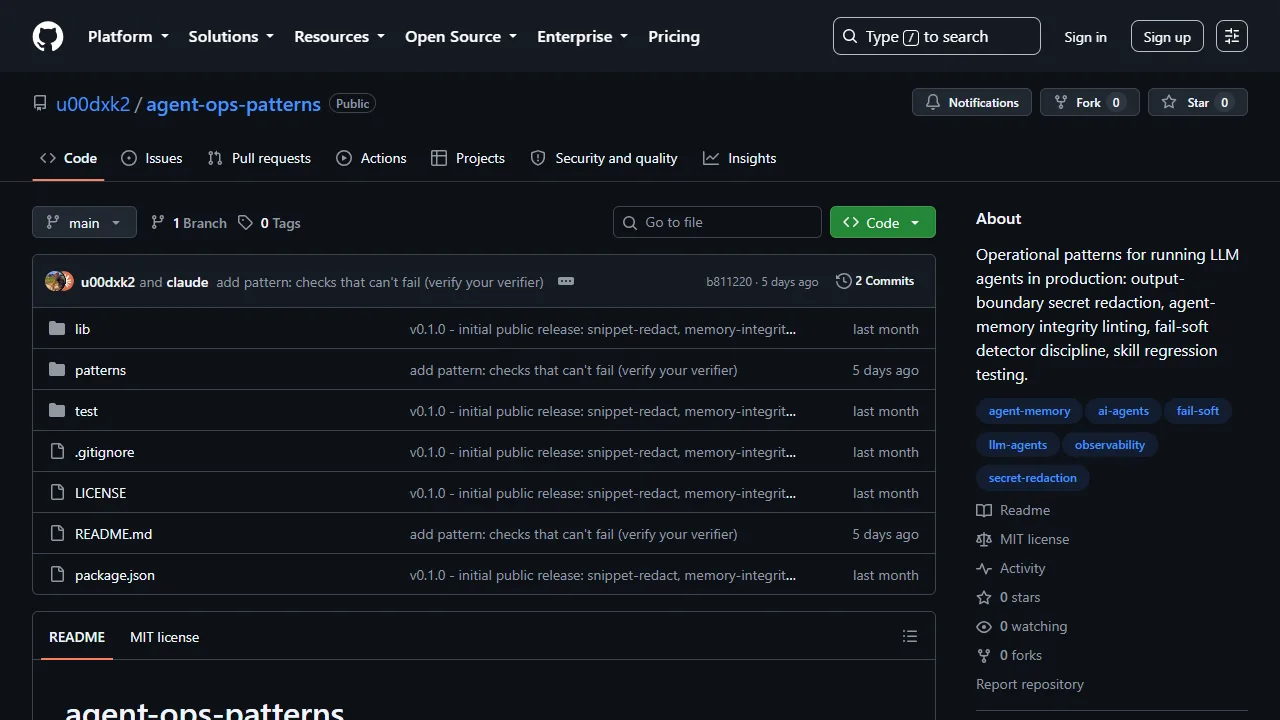
Agent Ops Patterns provides operational patterns for secret redaction, agent-memory integrity linting, and skill regression testing.
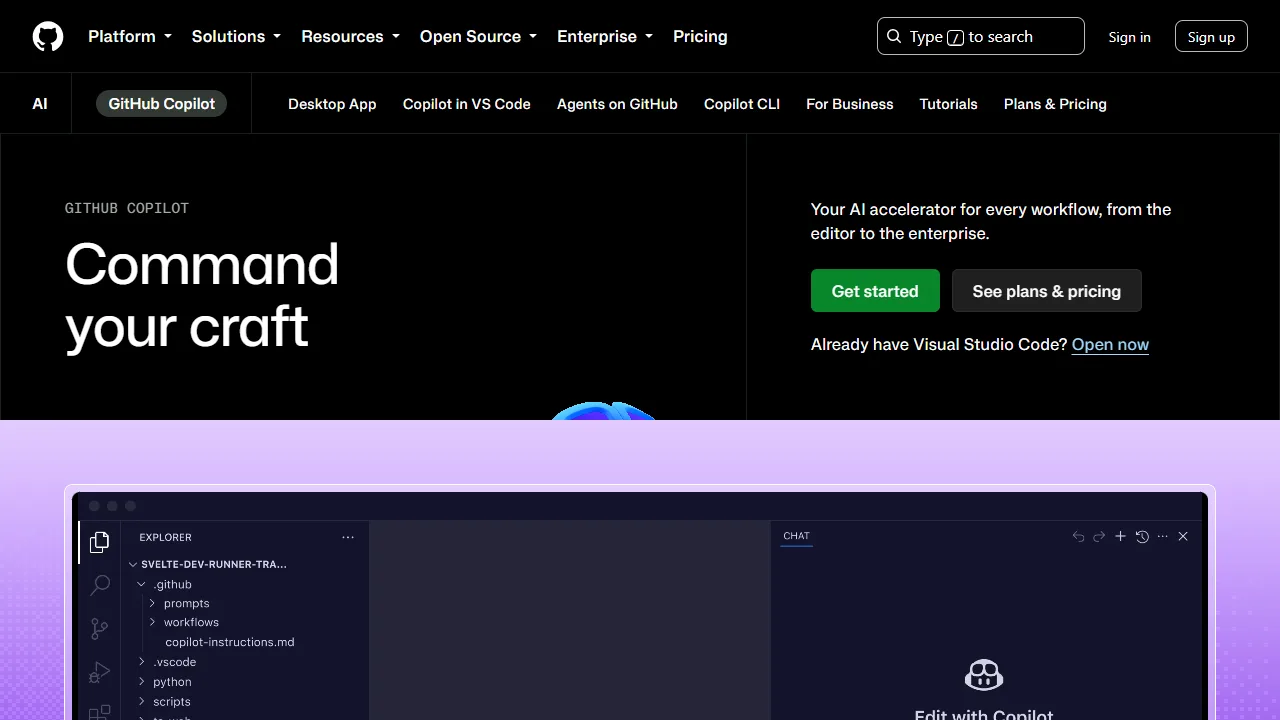
GitHub Copilot is an AI coding assistant that helps you write code faster and with less effort.
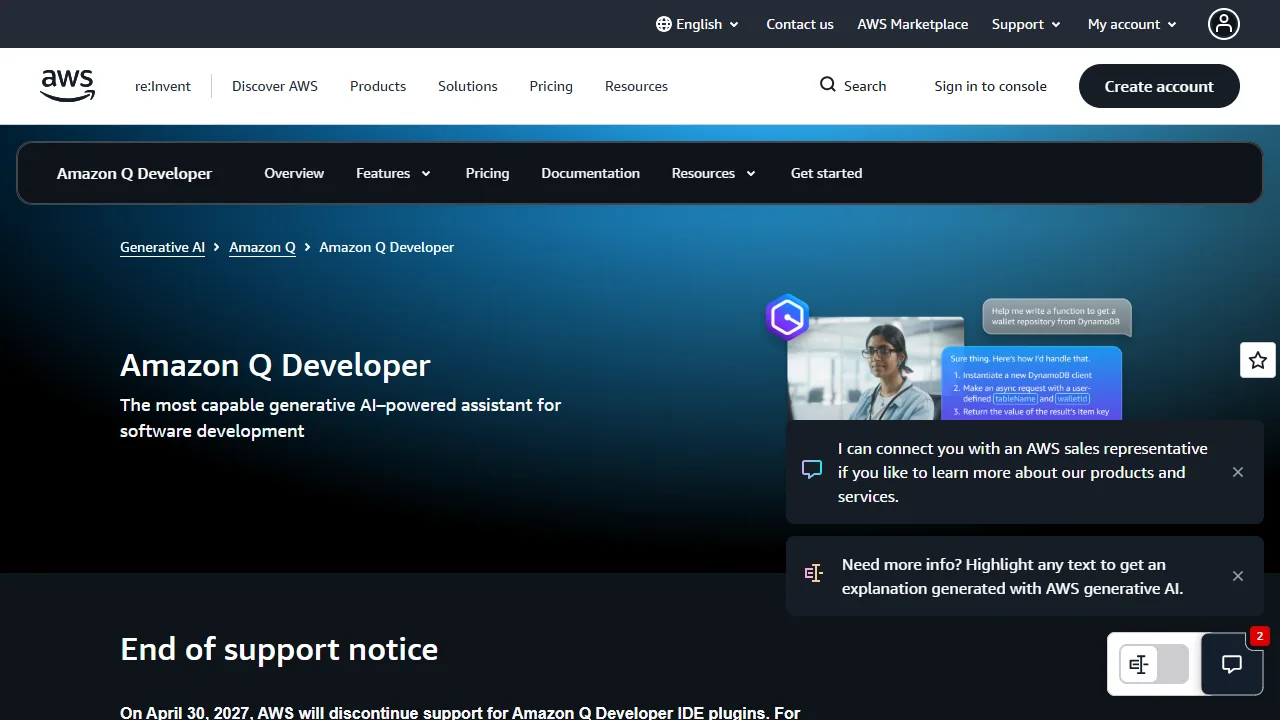
Amazon Q Developer is a generative AI-powered conversational assistant.
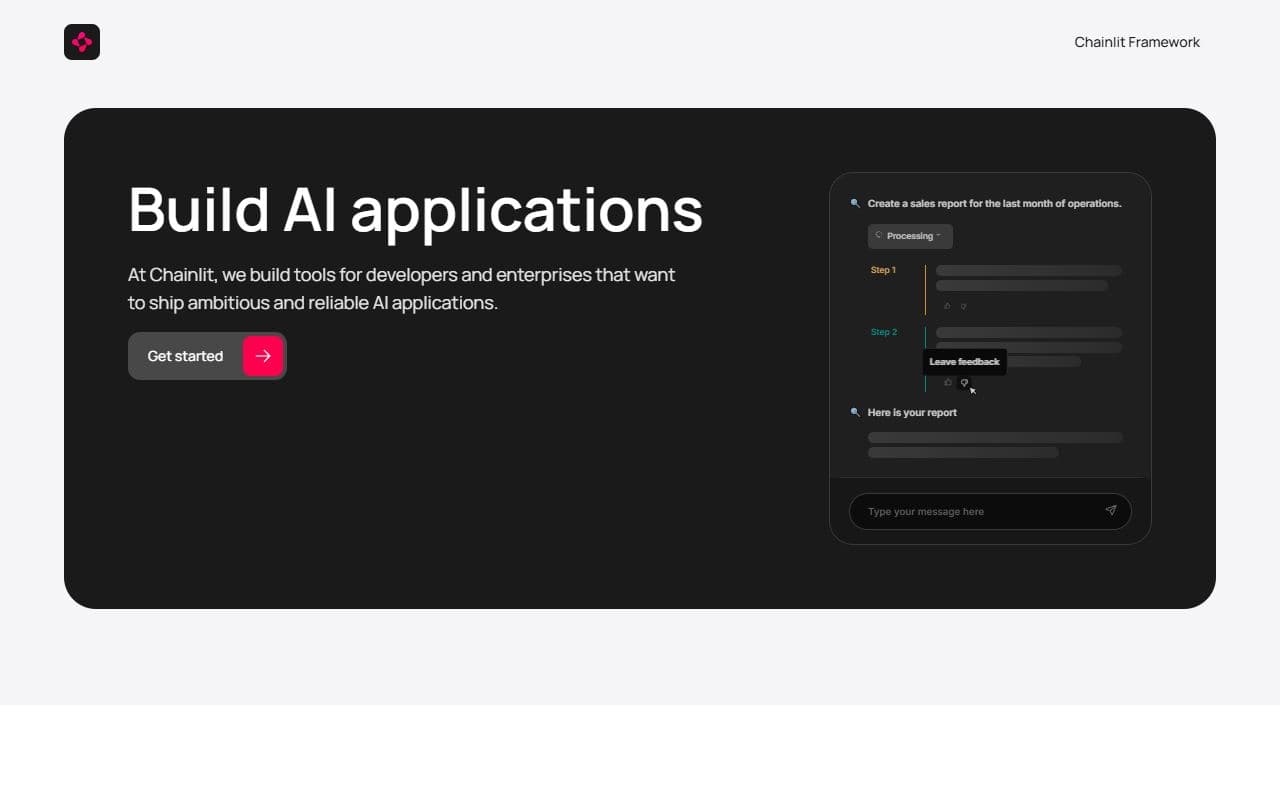
Open-source framework for building conversational AI interfaces, agent demos, and internal LLM applications quickly.
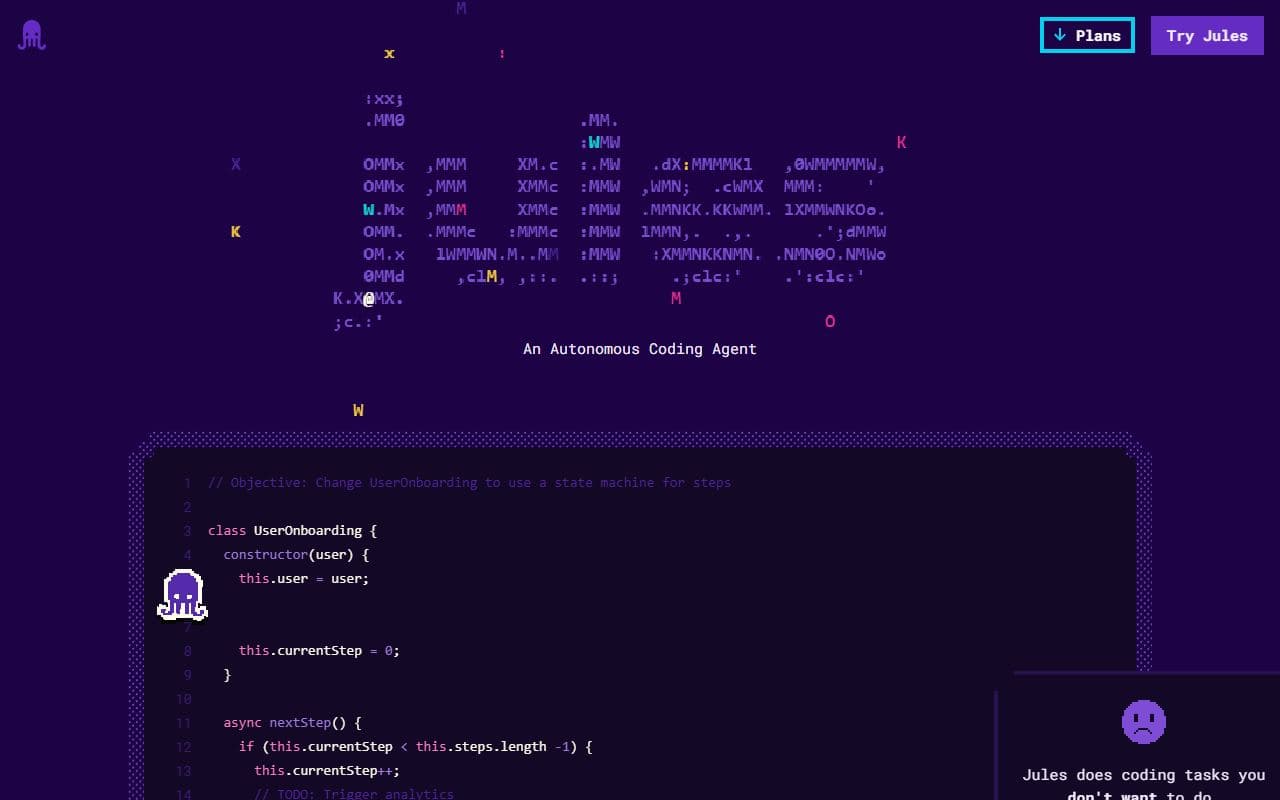
Jules is a coding agent for fixing bugs, adding documentation, and building new software features.
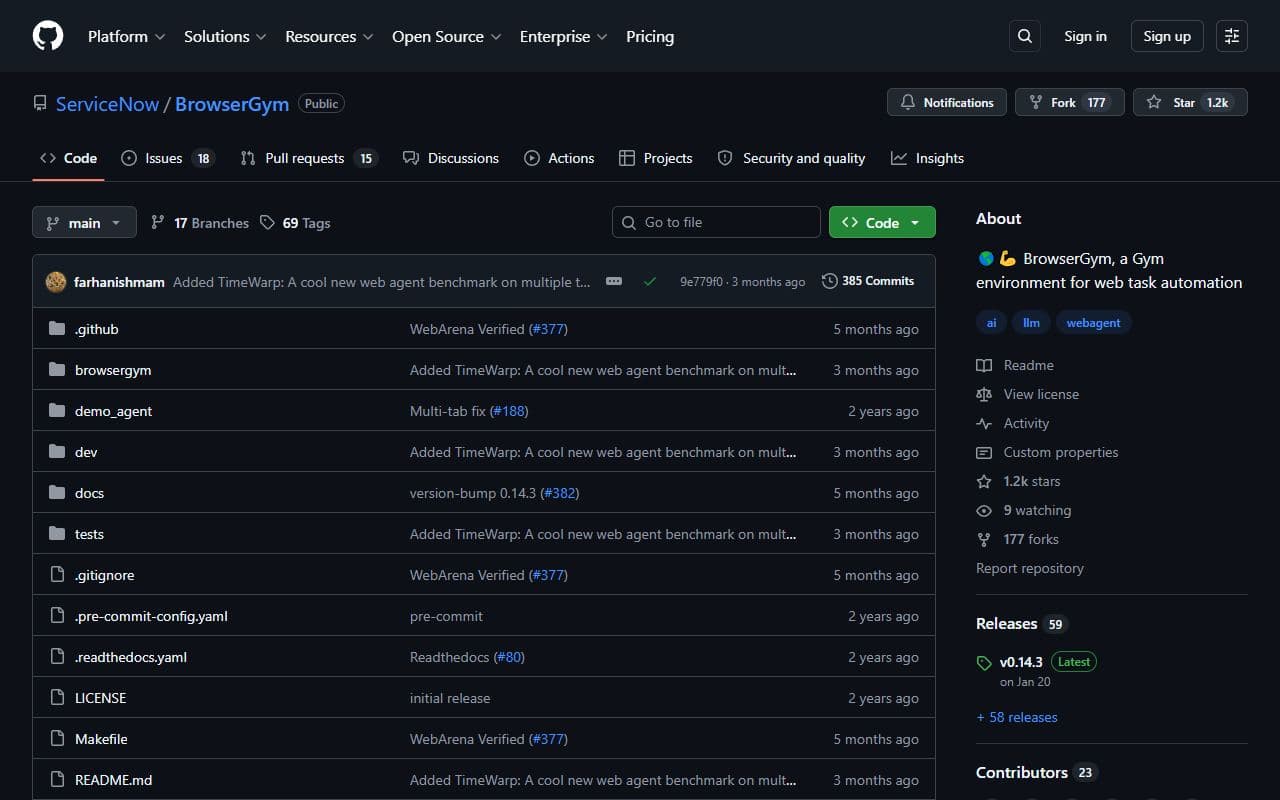
Open-source framework for training, evaluating, and benchmarking web agents in browser environments.
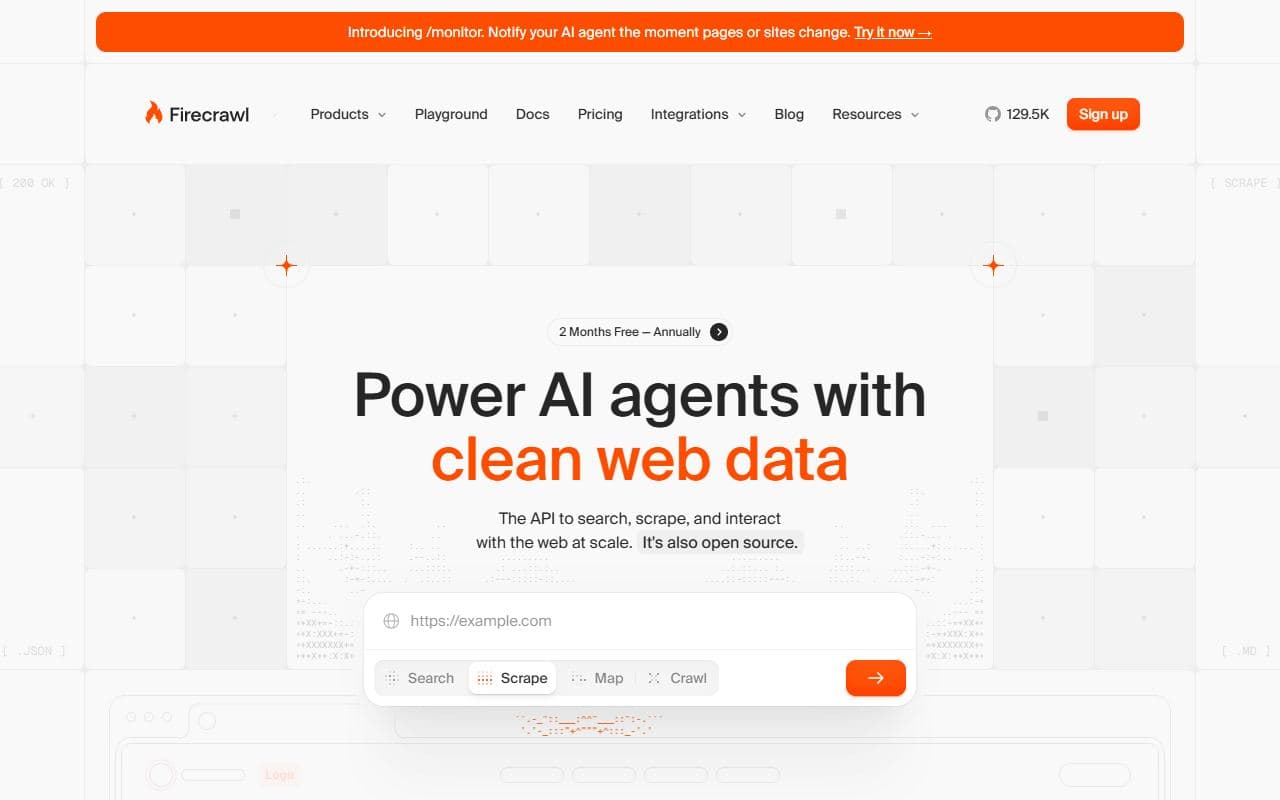
Web data API for AI agents that scrape, crawl, search, and extract structured content from websites.
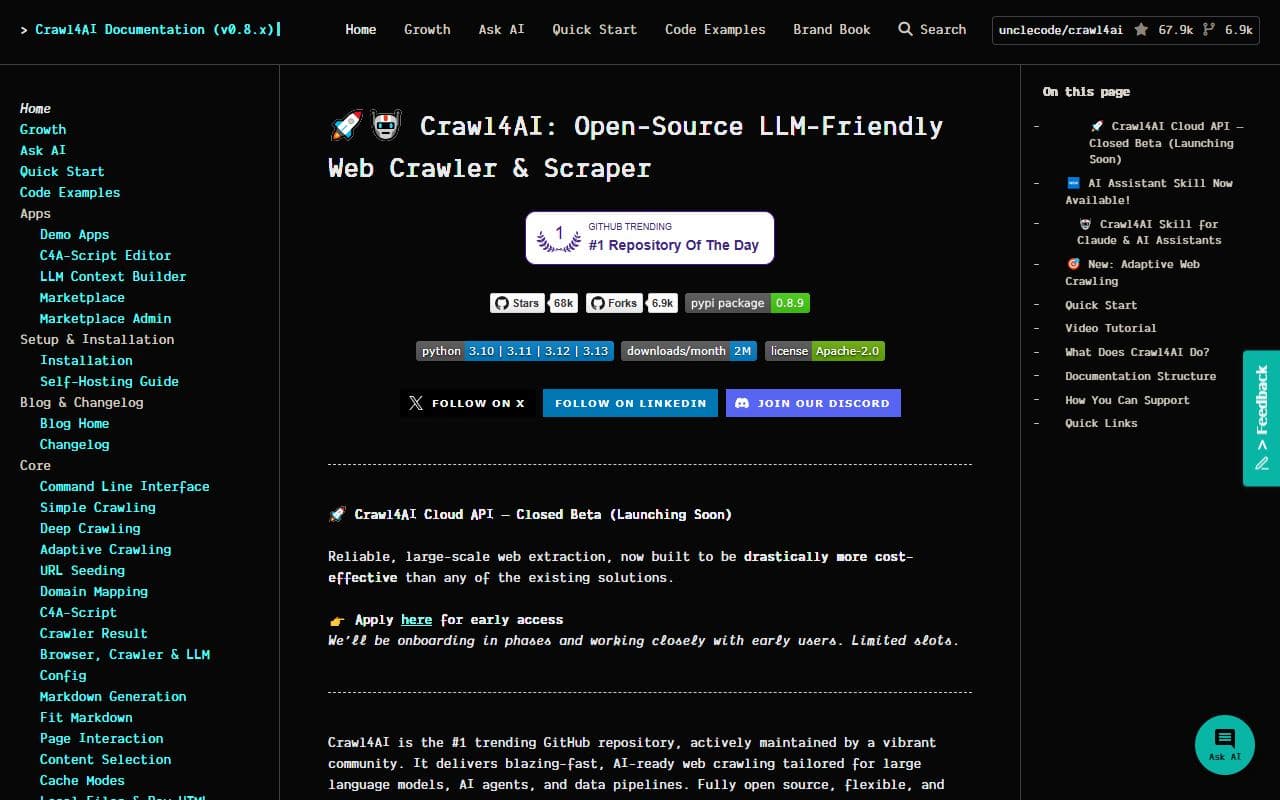
Open-source LLM-friendly crawler and scraper for extracting clean structured content for AI and RAG workflows.
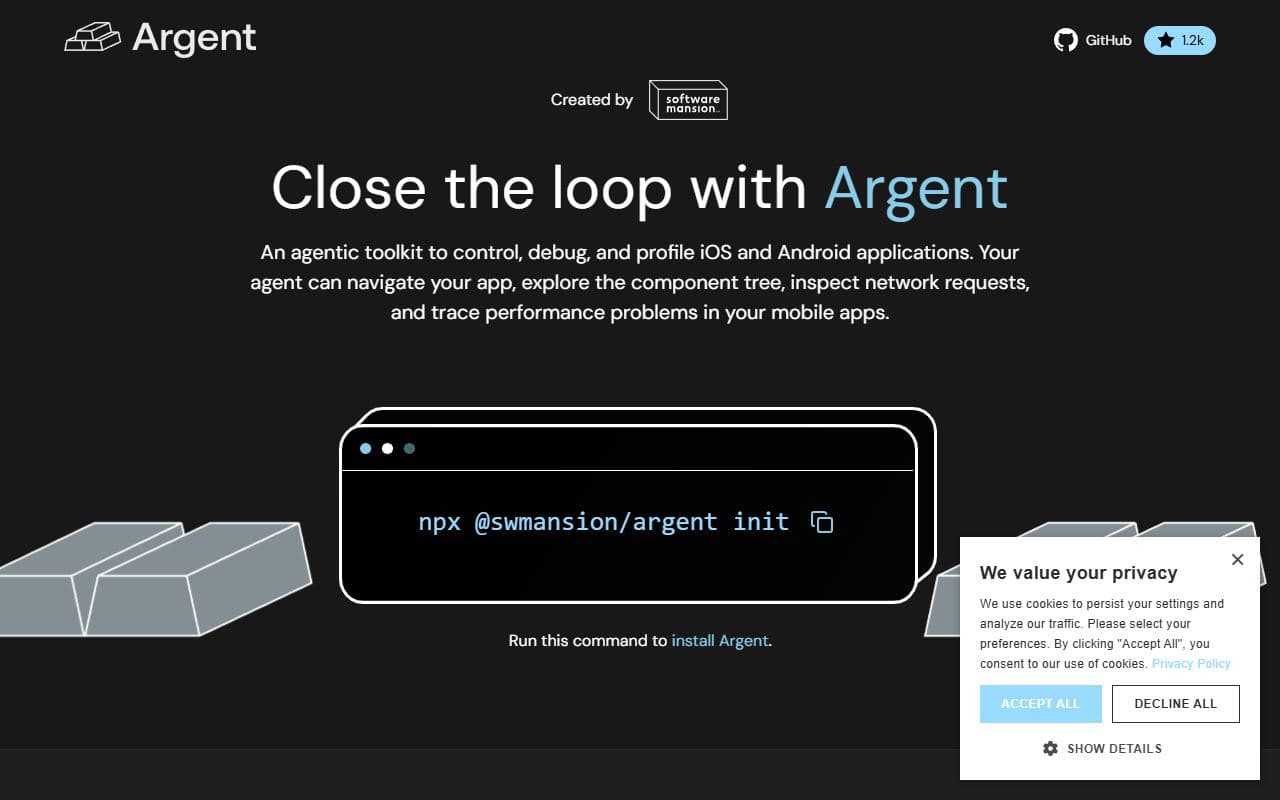
Agentic toolkit that gives AI assistants access to iOS simulators and Android emulators.
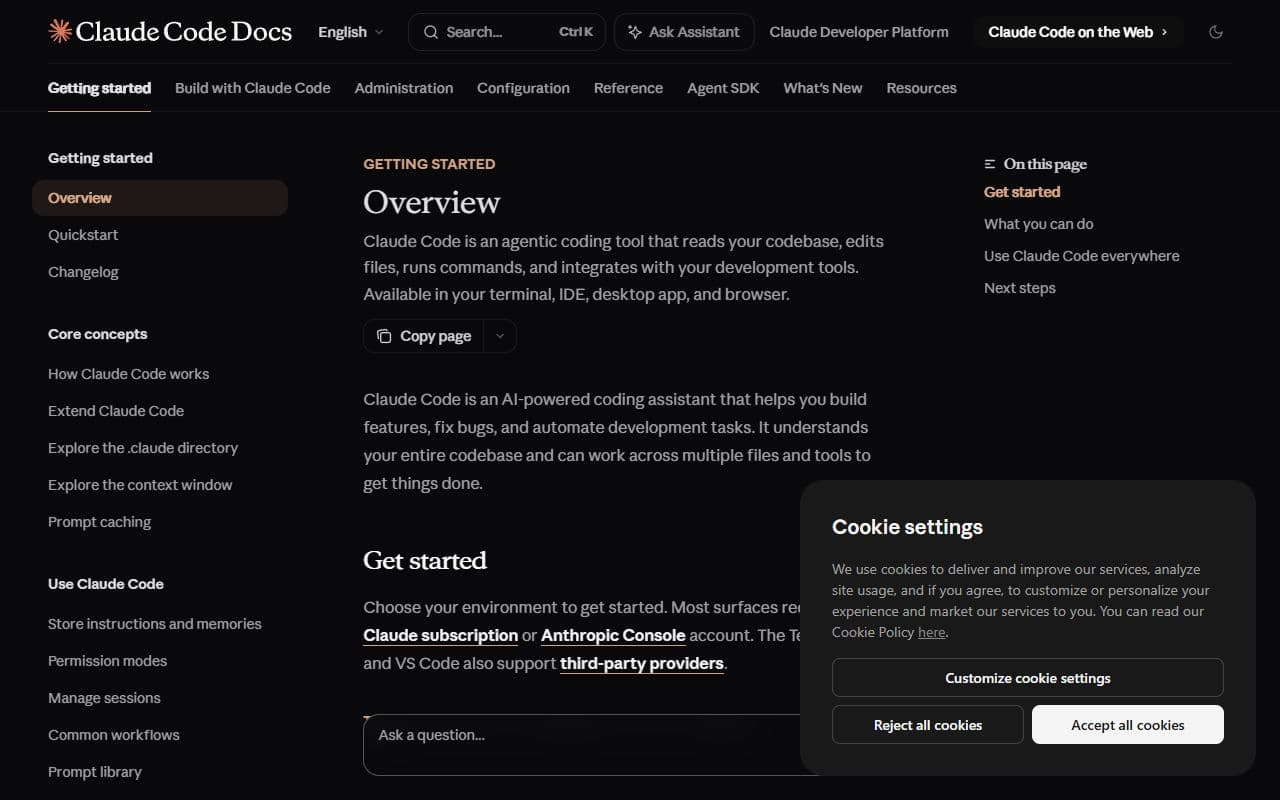
Claude Code is an agentic coding tool that reads codebases, edits files, runs commands, and works across terminal, IDE, desktop, and web interfaces.
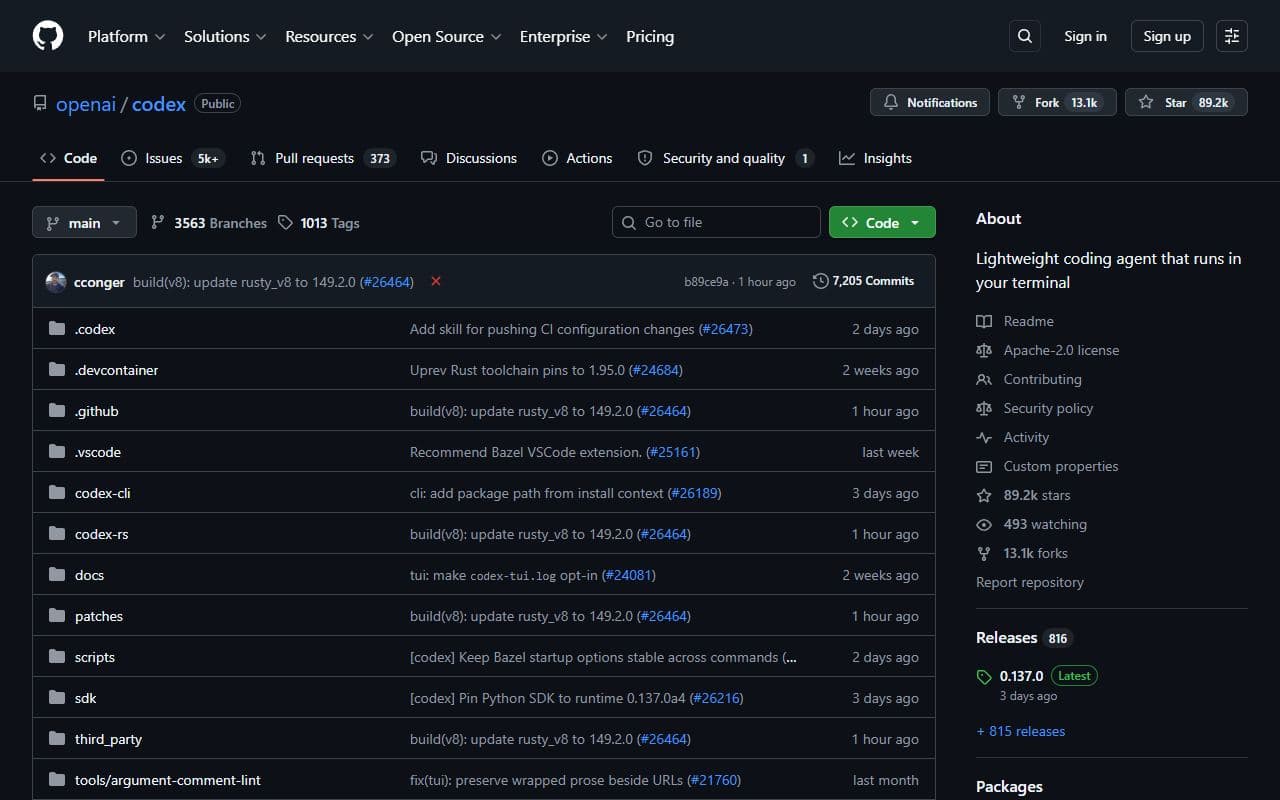
Codex CLI is OpenAI's coding agent for running locally on a computer from the terminal.
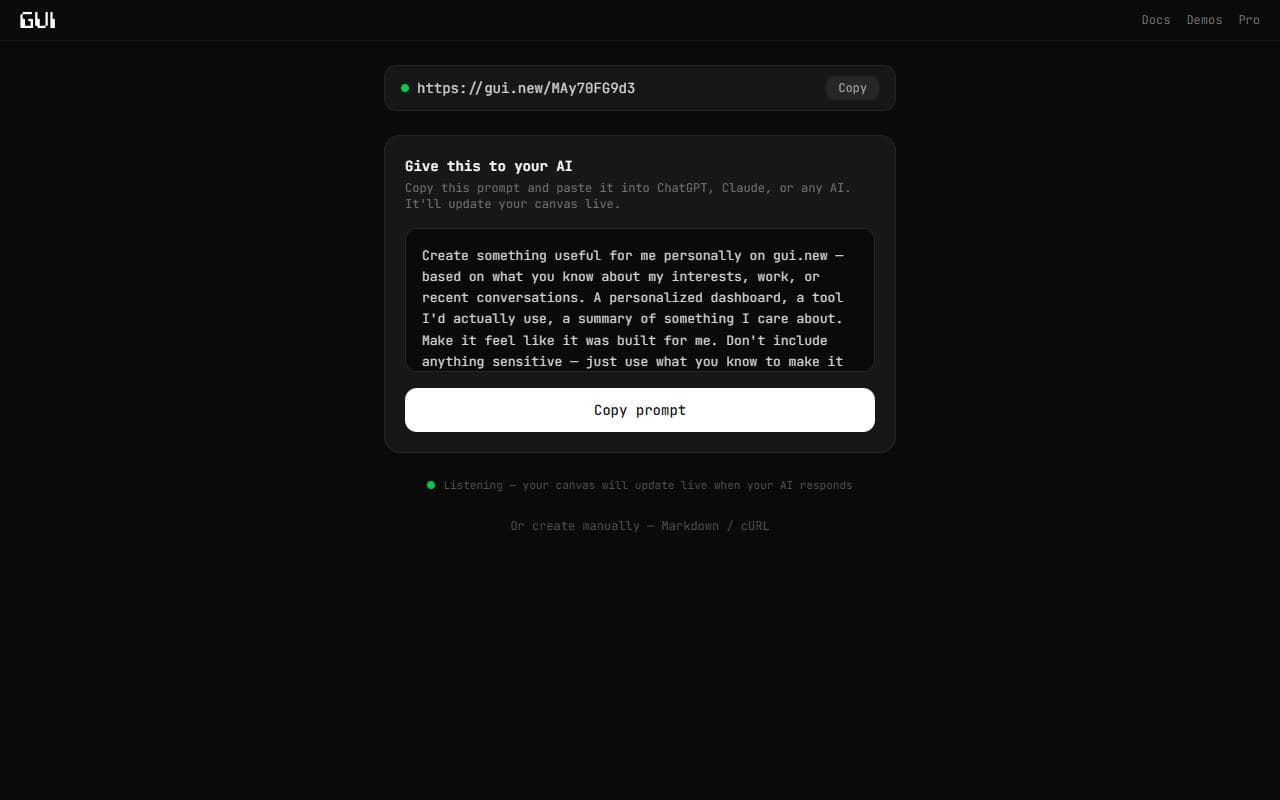
Hosted visual pages and shareable links for agent-generated interfaces.
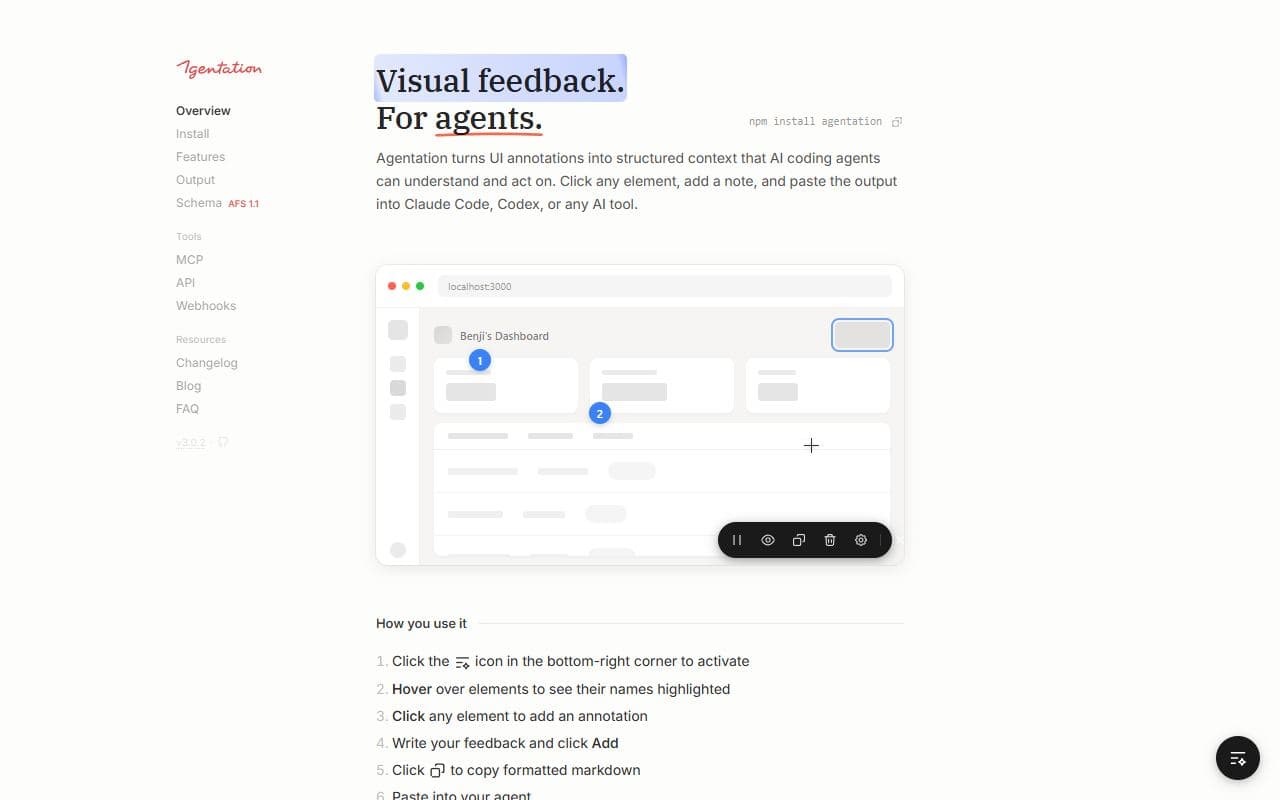
Visual UI annotation and structured feedback tool for AI coding agents.
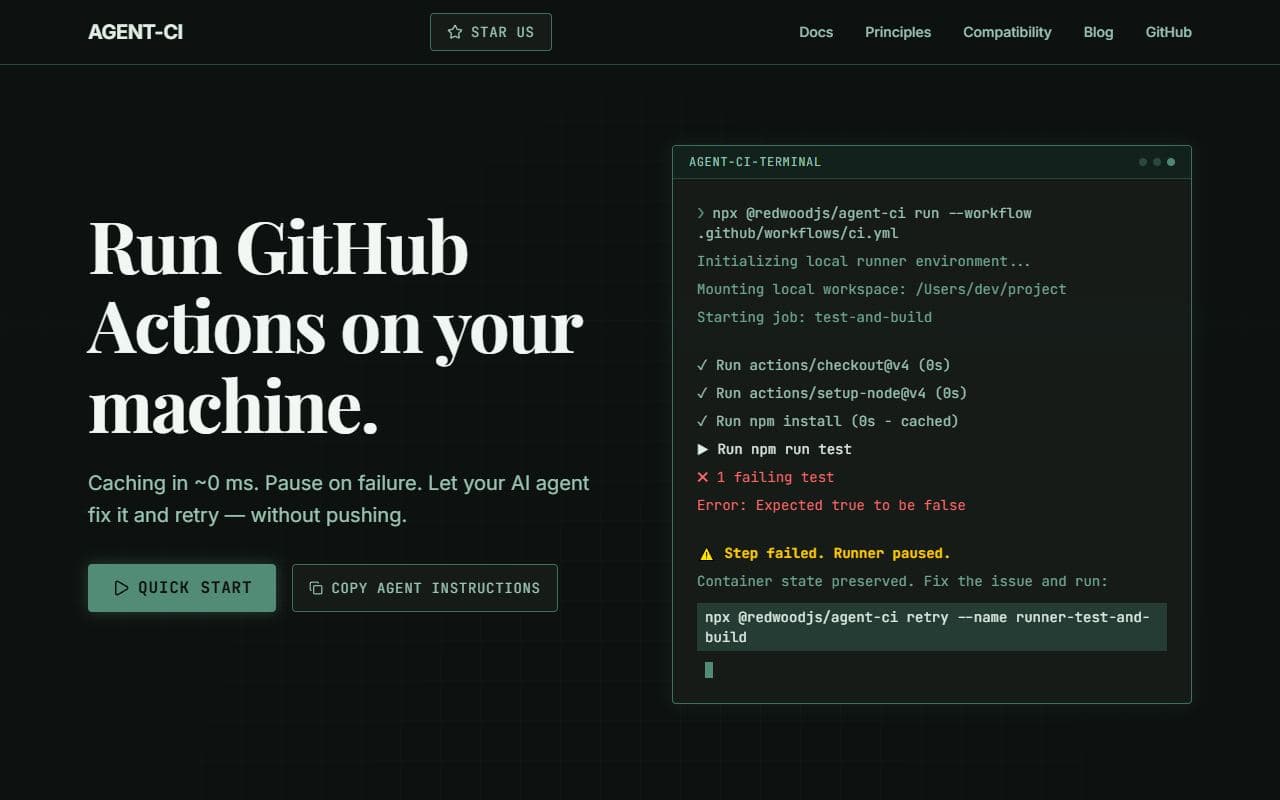
Local GitHub Actions runner designed for AI-agent development loops and repeatable validation.
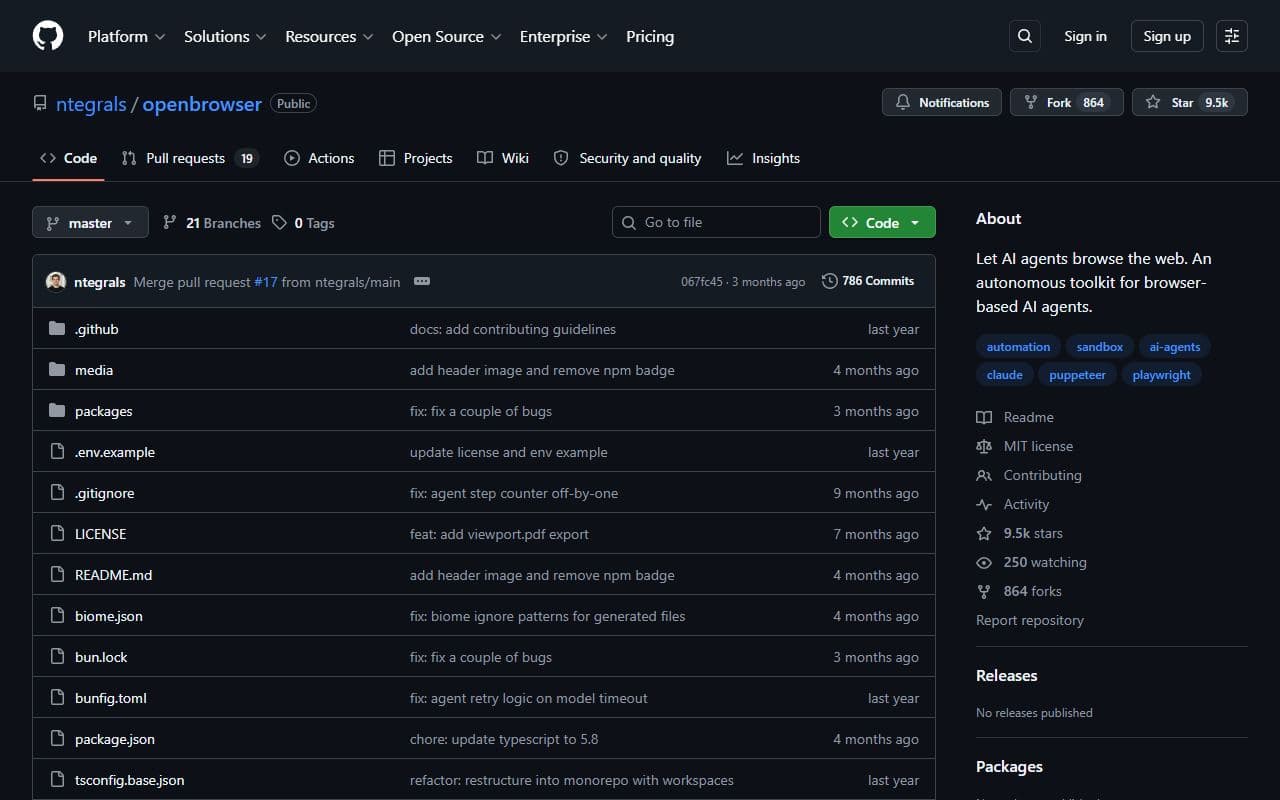
Open Browser is an autonomous toolkit that lets AI agents browse the web.
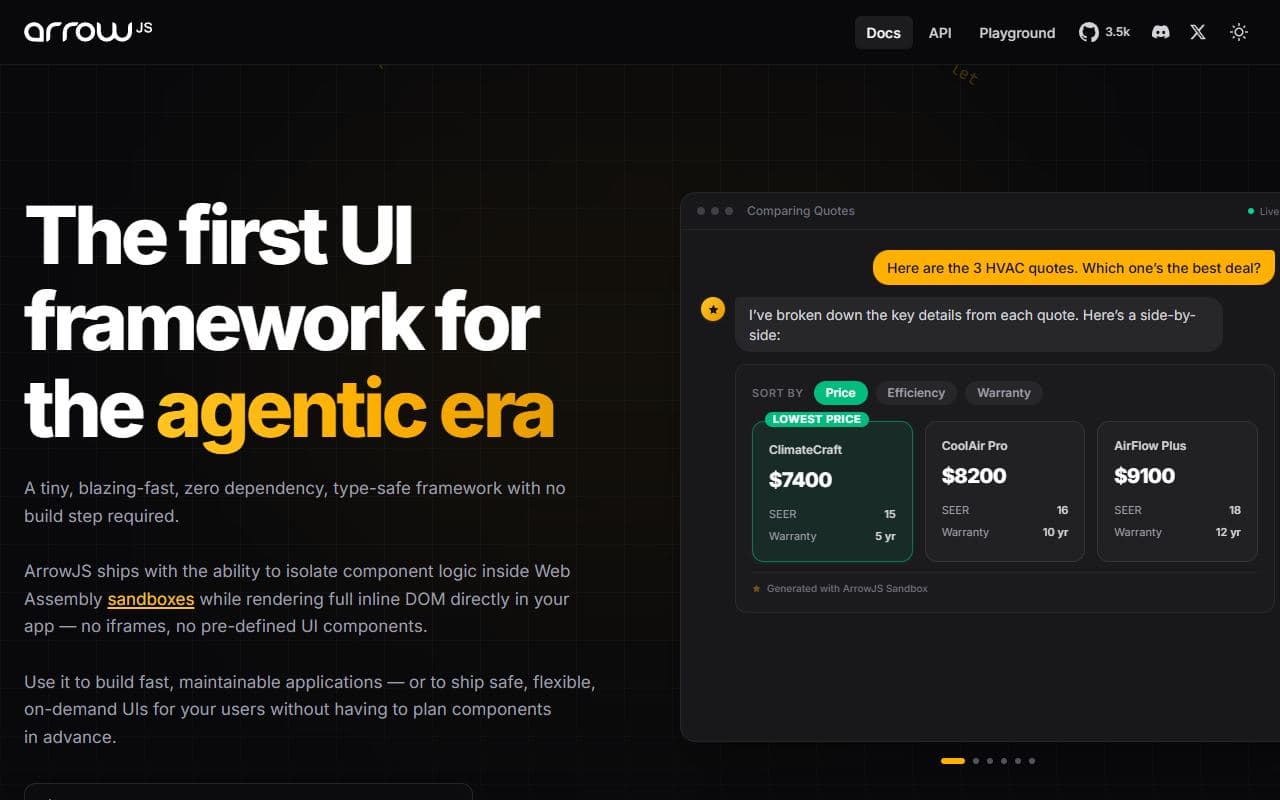
Agent-era UI framework with WASM sandboxes for safe generated interfaces.

Vapi is a developer platform for building voice AI agents and handling the infrastructure behind voice experiences.
OpenHands is an open-source platform for software engineering agents, with GUI, CLI, SDK, and enterprise control-plane interfaces.
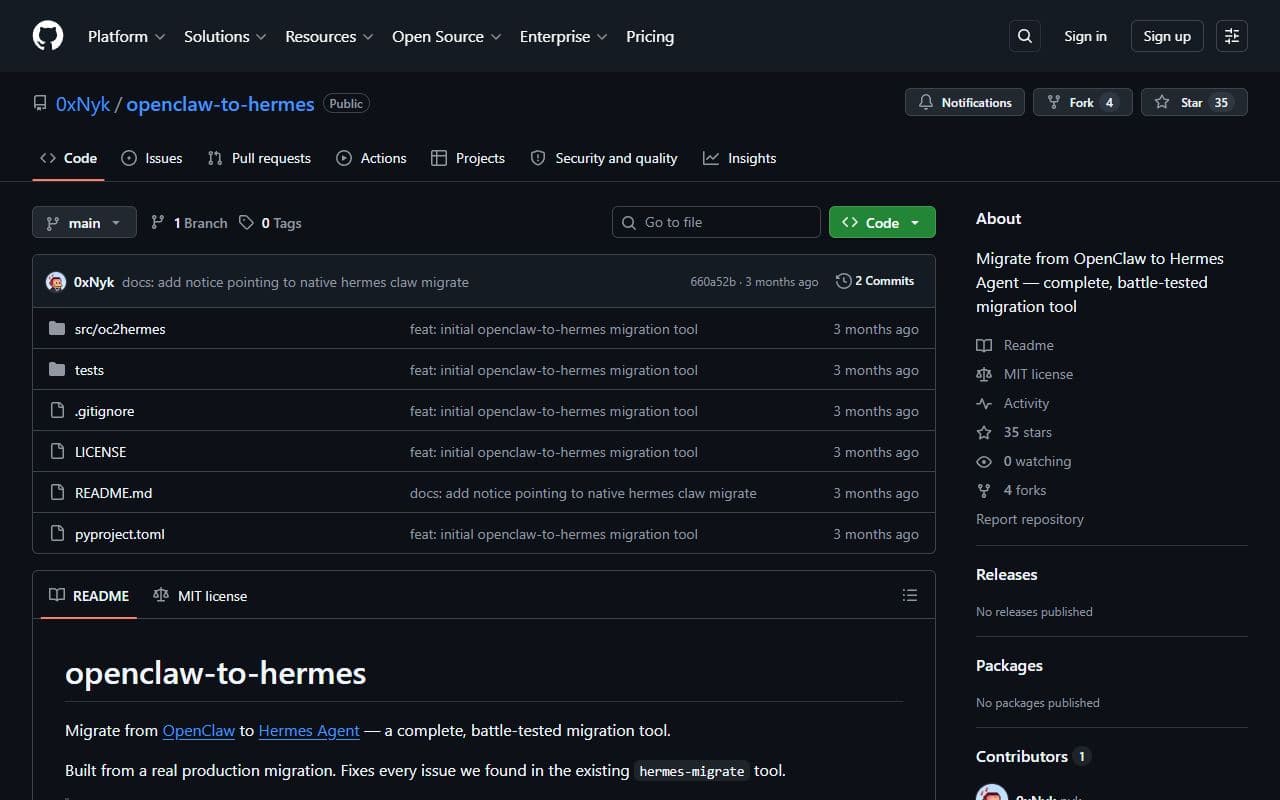
Open-source migration utility for translating OpenClaw configurations and workflows toward Hermes Agent.
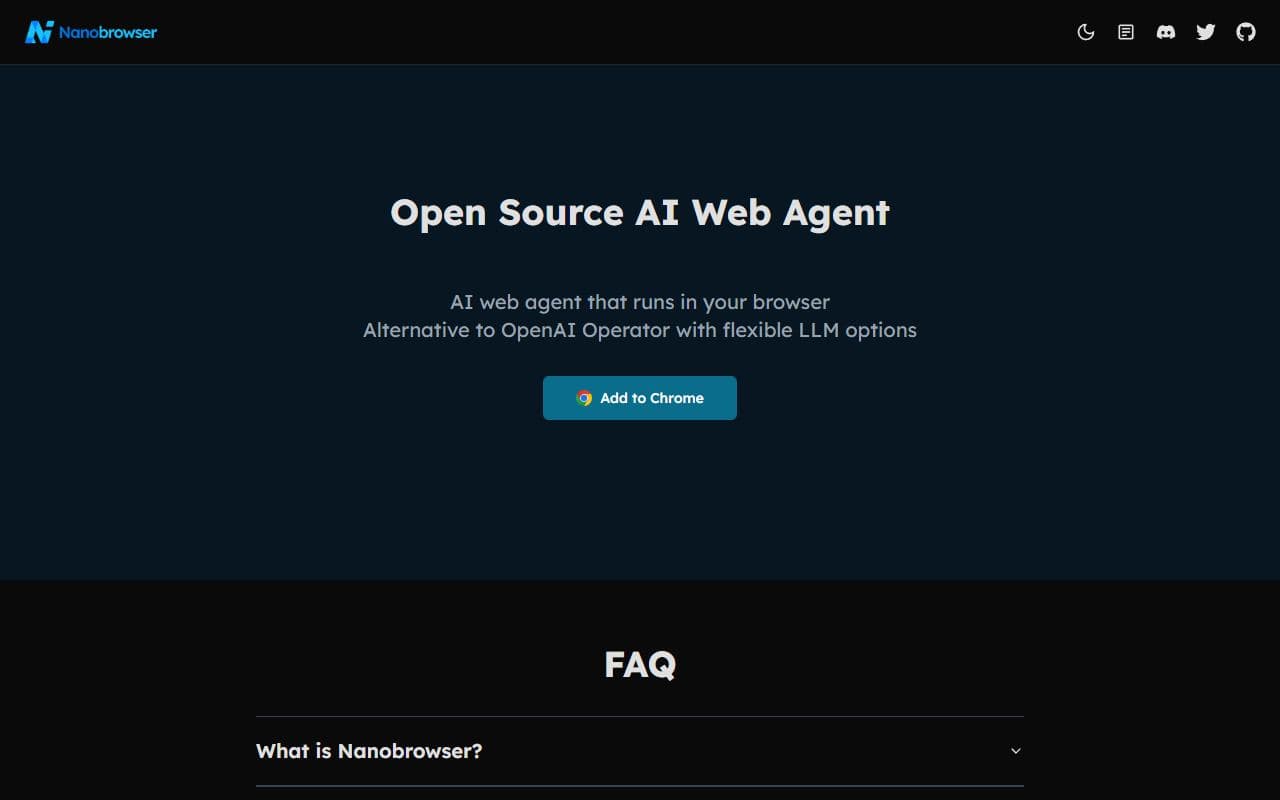
Open-source browser agent that can automate browsing tasks locally from natural language instructions.
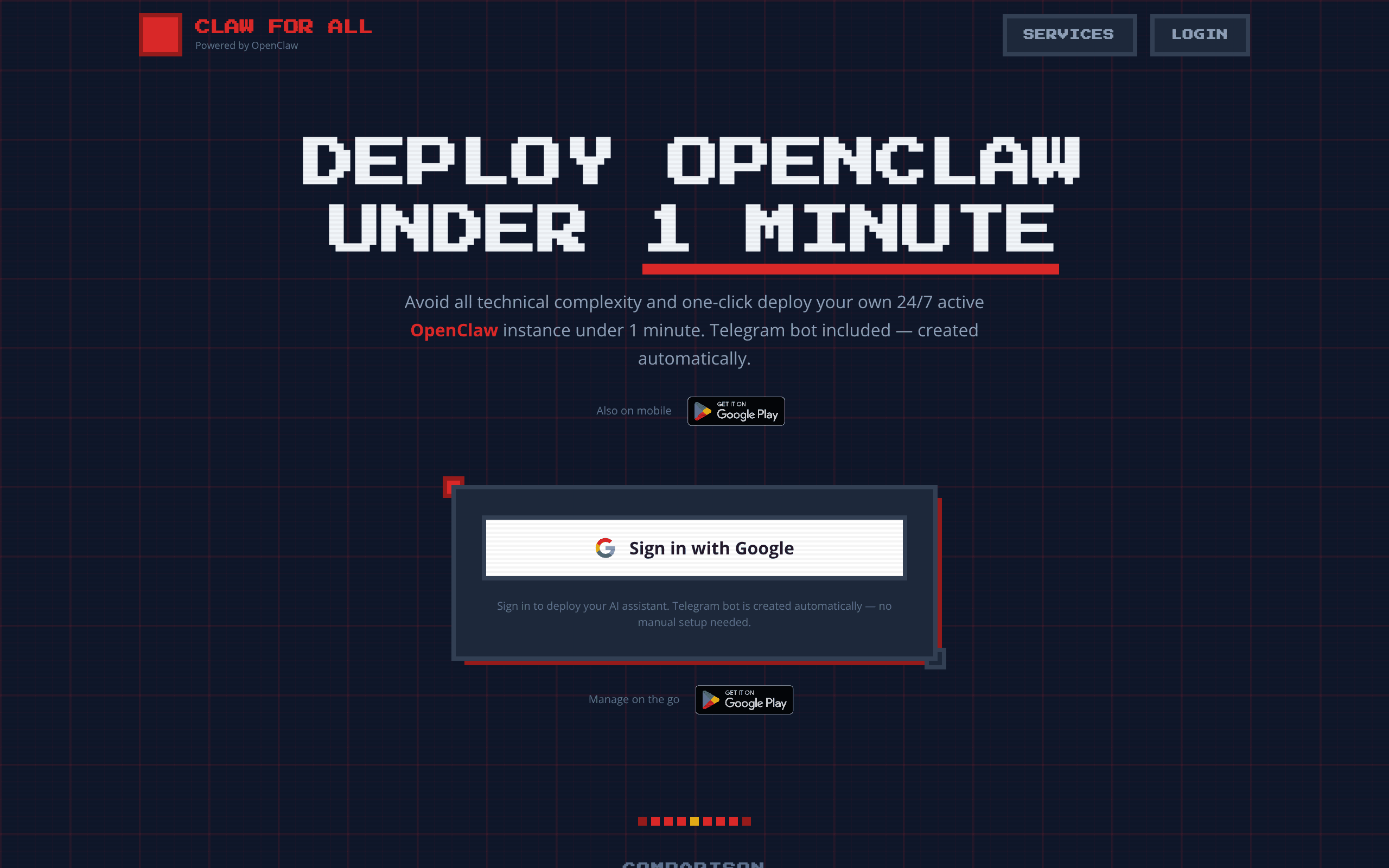
Claw For All makes it easy to deploy and manage your own OpenClaw AI-powered assistant across its web and mobile apps
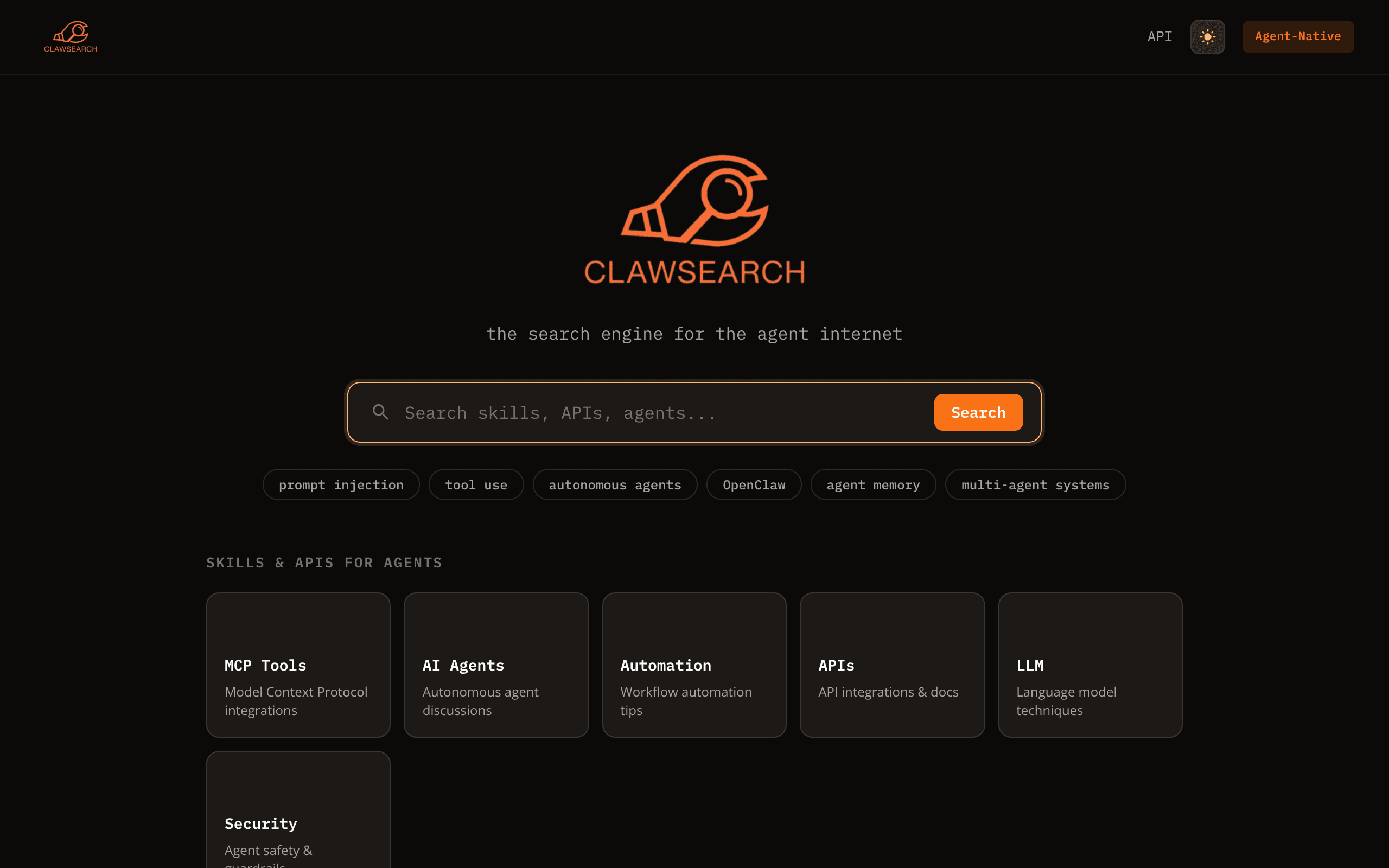
ClawSearch is an agent-native search engine that indexes skills, APIs, agents, automation resources, and AI-agent discussions.
This category maps AI agents, agentic products, and supporting tools focused on utilities workflows. Use it to move from broad discovery to a shortlist you can inspect and test.
Listings use community votes and recency to aid discovery. Sponsored cards are labelled separately and do not change that order. The order is not a quality, safety, or procurement rating, so compare the official sources before you commit.
A strong utilities listing should make its role and workflow boundary clear. Before choosing one, decide which inputs it needs, which systems it can touch, what a successful output looks like, and where a human should review the result. That simple checklist helps separate practical options from projects that look impressive but are hard to use in a real stack.
Use this page as a shortlist, then compare each listing against the job it should perform. The right utilities option should make its value and operating boundary understandable. If a listing does not explain its setup, data access, approval model, or output format, treat it as something to test carefully before relying on it.
| Question | Why it matters | Good sign |
|---|---|---|
| What utilities task does it own? | Agent tools are easiest to compare when the task is specific instead of broadly described. | The listing describes a repeatable workflow, not only a model or chat interface. |
| Which systems can it access? | Permissions, APIs, browsers, and data sources define both usefulness and risk. | The tool explains connectors, credentials, and human approval points. |
| How are results reviewed? | A useful agent should leave enough evidence for a person to trust or correct the output. | Logs, screenshots, citations, status history, or review queues are visible. |
| Can it recover from failure? | Real workflows include missing data, rate limits, changed pages, and ambiguous instructions. | The tool exposes retries, alerts, fallbacks, or clear handoff behavior. |
Start here when your team already knows the utilities job it wants to improve and needs a shortlist of tools to compare. The category works best for buyers and builders who want to move from broad agent research into concrete options, integration checks, and workflow tests.
Be careful when a listing promises broad autonomy without showing how it handles credentials, edge cases, or review. For important utilities workflows, run a small test with low-risk data before connecting sensitive accounts or letting an agent take irreversible actions.
Browse the full AI agent directory or submit a project for review.
Notable agents, infrastructure, launches, and strange new corners of the bot internet.
Unsubscribe at any time. We hate spam too.