/// INTEGRATIONS

Updated June 12, 2026

AI Agent
Integrations & Connectors

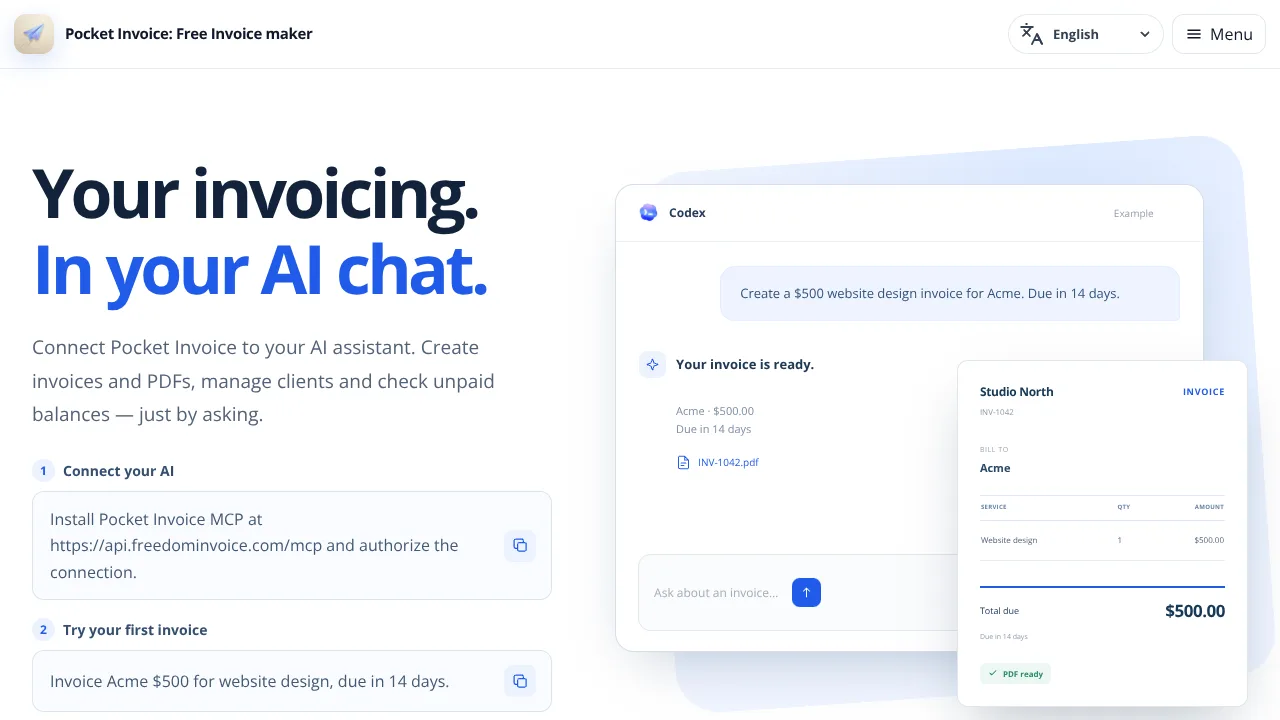
Browse the main ways agents connect to MCP servers, messaging apps, APIs, browsers, QA loops, support queues, and sales workflows. OpenClaw remains one specialized path inside the wider integration map.

46 listed integration sites4 integration paths

Short answer

AI agent integrations are the connection layer between an autonomous workflow and the tools where work actually happens: chat, APIs, webhooks, browsers, QA systems, support queues, CRMs, and developer environments. Start with the workflow surface, then choose the smallest connector that can read the right context, produce a reviewable output, and stop before risky actions require human approval.

Choose by workflow surface

The right integration depends on where the instruction enters, what systems the agent can touch, and where the final output needs review.

Integration decision matrix

Treat integrations as permission boundaries, not just convenience features. The best connector is the one that gives the agent enough context to help while preserving a clear review point before the workflow touches sensitive accounts, customers, production data, or public channels.

SituationRecommended integration path
A team wants agents to receive work from chatStart with a private Discord or Telegram workflow, narrow commands, explicit user authorization, and approval before any external write action.
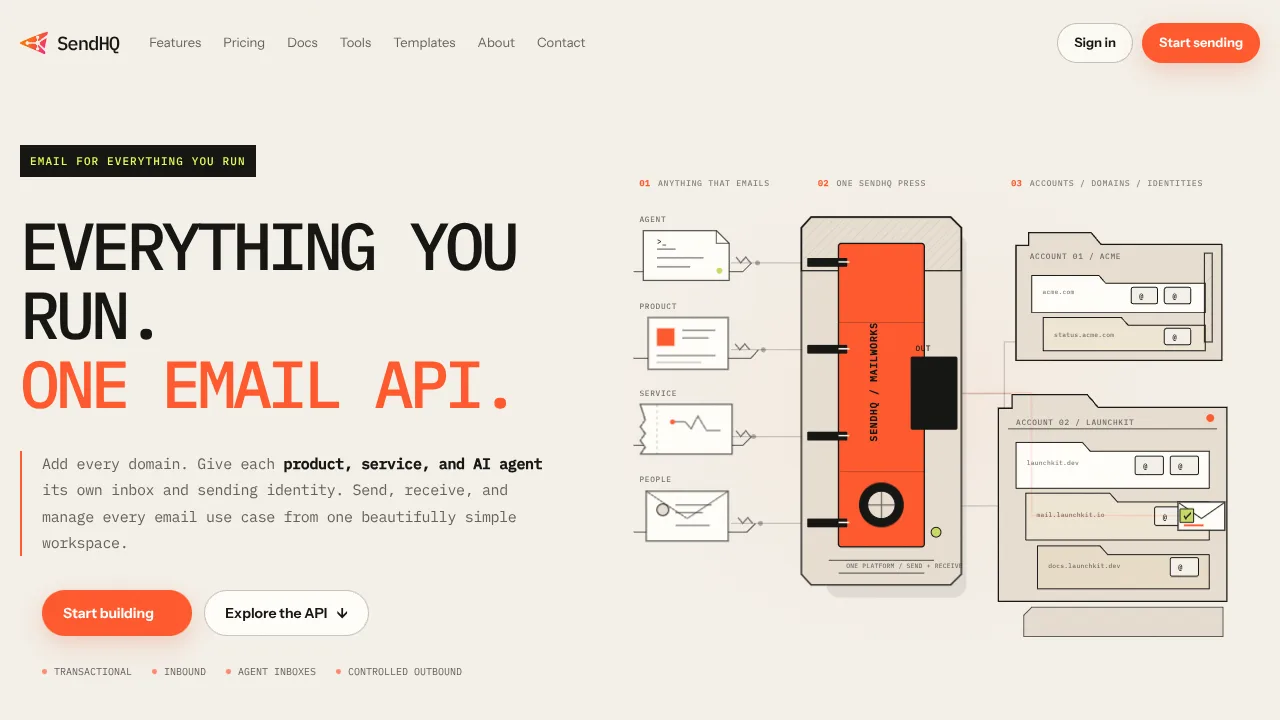
A product needs events to trigger agent workUse API or webhook integrations with signed requests, small payloads, idempotent handlers, and a clear output schema back to the product.
The workflow depends on websites without stable APIsUse browser automation only when direct APIs are unavailable, then require screenshots, traces, retries, and a review step before form submissions.
QA needs failures routed to humansConnect test runs to a messaging handoff that includes the failed step, screenshot, log excerpt, responsible reviewer, and the exact decision needed.
Support or sales wants semi-autonomous actionsKeep the agent in draft or staging mode until the team has reviewed permissions, CRM scope, contact data handling, and outbound-message approvals.

How to choose the first connector

A strong integration plan starts with a specific job, not a platform list. Write down where the request begins, what the agent must inspect, which tool calls are allowed, what the user should see, and where the workflow must pause. A chat bot, webhook, browser session, and CRM connector can all look useful in isolation, but they solve different parts of the operating system around an agent.

Messaging integrations are useful when a human needs to trigger, approve, or receive work inside a channel they already monitor. API and webhook integrations are better when product events should start a repeatable workflow. Browser integrations are useful when no clean API exists, but they need stronger evidence because pages change, sessions expire, and form submissions can create irreversible side effects.

The safest first release is narrow: one trigger, one workspace, one output type, and one approval moment. Once the team can explain what happened during each run, you can widen the permission scope, add more commands, or connect a second system. That sequence keeps the integration useful without turning discovery into an unbounded automation surface.
Where integrations create product value

Integration pages turn broad agent discovery into concrete workflow decisions. A reader looking for a Discord bot, Telegram approval workflow, MCP connector, webhook, or browser automation path usually has a real job in mind and needs to compare implementation boundaries, not marketing labels.

The useful questions are operational: which surface owns the trigger, what evidence the agent returns, how secrets are scoped, which action needs approval, and what failure mode the team should expect first. Those details help readers compare messaging bots, MCP servers, browser agents, QA automation, and workflow connectors on the same terms.

Start with one limited connector and one reviewable output. Add credentials, write access, or a second system only after the first path is repeatable and another person can explain how to stop or reverse it.

Live integration listings

Products and tools categorized as integrations in the directory.

View category

Related integration guides

Source links and related guides should be checked before connecting production systems. Messaging platforms, model providers, browser tooling, and connector APIs change quickly, so record the date checked, the account scope, and the approval point before expanding an integration beyond a small pilot.

If a listing or official document disagrees with this guide, use the official source for exact setup steps, pricing, availability, permissions, and compatibility. Use ClawSites as the comparison layer that helps you decide what to verify next.

The agentic web, once a week

Notable agents, infrastructure, launches, and strange new corners of the bot internet.

Unsubscribe at any time. We hate spam too.