
Is this your project? Give it 30 days of featured visibility.
Promote your projectRoo Code
Open-source AI coding agent suite for VS Code with specialized modes, local editor integration, and cloud agent options.
Directory description / not source-linked

Additional AI-assisted overview
Roo Code presents an open-source AI coding agent suite specifically engineered for seamless integration within the Visual Studio Code environment.
As a dedicated productivity tool, it aims to significantly enhance the software development workflow by embedding advanced artificial intelligence capabilities directly into the developer's workspace. The suite is designed to assist with a wide array of coding tasks, making it a valuable asset for individual programmers and development teams focused on optimizing their efficiency and output. A key differentiator for Roo Code lies in its offering of specialized AI modes, which allows users to tailor the agent's functionality to particular programming challenges or personal preferences. Furthermore, the platform provides robust support for both local editor integration, ensuring smooth operation within an existing development setup, and cloud agent options, offering flexibility for leveraging remote computational resources. Its open-source foundation promotes community collaboration and transparency, while a freemium pricing structure makes core functionalities accessible to a broad audience, with potential for premium features or enhanced scalability. Roo Code is positioned as an essential tool for modern software engineering, driving innovation and efficiency through intelligent, integrated assistance.
Unverified fallback. This legacy AI-assisted copy is not used as evidence for the structured facts or decision guidance on this page.
Capabilities
Source-backed claims are preferred. AI-assisted fallback items are labelled individually.
Open-source AI coding agent suite
AI-assisted fallback / unverified
Seamless integration with VS Code
AI-assisted fallback / unverified
Offers specialized AI modes
AI-assisted fallback / unverified
Supports local editor integration
AI-assisted fallback / unverified
Provides cloud agent options
AI-assisted fallback / unverified
Designed as a productivity enhancement tool
AI-assisted fallback / unverified
Facilitates AI-driven assistance for coding tasks (inferred)
AI-assisted fallback / unverified
Use cases
Source-backed claims are preferred. AI-assisted fallback items are labelled individually.
Streamlining software development workflows within VS Code
AI-assisted fallback / unverified
Leveraging AI for enhanced coding efficiency and task assistance
AI-assisted fallback / unverified
Customizing AI agent behavior using specialized modes for specific projects
AI-assisted fallback / unverified
Choosing between local and cloud-based AI processing for coding agents
AI-assisted fallback / unverified
Integrating AI tools directly into the developer's primary IDE
AI-assisted fallback / unverified
How ClawSites assesses Roo Code
No source-backed best-for or limitation claim is published yet. Unsupported conclusions are omitted until a checked source supports them.
Method: ClawSites keeps discovery copy separate from publishable claims, retains a source excerpt, and displays the date each cited source was checked. Pricing and availability can still change after that date.
Related to Roo Code
Similar directory context, not an editorial claim that these products are interchangeable.
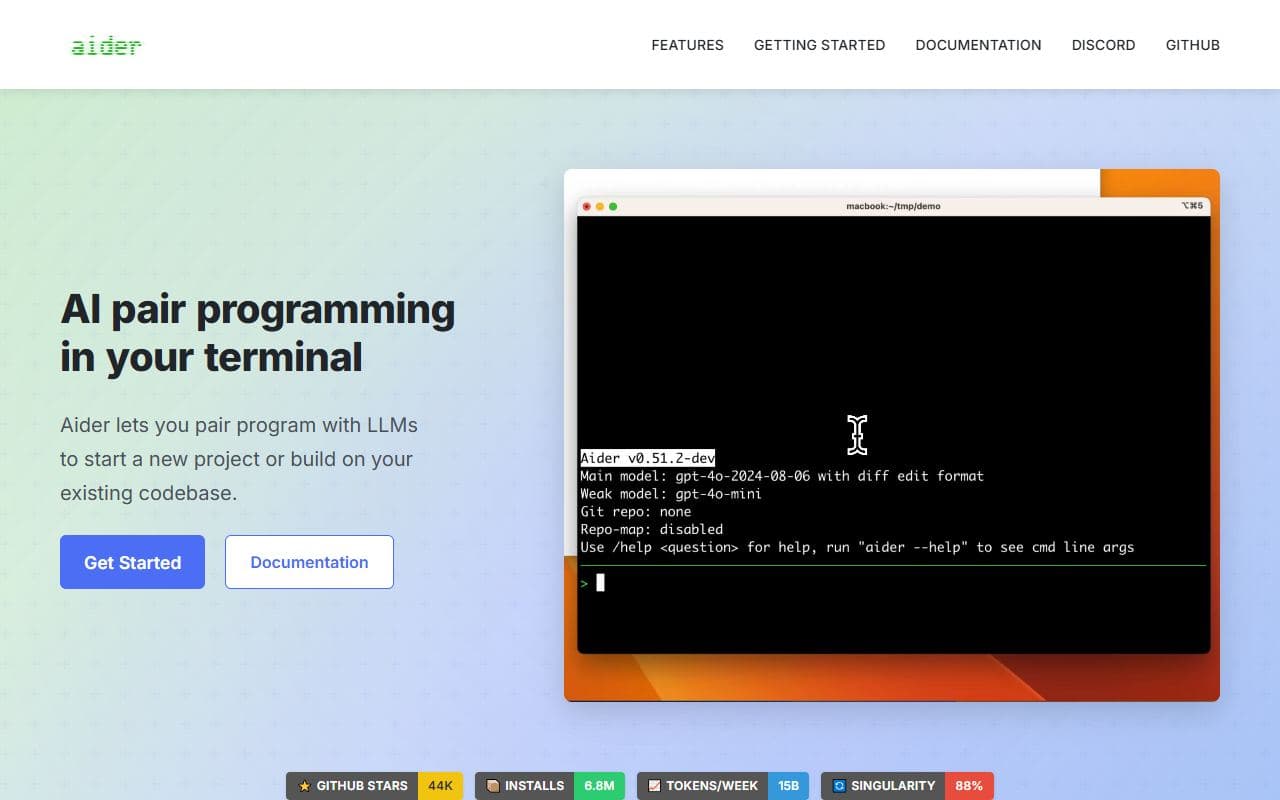
AI pair-programming agent that runs in the terminal, maps a codebase, edits files, and can auto-commit to Git.

Sourcegraph coding agent for terminal and editor workflows with codebase understanding and autonomous multi-step coding tasks.
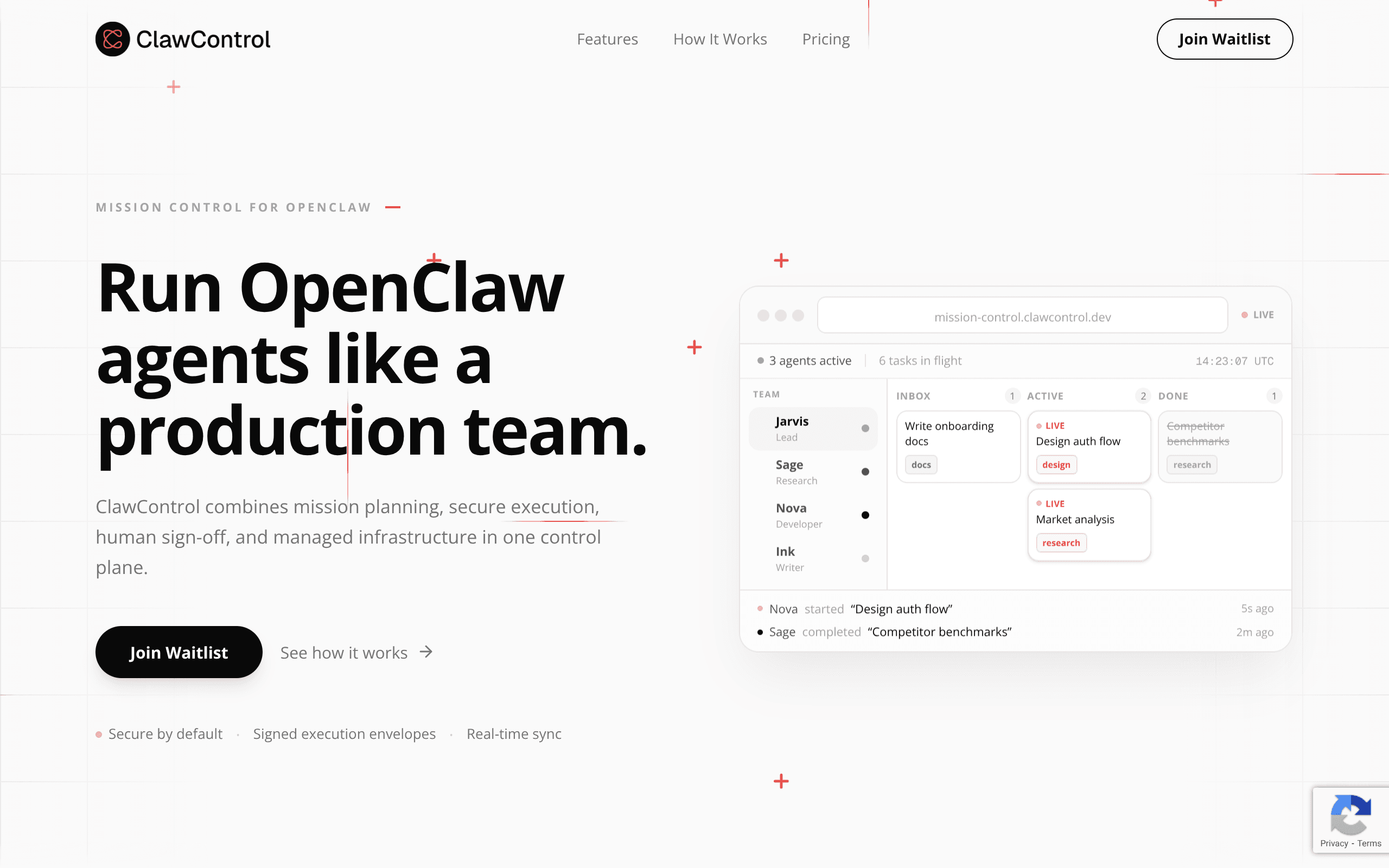
ClawControl turns chaos into control: Run OpenClaw agents like a production team

Open-source autonomous coding agent for VS Code that edits files, runs commands, and uses a browser with human approval.
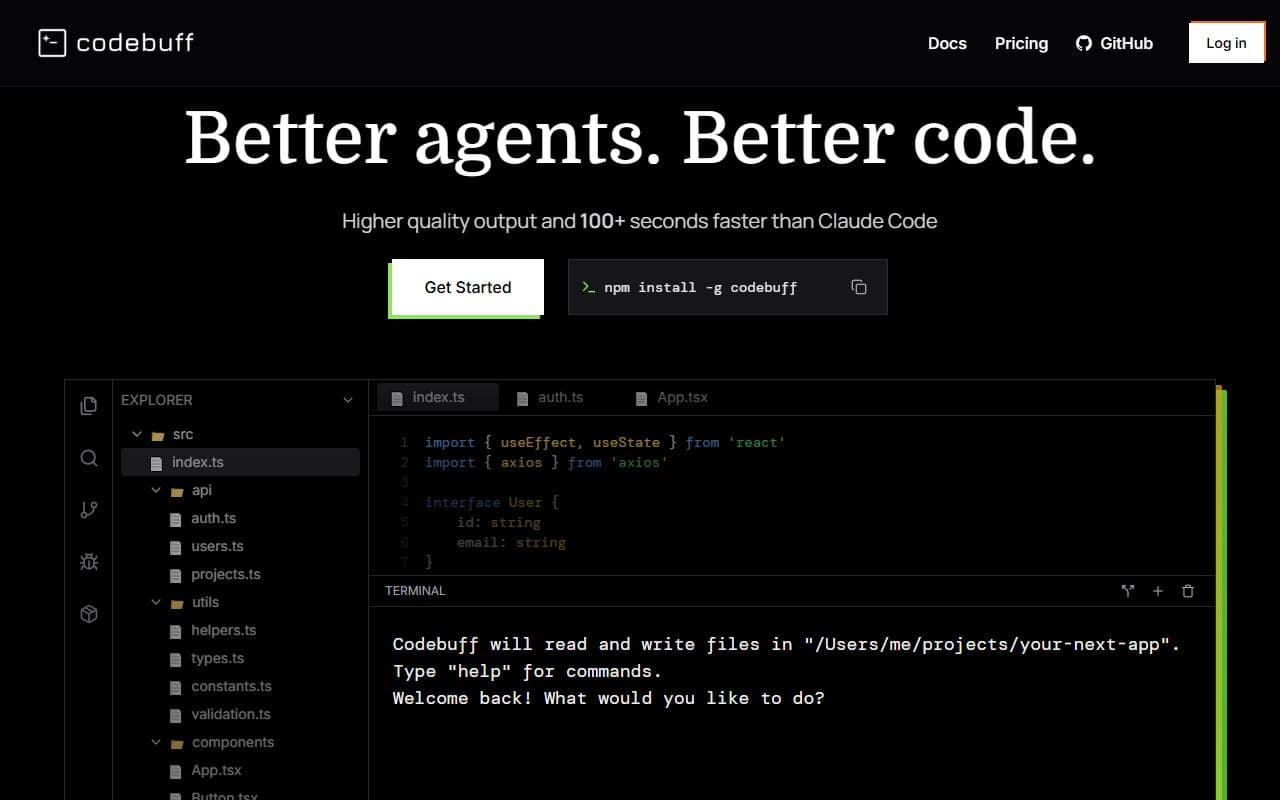
Terminal-native AI coding agent that understands codebases and makes style-consistent edits from natural language.
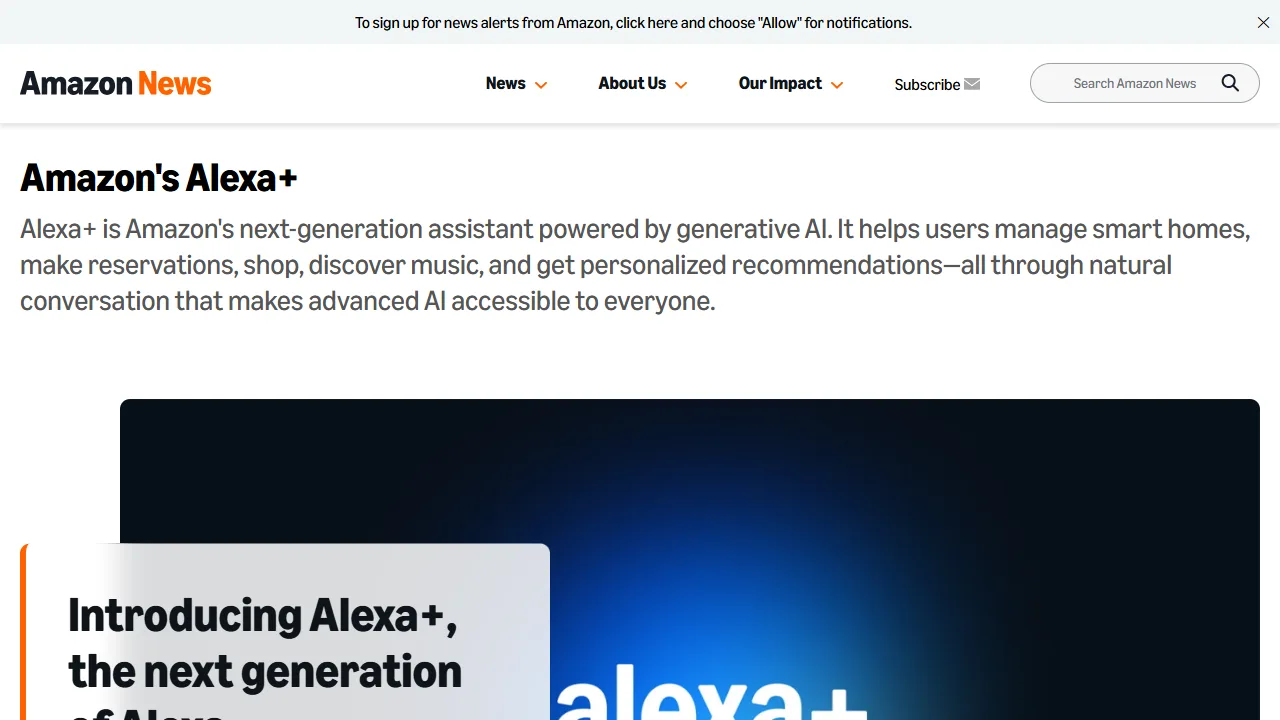
Alexa+ is Amazon's next-generation assistant powered by generative AI. It helps users manage smart homes, make reservations, shop, discover music, and get personalized recommendations.