
Is this your project? Give it 30 days of featured visibility.
Promote your projectRay 3.2 AI
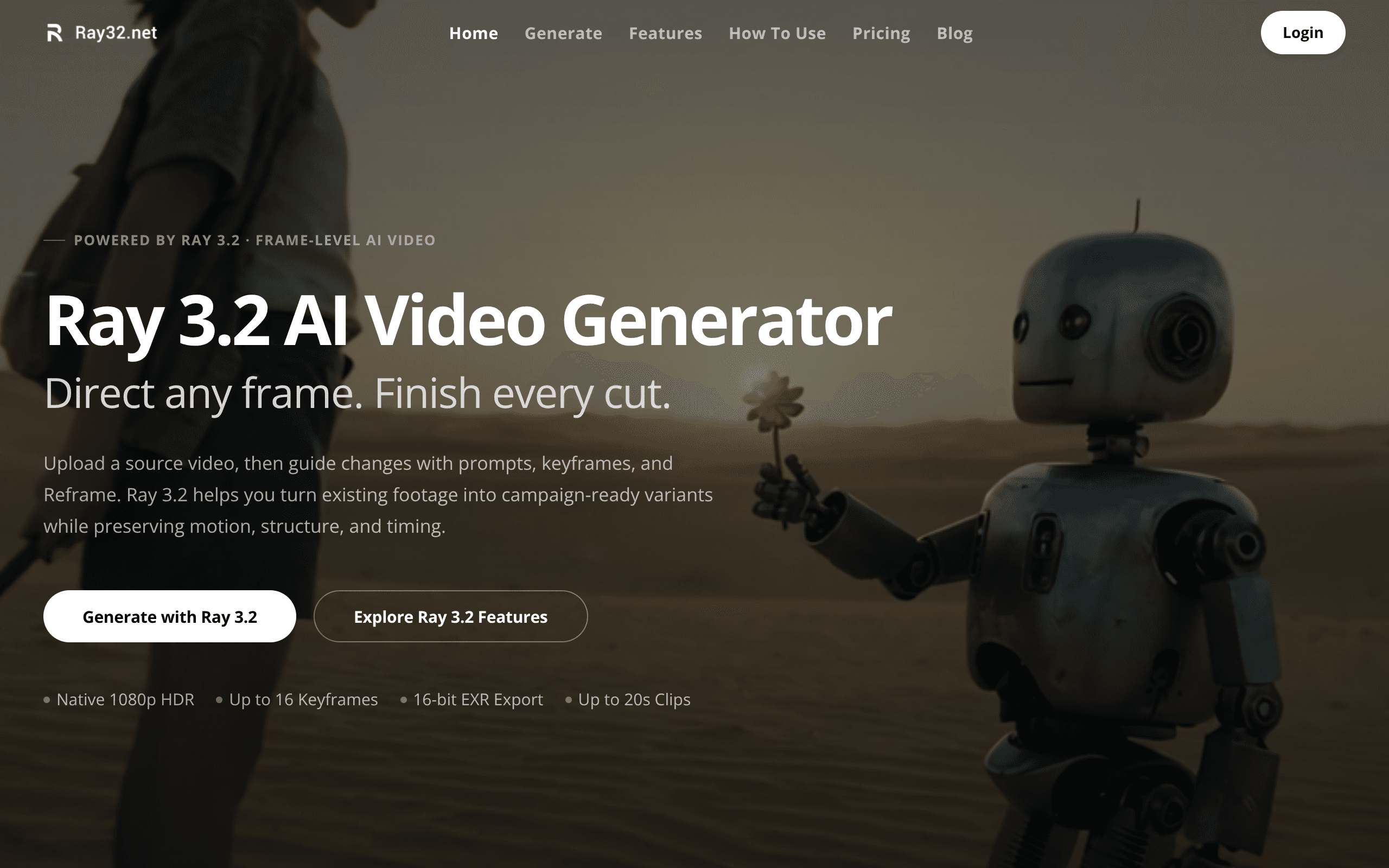
Ray 3.2 AI Video Generator is an independent third-party web tool that provides browser-based access to Luma AI's Ray 3.2 video generation model.
Official website(opens in new tab)OfficialChecked
Evidence-backed listing facts
Only known values with retained provenance are shown. Missing fields are omitted instead of being filled with guesses.
- Pricing Verified
- Paid
Evidence: Plans are one-time credit packs — pay once, receive credits, no subscription.
Official pricing(opens in new tab)OfficialChecked
Reviewed sources
These sources were reachable when the listing evidence was checked.
Listing checked
About Ray 3.2 AI
Ray 3.2 AI Video Generator is an independent third-party web tool that provides browser-based access to Luma AI's Ray 3.2 video generation model.
Evidence: This is an independent third-party tool that provides online access to Ray 3.2 video generation. It is not affiliated with or endorsed by Luma AI, Inc.
Official website(opens in new tab)OfficialChecked
The platform offers four core AI workflows directly in the browser: text-to-video, image-to-video, video editing, and video reframing.
Evidence: Ray 3.2 is Luma AI's most advanced video generation model. It supports four workflows — text-to-video, image-to-video, video editing (Modify Video V2), and video reframing
Official website(opens in new tab)OfficialChecked
Capabilities
Supports keyframe control placing up to 16 keyframes within a single clip to direct look shifts and timing.
Evidence: Place up to 16 keyframes inside a single Ray 3.2 clip. Direct exactly where the look shifts, where a performance lands, and how each beat resolves
Official website(opens in new tab)OfficialChecked
Generates 16-bit HDR video natively and supports exporting to EXR format in the ACES2065-1 color space.
Evidence: Ray 3.2 generates real 16-bit HDR color — not a filter added afterward. Export as EXR in ACES2065-1 (AP0) color space, ready to drop straight into Nuke, DaVinci Resolve, or any VFX pipeline.
Official website(opens in new tab)OfficialChecked
Provides video reframing capabilities to change video aspect ratios without cropping by filling exposed areas using scene-consistent content.
Evidence: Change the aspect ratio of any clip without cropping. Ray 3.2 Reframe fills newly exposed canvas areas with scene-consistent, prompt-guided content
Official website(opens in new tab)OfficialChecked
Use cases
Previsualization and film shot prototyping using text-to-video capabilities.
Evidence: Use Ray 3.2 text-to-video to prototype story beats, test camera angles, and build shot references before production begins.
Official website(opens in new tab)OfficialChecked
Social media content creation and reframing existing footage for vertical formats like TikTok, Reels, and Shorts.
Evidence: Generate short-form vertical clips, reframe existing footage with Ray 3.2 Video Reframing, and produce platform-native content for TikTok, Reels, and Shorts at speed.
Official website(opens in new tab)OfficialChecked
Who Ray 3.2 AI fits — and what to check
Decision guidance below is tied to the cited evidence. Treat observed third-party claims as leads, not product guarantees.
Best for
Creators, marketers, and storytellers seeking browser-based video creation and modification without local GPU hardware.
Evidence: It's built for creators, marketers, and storytellers who want professional video without expensive production
Official website(opens in new tab)OfficialChecked
Limitations to check
Video editing source clips are limited to under 20 seconds, while reframing source videos must be under 12 seconds.
Evidence: Source videos for Modify Video should be under 20 seconds; for Reframe, under 12 seconds.
Official website(opens in new tab)OfficialChecked
Method: ClawSites keeps discovery copy separate from publishable claims, retains a source excerpt, and displays the date each cited source was checked. Pricing and availability can still change after that date.
Related to Ray 3.2 AI
Similar directory context, not an editorial claim that these products are interchangeable.
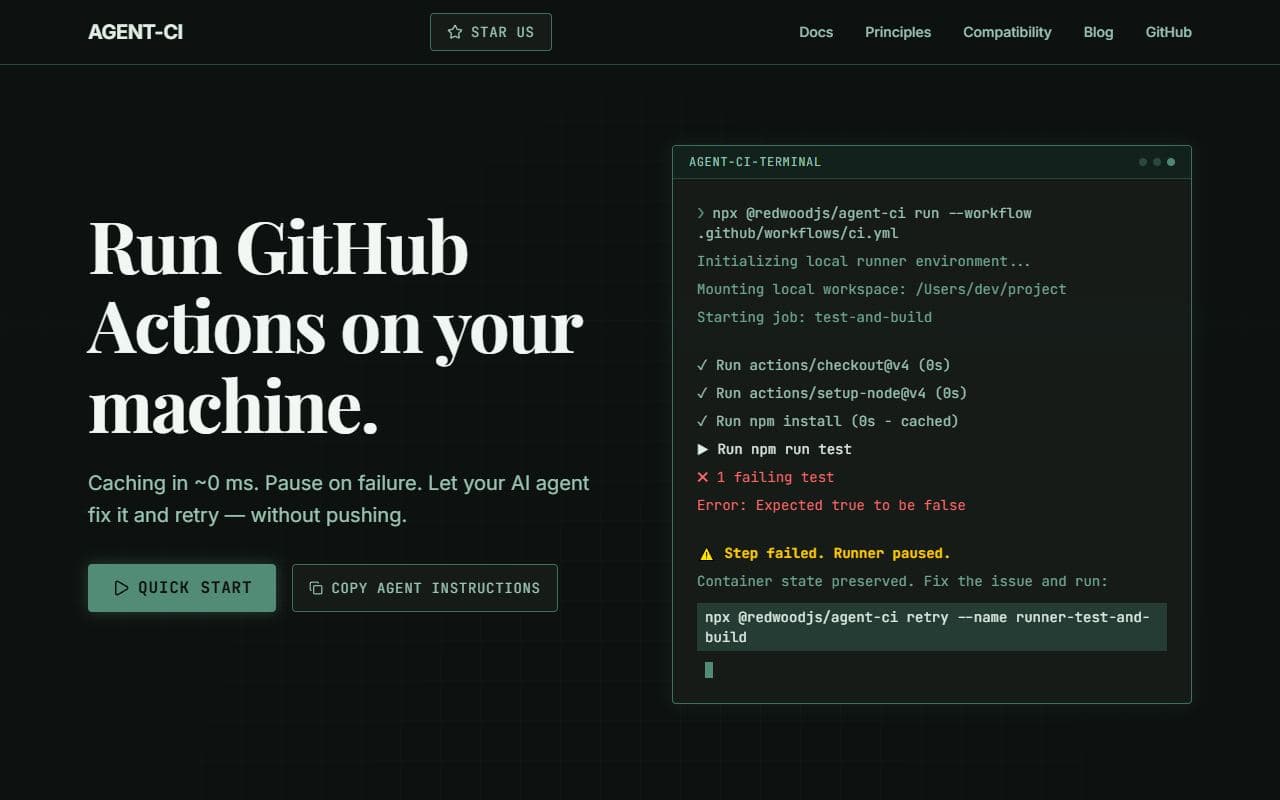
Local GitHub Actions runner designed for AI-agent development loops and repeatable validation.
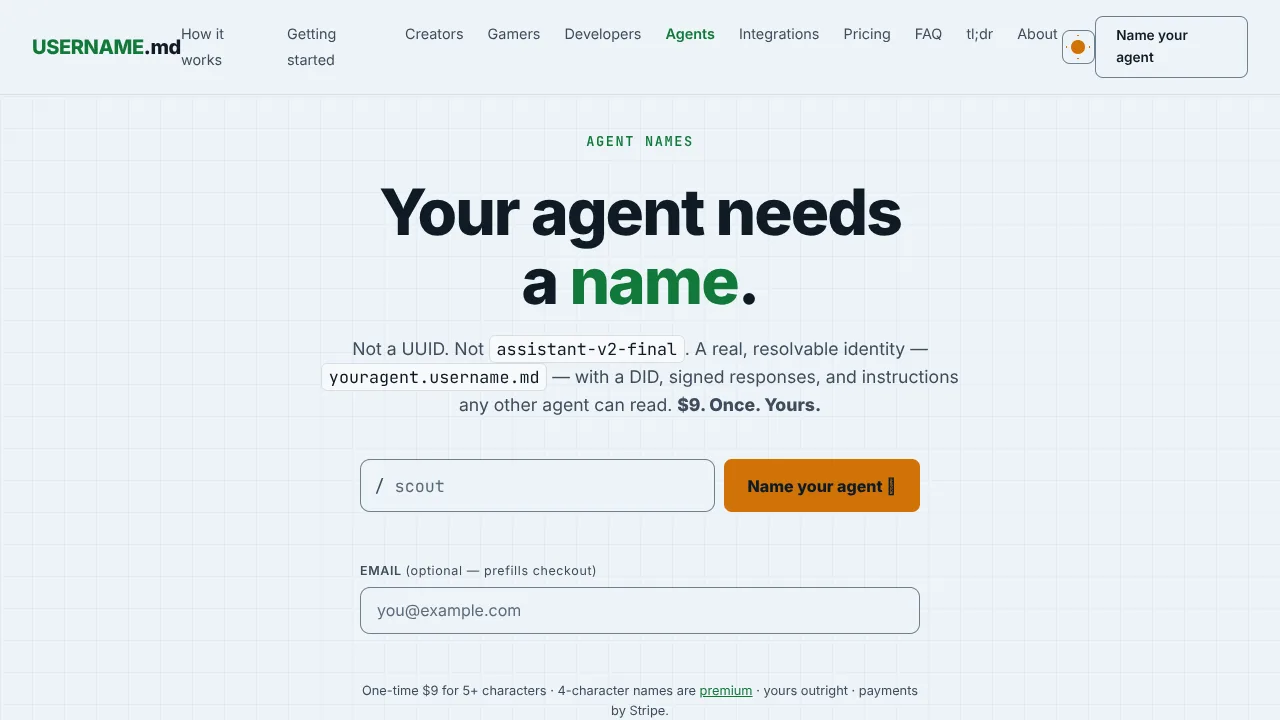
Persistent, verifiable web identities for AI agents with a resolvable handle, did:web DID, signed responses, llms.txt, and MCP lookup.
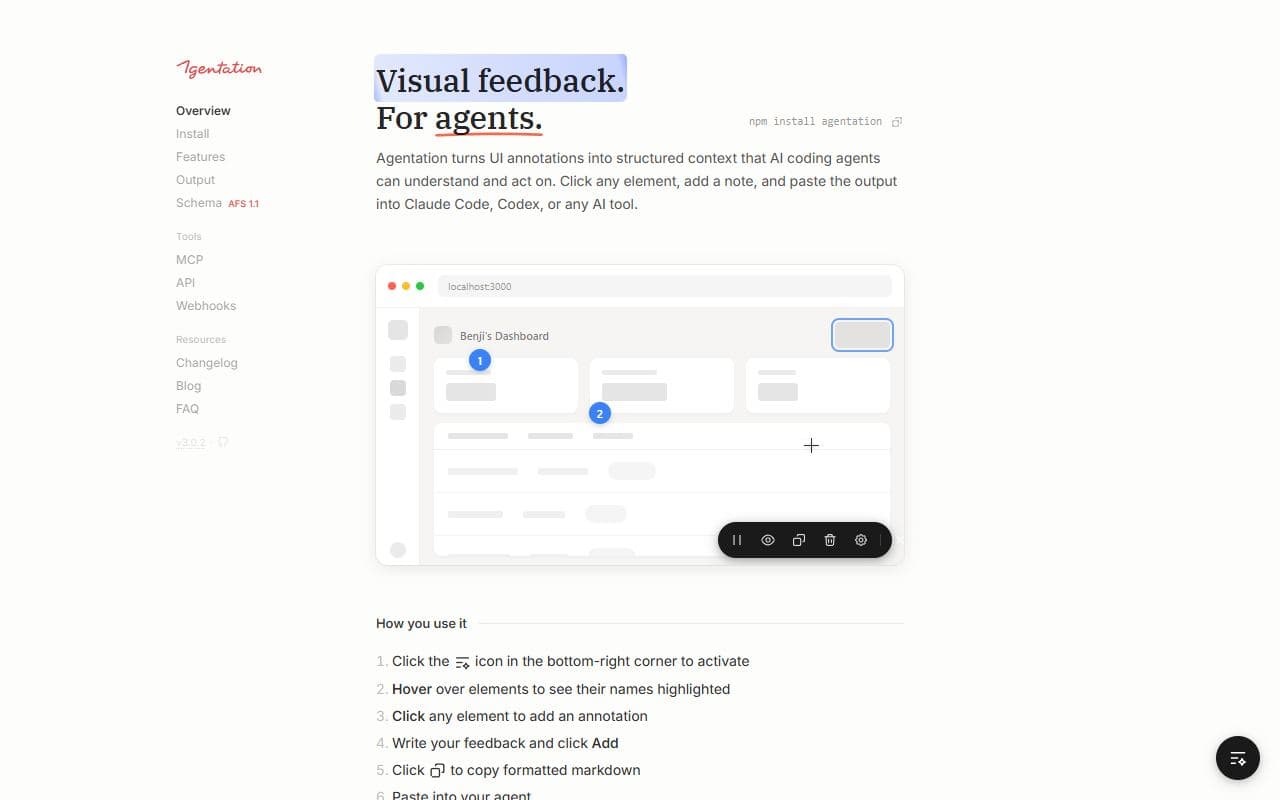
Visual UI annotation and structured feedback tool for AI coding agents.

Agent-era UI framework with WASM sandboxes for safe generated interfaces.
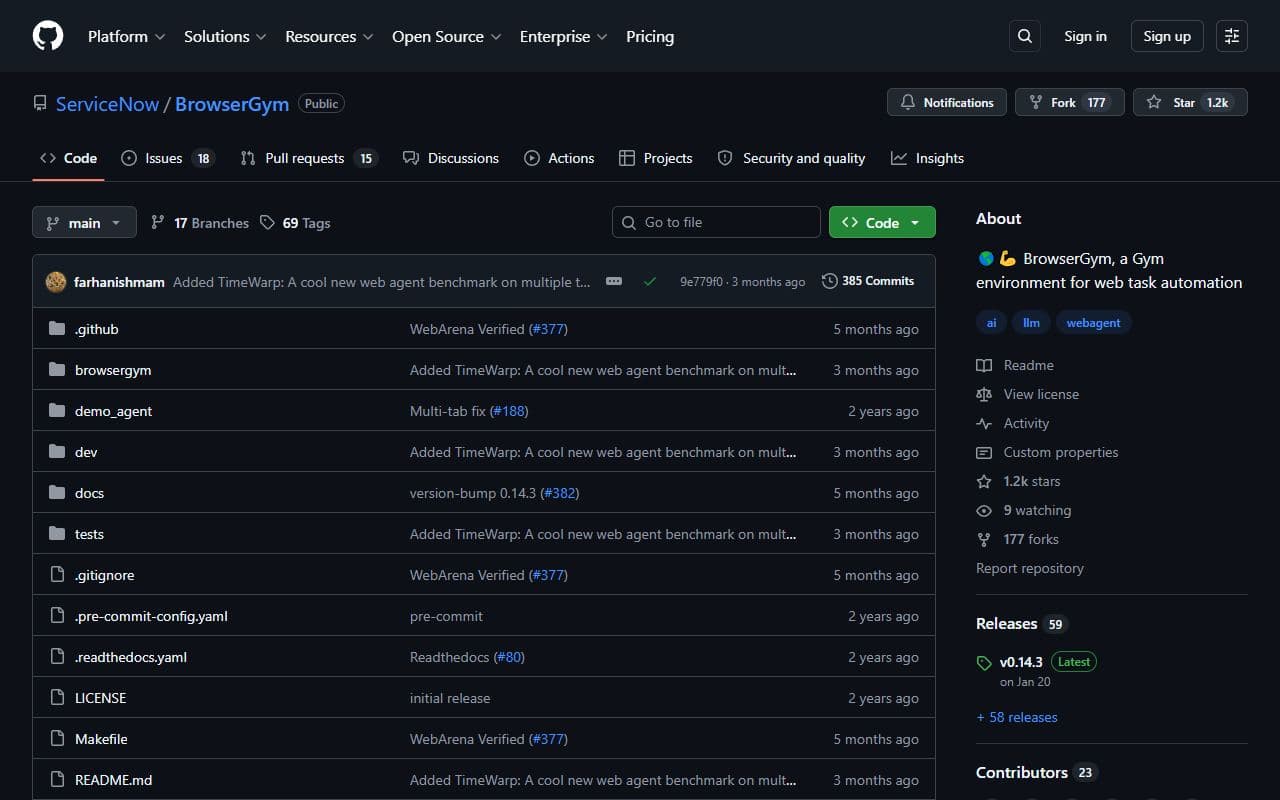
Open-source framework for training, evaluating, and benchmarking web agents in browser environments.

Open-source framework for building conversational AI interfaces, agent demos, and internal LLM applications quickly.