
Is this your project? Give it 30 days of featured visibility.
Promote your projectZencoder
Zencoder is an AI agent platform that orchestrates specialized agents to build, test, debug, and refactor code.
Official product source(opens in new tab)OfficialChecked

Evidence-backed listing facts
Only known values with retained provenance are shown. Missing fields are omitted instead of being filled with guesses.
- Product form Verified
- Agent platform
Evidence: Zencoder is an AI agent platform. It orchestrates specialized agents to build, test, debug, and refactor code, and to automate everyday business workflows.
Official product source(opens in new tab)OfficialChecked
- Primary job Verified
- Coding and software
Evidence: Zencoder is an AI agent platform. It orchestrates specialized agents to build, test, debug, and refactor code, and to automate everyday business workflows.
Official product source(opens in new tab)OfficialChecked
- Interfaces Verified
- IDE
Evidence: Install Zencoder in VS Code or JetBrains to get coding agents that understand your entire repo, edit across files, and validate their own code.
Official product source(opens in new tab)OfficialChecked
- MCP support Verified
- Native
Evidence: Access any connected MCP servers (databases, Jira, GitHub, Slack, etc.)
Official product source(opens in new tab)OfficialChecked
Reviewed sources
These sources were reachable when the listing evidence was checked.
Listing checked
About Zencoder
Zencoder provides deep repository insights and edits multiple files simultaneously.
Evidence: Zencoder gives you deep repo insights, generates projects instantly, and edits multiple files simultaneously. Less friction, more coding.
Official product source(opens in new tab)OfficialChecked
Zencoder supports models from OpenAI, Anthropic, Google, and xAI.
Evidence: Zencoder supports models from OpenAI, Anthropic, Google, and xAI.
Official product source(opens in new tab)OfficialChecked
Capabilities
Zencoder's Coding Agent has built-in validation and error correction for multi-file development tasks.
Evidence: The Coding Agent is Zencoder’s primary development tool that generates, modifies, and refactors code across multiple files and languages. It has built-in validation and error correction,…
Official product source(opens in new tab)OfficialChecked
Users can install Zencoder in VS Code or JetBrains to give its coding agents repository-wide context.
Evidence: Install Zencoder in VS Code or JetBrains to get coding agents that understand your entire repo, edit across files, and validate their own code.
Official product source(opens in new tab)OfficialChecked
Zencoder has a model selector in the chat input, with options that depend on plan and entitlements.
Evidence: Zencoder has a model selector in the chat input. Use the dropdown to pick which LLM runs your messages. The options you see depend on your plan and entitlements.
Official product source(opens in new tab)OfficialChecked
Use cases
Trace an execution path from a stack trace or error log and propose a targeted fix.
Evidence: Drop in a stack trace or error log. Agents follow the execution path, isolate the root cause, and propose a targeted fix.
Official product source(opens in new tab)OfficialChecked
Run the test suite after changes and have the agent self-correct if anything fails.
Evidence: Include “run the tests after making changes” in your prompt. The agent will execute your test suite and self-correct if anything fails.
Official product source(opens in new tab)OfficialChecked
Who Zencoder fits — and what to check
Decision guidance below is tied to the cited evidence. Treat observed third-party claims as leads, not product guarantees.
Best for
Multi-file, multi-language code generation, modification, and refactoring.
Evidence: The Coding Agent is Zencoder’s primary development tool that generates, modifies, and refactors code across multiple files and languages. It has built-in validation and error correction,…
Official product source(opens in new tab)OfficialChecked
Limitations to check
The options you see depend on your plan and entitlements.
Evidence: Zencoder has a model selector in the chat input. Use the dropdown to pick which LLM runs your messages. The options you see depend on your plan and entitlements.
Official product source(opens in new tab)OfficialChecked
Method: ClawSites keeps discovery copy separate from publishable claims, retains a source excerpt, and displays the date each cited source was checked. Pricing and availability can still change after that date.
Related to Zencoder
Similar directory context, not an editorial claim that these products are interchangeable.
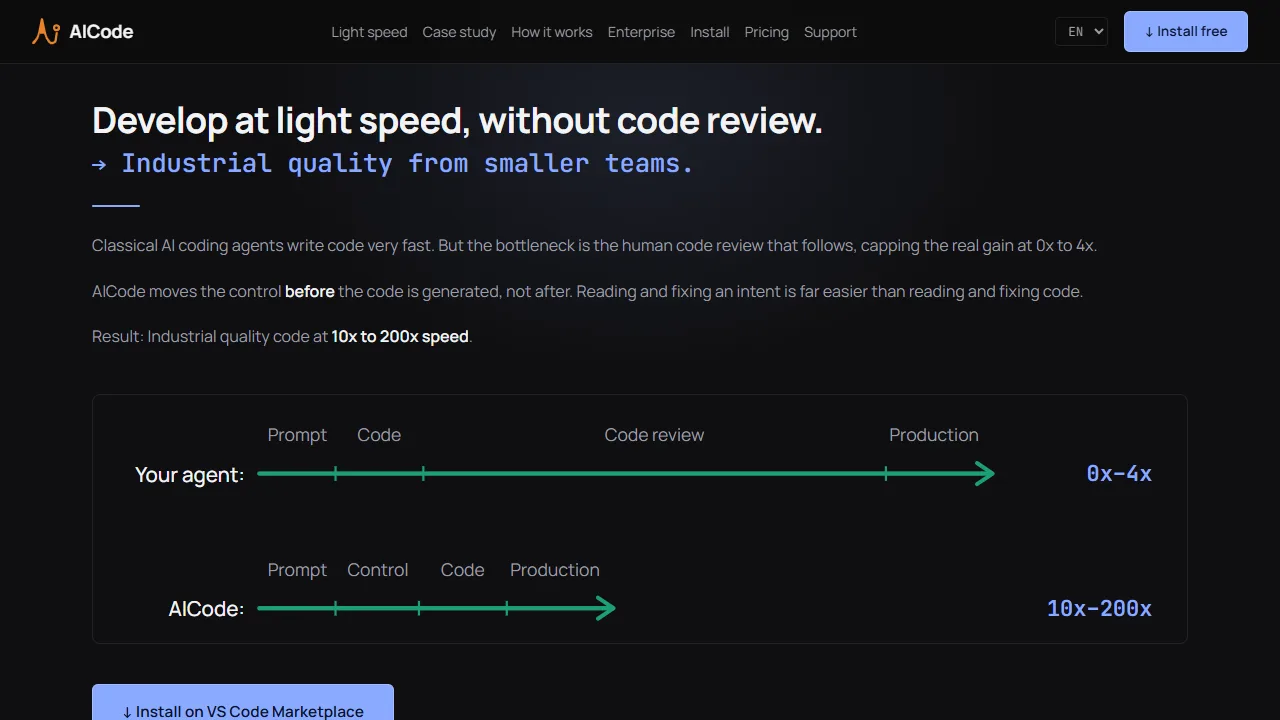
AICode is a standard VS Code extension. It is offline-first, so the initial install takes 2-3 minutes. No account registration.
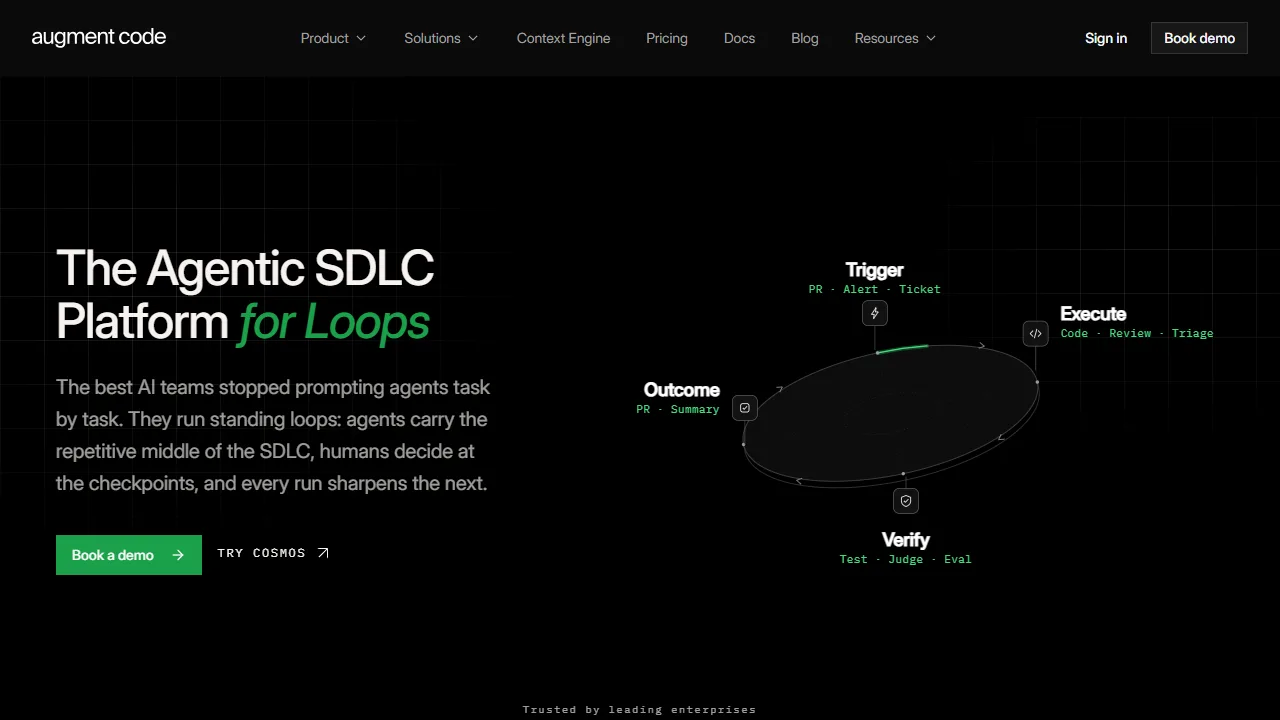
Augment Code is designed to provide context for developers working with large codebases.
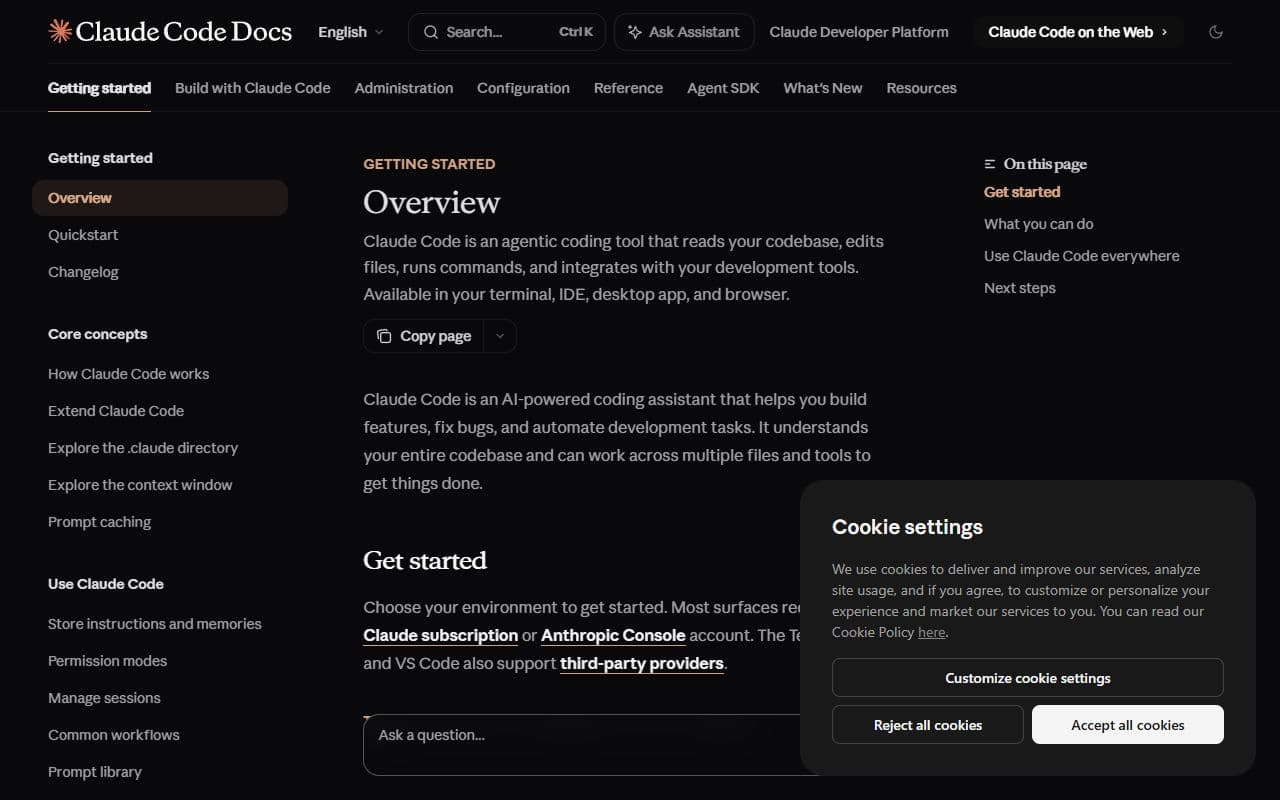
Claude Code is an agentic coding tool that reads codebases, edits files, runs commands, and works across terminal, IDE, desktop, and web interfaces.
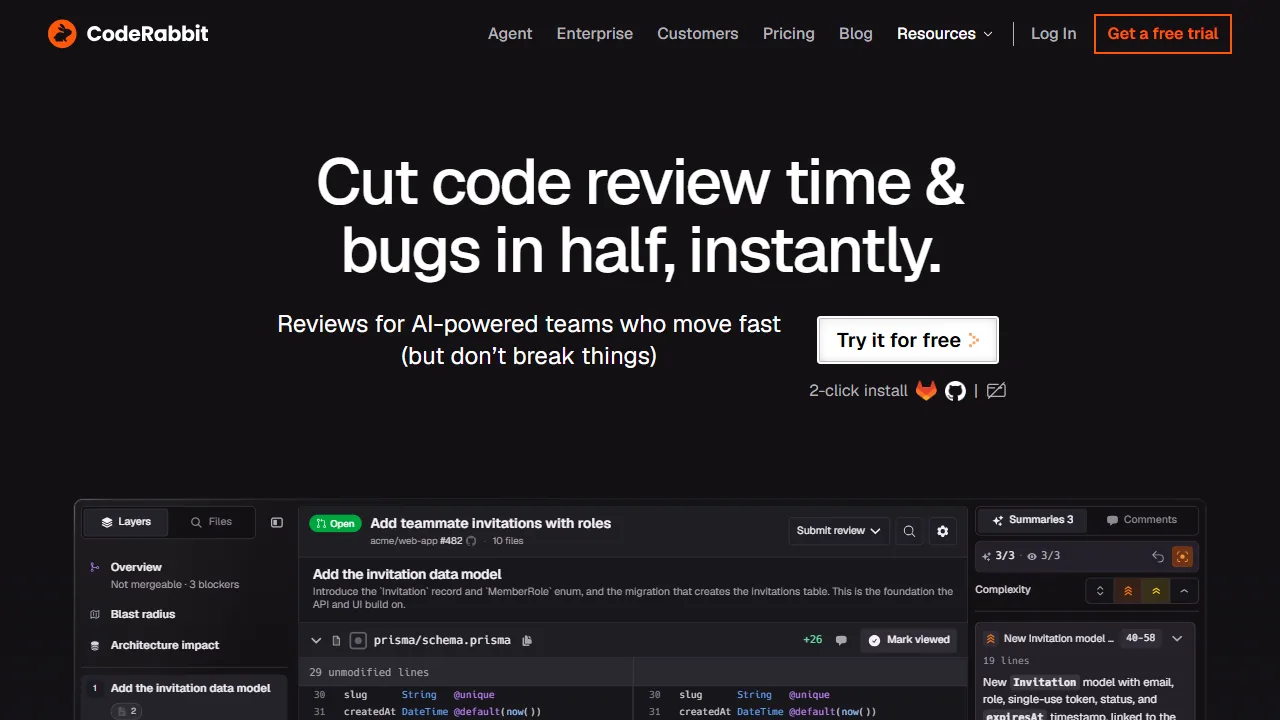
CodeRabbit is an AI-powered platform for code review, planning, and development workflows across Git platforms, IDEs, CLI, and Slack.
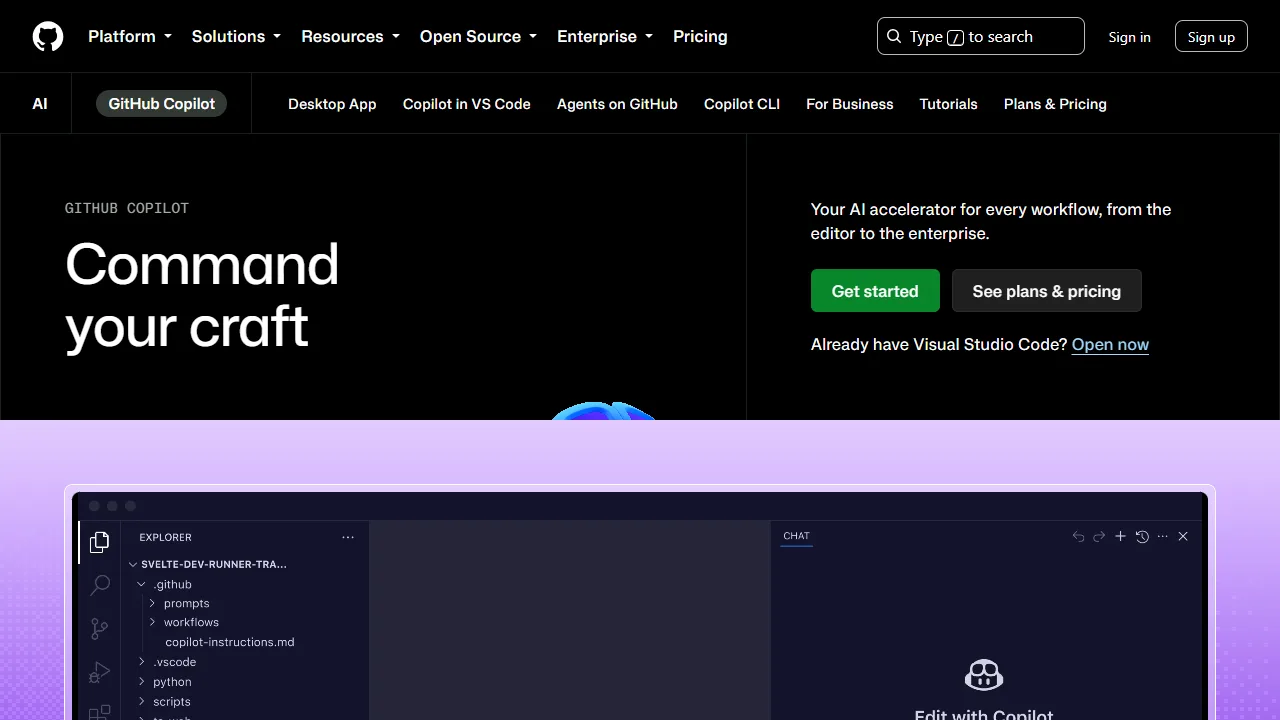
GitHub Copilot is an AI coding assistant that helps you write code faster and with less effort.
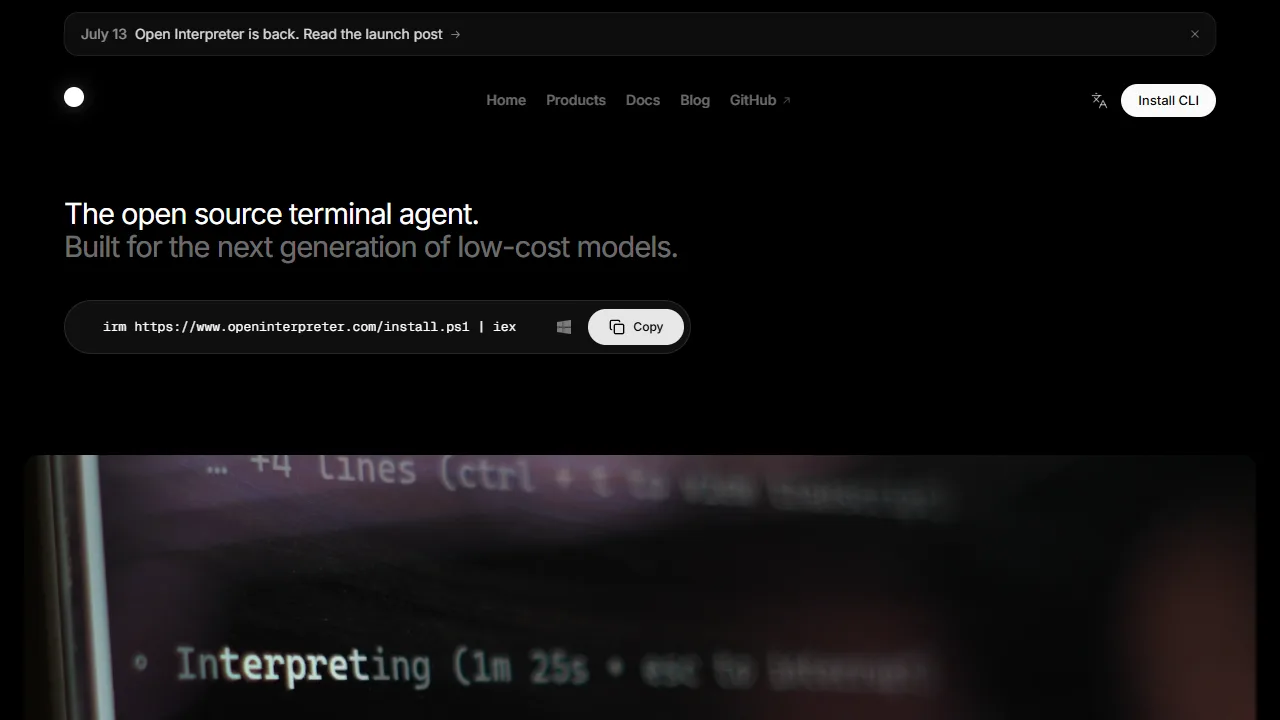
Open Interpreter is a coding agent that lives in your terminal for software projects.