
Is this your project? Give it 30 days of featured visibility.
Promote your projectScreenpipe
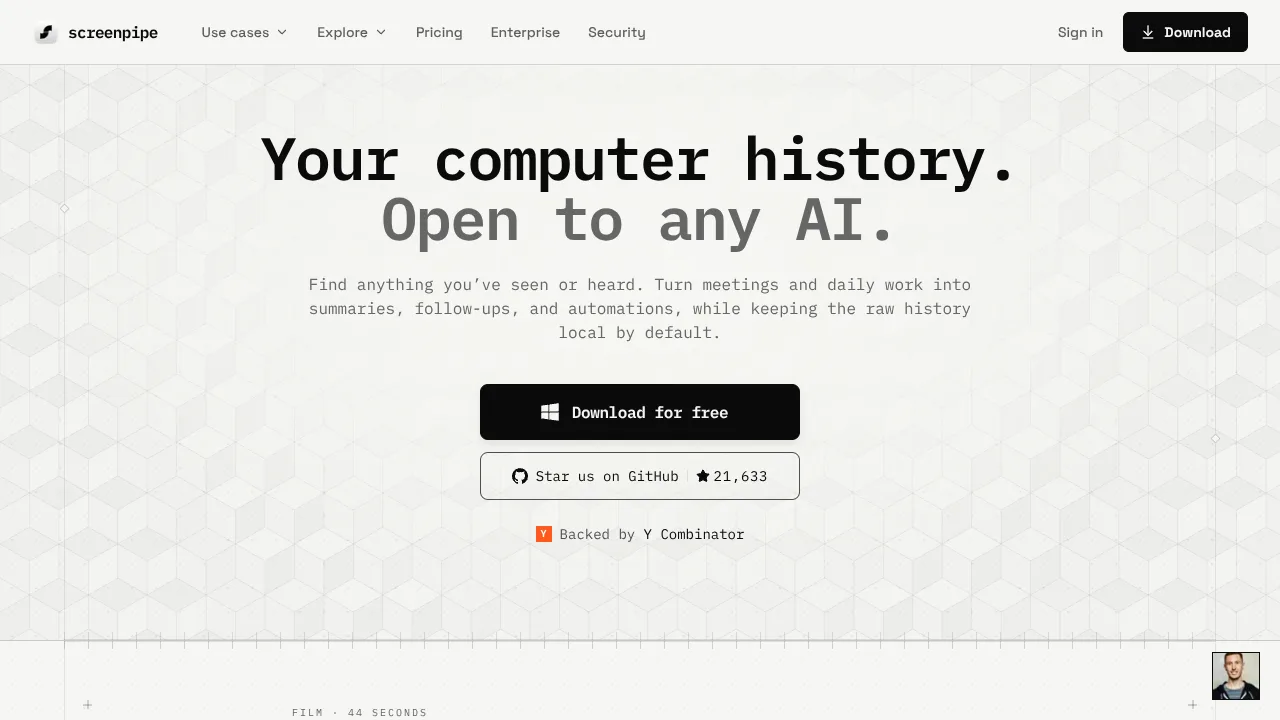
Screenpipe provides local-first computer history for AI agents by continuously recording screens, audio, and app context on macOS, Windows, and Linux. It builds a timestamped, searchable history from on-screen text, accessibility data, screen images, and audio transcripts to give AI models context about daily work.
Official website(opens in new tab)OfficialChecked
Evidence-backed listing facts
Only known values with retained provenance are shown. Missing fields are omitted instead of being filled with guesses.
- Primary job Verified
- Personal productivity
Evidence: Record your screen continuously locally and provide context to your agents
Official source repository(opens in new tab)OfficialChecked
- Pricing Verified
- Freemium
Evidence: Free Start on one device $0
Official pricing(opens in new tab)OfficialChecked
- Interfaces Verified
- Desktop / CLI / API
Evidence: download the desktop app — all features, auto-updates or run the CLI: npx screenpipe record
Official source repository(opens in new tab)OfficialChecked
- Source availability Verified
- Source available
Evidence: macOS · Windows · Linux · source-available
Official website(opens in new tab)OfficialChecked
- MCP support Verified
- Native
Evidence: screenpipe runs as an MCP server, allowing AI assistants to query your screen history
Official source repository(opens in new tab)OfficialChecked
- API Verified
- Public API
Evidence: Full REST API running on localhost (default port 3030).
Official source repository(opens in new tab)OfficialChecked
Reviewed sources
These sources were reachable when the listing evidence was checked.
Listing checked
About Screenpipe
Screenpipe provides local-first computer history for AI agents by continuously recording screens, audio, and app context on macOS, Windows, and Linux. It builds a timestamped, searchable history from on-screen text, accessibility data, screen images, and audio transcripts to give AI models context about daily work.
Evidence: screenpipe builds a timestamped, searchable history from on-screen text, app and window context, screen images, system audio, and microphone audio you choose to capture. Use it to find…
Official website(opens in new tab)OfficialChecked
By default, capture, transcriptions, and the search index remain locally stored on the device in a SQLite database. Screenpipe exposes this history to AI agents, apps, and developers through a local REST API and an MCP server.
Evidence: By default, capture, transcripts, and the search index stay on your device. Data leaves only when a feature you enable needs it, for example cloud AI, cloud sync, an export, a connector, or…
Official website(opens in new tab)OfficialChecked
Capabilities
Combines accessibility context, screen frames with OCR fallback, and system/microphone audio transcription into a structured local timeline.
Evidence: Combine accessibility data, screen frames with OCR fallback, and audio transcripts when text events are not enough.
Official website(opens in new tab)OfficialChecked
Includes automated redacting for sensitive text and custom filters to exclude specific apps, windows, or browser URLs.
Evidence: Exclude apps, windows, and URLs, then redact sensitive fields on your device.
Official website(opens in new tab)OfficialChecked
Runs as a local MCP server and local REST API, allowing AI tools like Claude or Cursor to query history.
Evidence: screenpipe runs as an MCP server, allowing AI assistants to query your screen history
Official source repository(opens in new tab)OfficialChecked
Supports automated, scheduled AI agents called Pipes defined as markdown files with deterministic YAML access controls.
Evidence: Pipes are scheduled AI agents defined as markdown files. Each pipe is a pipe.md with a prompt and schedule — screenpipe runs an AI coding agent
Official source repository(opens in new tab)OfficialChecked
Use cases
Generating automated meeting notes, summaries, and action items when a meeting finishes.
Evidence: When a meeting ends, write a summary + action items and push to your notes. Runs on-device.
Official website(opens in new tab)OfficialChecked
Finding lost or past information on your screen using natural language queries.
Evidence: Find anything you’ve seen or heard. Turn meetings and daily work into summaries, follow-ups, and automations, while keeping the raw history local by default.
Official website(opens in new tab)OfficialChecked
Who Screenpipe fits — and what to check
Decision guidance below is tied to the cited evidence. Treat observed third-party claims as leads, not product guarantees.
Best for
Knowledge workers, developers, and researchers seeking a local-first, auditable alternative to cloud-based AI memory and screen tools.
Evidence: Anyone who wants a private, local-first alternative to cloud-based AI memory tools
Official source repository(opens in new tab)OfficialChecked
Limitations to check
Always-on capture continuously uses CPU, battery, and storage resources, and cannot recover uncaptured timeline gaps.
Evidence: Any always-on capture uses CPU, battery, and disk. The load depends on your displays, capture quality, audio sources, and local transcription settings.
Official website(opens in new tab)OfficialChecked
If subscription lapses on Enterprise deployments, query layers over custom S3 buckets become unqueryable through Screenpipe software within an hour.
Evidence: So if your subscription lapses or we suspend your account, your own bucket becomes unqueryable through our software within about an hour.
Official security information(opens in new tab)OfficialChecked
Method: ClawSites keeps discovery copy separate from publishable claims, retains a source excerpt, and displays the date each cited source was checked. Pricing and availability can still change after that date.
Related to Screenpipe
Similar directory context, not an editorial claim that these products are interchangeable.
CalendarTask is a free calendar and task management software for Windows, macOS, Linux, iOS, and Android.
Proofite reads your sources — newsletters and Substacks, feeds, searches, the links you save — and every morning turns them into a five-minute briefing.

tl;dv provides AI meeting agents that automate recording, transcription, summarization, and CRM integration.

Flytivy AI Planner turns tasks, priorities, calendar commitments and deadlines into a day or week plan.
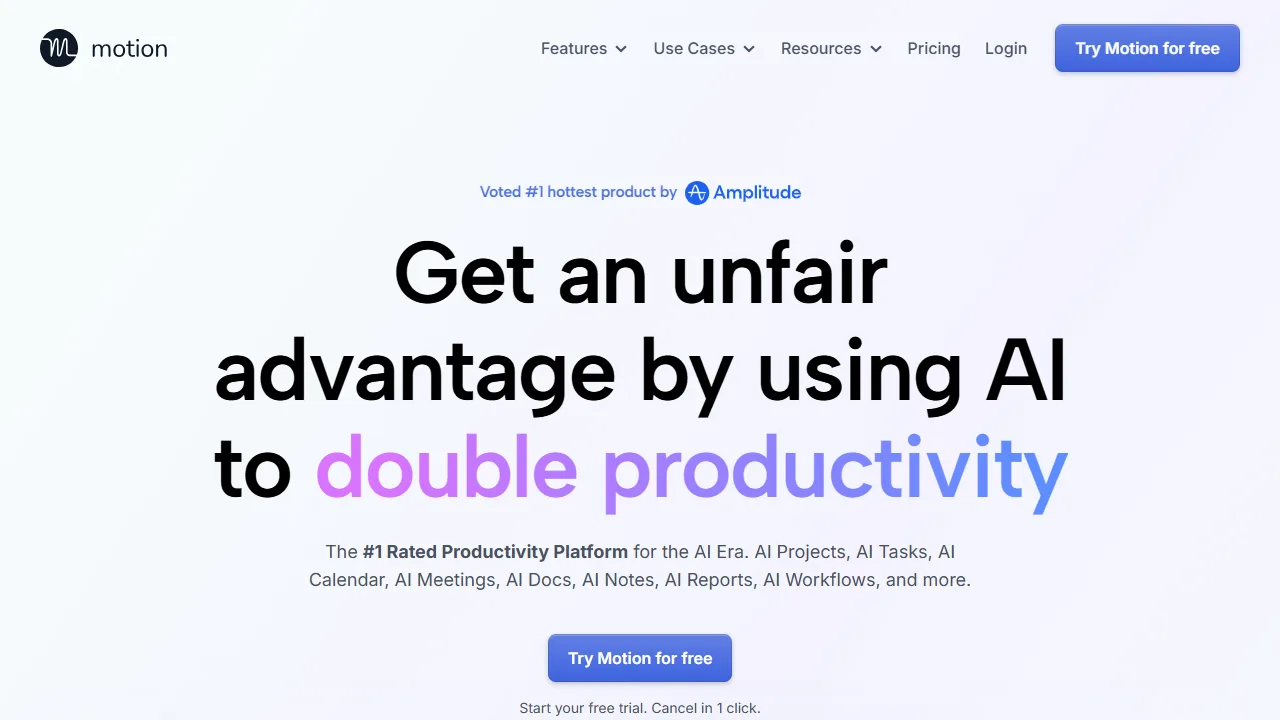
Motion is an all-in-one work platform built around automatic scheduling.
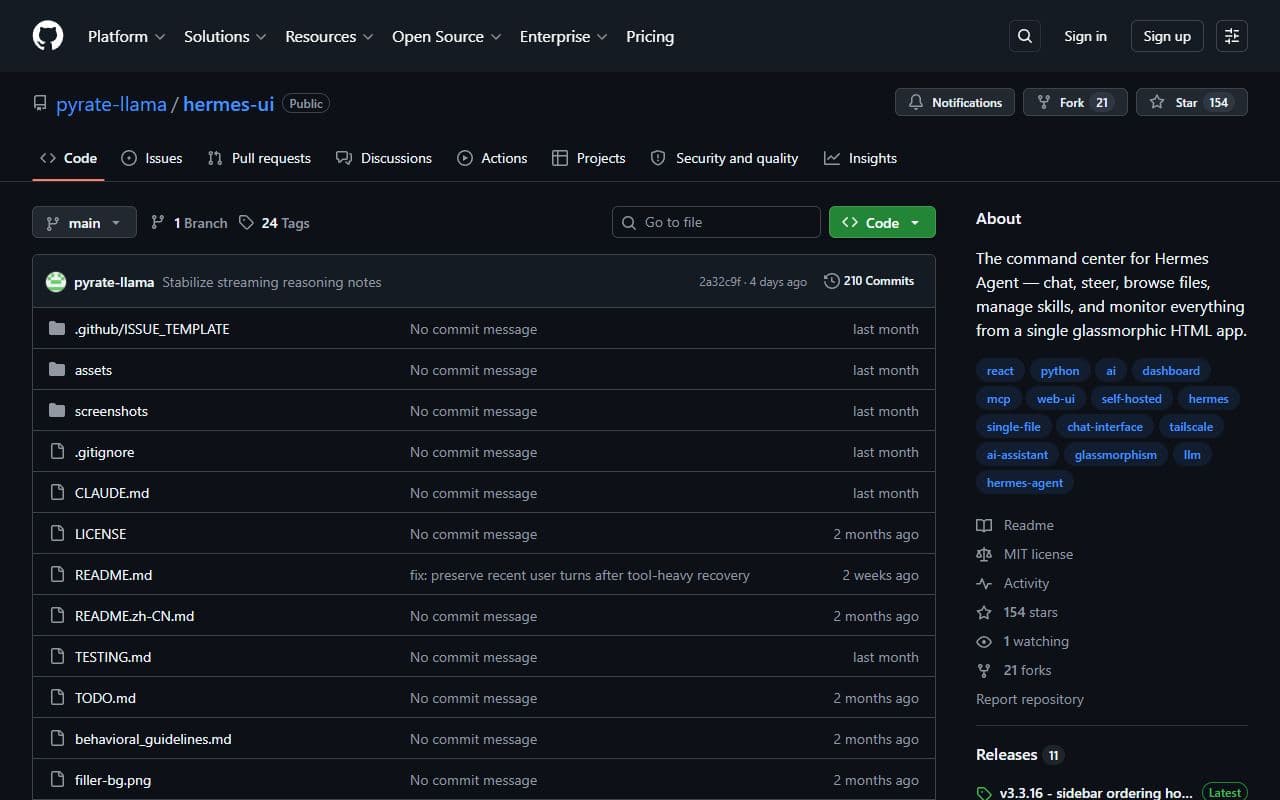
Hermes UI provides a chat interface, real-time log streaming, file browsing, and memory inspection through a lightweight Python proxy server.