Seedance 2.5
About Seedance 2.5
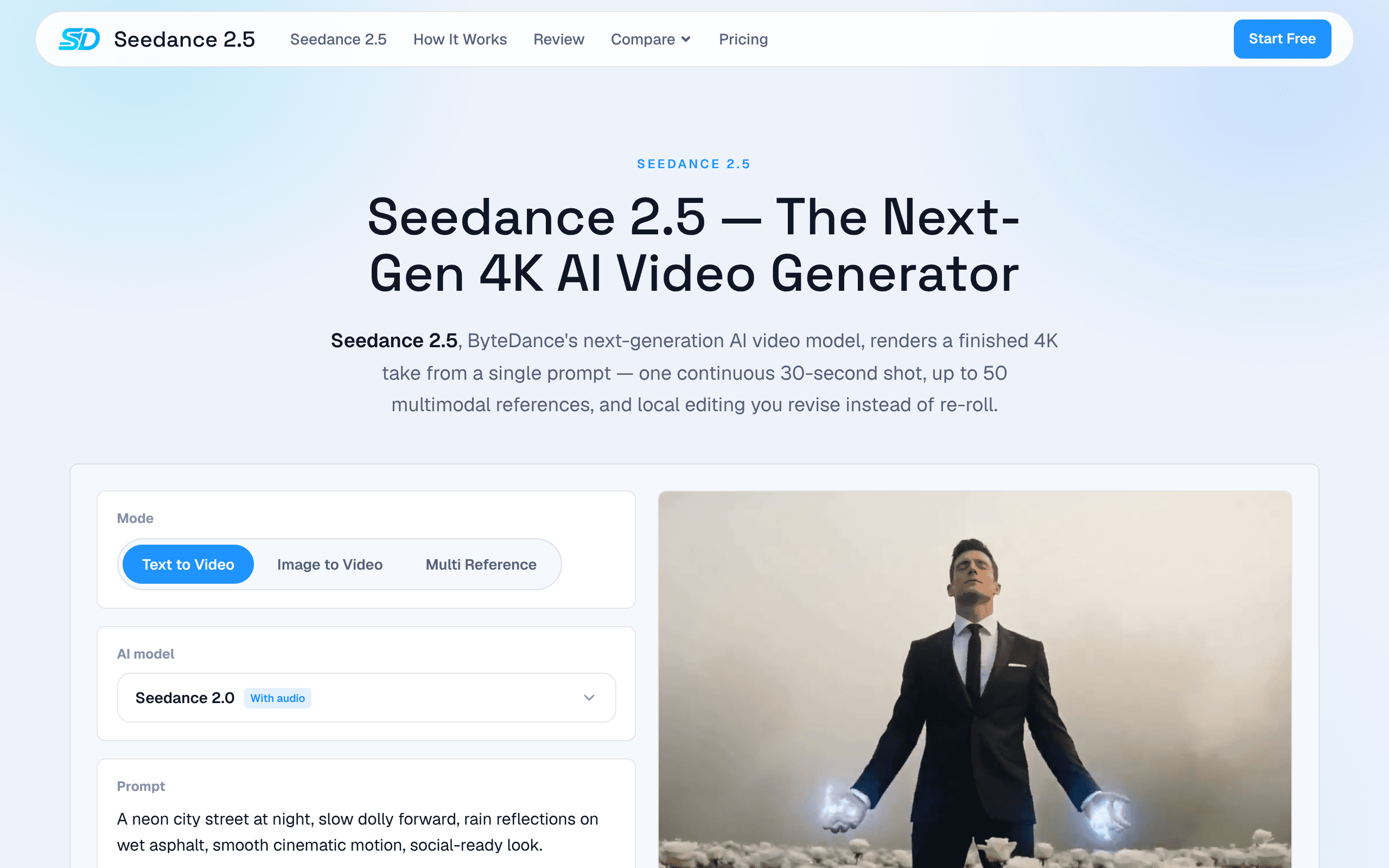
Seedance 2.5 emerges as a cutting-edge AI-powered video creation platform, meticulously engineered to revolutionize the production of high-quality, short-form video content. This innovative tool targets professionals and enthusiasts alike who demand both speed and visual excellence, leveraging artificial intelligence to generate stunning 4K video outputs with remarkable efficiency. Its standout feature is the capacity to create engaging 30-second videos from what's described as a "single-shot" input, signaling an exceptionally streamlined and automated workflow. This capability positions Seedance 2.5 as an indispensable productivity asset for content creators, marketers, and businesses aiming to produce captivating visual stories without the traditional time and resource constraints associated with video production. The platform further enhances its utility by offering an extensive library of "50 References." These references likely serve as thematic inspirations, style templates, or structural blueprints that the AI can interpret and apply, enabling users to generate a diverse array of video content tailored to specific brand identities or campaign objectives. From dynamic marketing promotions to engaging social media snippets and concise educational explainers, Seedance 2.5 empowers users to swiftly produce professional-grade videos. Its commitment to 4K resolution ensures that all generated content is crystal clear, sharp, and optimized for modern displays, making it a powerful solution for anyone looking to elevate their digital presence through compelling, high-definition video storytelling with the assistance of advanced AI video automation.
Key Features
- AI-Powered Video Generation: Utilizes advanced artificial intelligence algorithms to automate complex video creation processes.
- 4K Resolution Output: Produces high-definition videos with stunning visual clarity, ensuring professional-grade quality.
- 30-second Single-Shot Video Creation: Enables rapid generation of complete 30-second video segments from minimal user input.
- Extensive Reference Library (50+ options): Offers a diverse collection of styles, templates, or thematic references for varied video outputs.
- Accelerated Content Production: Significantly reduces the time and effort required to create engaging video content, boosting productivity.
- Streamlined Workflow: Simplifies the video creation process, making it accessible for users without extensive video editing expertise.
Use Cases
Social Media Content Creation: Marketers and social media managers can quickly generate captivating 30-second 4K videos for platforms like Instagram Reels, TikTok, YouTube Shorts, or Facebook ads to boost engagement.
Product Showcase and Advertisements: Businesses can rapidly produce professional-looking video ads or product demonstrations, leveraging the "single-shot" efficiency and 4K quality for impactful marketing campaigns.
Quick Explainer Videos: Content creators and educators can generate concise, high-resolution explainer videos for tutorials, announcements, or brief informational segments without extensive post-production.
Event Highlights and Teasers: Event organizers can create dynamic 30-second video teasers or highlight reels quickly, using the AI to craft engaging summaries from brief inputs or existing footage with reference styles.
Personal Branding Videos: Individuals building their personal brand can efficiently create polished introductory or promotional videos, leveraging the tool's ease of use and professional output quality.
/// REVIEW GUIDE
How to evaluate Seedance 2.5
Seedance 2.5 is listed in the Productivity category of the ClawSites directory. Use this page as a starting point for judging whether the tool fits a real OpenClaw or AI agent workflow. The listing summary says: Seedance 2.5 emerges as a cutting-edge AI-powered video creation platform, meticulously engineered to revolutionize the production of high-quality, short-form video content. This innovative tool targets professionals and enthusiasts alike who demand both speed and visual excellence, leveraging artificial intelligence to generate stunning 4K video outputs with remarkable efficiency. Its standout feature is the capacity to create engaging 30-second videos from what's described as a "single-shot" input, signaling an exceptionally streamlined and automated workflow. This capability positions Seedance 2.5 as an indispensable productivity asset for content creators, marketers, and businesses aiming to produce captivating visual stories without the traditional time and resource constraints associated with video production. The platform further enhances its utility by offering an extensive library of "50 References." These references likely serve as thematic inspirations, style templates, or structural blueprints that the AI can interpret and apply, enabling users to generate a diverse array of video content tailored to specific brand identities or campaign objectives. From dynamic marketing promotions to engaging social media snippets and concise educational explainers, Seedance 2.5 empowers users to swiftly produce professional-grade videos. Its commitment to 4K resolution ensures that all generated content is crystal clear, sharp, and optimized for modern displays, making it a powerful solution for anyone looking to elevate their digital presence through compelling, high-definition video storytelling with the assistance of advanced AI video automation.
Treat the public website at seedance-25.video as the source of truth for setup details, pricing, account requirements, and current availability. ClawSites can help you discover and compare options, but the final decision should come from testing the tool with a narrow workflow, low-risk data, and a clear review step.
The most important question is whether Seedance 2.5 can move a task from input to useful output while keeping the operator in control. For agent tools, control means knowing what data the tool can access, what actions it can take, what it logs, and how a person can stop or correct it.
Workflow fit
Seedance 2.5 should be evaluated against a specific productivity job, not just a broad agent-tool label.
Setup effort
Check whether the tool needs an account, API key, local runner, browser access, or messaging channel before it can produce useful output.
Human review
Prefer a setup where a person can inspect inputs, approve risky actions, and correct outputs before the tool touches production work.
Evidence trail
Look for logs, screenshots, citations, status history, or other artifacts that make agent work explainable after the fact.
| Category | Productivity |
|---|---|
| Pricing signal | Paid |
| Status signal | online |
| Structured details | This listing includes additional feature, use-case, or tag context. |
A practical first test for Seedance 2.5 is to choose one task, write down the expected result, and run the tool without giving it more access than that task requires. If the result is useful, repeat the same test with a slightly messier input. If the tool still produces traceable output and makes failures visible, it is a stronger candidate for a larger workflow.
Compare Seedance 2.5 with other tools in the Productivity category when you need to understand tradeoffs. One tool may be better for a quick prototype, another for team permissions, another for local control, and another for polished reporting. The right choice depends on the workflow boundary, not on a single popularity score.
If the first test is inconclusive, keep the scope narrow and repeat it with clearer inputs rather than expanding access. A second run with the same success criteria often shows whether the tool is unreliable, the workflow is underspecified, or the review step needs better evidence.
Comparison questions
Start by comparing Seedance 2.5 against the manual version of the same task. If the current workflow is already fast, clear, and low-risk, an agent tool needs to save enough review time to justify the extra setup. If the current workflow depends on copying information between tabs, checking the same sources repeatedly, or waiting for a teammate to prepare context, the tool may have a stronger case.
Next, decide what a bad result would cost. Some productivity workflows are easy to reverse because the output is a draft, note, table, or research summary. Others touch customer communication, public publishing, credentials, production data, or paid actions. Use Seedance 2.5 first where mistakes are visible and reversible, then raise the access level only after the tool proves it can fail clearly.
Check whether the output fits the place where your team already works. A useful tool should make the next step easier, whether that means a clean export, a shareable link, a saved transcript, a pull request, a ticket, a message draft, or a report that someone can review. If the result has to be rewritten before it can be used, the time savings may disappear.
Finally, define the success metric before the test starts. For Seedance 2.5, a fair metric might be minutes saved, fewer handoffs, better source coverage, faster first draft quality, easier status tracking, or fewer repeated checks. A simple scorecard keeps the decision grounded and makes it easier to compare this listing with other tools in the ClawSites directory.
Directory notes versus official details
Use ClawSites to understand where Seedance 2.5 sits in the broader agent-tool landscape, then use seedance-25.video to confirm the current product facts. Directory pages are useful for discovery, comparison, and workflow framing. Official product pages are the better place to verify supported platforms, account limits, security documentation, pricing pages, trial terms, and release notes.
If you are building a stack around OpenClaw or another agent runner, keep a short evaluation note with the date tested, the workflow tested, the access granted, and the result. Agent tools can change quickly, and a note from the first evaluation helps future reviewers understand why Seedance 2.5 was accepted, rejected, or kept as a backup option.
Re-check the listing when the workflow changes. A tool that is a poor fit for fully autonomous execution may still be useful for assisted research, drafting, monitoring, triage, or QA. A tool that works well for one user may need more review gates before it fits a team process. The strongest evaluation is specific to the job, the data, and the person responsible for approval.
Keep the first evaluation note short but concrete: the date tested, the account or dataset used, the task attempted, the output reviewed, and the reason the tool did or did not move forward. That record is useful when Seedance 2.5 changes its onboarding, pricing, documentation, integration surface, or safety controls. It also helps future reviewers understand whether the listing is a daily workflow candidate, a narrow utility, or an interesting tool to revisit later.
Adoption checklist
Before adopting Seedance 2.5, document the exact task it will handle and the system that remains responsible for final approval. For example, a tool can gather research, draft a response, or prepare a report, while a person still approves publication, spending, deletion, or access changes. Writing that boundary down prevents a useful helper from becoming an unclear automation risk.
Confirm what data the tool needs and whether that data can be safely shared. Many agent workflows start with harmless public pages and later expand into private documents, customer records, inboxes, analytics, or billing systems. A careful rollout keeps the first test small, limits credentials, and expands access only after the tool has shown consistent behavior.
Check how Seedance 2.5 behaves when the input is incomplete. A reliable AI agent tool should ask for clarification, skip unsafe steps, or produce a clearly marked partial result instead of pretending that every task succeeded. This is especially important for productivity workflows where bad assumptions can create duplicated work or misleading status updates.
Keep a comparison note while testing. Record the setup time, output quality, review effort, failure mode, and whether the tool saved enough time to justify adding it to your stack. That note makes it easier to compare Seedance 2.5 against other ClawSites listings and decide whether it belongs in a daily workflow, a one-off experiment, or a future watchlist.
Also decide who is responsible for the follow-up review. A listing can look useful today and become stale when the product changes its permissions, model provider support, onboarding flow, or pricing. If Seedance 2.5 becomes part of a recurring workflow, assign a simple retest date and keep the official source link in the decision note so future users can confirm the facts before expanding access.
If the follow-up reviewer is unclear, keep Seedance 2.5 in discovery mode. A tool should not receive broader access until someone can explain when it will be checked again and what evidence would justify continued use.
Start small
Run the tool on one low-risk task before connecting sensitive accounts, payment systems, or production data.
Keep review visible
Use a workflow where a human can inspect the result, understand the source context, and stop the next action if needed.
Revisit regularly
Agent tools change quickly, so re-check pricing, permissions, documentation, and output quality after major updates.